
Updated for the 2026 note taking landscape
Find the note app that fits how you think.
Turn a dense feature encyclopedia into an interactive map: start from the app you already know, the features you care about, or the rabbit holes you want to explore.
41
Apps analyzed
369
Features
18k
Data points
7k
Screenshots
Browse note app video comparisons
Subscribe on YouTube
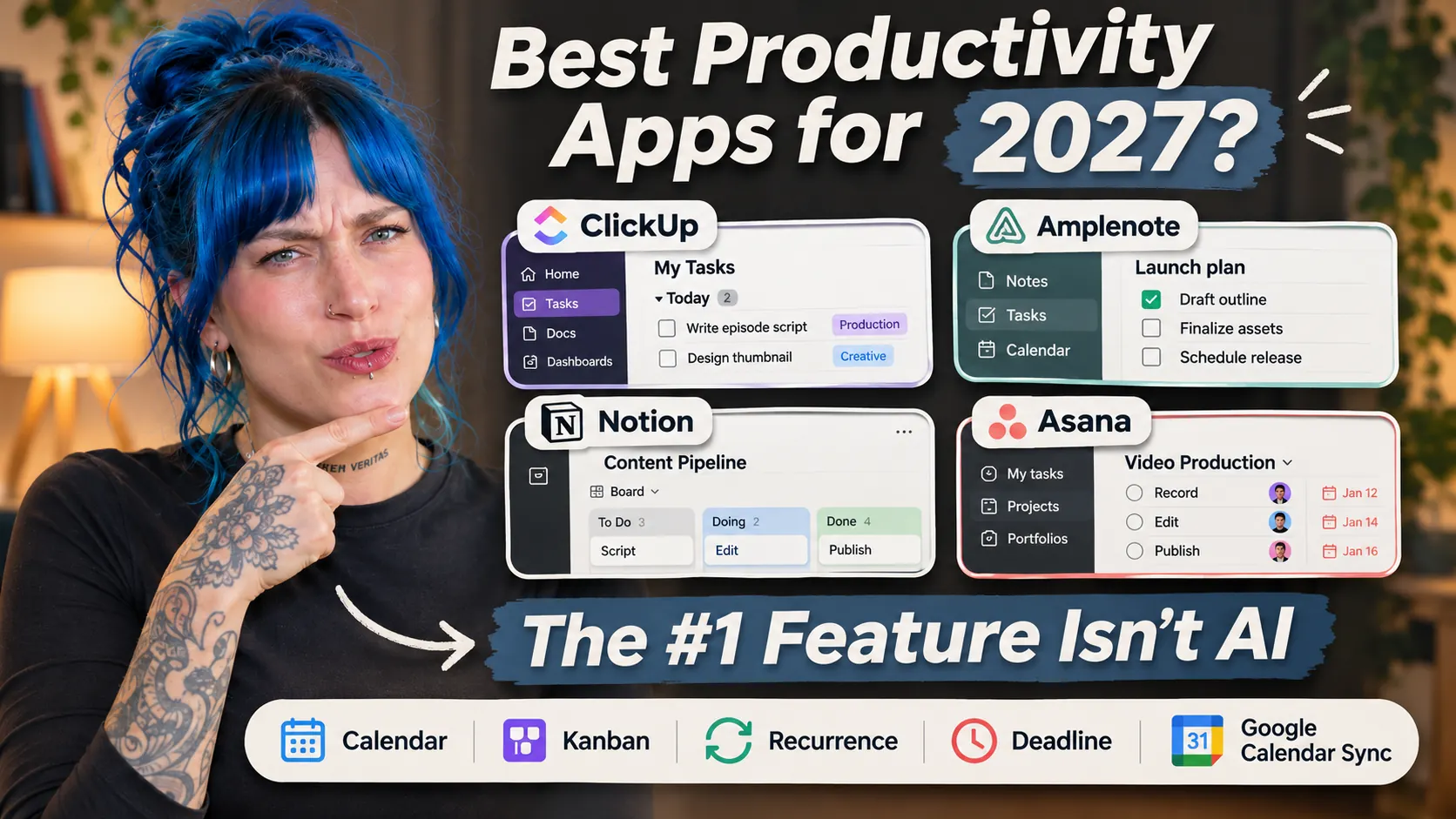
Notion vs ClickUp vs Asana: The Real Deal(breakers) of 2027, as Voted by 100,000+ App Seekers
Start from familiar ground
Browse common questions & change motivations
Guides to route intent into data-backed comparisons.
Switching from Evernote
Is Evernote still the best capture bucket?
Evernote raised prices again — here are the apps former users are switching to and how they compare.
See alternatives →
College command center


Best note-taking apps for students
Go beyond flashcards to compare lecture capture, handwriting, PDF textbooks, equations, assignments, group projects, citations, device sync, and student-friendly pricing.
Compare Student Apps →
After Pocket
Best note apps for web clipping
Compare one-click article capture, reader mode, highlights, source metadata, offline copies, full-text search, resurfacing, and exports that remain useful even if the vendor disappears.
Compare Web Clippers →
Notes => Plans



Which app turns notes into a plan?
For people who capture todos inside notes and need them prioritized, scheduled, delegated, or resurfaced before they disappear.
Get stuff done →
Clickable comparison hooks
Popular app battles
Classic head-to-head matchups that visitors often want to see, with a few surprises thrown in.
Amplenote
vs
 Evernote
's heir meets Evernote's reboot
Evernote remains the familiar vault for clipping, collecting and remembering; Amplenote feels like the answer from someone who loved that era, then wanted the notes to start pulling their weight. This comparison asks whether 2026 note-taking is still about capture and search, or whether the better archive is the one that quietly turns old notes into today's priorities.
Compare features →
Obsidian
vs
 Roam Research
Two graphs, two religions of knowledge work
Roam popularized the outliner-first, block-level graph where every thought can become a node. Obsidian answered with local Markdown, plugins, files you can keep, and a vault that bends toward personal sovereignty. The choice is less about backlinks than belief: should your knowledge system live as a cloud graph, or as portable text files with a graph layered on top?
Compare features →
Notion
vs
OneNote
Blocks and databases vs the infinite notebook
Notion turns knowledge into structured pages, databases and team workspaces. OneNote keeps faith with the old notebook metaphor: tabs, sections, freeform pages, ink and Microsoft-native familiarity. The interesting 2026 question is whether your brain wants rows and properties, or a sprawling digital desk where everything can land anywhere.
Compare features →Use-case discovery
Browse by role or identity
Which apps are most relevant to your role, your workflow, or your personal philosophy? Find apps built to spec.
Which notes apps most alive?
Recent feature updates
A browsable publication surface of the latest changes we've recorded across note taking apps.
 Updated November 2026
Notion: Explicit security policy => Policy that employees will not read note content
A documented claim exists that note content will not be accessed by employees
See feature → Updated November 2026
Craft: Server-side encryption => Attachments encrypted at rest
A documented claim that all note data and their attachments are encrypted "at rest" on the server
See feature → Updated November 2026
Logseq: Server-side encryption => Attachments encrypted at rest
A documented claim that all note data and their attachments are encrypted "at rest" on the server
See feature → Updated November 2026
Reflect: Server-side encryption => Attachments encrypted at rest
A documented claim that all note data and their attachments are encrypted "at rest" on the server
See feature → Updated November 2026
Anytype: Server-side encryption
A documented claim that all note data is encrypted "at rest" on the server
See feature → Updated November 2026
Zoho Notebook: Anonymous login
App can be used without providing any personal information (including email)
See feature →Make the evidence visual
Browse by appearance
A glimpse of how popular features actually look across different apps — tangible proof before you open a comparison table.
Drawing/Handwriting
Formatting Supported
Roam Research
 Amplenote
 Notion

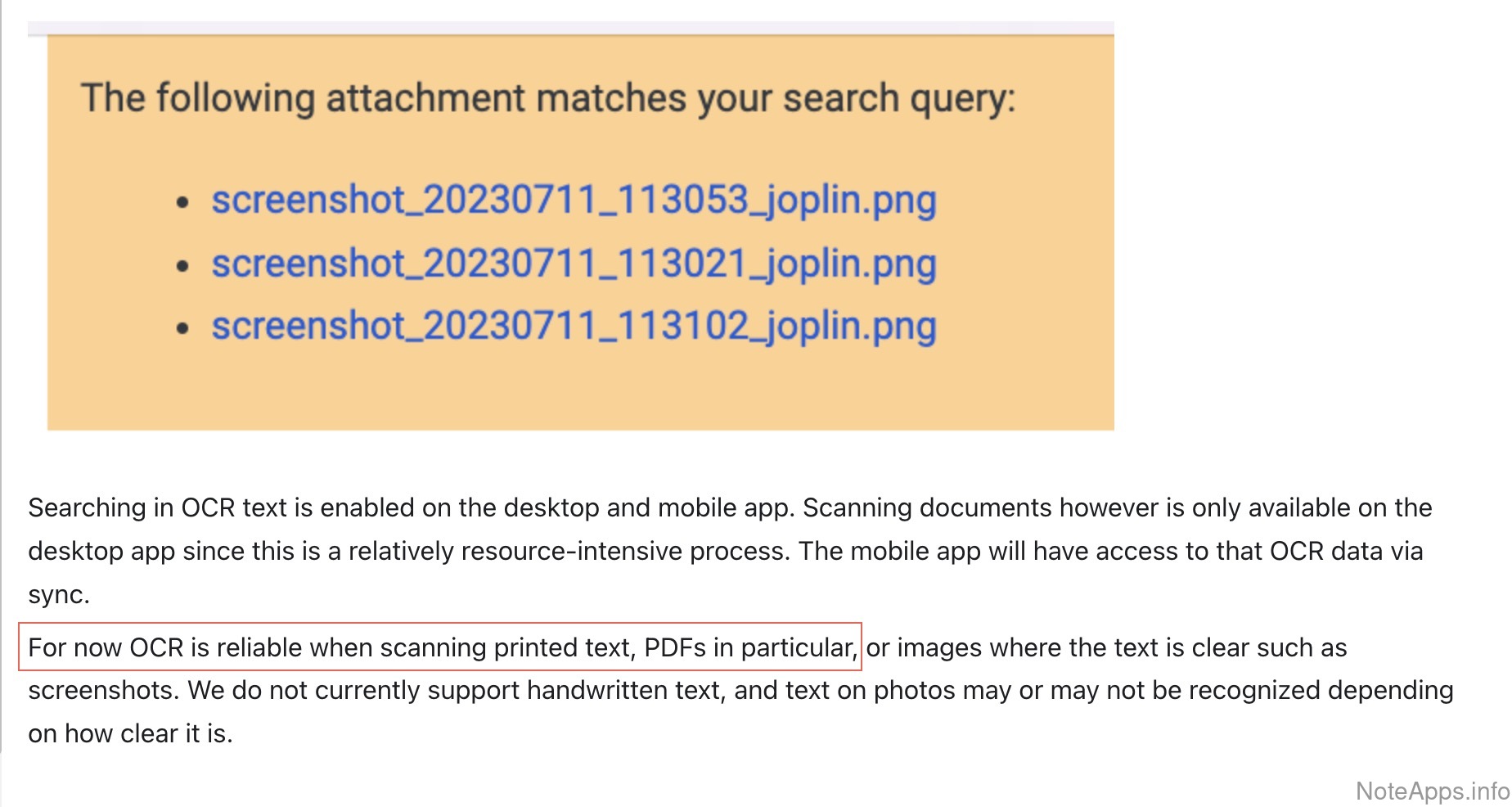
PDF => Content indexed in search
Content Uploads & Embeds
Amplenote
 Evernote

 Joplin
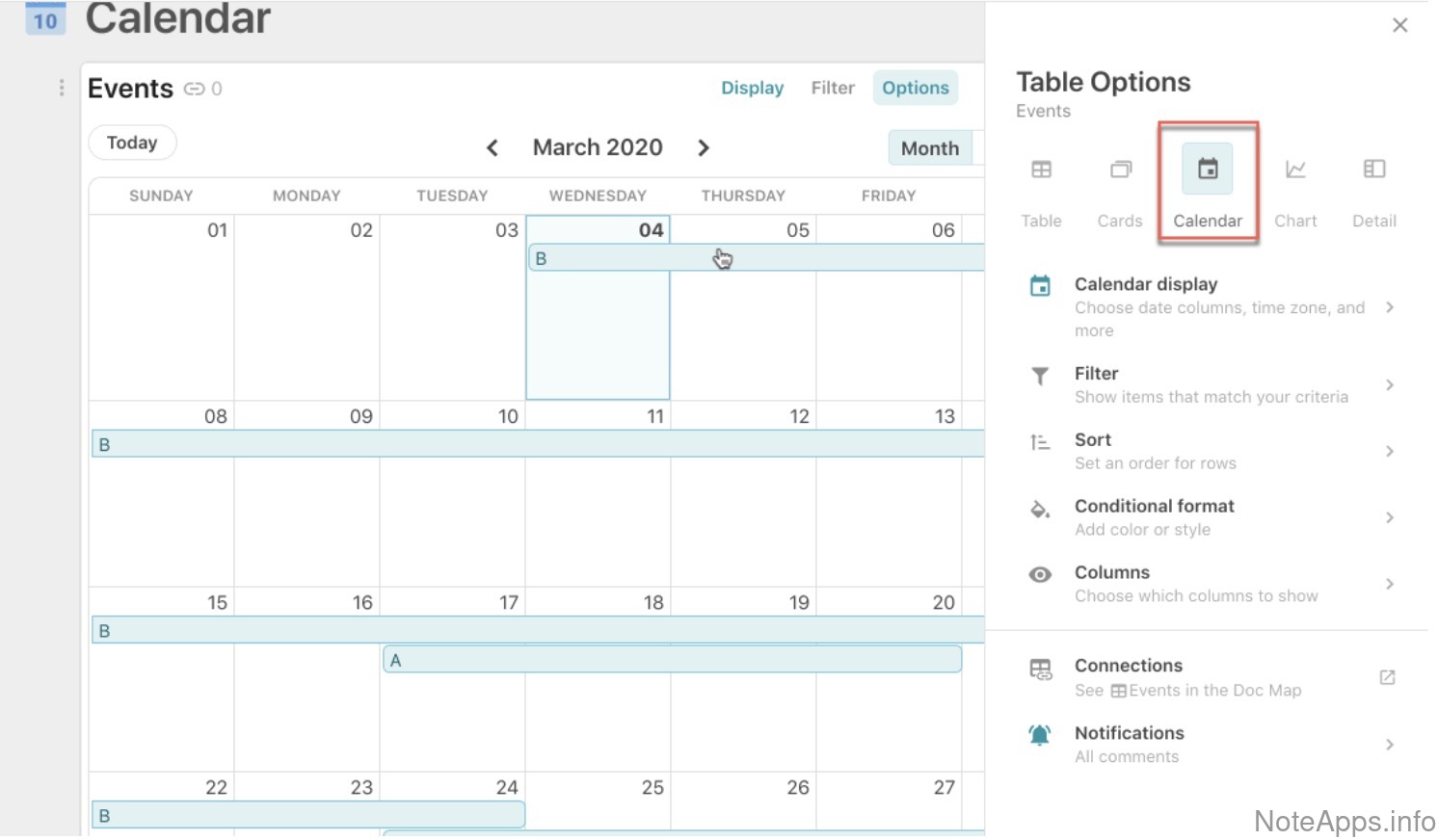
Built-in calendar
Calendar
Roam Research
 Asana

 Superhuman Docs
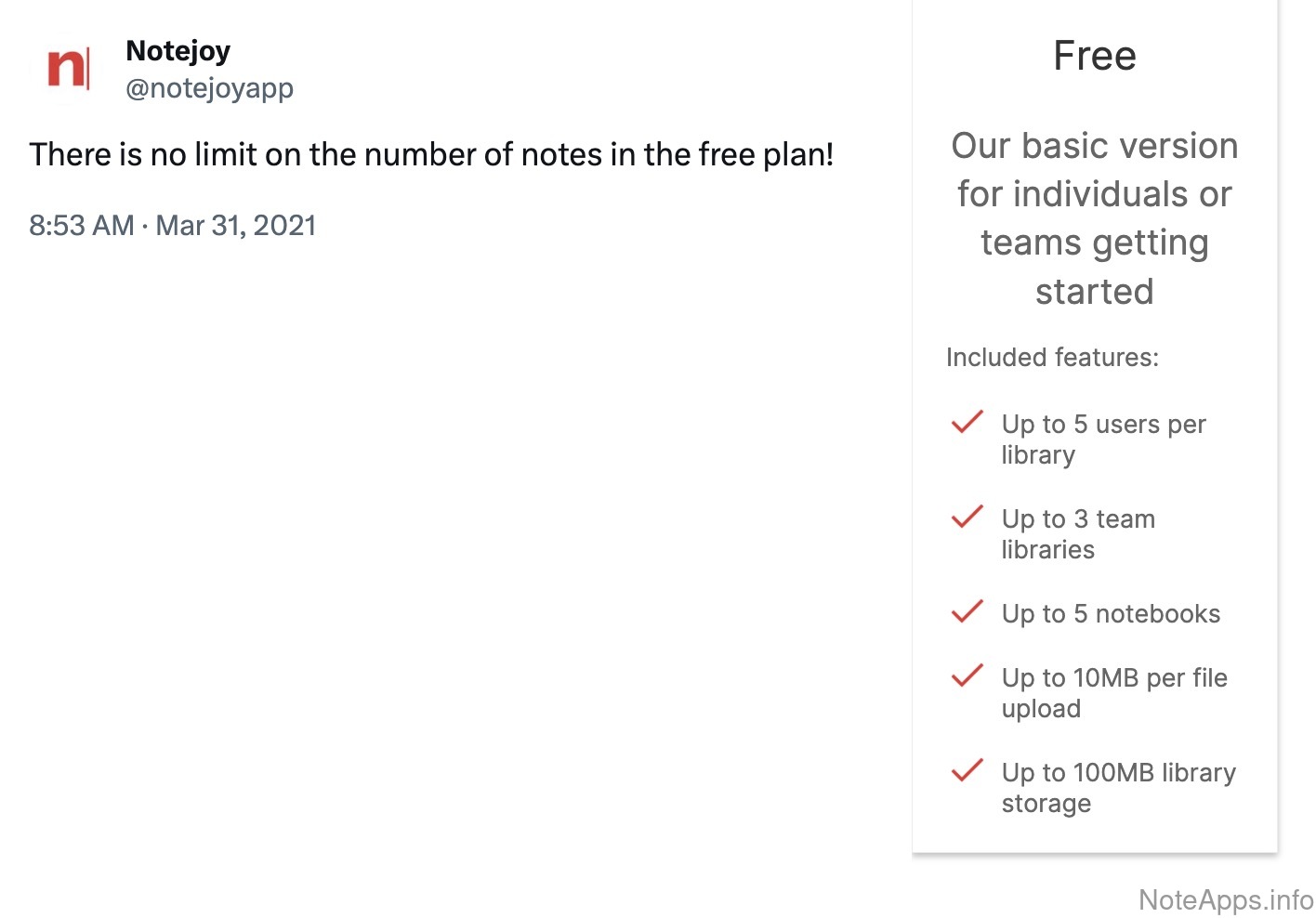
Perpetual free version
Customer-centric
 Notejoy
 OneNote
 Obsidian
Windows => Native app
Platforms
OneNote

 Craft
 GoodNotes
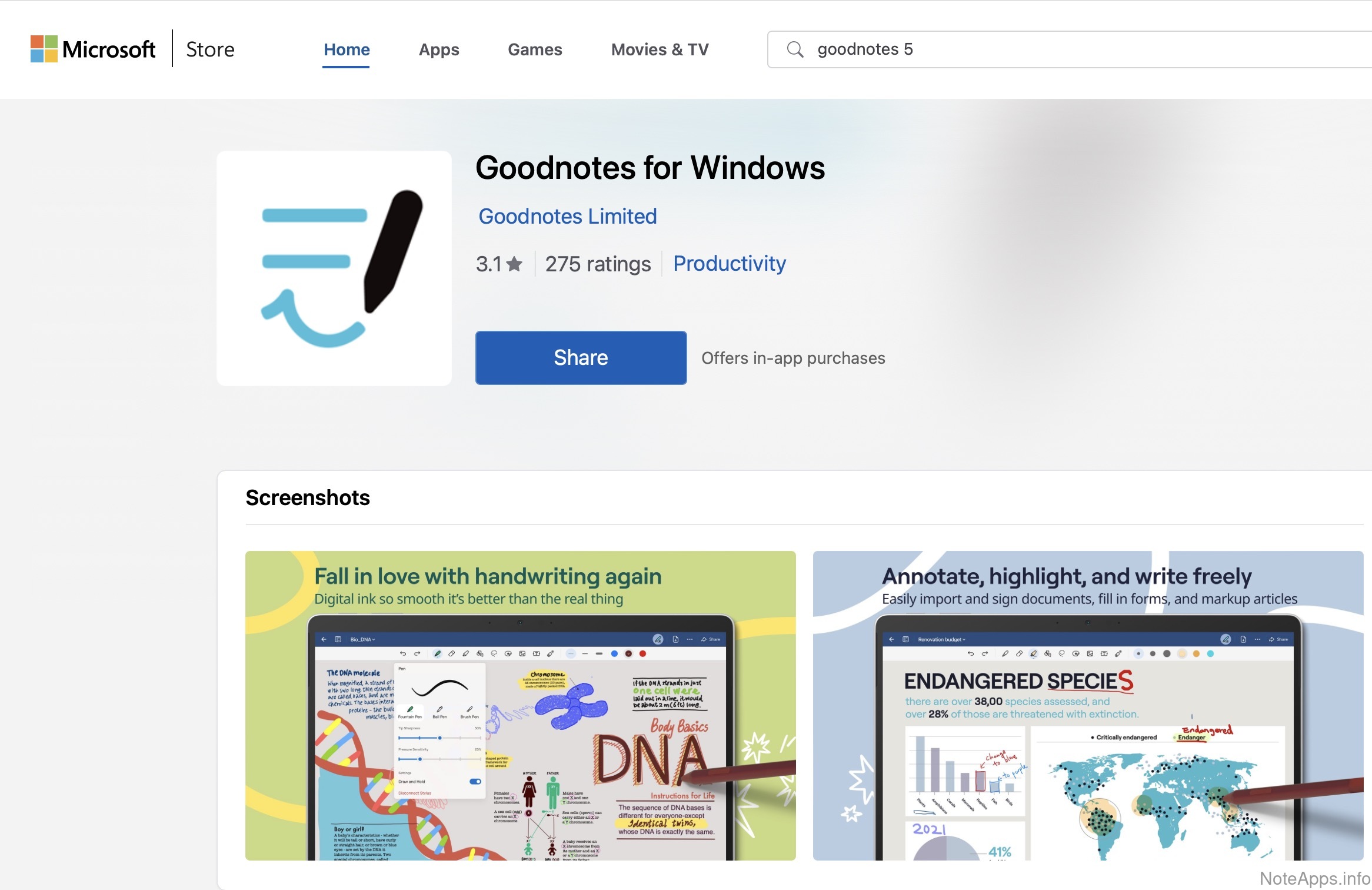
Break it down DJ
What have we here?
This site is a curated, data-backed encyclopedia of note taking apps and their features. We analyze the landscape of note taking apps to help you find the one that fits your thinking, your workflow, and your personal philosophy.
This is a community-driven site. We rely on the community of note app users to ensure the best possible information. Specifically, we ask for your help in three ways:
- Review the apps you've used clicking the "Login" button to log in via LinkedIn (to minimize potential for note apps to commission fake reviews), then visit a note app and tell others what you think of it.
- Suggest new features if you notice a feature that is missing from our database, please let us know by suggesting or voting at our feature board
- Suggest new apps if you notice a note app that is missing from our database, please let us know by suggesting or voting at our app board
- Submit corrections if you notice any errors in our data, please let us know by emailing us at [email protected]
The full index
All note taking apps analyzed
Every app in our database, at a glance.
Amplenote
Launched 2020

Anytype
Launched 2023
Apple Notes
Launched 2007
Asana
Launched 2012
Bear
Launched 2016

Capacities
Launched 2022
ClickUp
Launched 2017
Craft
Launched 2019
Evernote
Launched 2008
GoodNotes
Launched 2011
Google Keep
Launched 2013

Heptabase
Launched 2021
Joplin
Launched 2017

Logseq
Launched 2020

Mem
Launched 2019

Milanote
Launched 2016
Nextcloud Notes
Launched 2016

Notability
Launched 2010

NotePlan
Launched 2016
Notejoy
Launched 2017

Notesnook
Launched 2021
Notion
Launched 2016
Obsidian
Launched 2020
OmniFocus
Launched 2008
OneNote
Launched 2003
Reflect
Launched 2022
RemNote
Launched 2020
Roam Research
Launched 2019

Simplenote
Launched 2008
Standard Notes
Launched 2016
Superhuman Docs
Launched 2014
Supernotes
Launched 2020

Tana Outliner
Launched 2022

Taskade
Launched 2017

Todoist
Launched 2012
Twos
Launched 2021

UpNote
Launched 2017

Workflowy
Launched 2010
Zettlr
Launched 2017

Zoho Notebook
Launched 2017

xTiles
Launched 2021
Start from what matters to you
Browse popular feature categories
Pick a category and we'll load all of its features into a comparison — you just choose the apps.
11 features
Calendar
Can tasks from notes be viewed on a calendar?
Compare apps →
25 features
Performance Benchmarks
How fast is it?
Compare apps →
40 features
Formatting Supported
What options are available for formatting text and related content in a note?
Compare apps →
2 features
Login Providers
Which login types are supported?
Compare apps →
14 features
Tables
Does the app support formatting data in tables?
Compare apps →
28 features
Integrations & Extensibility
What features does the note provider offer in terms of third-party integrations and utilities adjacent to the note co...
Compare apps →
14 features
Images
What functionality specific to images is possible?
Compare apps →
10 features
Mobile & Tablet
What features are specific to the mobile experience?
Compare apps →
9 features
Platforms
Which platforms are officially supported?
Compare apps →
12 features
Encryption & Security
What measures are taken to ensure customer data remains private, even to employees of the companies themselves?
Compare apps →
10 features
Tag/Directory/Category Browsing
How can content be filed, organized and subsequently browsed?
Compare apps →
33 features
Tasks
What to-do list and scheduling features does the app support?
Compare apps →
7 features
Offline
How well can the app function without internet access?
Compare apps →
17 features
Search, Lookup and Navigation
What options are there for navigating around the app and finding the note you're after?
Compare apps →
21 features
Sharing, Collaboration and Publishing
What features allow note content to be shared with the world?
Compare apps →
11 features
Web Capture
What functionality is offered to capture content discovered on the internet?
Compare apps →
9 features
Customer-centric
How does the company support and communicate with its customers?
Compare apps →
22 features
Import/Export and Data Backups
What features are provided for interoperability between apps? How much lock-in is there?
Compare apps →
14 features
Appearance
How customizable is the app's look?
Compare apps →
10 features
Note/Task Connectivity
How can note & task content be connected and visualized?
Compare apps →
13 features
Content Uploads & Embeds
What kind of content can be uploaded or inserted into notes?
Compare apps →
5 features
AI: Chat & Agents
Can you chat with a built-in AI or ask it questions?
Compare apps →
2 features
AI: MCP & Integrations
Can external AI tools read and update your notes and tasks?
Compare apps →
9 features
AI: Models & Access
Which AI models are available, how are they priced, and which platforms support AI features?
Compare apps →
4 features
AI: Search & Knowledge
How can AI help you find and organize your notes and tasks?
Compare apps →
9 features
AI: Tasks & Calendar
Can AI suggest, schedule, and prioritize your tasks and calendar events?
Compare apps →
8 features
AI: Writing Tools
What AI help is available for writing, editing, and adding images to notes?
Compare apps →