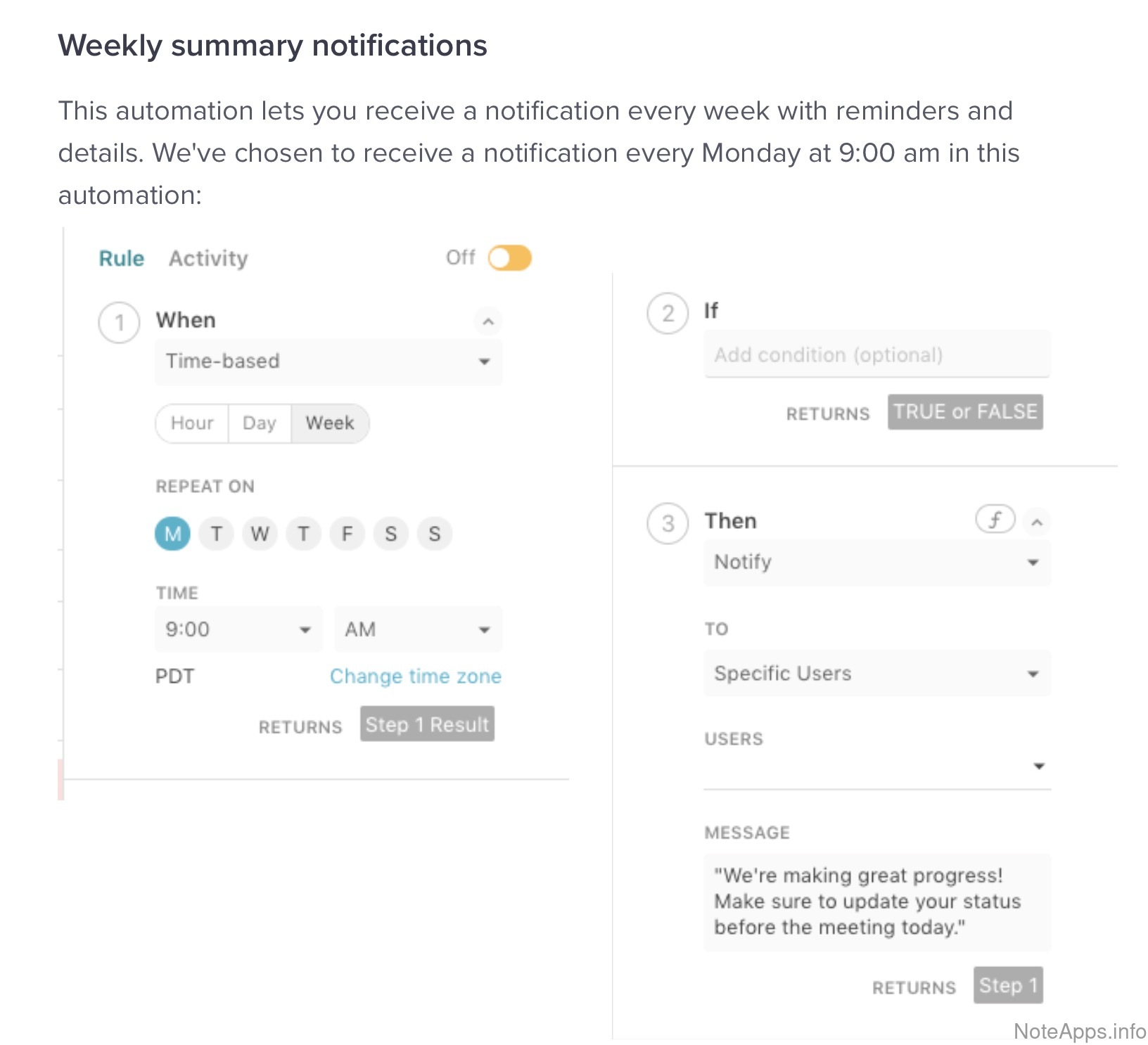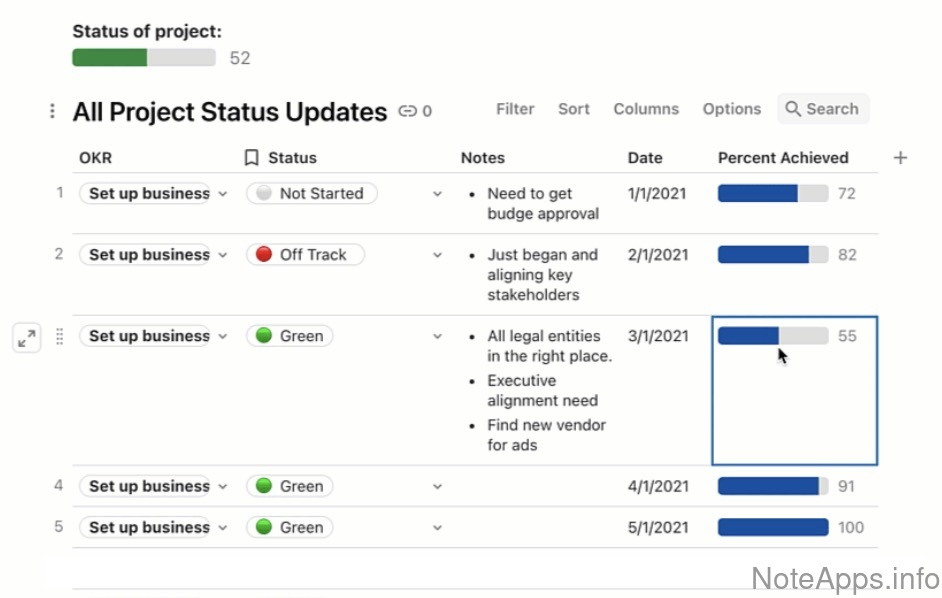

NoteApps.info
Browse features Compare apps New features research Sign in
Home » Superhuman Docs
Superhuman Docs logo

Superhuman Docs

Launched 2014
175 features found available
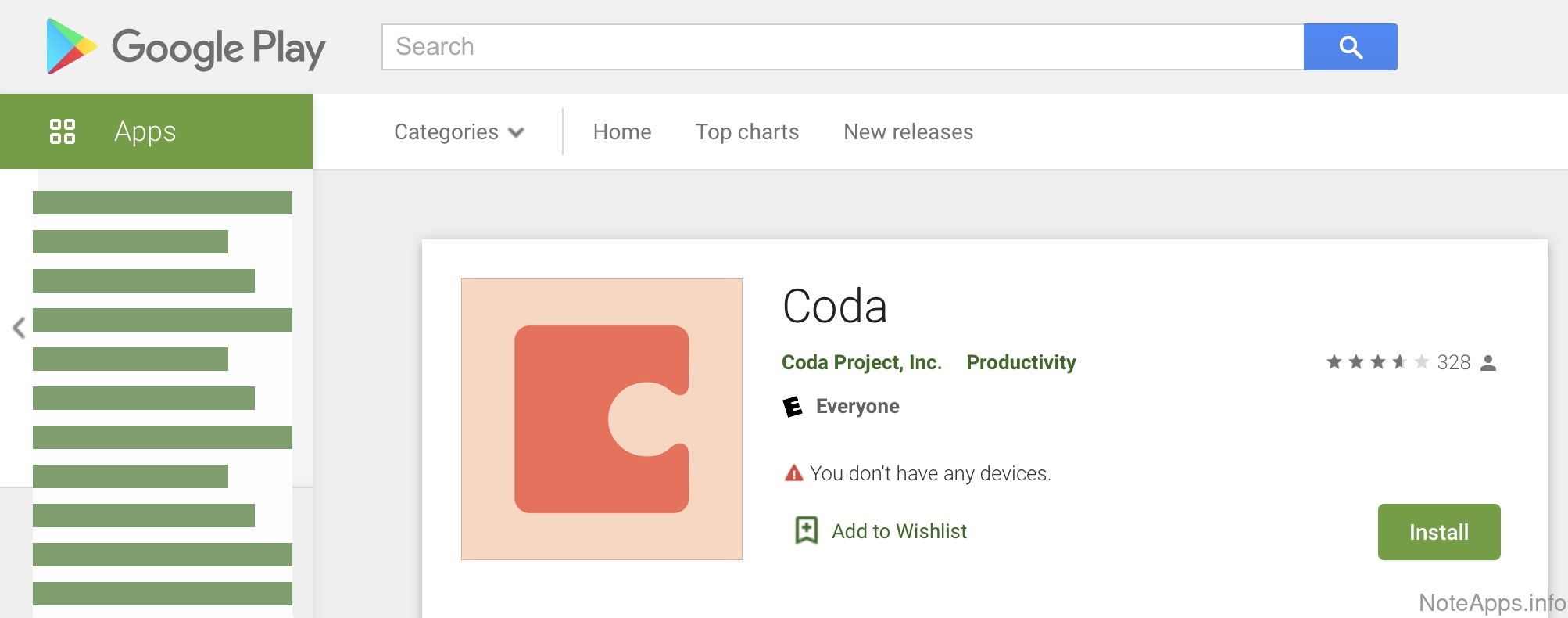
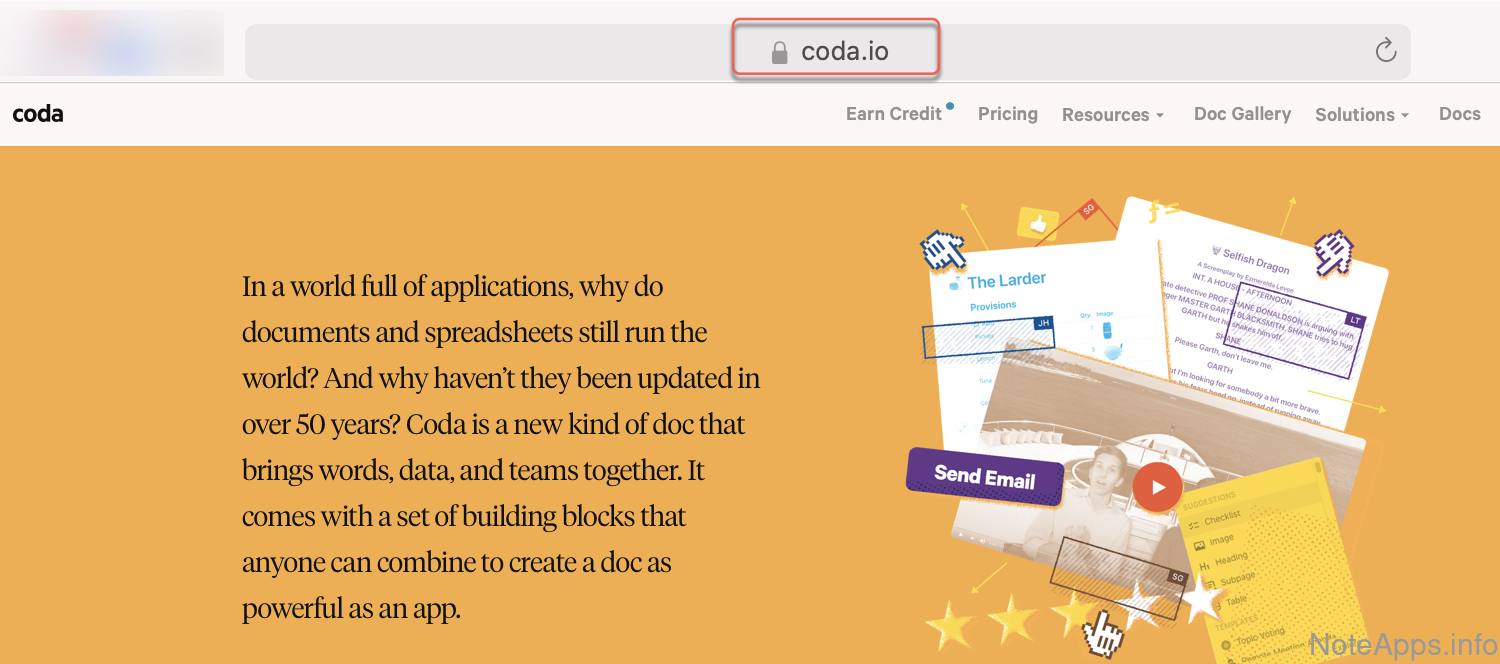
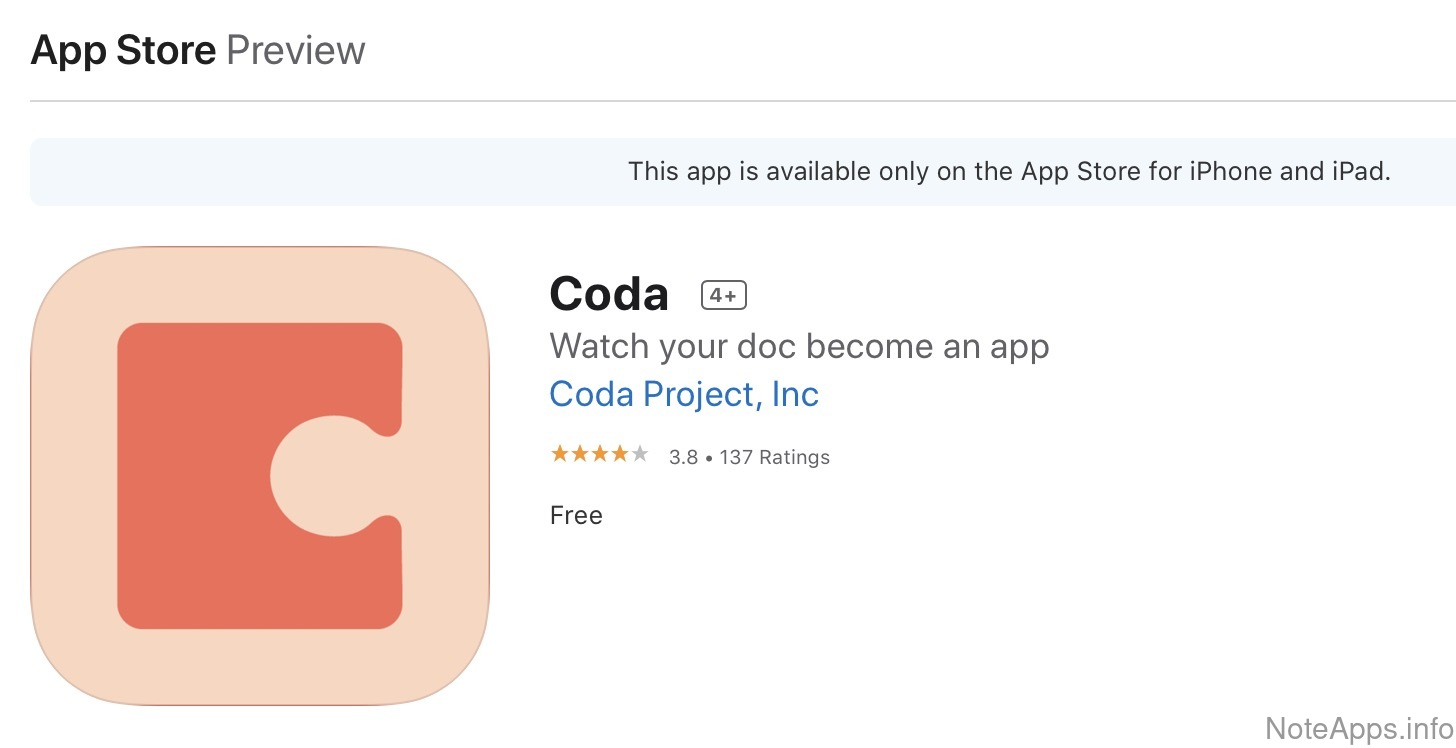
Home page iOS App Store Android Play Store

In their words

Coda is now Superhuman Docs — the best place for teams and AI to work together.   Read more

Pricing

Our most recent pricing details for Superhuman Docs:

$0 Basic
$12/month Pro
$33/month Business
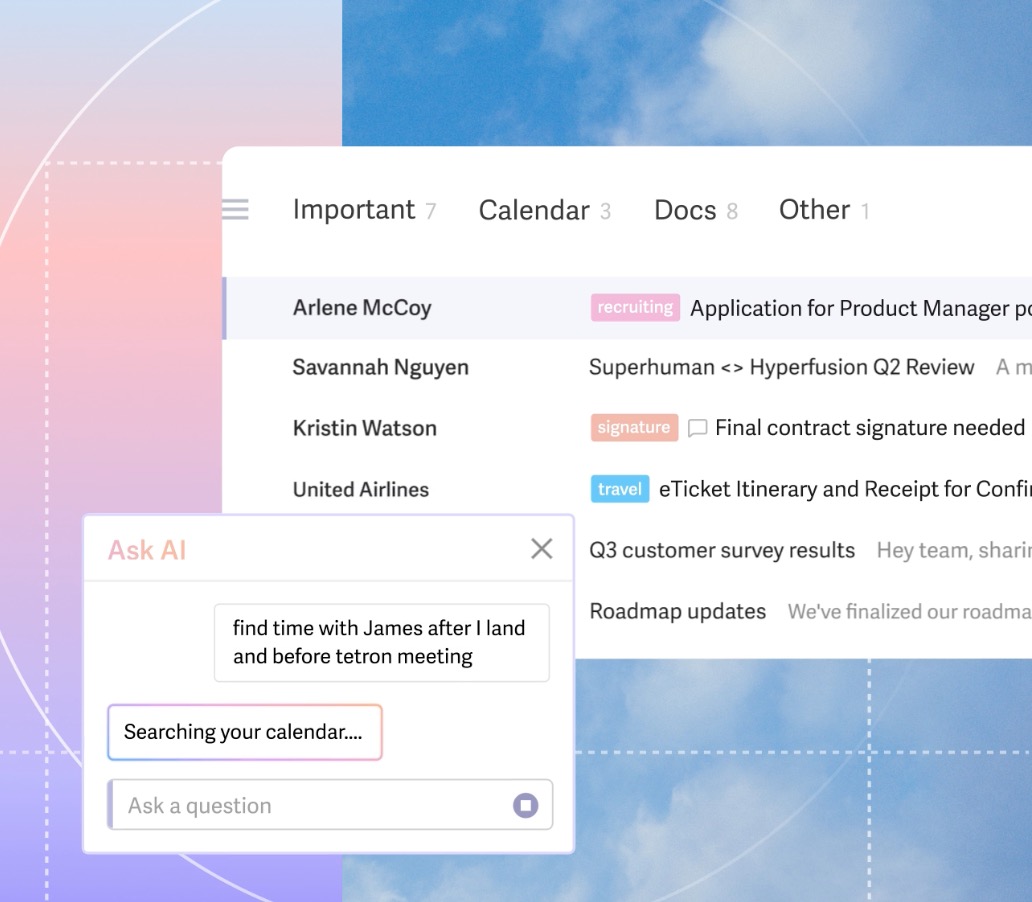
Read moreView screenshotReport a mistake
Superhuman Docs app screenshot

Reviews of Superhuman Docs

Sign in to share your own review of Superhuman Docs.

No reviews yet — be the first to review Superhuman Docs!
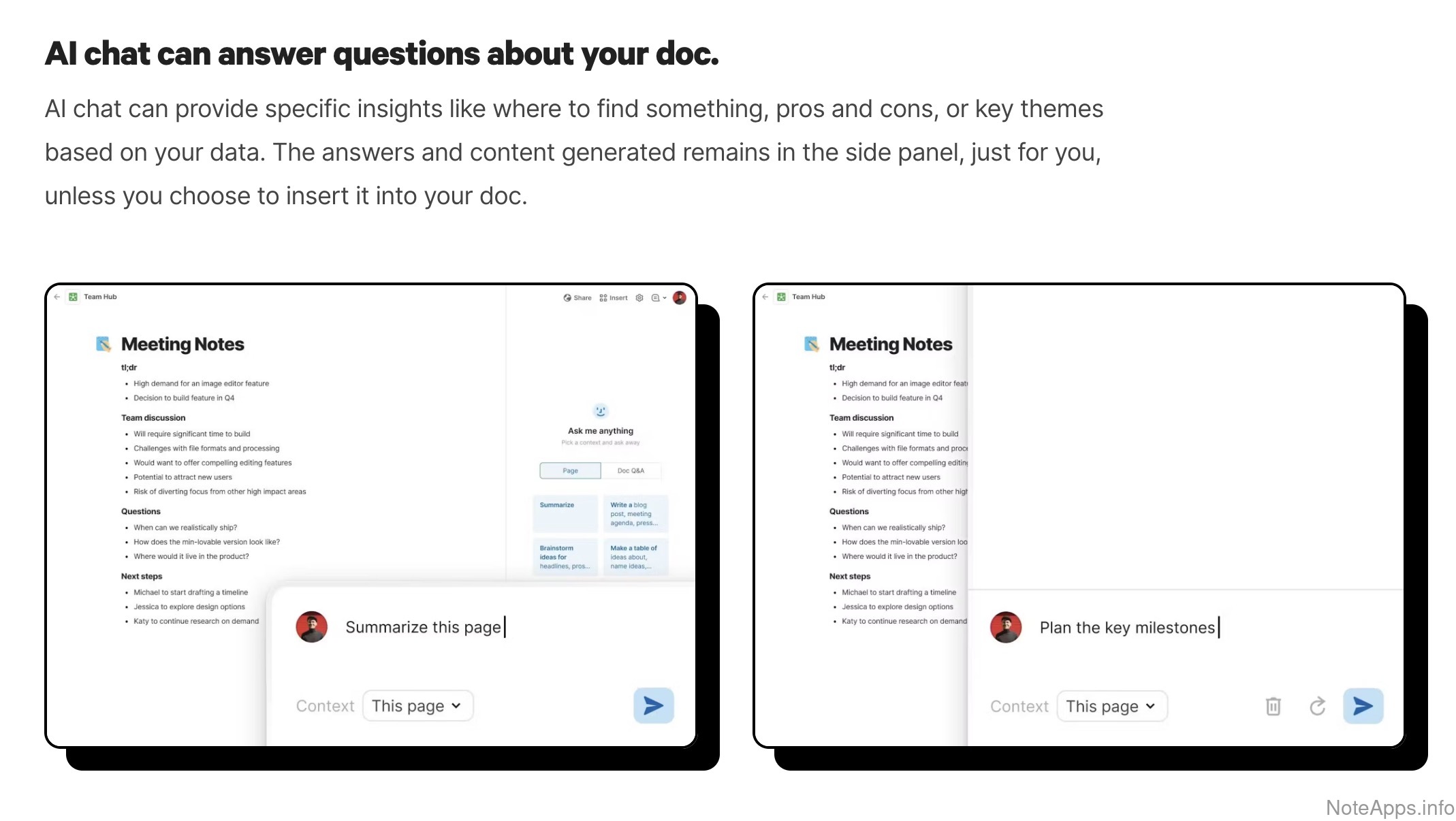
Jump to a feature group

  • AI: Chat & Agents
  • AI: MCP & Integrations
  • AI: Models & Access
  • AI: Search & Knowledge
  • AI: Tasks & Calendar
  • AI: Writing Tools
  • Appearance
  • Calendar
  • Content Uploads & Embeds
  • Customer-centric
  • Encryption & Security
  • Formatting Supported
  • Images
  • Import/Export and Data Backups
  • Integrations & Extensibility
  • Mobile & Tablet
  • Note/Task Connectivity
  • Offline
  • Performance Benchmarks
  • Platforms
  • Search, Lookup and Navigation
  • Sharing, Collaboration and Publishing
  • Tables
  • Tag/Directory/Category Browsing
  • Tasks
  • Web Capture
Platforms
Login Providers
Compare
AI: Chat & Agents
Compare to others
Can you chat with a built-in AI or ask it questions?
Superhuman Docs: Chat screenshot
Chat
An AI agent can be consulted from within the app
Read provider description
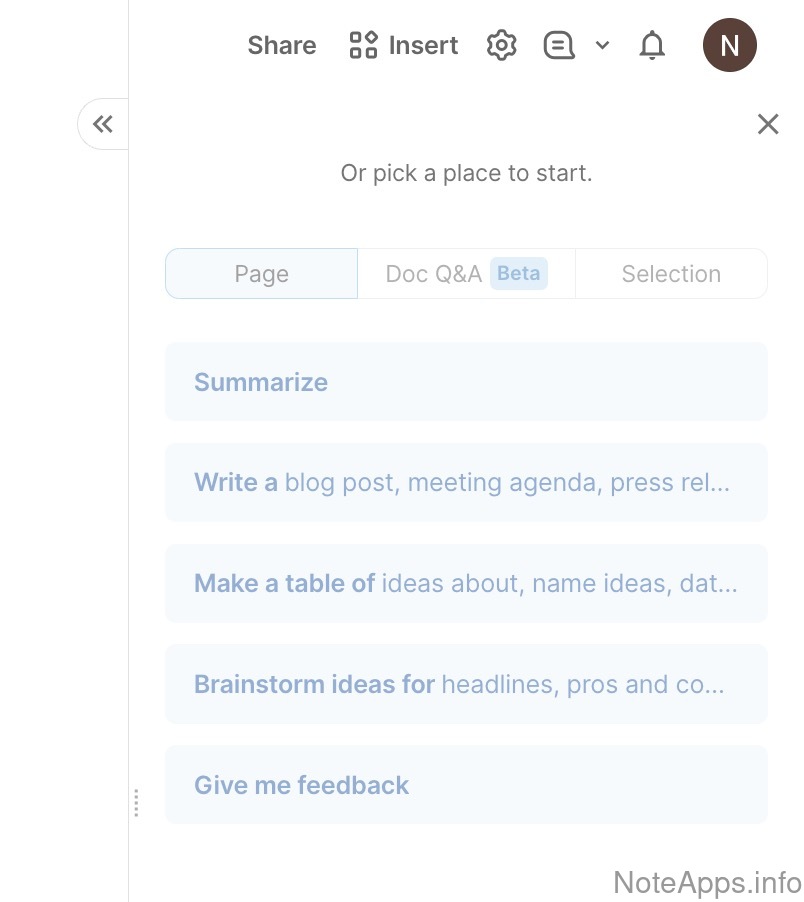
Superhuman Docs: Palette (Searchable suggestions) screenshot
Palette (Searchable suggestions)
A list can be triggered that shows a collection of possible questions or tasks to ask the AI
Chat =>
Built-in task agents
The app includes several named AI agents, each built for a different job (e.g., research, task planning, note editing)
Chat =>
Custom agents
You can create your own AI assistant with its own instructions
Chat =>
OpenAI ChatGPT
The in-app chat can be powered by OpenAI's ChatGPT models
AI: MCP & Integrations
Compare to others
Can external AI tools read and update your notes and tasks?
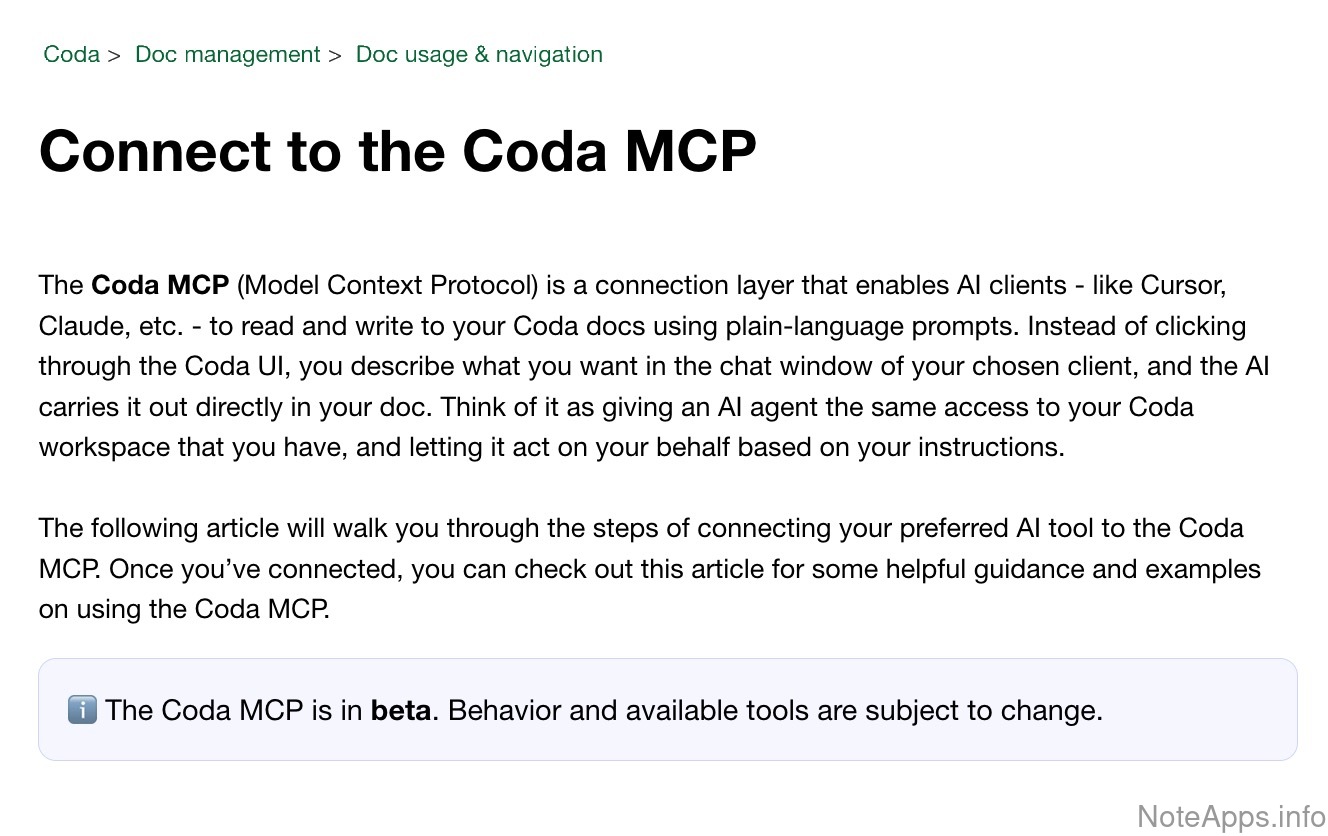
Superhuman Docs: MCP Server (Notes) powers Claude, OpenAI clients screenshot
MCP Server (Notes) powers Claude, OpenAI clients
An outside AI can read, create, update and delete your notes
Read provider description
MCP Server (Tasks) powers Claude, OpenAI clients
An outside AI can create tasks and mark them done
AI: Models & Access
Compare to others
Which AI models are available, how are they priced, and which platforms support AI features?
Android support
Most AI features are available on Android
Cost-free access
AI features are included with the app’s free or paid plan without requiring a separate AI subscription or additional payment
Frontier model access
Unlimited queries via supported frontier AI models using your own API key, or usage-based provider billing
Frontier model access =>
Anthropic Claude Opus
Documented, consistently updated access to the latest Claude Opus release
Frontier model access =>
Google Gemini Pro
Documented, consistently updated access to the latest Gemini Pro release
Frontier model access =>
OpenAI ChatGPT
Documented, consistently updated access to the latest ChatGPT release at high reasoning effort
Frontier model access =>
xAI Grok
Documented, consistently updated access to the latest Grok release
Local LLM backend
Both local and remote LLMs can be queried
iOS support
Most AI features are available on iOS
AI: Search & Knowledge
Compare to others
How can AI help you find and organize your notes and tasks?
AI search
The app (or a first-party plugin) allows notes to be located via AI prompt
AI search =>
Cites note text
An AI search can locate and cite specific text from a note
AI search =>
Task search
An AI search can find tasks from an approximate, plain-language description
Generate tag/directory hierarchy
AI can propose a tag or folder structure for organizing notes
AI: Tasks & Calendar
Compare to others
Can AI suggest, schedule, and prioritize your tasks and calendar events?
Auto-assign project (note) from new task text
When creating a new task, the app can guess (suggest) the best-match existing note(s) to insert task into
Auto-categorize task themes
Tasks are grouped by category or project in service of recommended agenda relevance & showing progress per project
Batch task sort
Tasks can be sorted by a natural-language instruction, e.g., "Show me household chores by how little time they'll take"
Calendar task suggestions
AI suggests tasks rendered on the calendar, which can be confirmed or dismissed
Proposed agenda
Existing tasks are arranged into a proposed schedule for today
Proposed agenda =>
Project cadence is user-configurable (for recommended task relevance)
Proposed agenda recommendations draw from previously captured user input specifying preferred "day of week" or "per week frequency"
Proposed agenda =>
Suggests tasks to support calendar events
When you have an upcoming meeting, does the app suggest tasks to help prepare (when available)
Retrospective can be generated
Without figuring out a prompt, app allows user to generate a retrospective look back at stats covering previously completed tasks
Task suggestions
Tasks are suggested based on note content
AI: Writing Tools
Compare to others
What AI help is available for writing, editing, and adding images to notes?
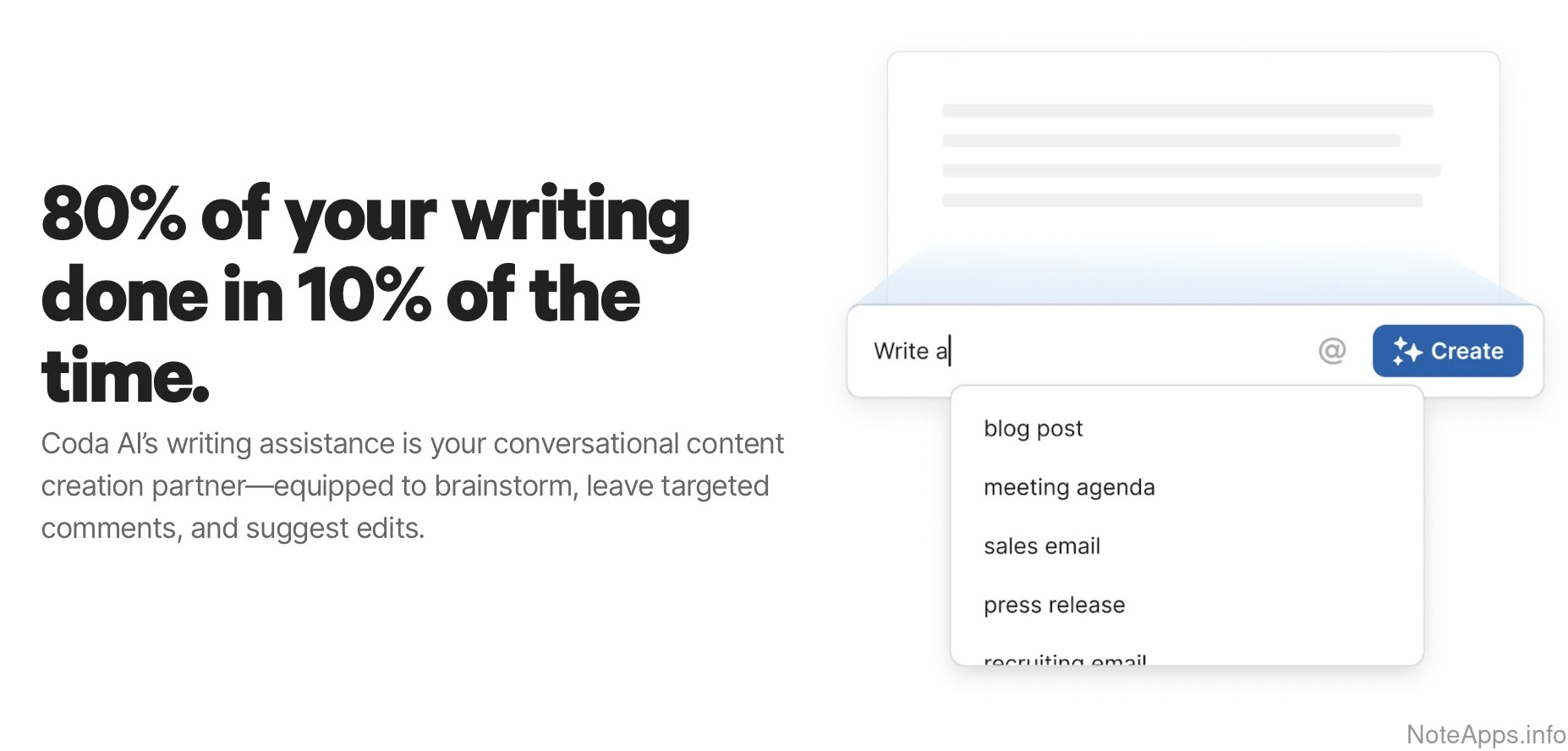
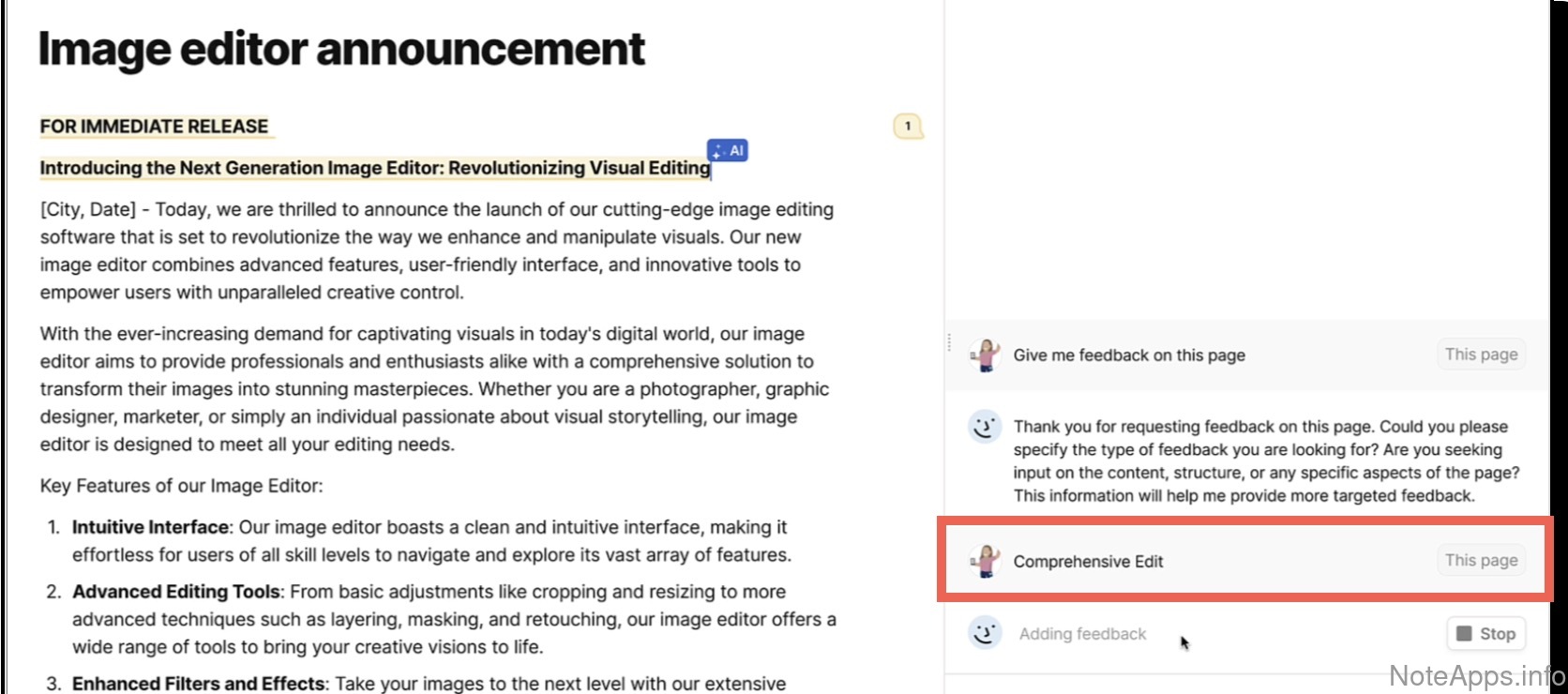
Superhuman Docs: AI writing assistant screenshot
AI writing assistant
Selected text can be revised or rewritten with AI suggestions
Read provider description
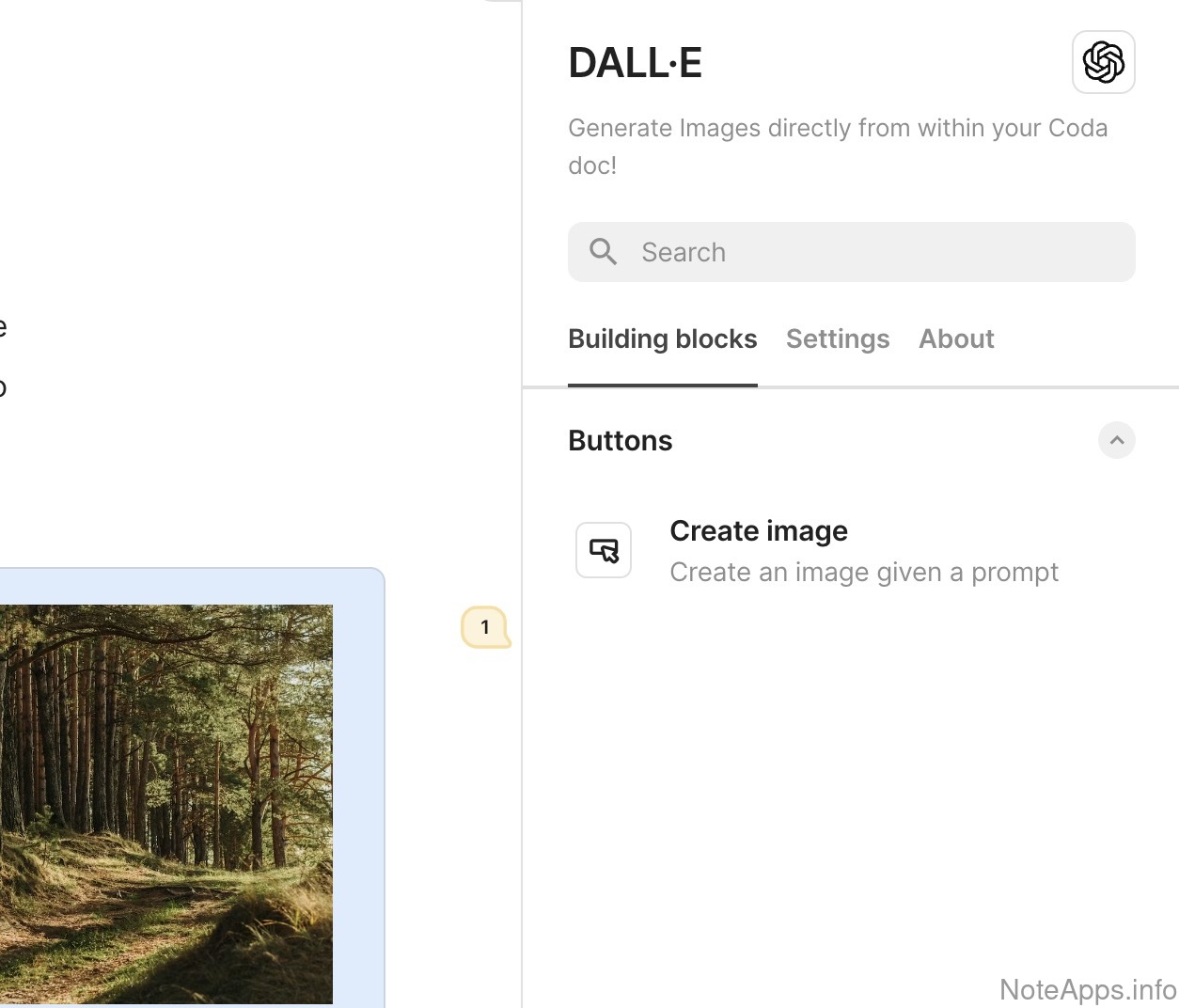
Superhuman Docs: Image generation screenshot
Image generation
A prompt can produce an image to insert into a note
Read provider description
Superhuman Docs: Proofreader screenshot
Proofreader
Longform text can be analyzed with specific improvement suggestions, which can be individually approved or rejected
Read provider description
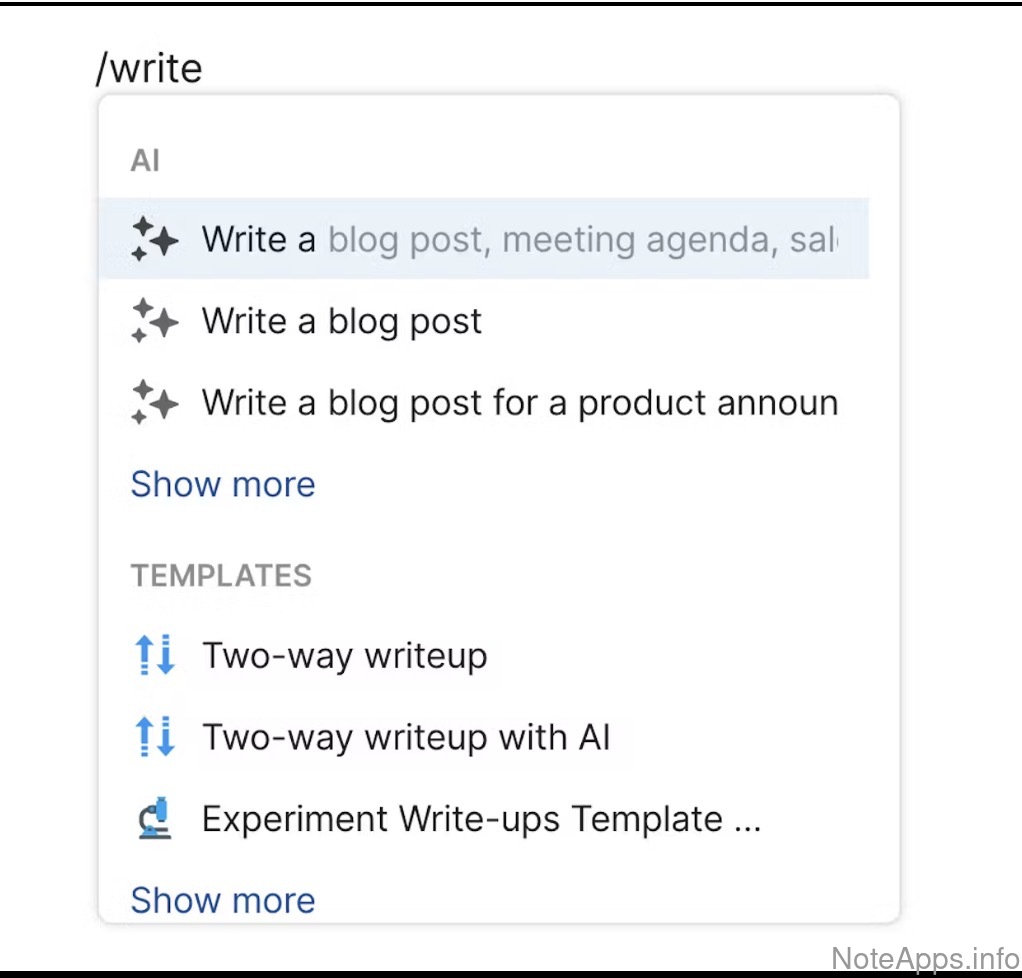
Superhuman Docs: Text generation screenshot
Text generation
A prompt can generate text to insert into a note
Read provider description
Dictionary/Lookup
A word or phrase can be selected and queried for a definition or explanation
Text generation =>
Roles
A set of predefined AI personas can be used
Thesaurus
A word or phrase can be selected and queried for a selection of similar terms
Visible suggested text
Unprompted AI-generated "ghost" or "hint" text suggestions are displayed as you type
Appearance
Compare to others
How customizable is the app's look?
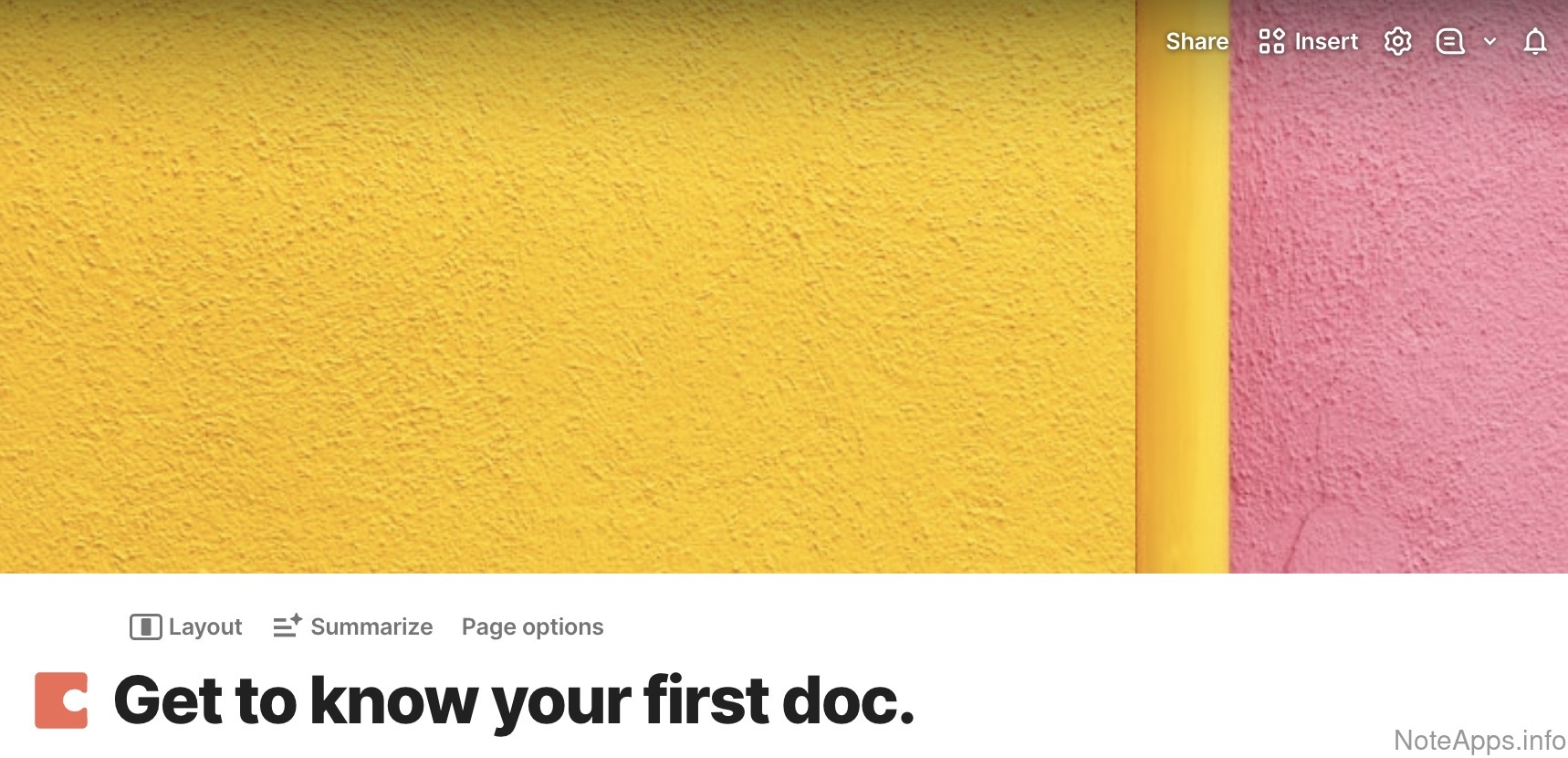
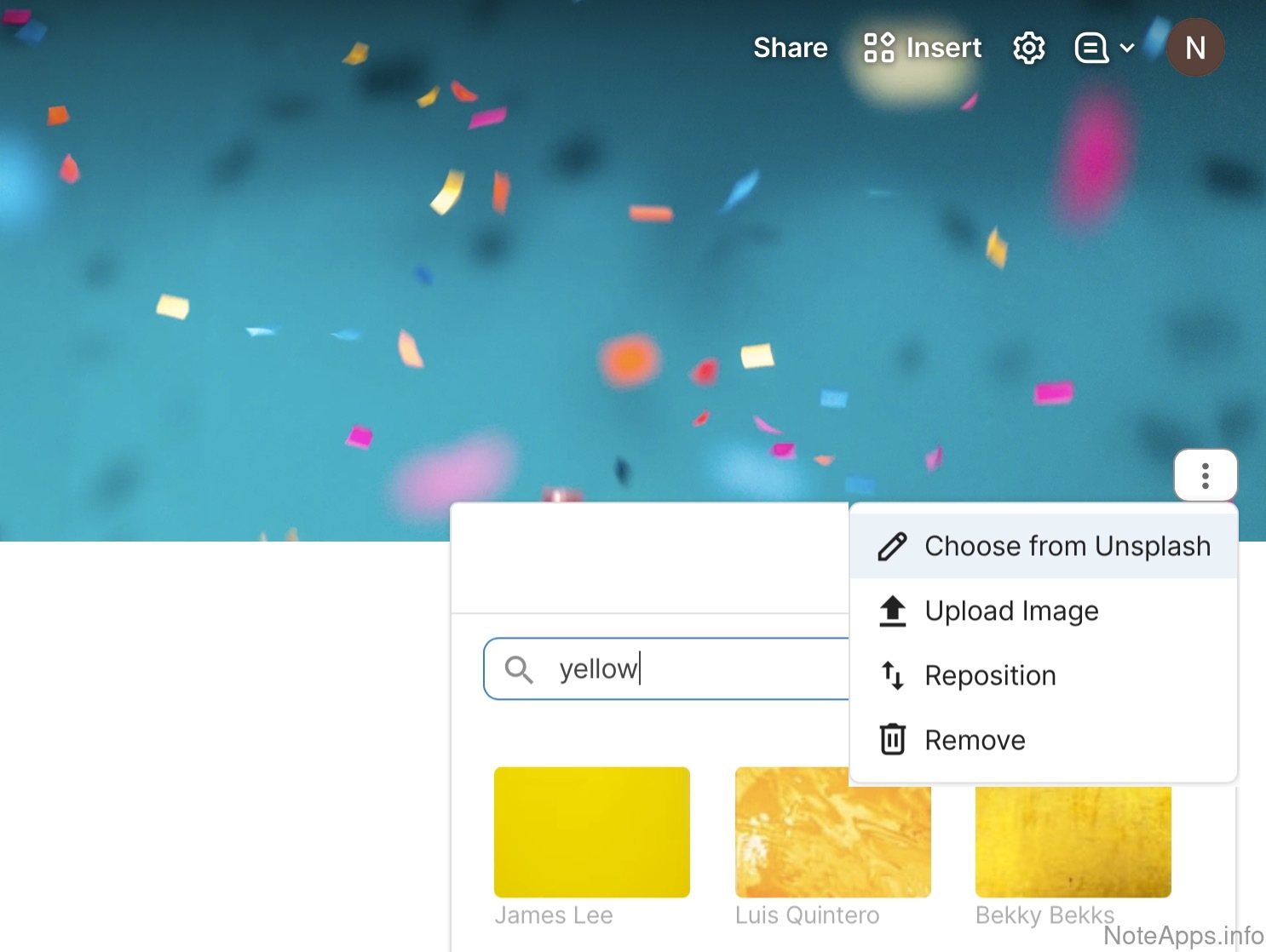
Superhuman Docs: Banner image screenshot
Banner image
A large image can be uploaded above the title of the note, and is shown when the note is published to public
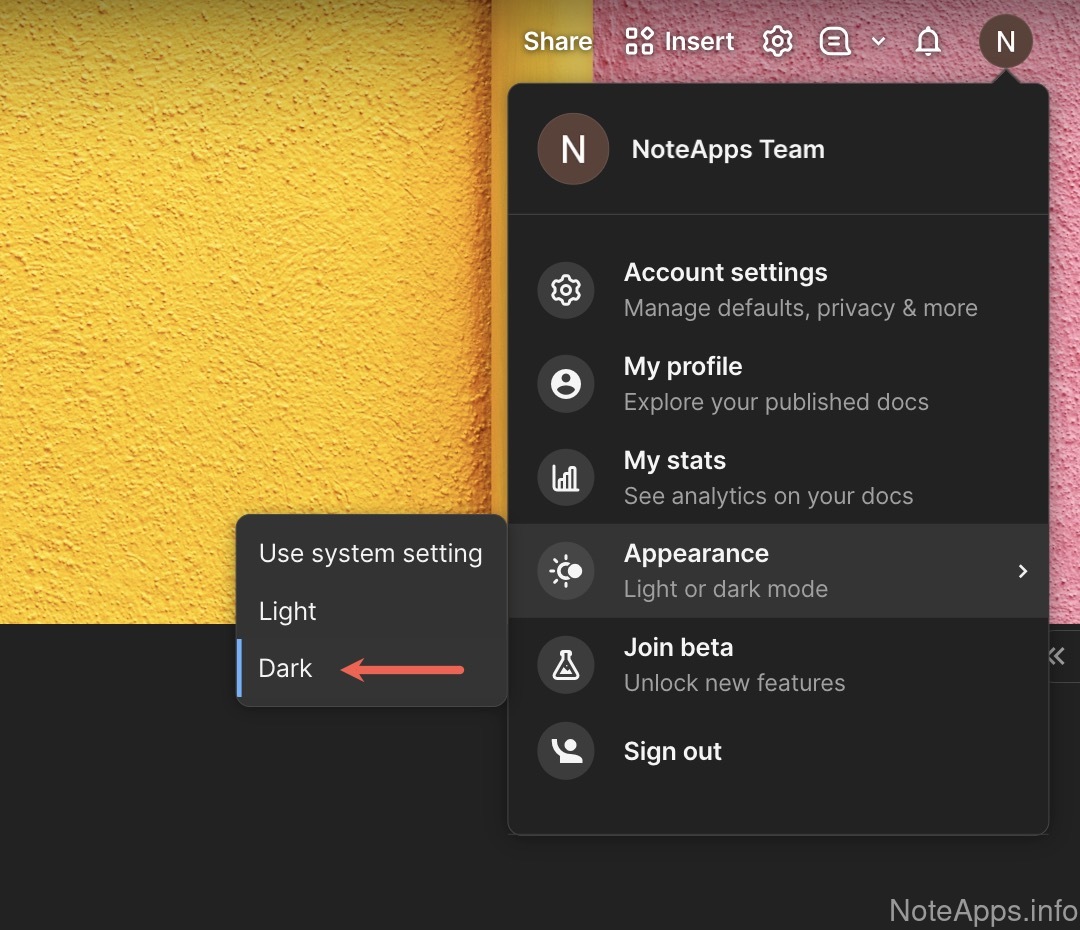
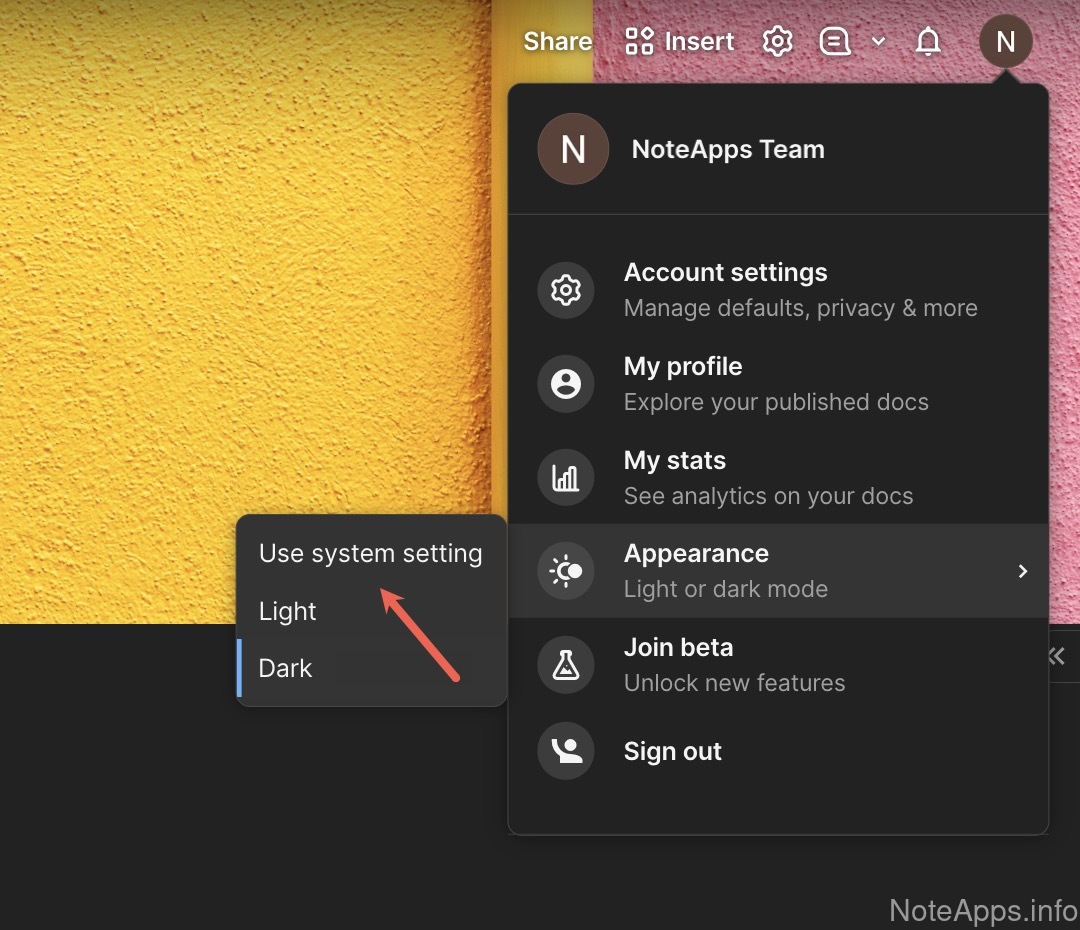
Superhuman Docs: Dark mode screenshot
Dark mode
Display option where the editor shows black background with white text
Read provider description
Superhuman Docs: Focus mode screenshot
Focus mode
A "distraction-free" option where all sidebars are hidden and the editor is in full screen view
Read provider description
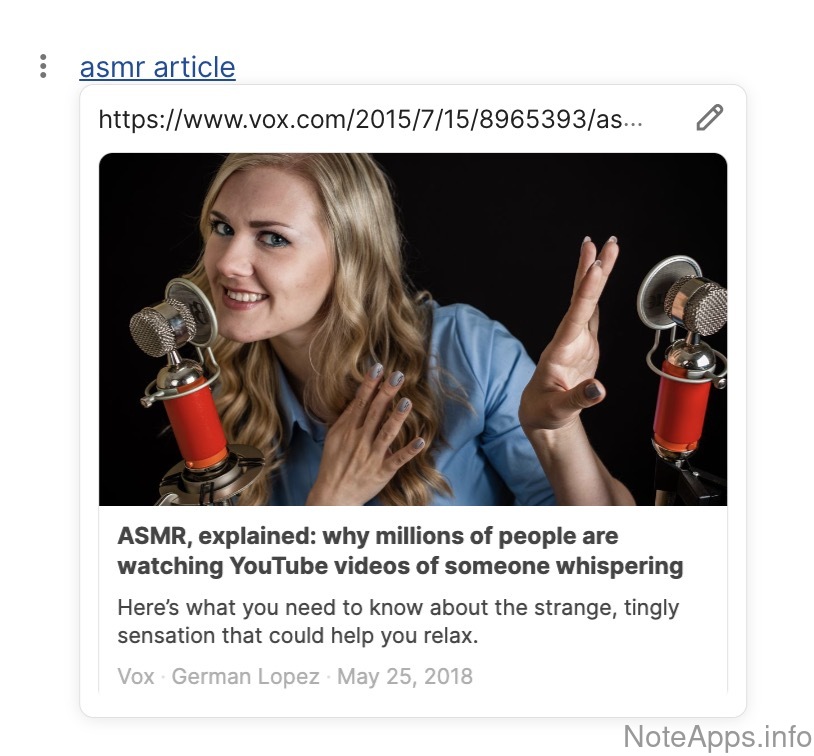
Superhuman Docs: Link previews screenshot
Link previews
A thumbnail image of an embedded url is shown
Read provider description
Superhuman Docs: Markdown hideable while editing screenshot
Markdown hideable while editing
Formatted text can be edited while markdown formatting symbols are hidden
Superhuman Docs: System-matched light/dark mode screenshot
System-matched light/dark mode
The light/dark setting of the OS can control whether light or dark layout
Superhuman Docs: Themes screenshot
Themes
Different sets of colors can be chosen to alter the appearance of the app window
Read provider description
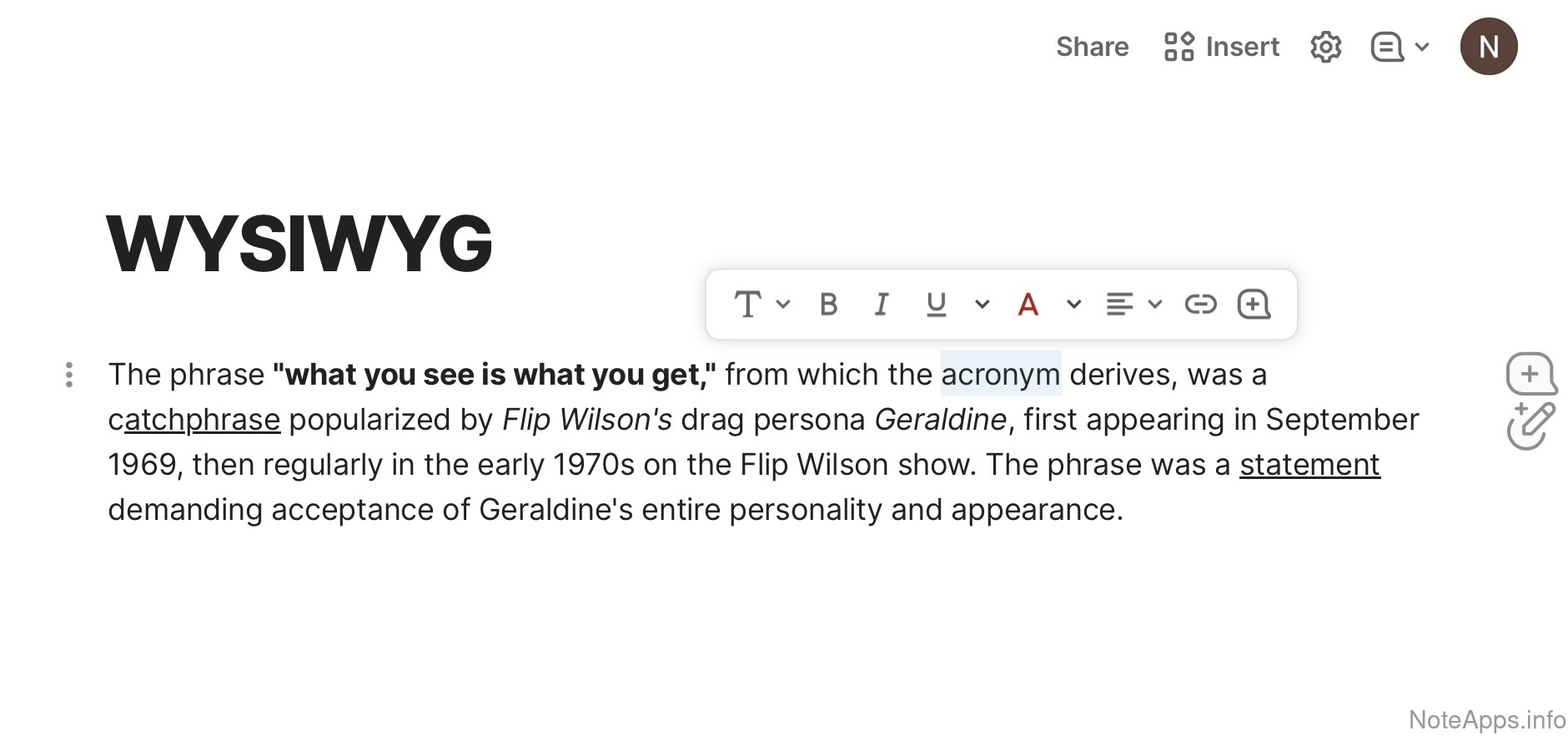
Superhuman Docs: WYSIWYG view screenshot
WYSIWYG view
Editor can show content exactly as it will be exported/printed
Daily notes
The app allows note content to be created & viewed with minimal formatting and today's date as the default note title
Multiple editing panes
Allows multiple notes to be open and edited simultaneously in separate viewing windows within the application.
Note link preview
A note can view content embedded from another note in the same pane as the note itself
Note link preview =>
Header/block level preview
A note can view a specific block/section embedded from within another note or section
Note link preview =>
Note link preview> editable
A note can view and edit content embedded from within another note or section
Themes =>
Custom CSS
Custom CSS can be included by the note editor to effect a specific theme via CSS
Calendar
Compare to others
Can tasks from notes be viewed on a calendar?
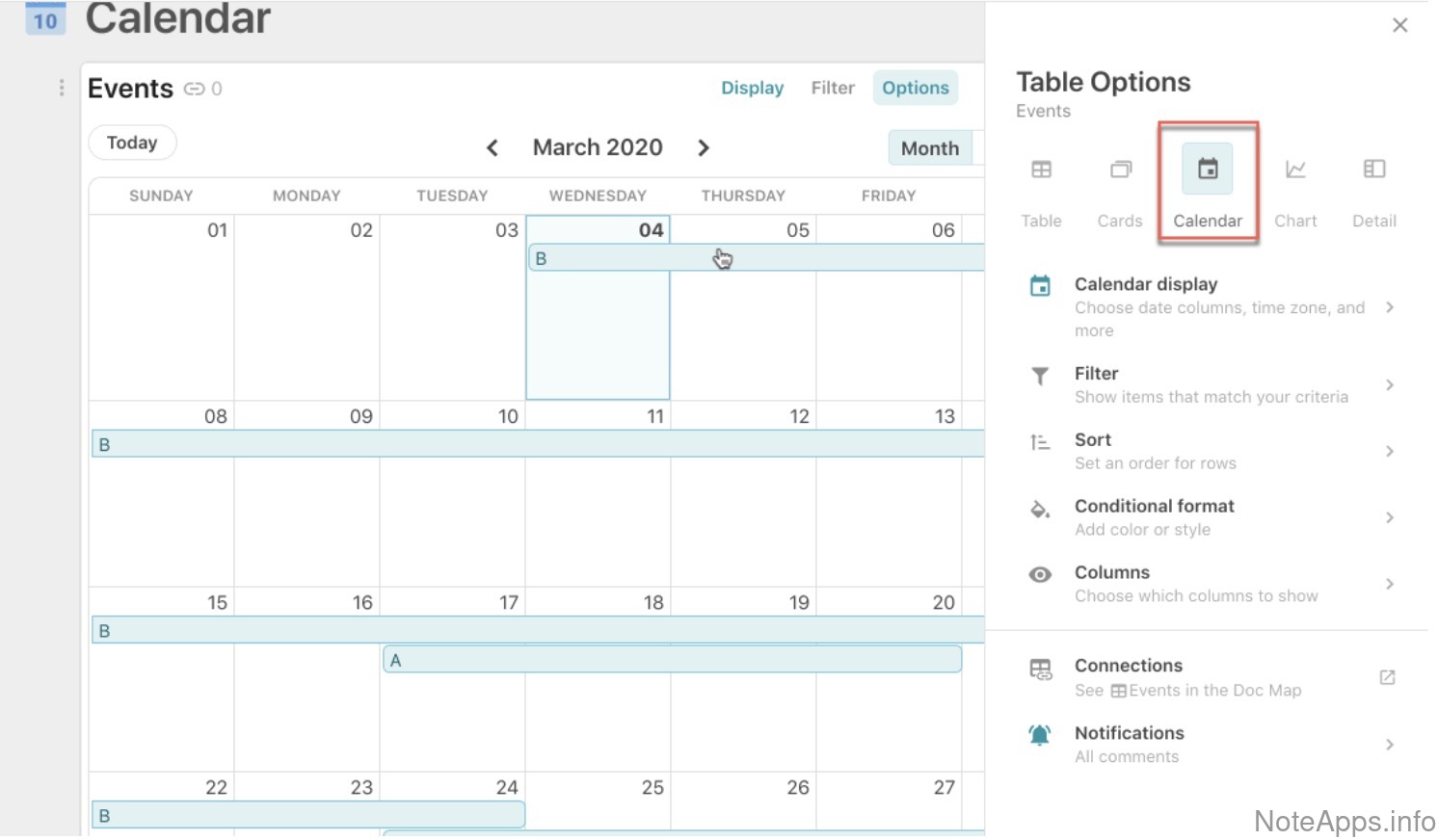
Superhuman Docs: Built-in calendar screenshot
Built-in calendar
A calendar on which tasks can be viewed is provided in the app
Read provider description
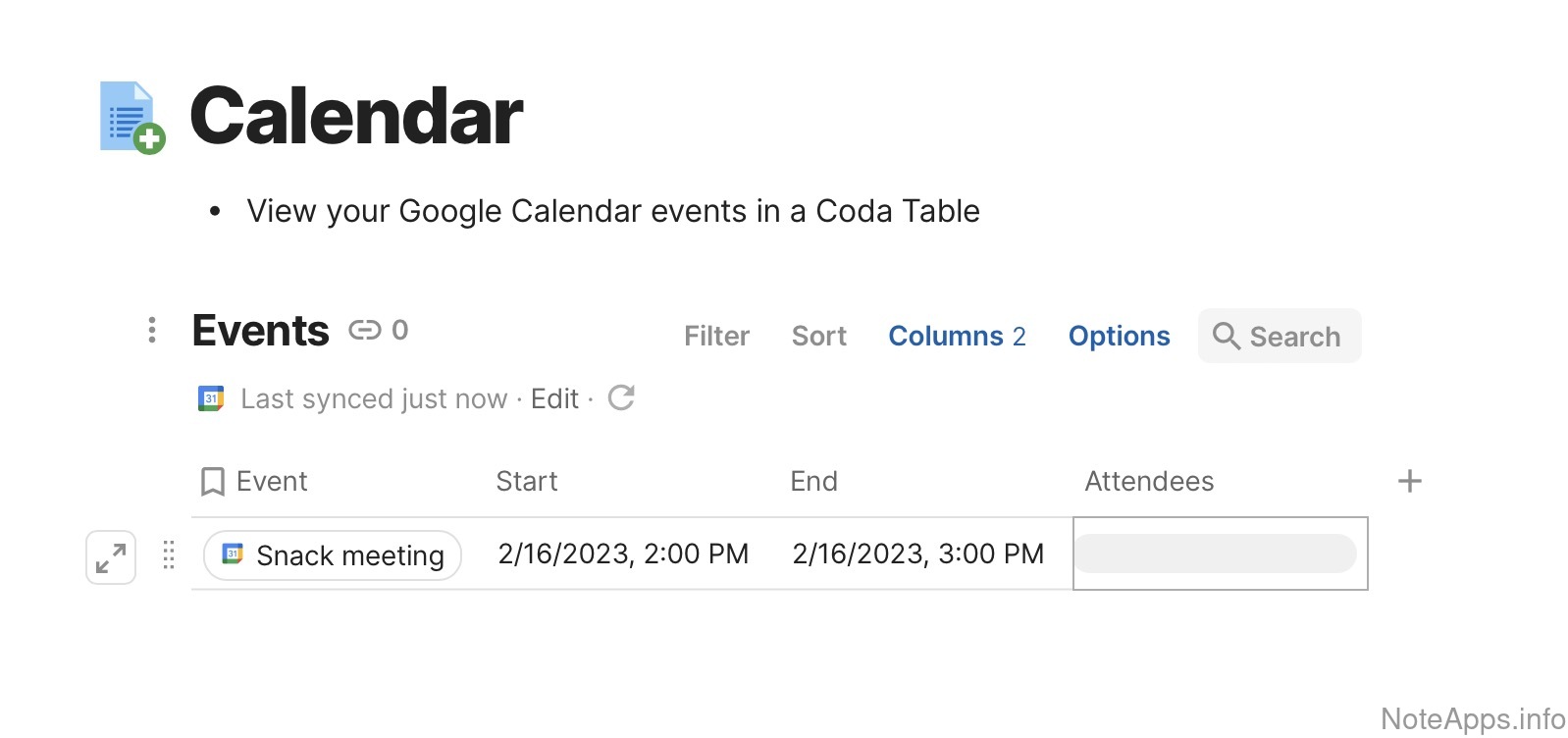
Superhuman Docs: Imports tasks from calendar screenshot
Imports tasks from calendar
App will import existing events from an external calendar (e.g., Google Calendar) and show them within the app
Read provider description
Superhuman Docs: Short multi-day view screenshot
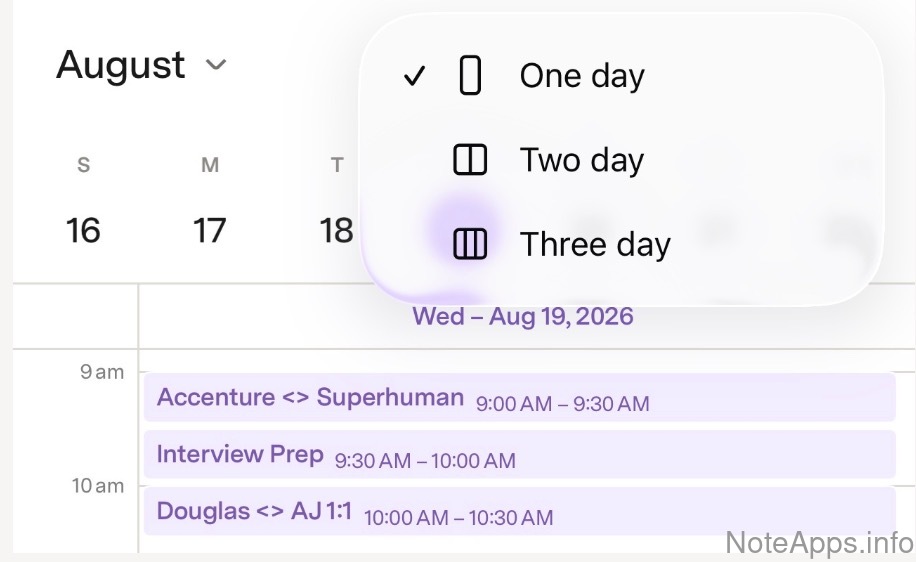
Short multi-day view
Calendar can show a 3-day or 4-day view
Read provider description
Drag task to calendar (iPad)
iPad version allows dragging tasks onto calendar
Drag-and-drop task to schedule
A task can be drag-and-dropped from a list of tasks to schedule it (desktop or mobile)
Events
Tasks can be added to the calendar as "events," which are automatically marked complete after time passes
Exports tasks to Apple Calendar
Native integration option to sync tasks from within the note app to Apple Calendar
Exports tasks to Google Calendar
Native integration option to sync tasks from within the note app to Google Calendar
Exports tasks to Outlook calendar
Native integration option to sync tasks from within the note app to Outlook Calendar
Mobile calendar
A calendar on which tasks can be viewed is provided in the mobile app
Postpone task
Clicked event offers options to reschedule for later
Content Uploads & Embeds
Compare to others
What kind of content can be uploaded or inserted into notes?
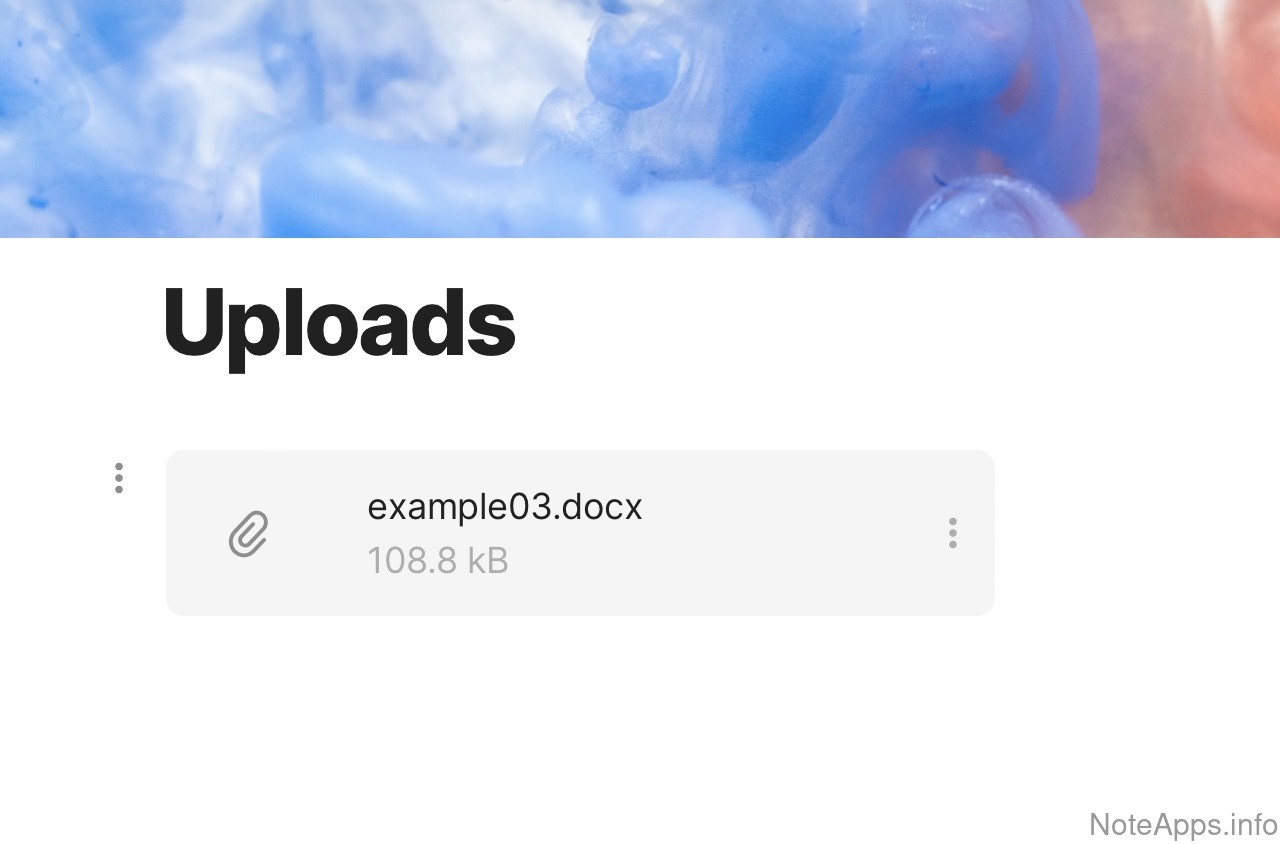
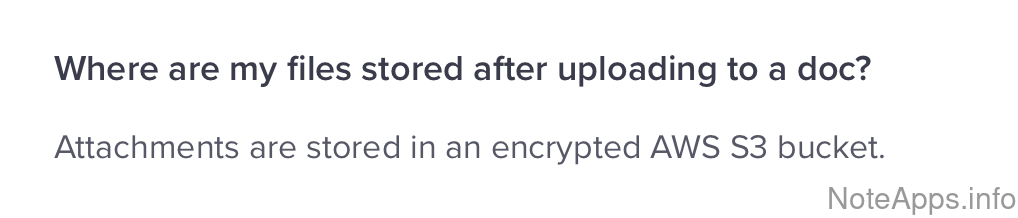
Superhuman Docs: Arbitrary file screenshot
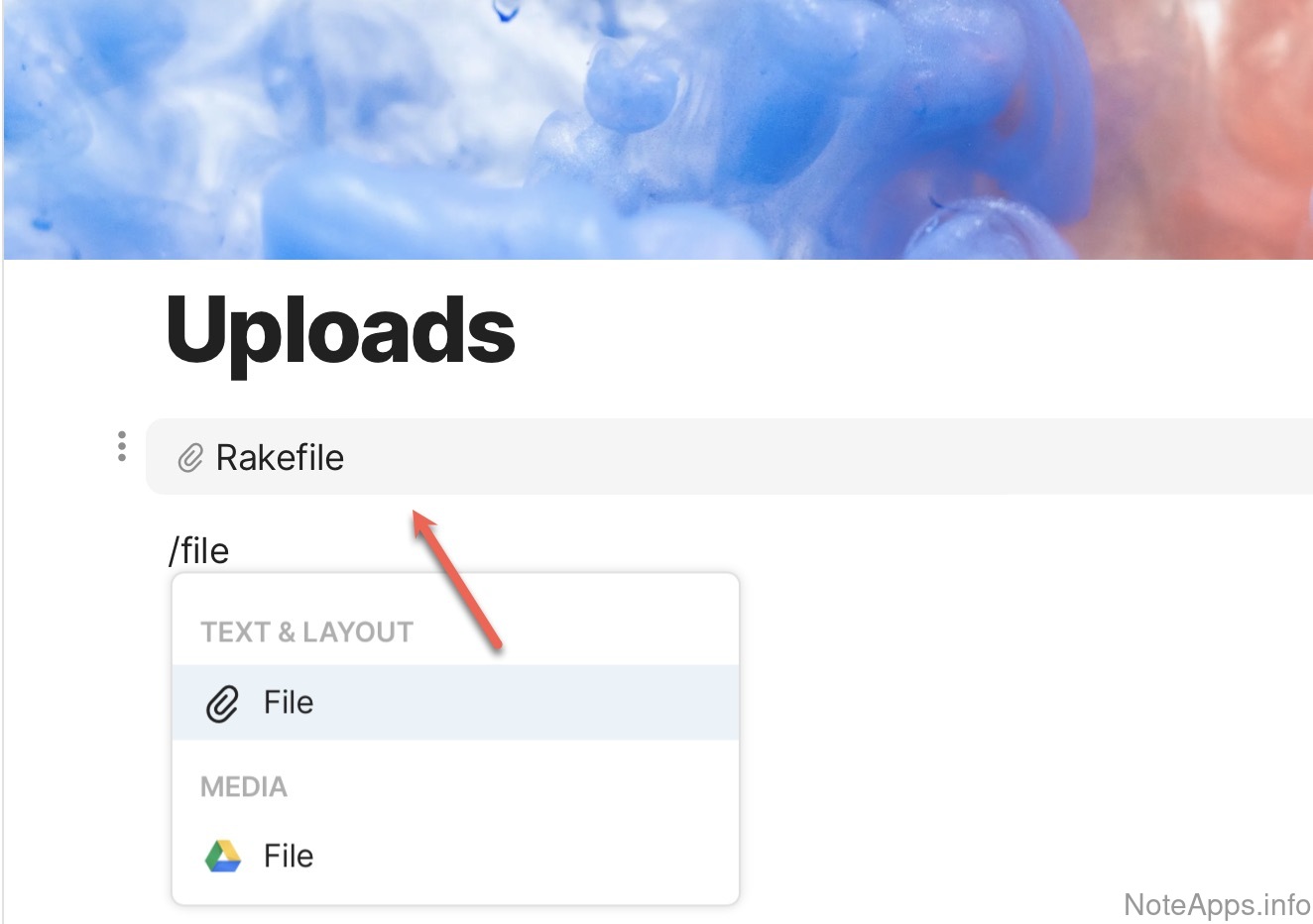
Arbitrary file
An arbitrary file of any type can be added to a note
Read provider description
Superhuman Docs: Audio screenshot
Audio
Upload an audio file as a note attachment
Read provider description
Superhuman Docs: Excel screenshot
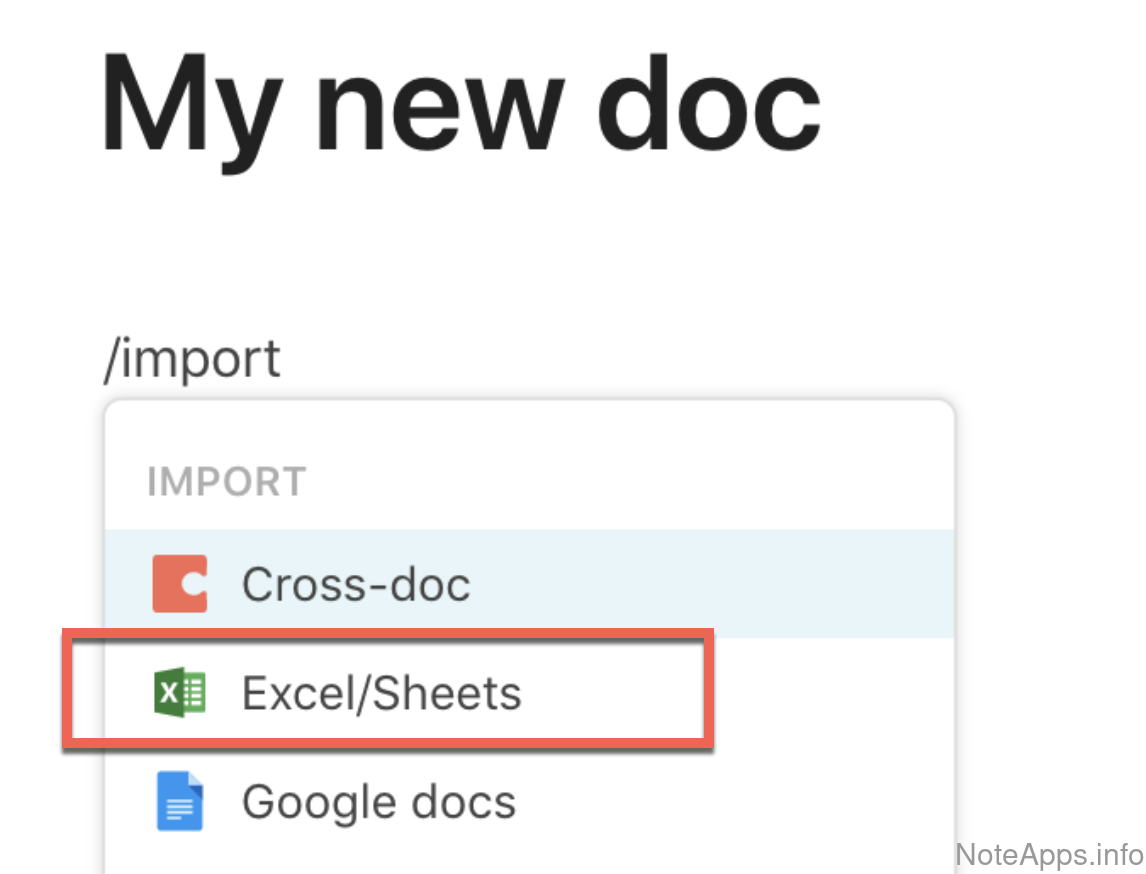
Excel
Upload a spreadsheet file (such as .xls, .csv) as a note attachment
Read provider description
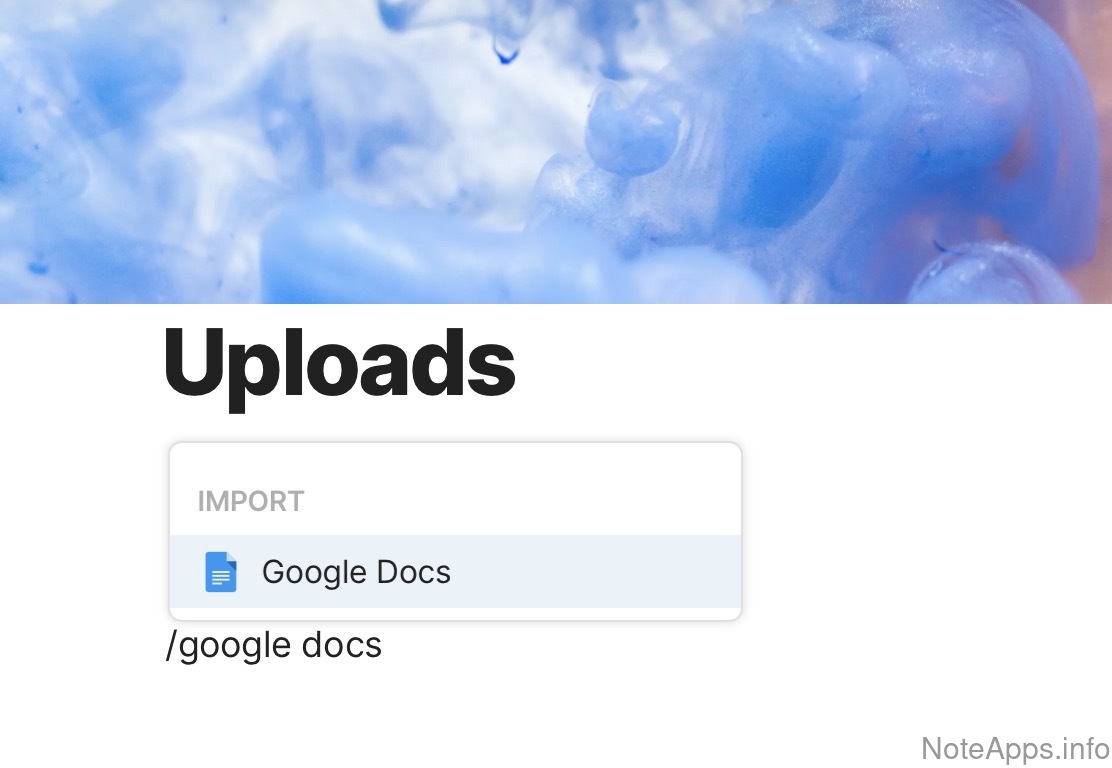
Superhuman Docs: Google Docs screenshot
Google Docs
A Google Doc file can be embedded within a note
Read provider description
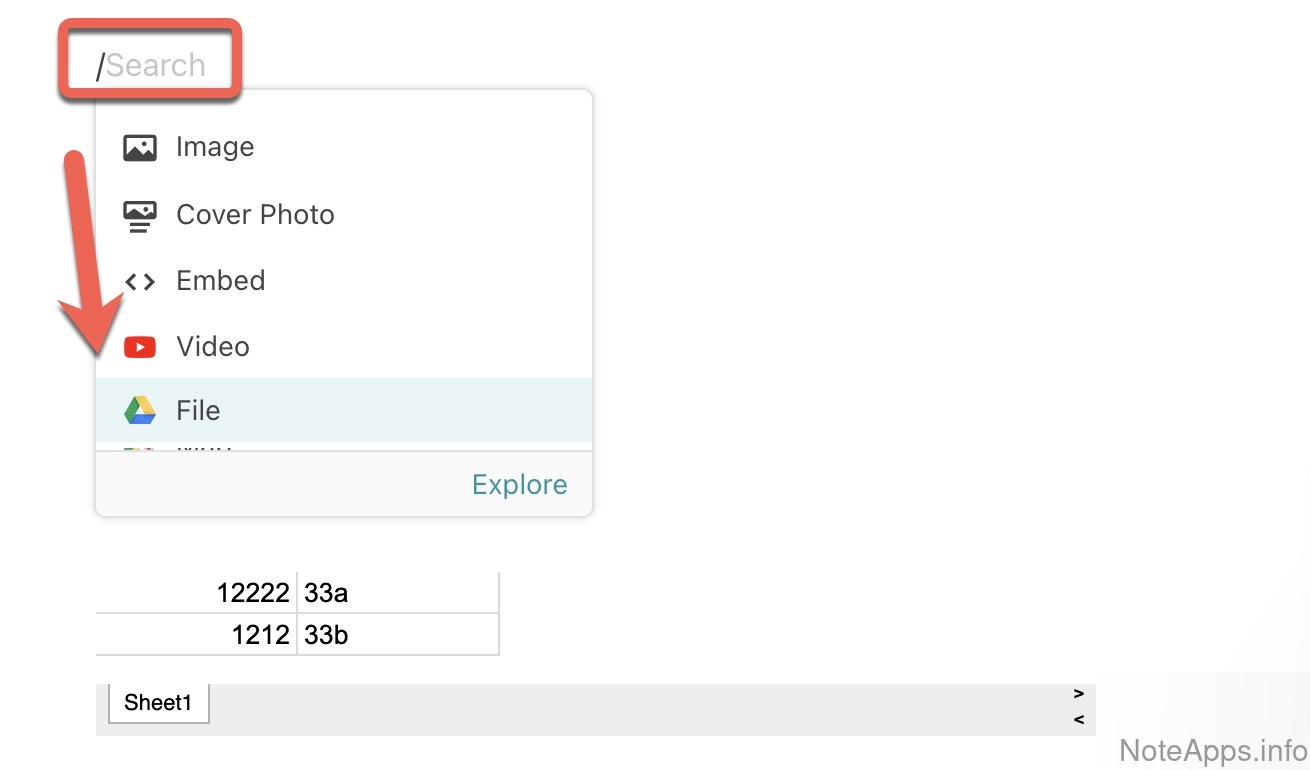
Superhuman Docs: Google Sheets screenshot
Google Sheets
A Google Sheets file can be embedded within a note
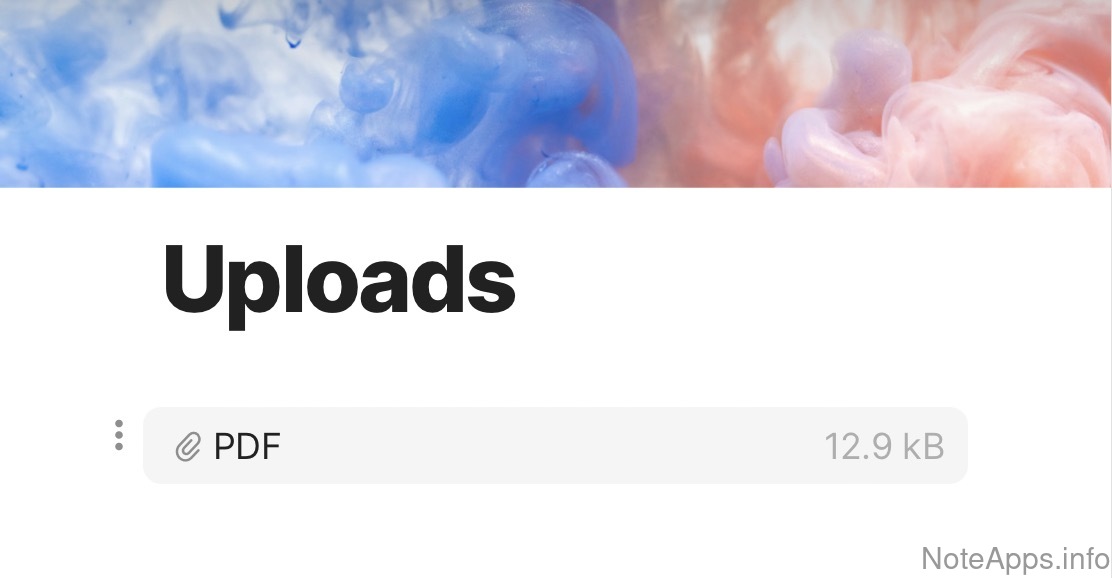
Superhuman Docs: PDF screenshot
PDF
Upload a PDF file as a note attachment
Read provider description
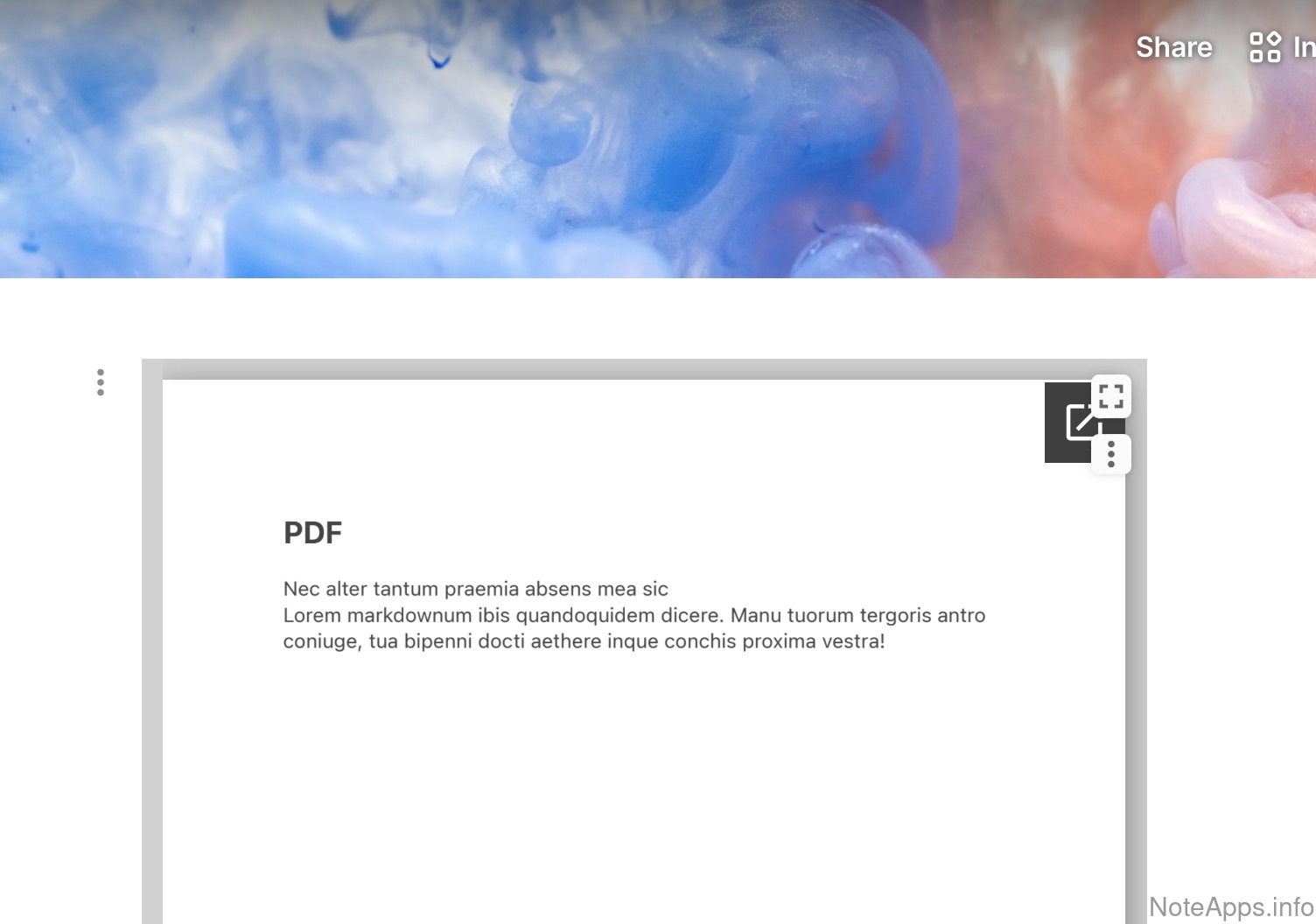
Superhuman Docs: PDF => Can be viewed from within note screenshot
PDF =>
Can be viewed from within note
Content of the PDF can be viewed inside the note, rather than clicking on PDF and having it open in an external PDF viewer
Read provider description
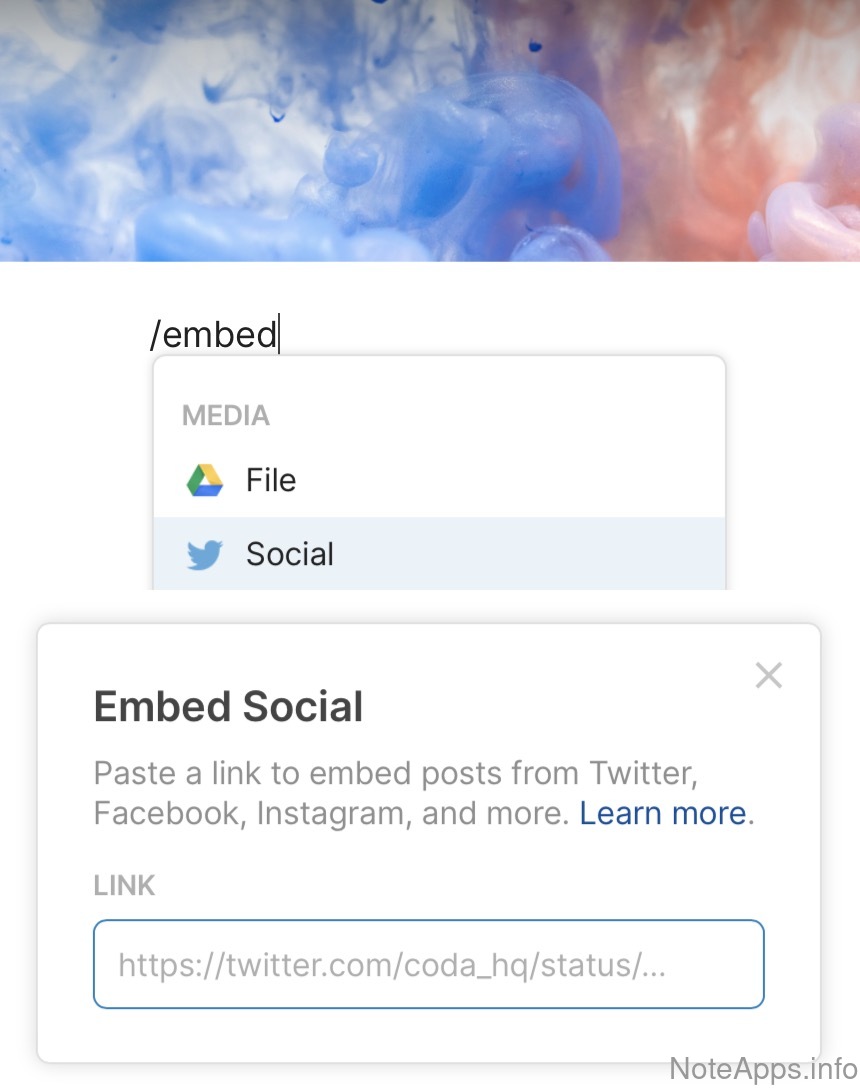
Superhuman Docs: Twitter (tweet) embed screenshot
Twitter (tweet) embed
Interactive preview of a Tweet will be displayed, including any rich content
Read provider description
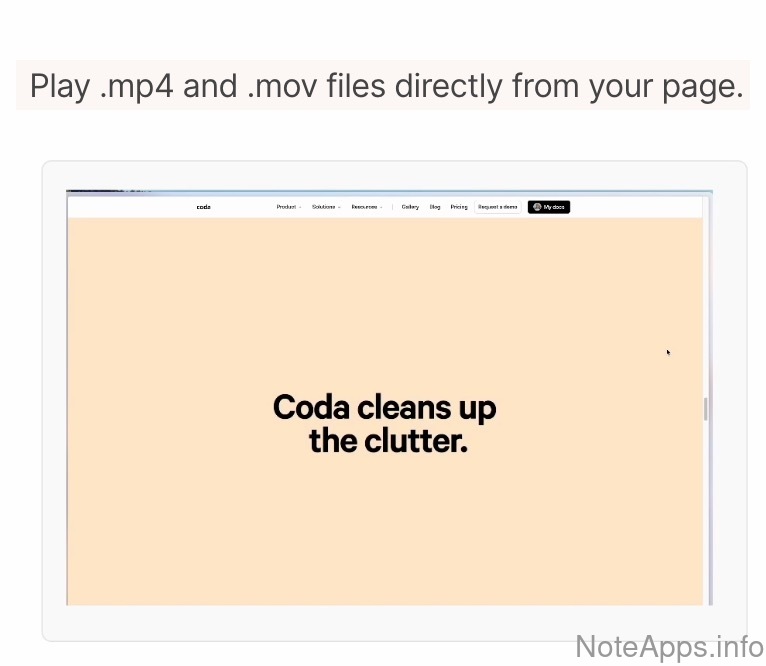
Superhuman Docs: Video screenshot
Video
Upload a video file as a note attachment
Read provider description
Superhuman Docs: Word screenshot
Word
Upload a Word document (such as .doc, .rtf) as a note attachment
Read provider description
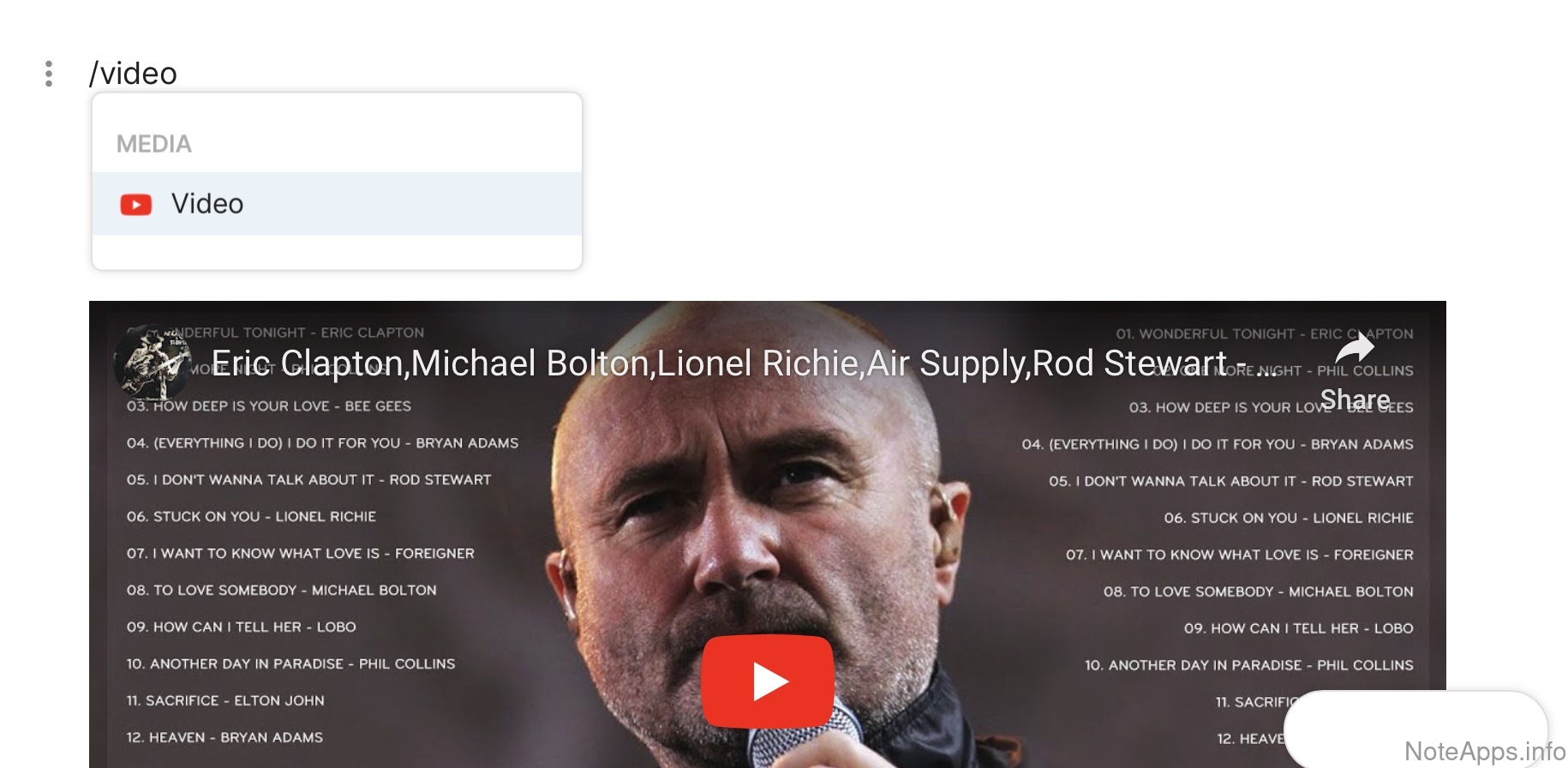
Superhuman Docs: YouTube embed screenshot
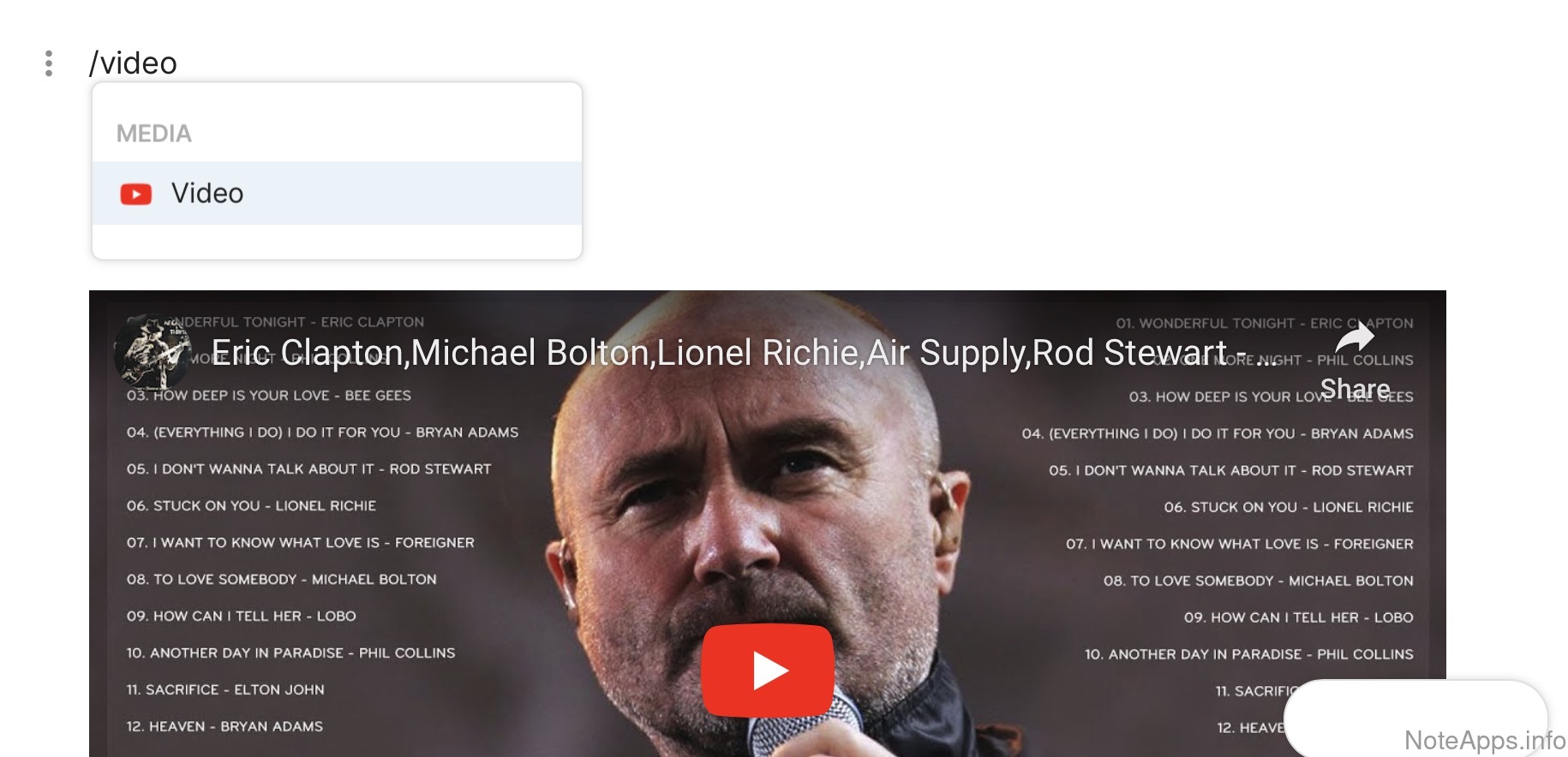
YouTube embed
Playing and interacting with YouTube videos is possible from within a note
Read provider description
PDF =>
Can be annotated
Content of the PDF can be marked up inside the note, rather than using an external editor
PDF =>
Content indexed in search
The title and body of the PDF are automatically indexed in search
Customer-centric
Compare to others
How does the company support and communicate with its customers?
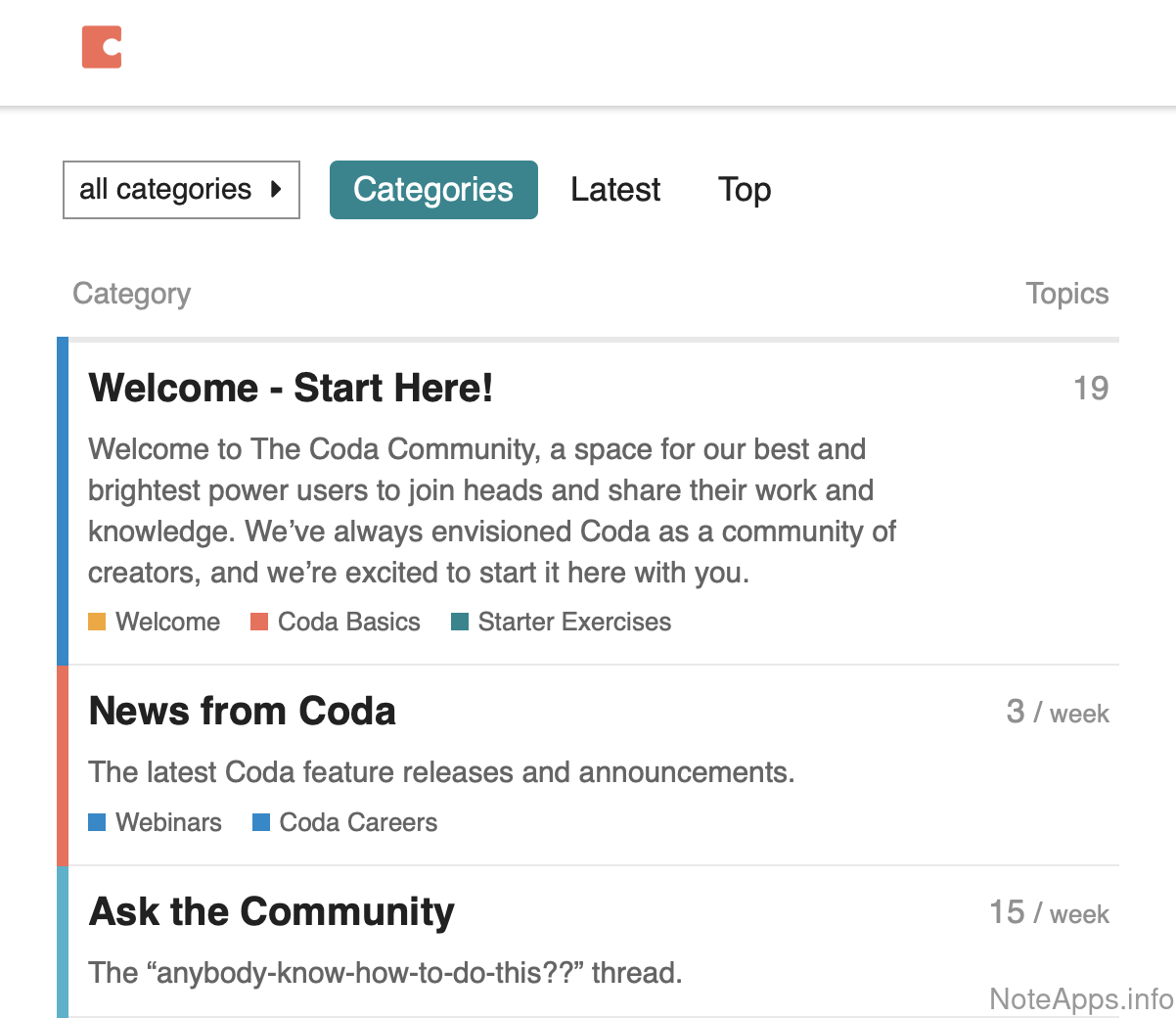
Superhuman Docs: Community forum screenshot
Community forum
The company has a specified URL at which users can discuss the product and ask questions in a format where answers can be upvoted (Reddit, etc)
Read provider description
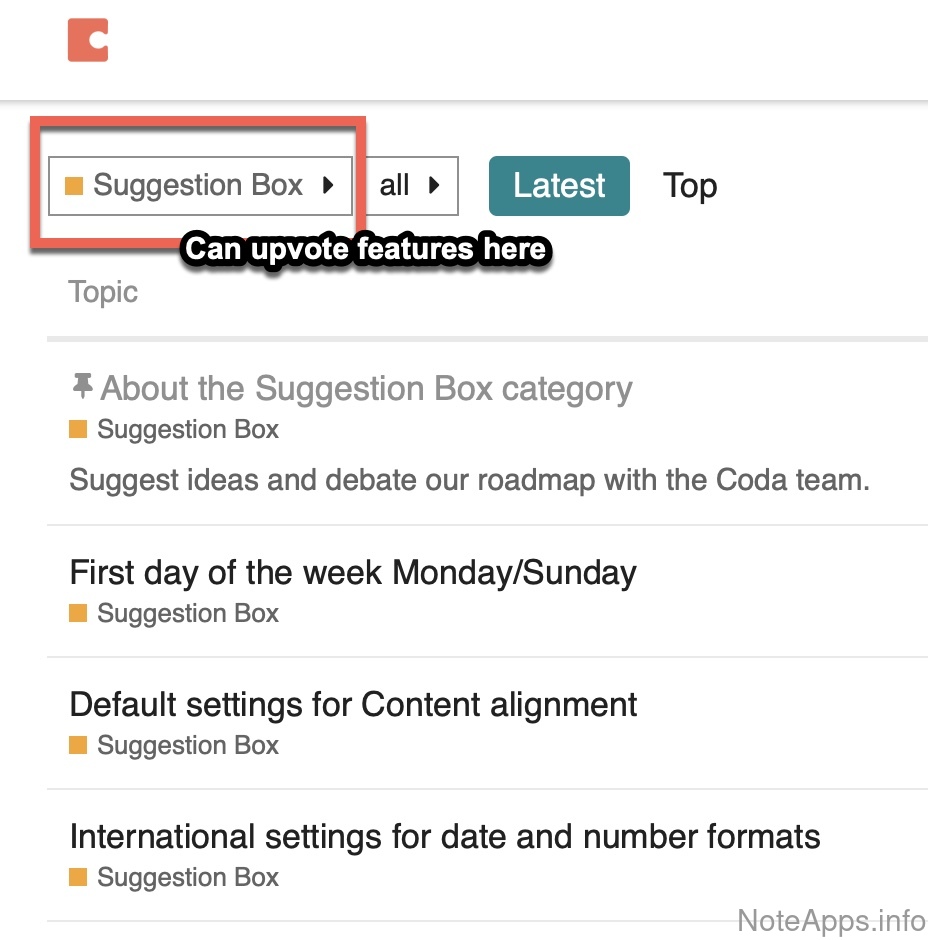
Superhuman Docs: Feature voting screenshot
Feature voting
There exists a publicly accessible site upon which users can upvote features they want to see implemented
Read provider description
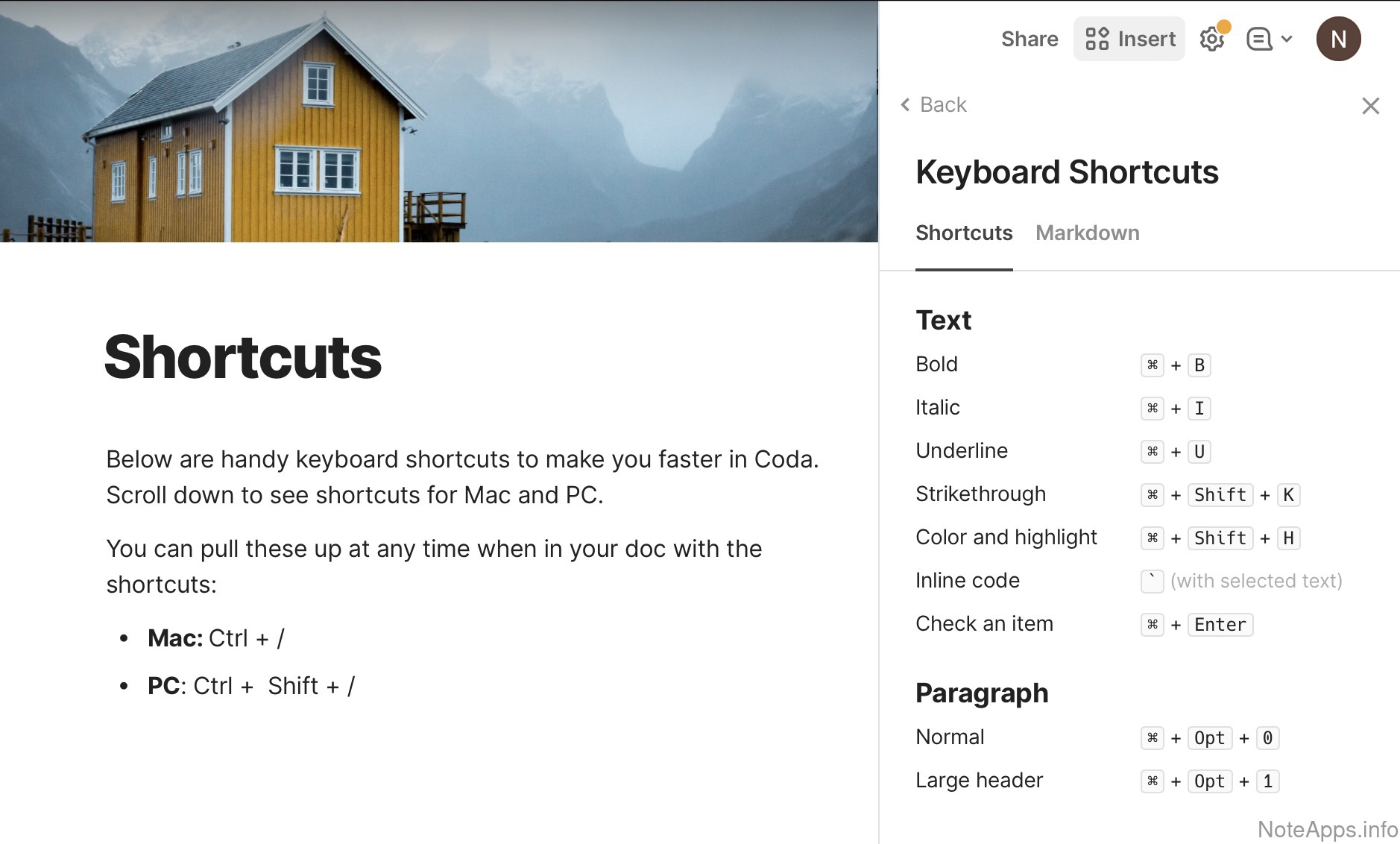
Superhuman Docs: Keyboard shortcuts reference screenshot
Keyboard shortcuts reference
A menu to view available keyboard shortcuts is located within the app
Read provider description
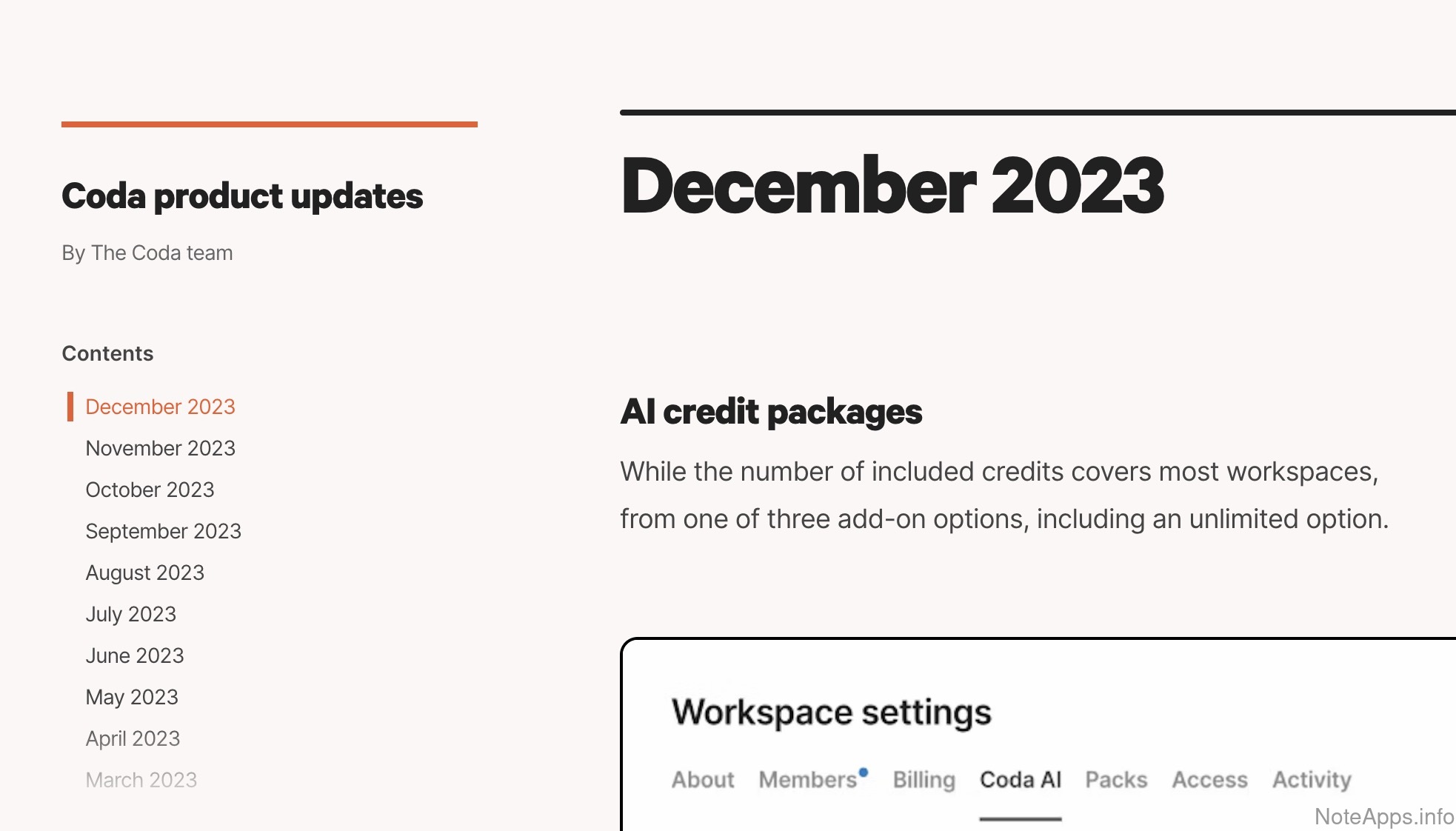
Superhuman Docs: Regular feature updates screenshot
Regular feature updates
Company has averaged at least one blog post or change log per month over the past year that details recent product updates
Read provider description
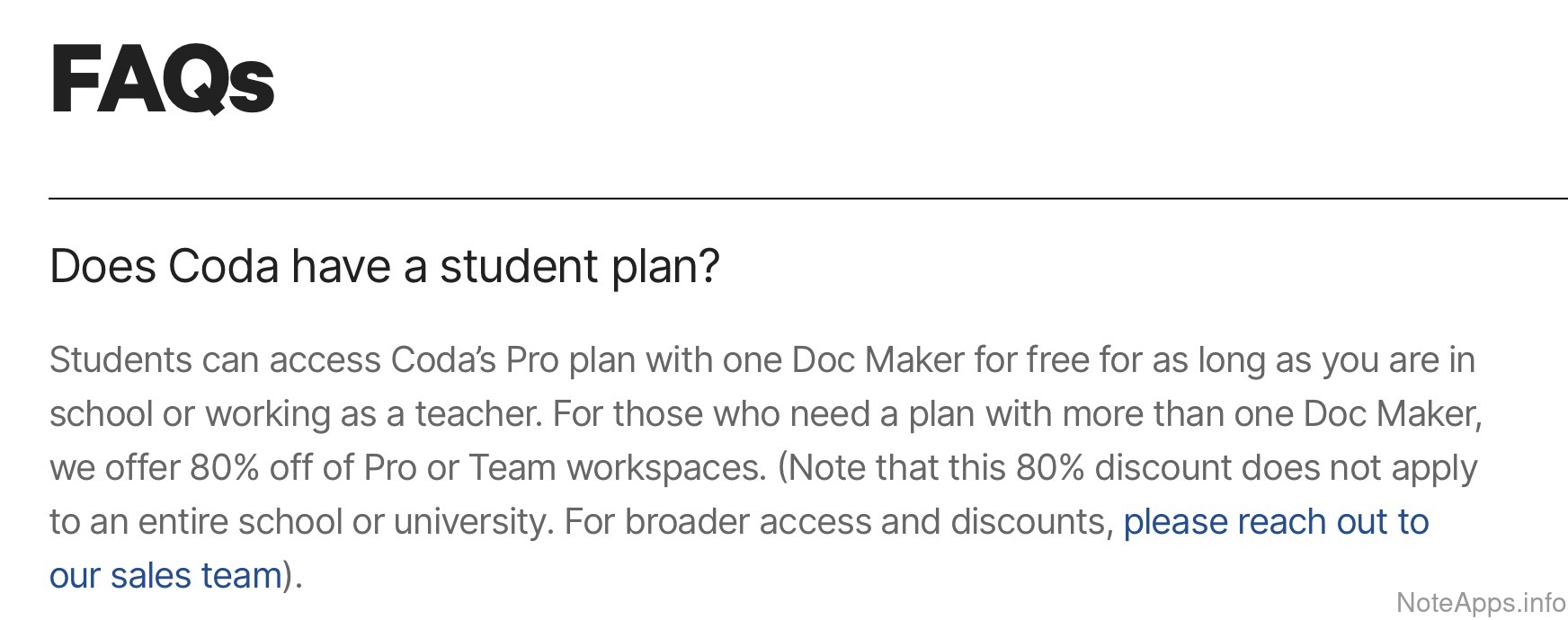
Superhuman Docs: Student plan screenshot
Student plan
Education discount or permanent free version
Read provider description
Available in 3+ languages
Community chat available
There is a dedicated venue such as Discord where users can chat about the product in real time
Perpetual free version
The company offers a version of the product that can be used indefinitely at no cost, without a note limit
Roadmap
The company provides a list of the app's upcoming and newly added features for public consumption
Encryption & Security
Compare to others
What measures are taken to ensure customer data remains private, even to employees of the companies themselves?
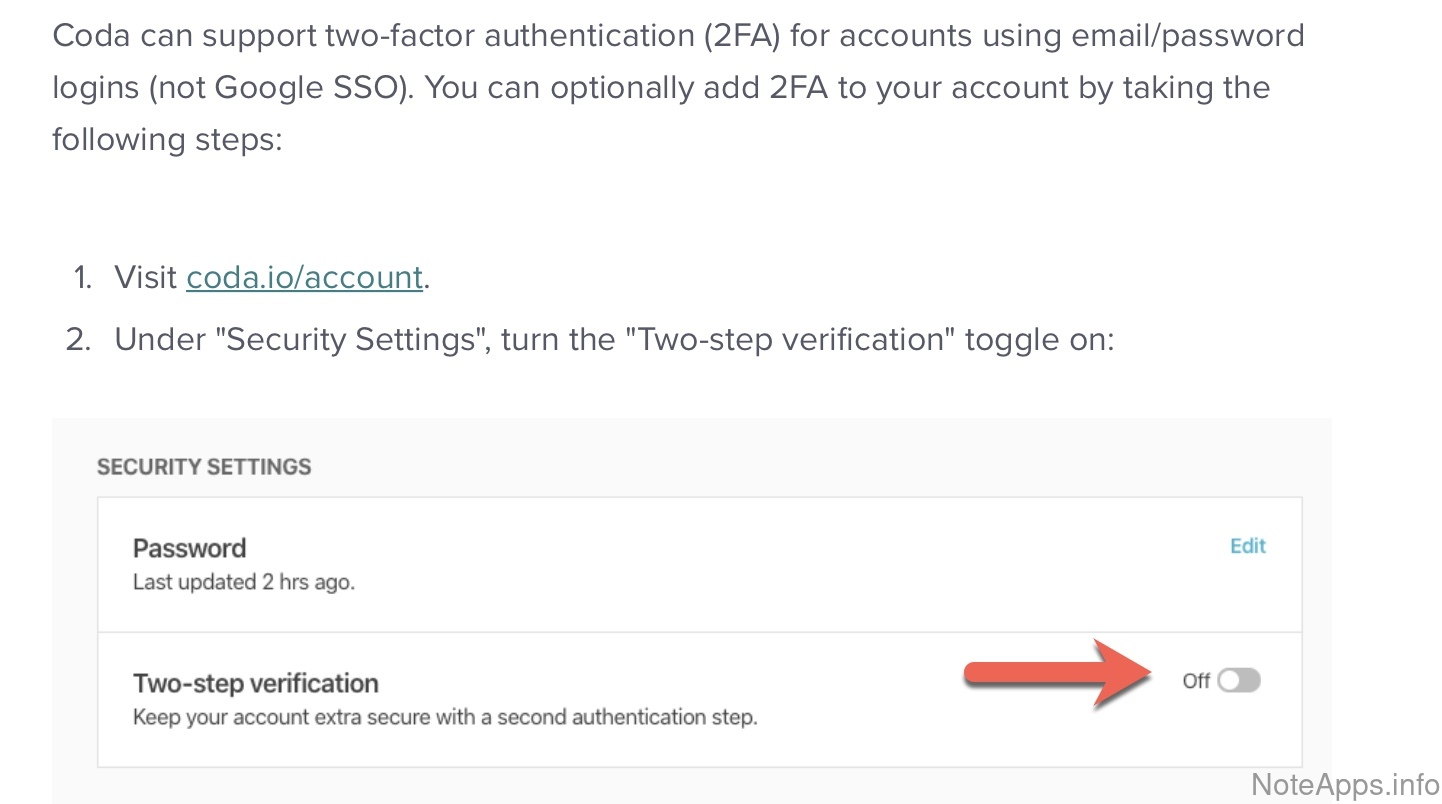
Superhuman Docs: 2FA available screenshot
2FA available
Can enable two-factor authentication from within the app (not only via third parties) to protect account access
Read provider description
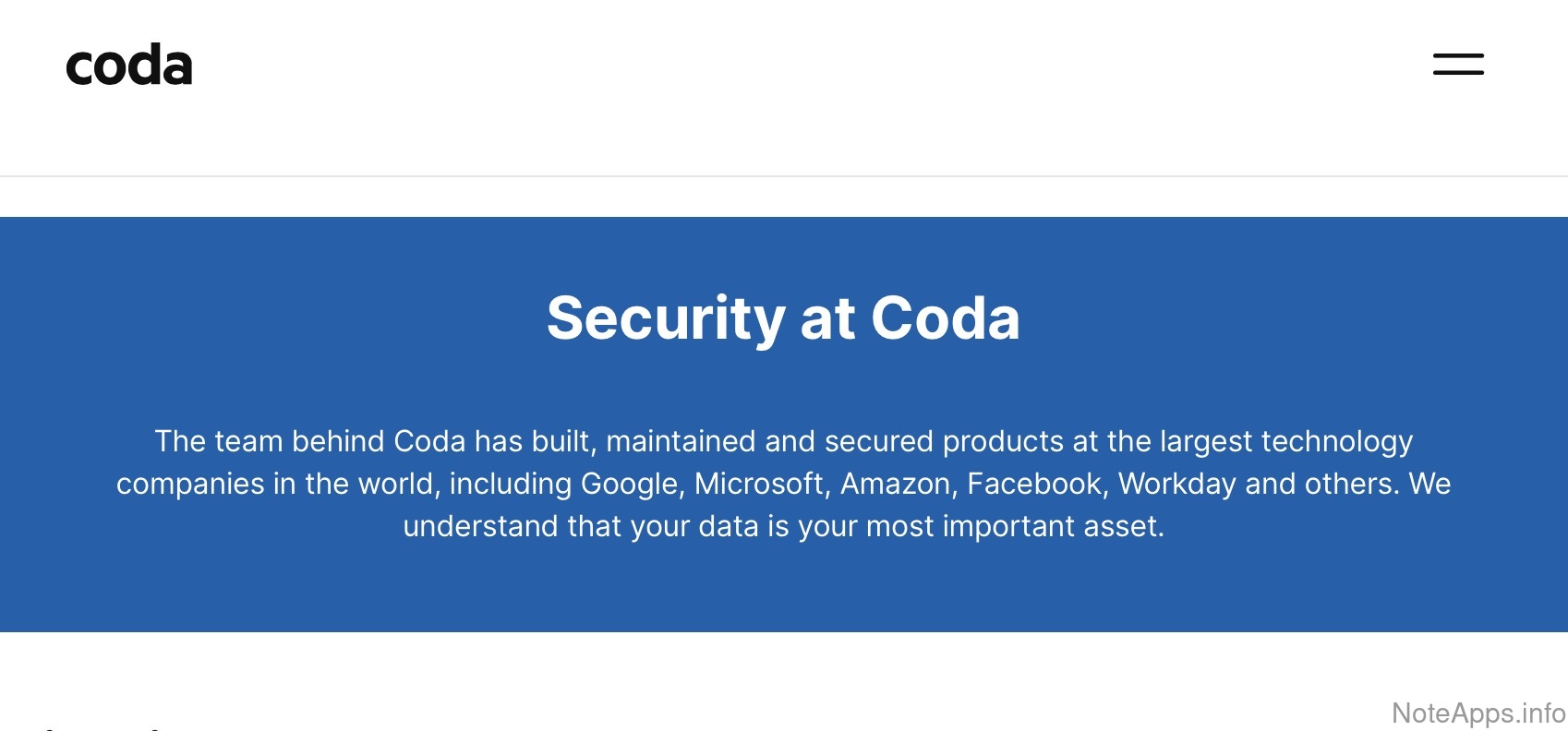
Superhuman Docs: Explicit security policy screenshot
Explicit security policy
An explicit policy describes how security is implemented, and what access employees have to data.
Read provider description
Superhuman Docs: Explicit security policy => Policy that employees will not read note content screenshot
Explicit security policy =>
Policy that employees will not read note content
A documented claim exists that note content will not be accessed by employees
Read provider description
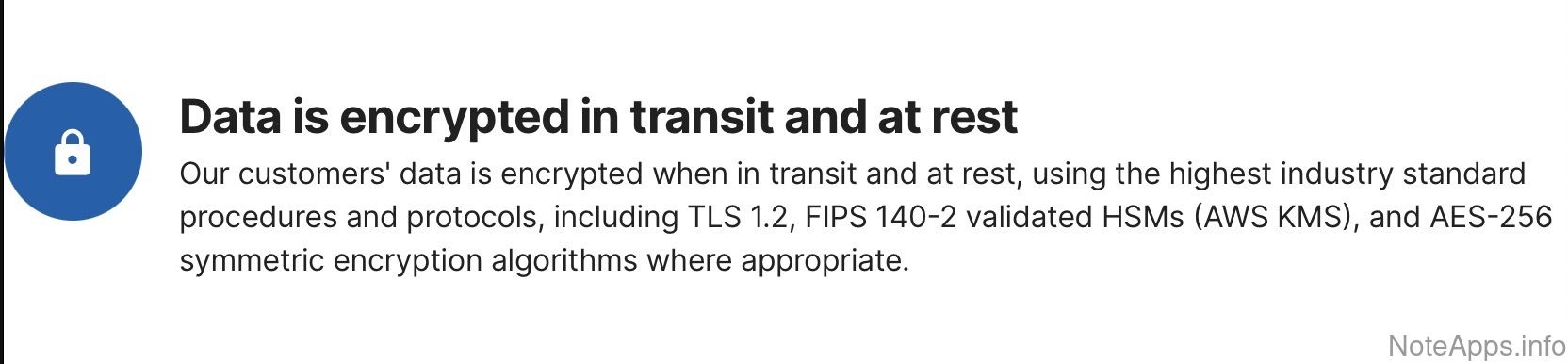
Superhuman Docs: Server-side encryption screenshot
Server-side encryption
A documented claim that all note data is encrypted "at rest" on the server
Read provider description
Superhuman Docs: Server-side encryption => Attachments encrypted at rest screenshot
Server-side encryption =>
Attachments encrypted at rest
A documented claim that all note data and their attachments are encrypted "at rest" on the server
Read provider description
Anonymous login
App can be used without providing any personal information (including email)
Local-only/unsynchronized notes
Notes can exist purely on the local file system of the device, without syncing
Password-protect notes
A note or block can have a password applied to hide it
Self-hosting
A private web server can be used to sync note content across devices
Zero-knowledge encryption
AKA "Client-side encryption" aka “end-to-end encryption.” Note data can be encrypted before transmission, with decryption key inaccessible to the note app provider
Zero-knowledge encryption =>
Attachments encrypted client-side
Attachments included with note data are encrypted before leaving the user's device such that the decryption key is not shared with the note app provider
Zero-knowledge encryption =>
Client-side encryption enabled by default for all notes
The entire account's worth of notes, not just individual notes, can be encrypted before leaving the user's device such that the decryption key is not shared with the note app provider
Formatting Supported
Compare to others
What options are available for formatting text and related content in a note?
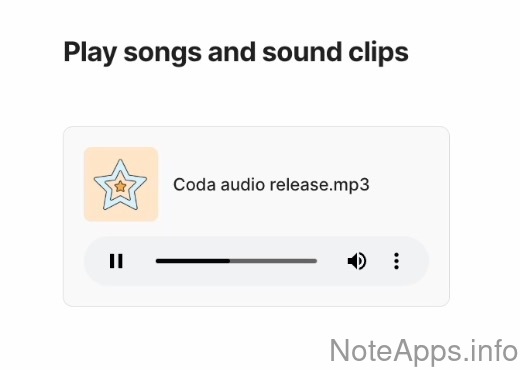
Superhuman Docs: Audio playback screenshot
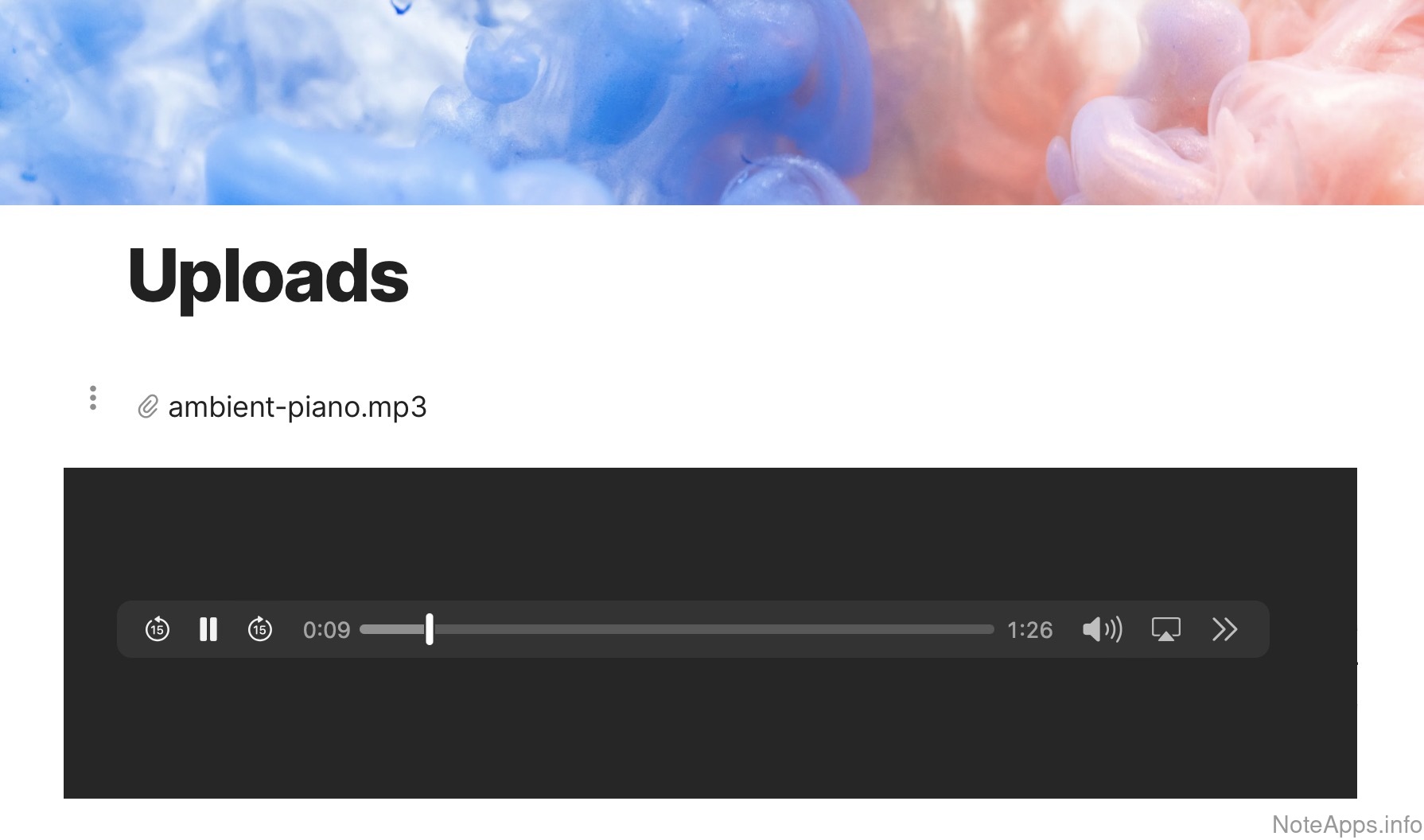
Audio playback
Audio can be placed in a note with embedded controls to start and stop the audio
Read provider description
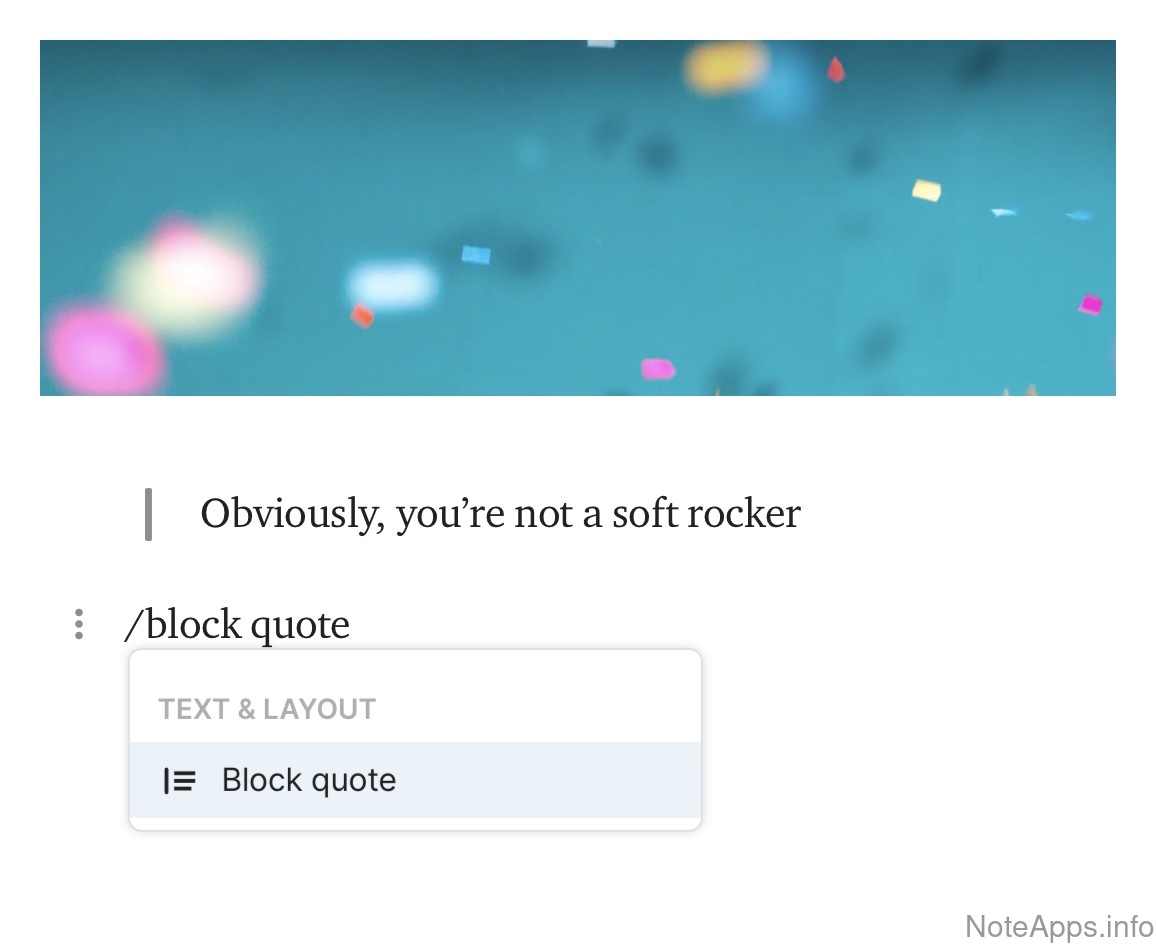
Superhuman Docs: Block quote screenshot
Block quote
a vertical bar formatted to the left of the selected text allows for an indented "quote" styling
Read provider description
Superhuman Docs: Bold screenshot
Bold
a formatting text style that gives a thicker weight to the letters
Read provider description
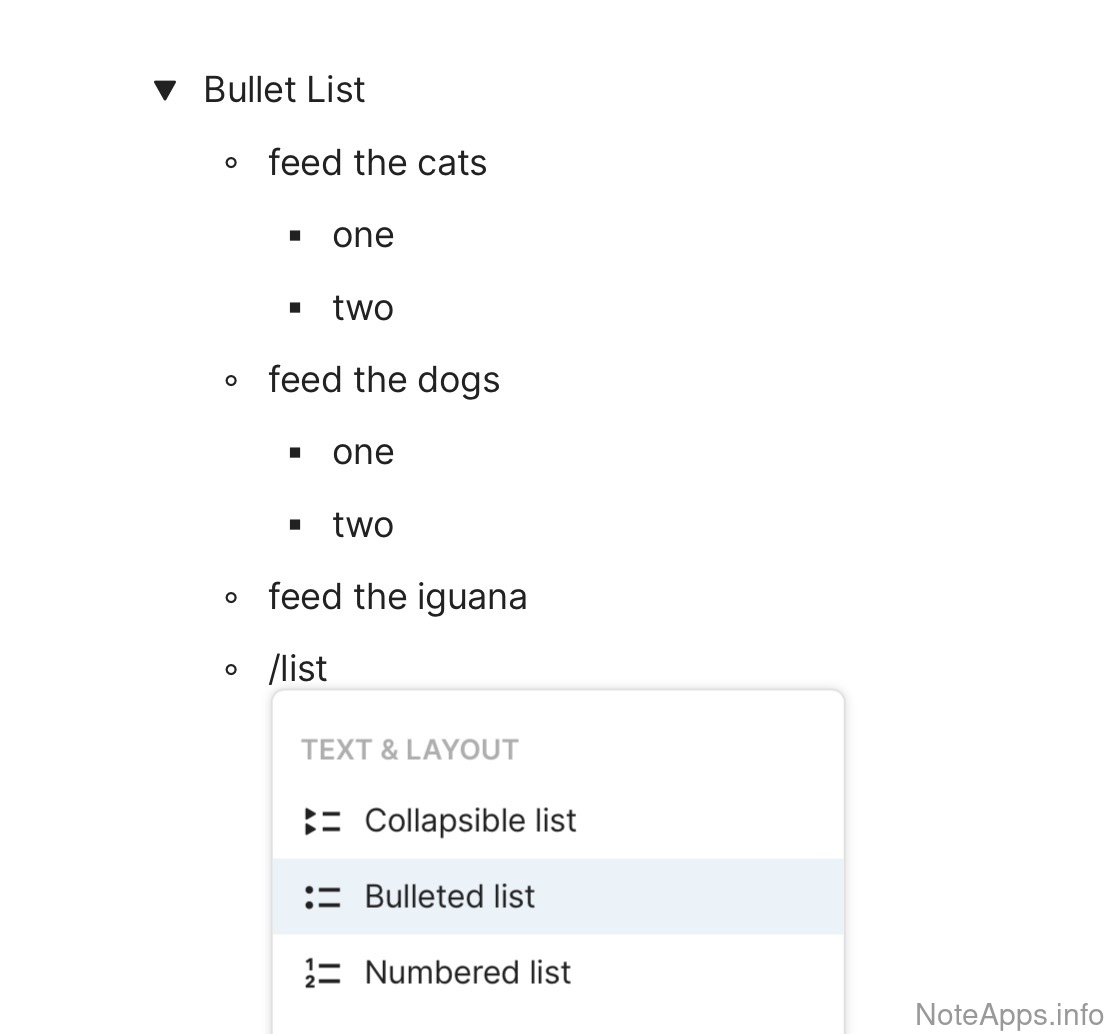
Superhuman Docs: Bullet list screenshot
Bullet list
dotted points are used at the beginning of a paragraph to assemble unordered lists
Read provider description
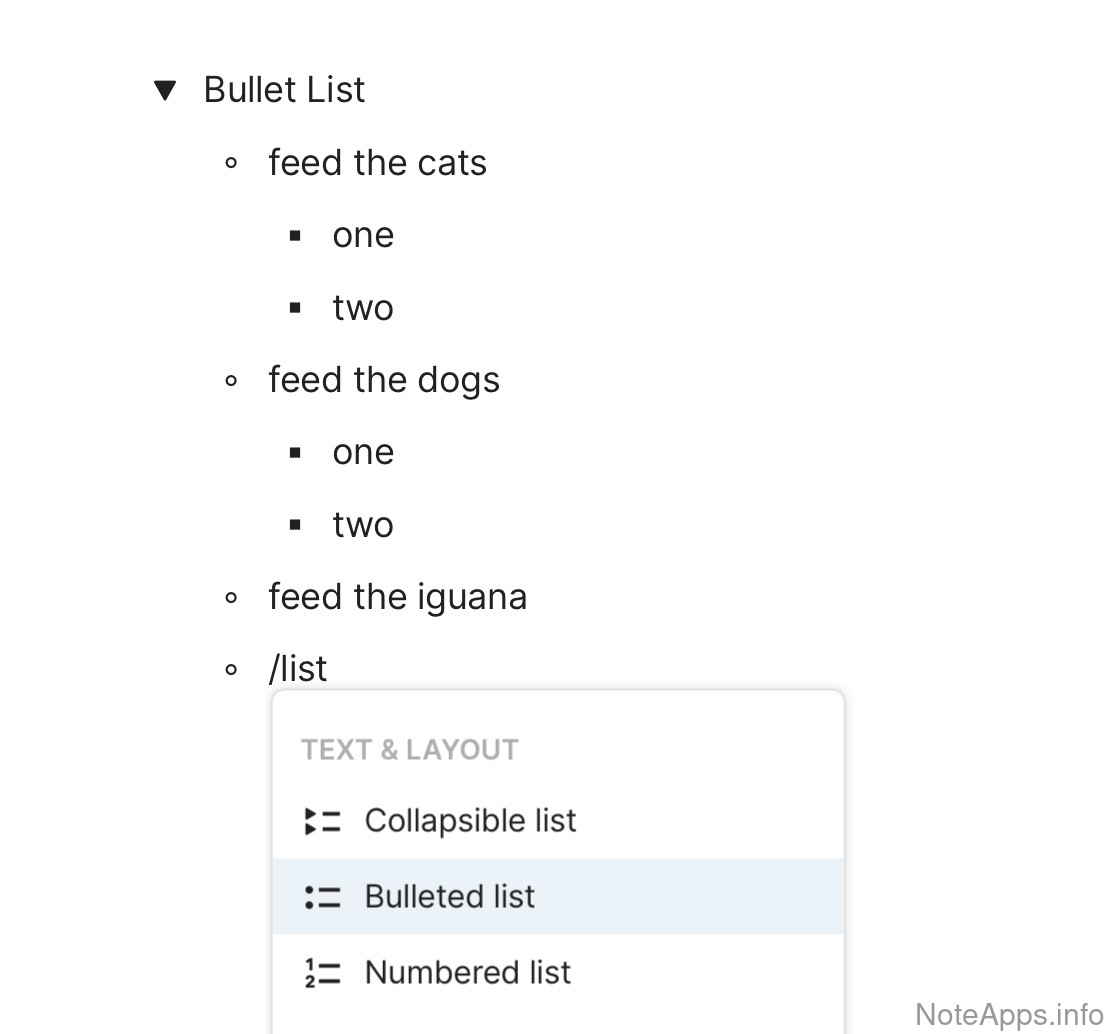
Superhuman Docs: Bullet list => Nested bullet list screenshot
Bullet list =>
Nested bullet list
A sub-list contained within an unordered list
Read provider description
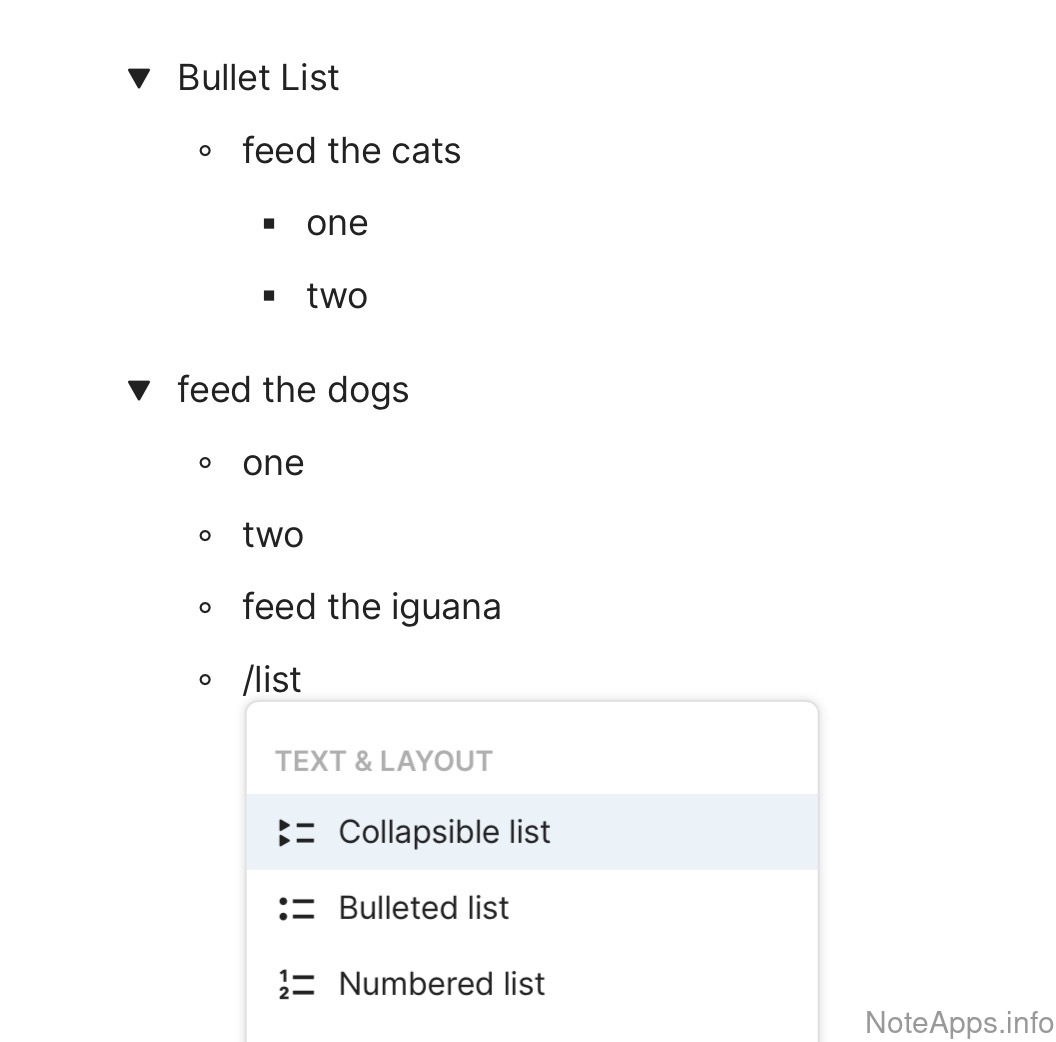
Superhuman Docs: Bullet list => Nested bullet list => Foldable list screenshot
Bullet list => Nested bullet list =>
Foldable list
Bullet items can be "folded," "collapsed" or "contracted" such that their nested content is hidden from view
Read provider description
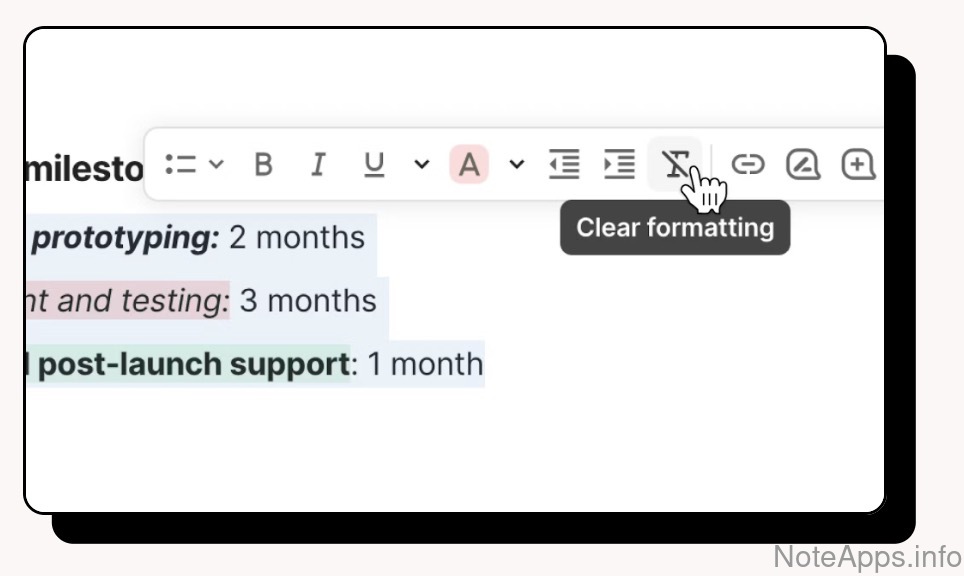
Superhuman Docs: Clear formatting screenshot
Clear formatting
There is a hot key or icon to remove all text formatting currently applied
Read provider description
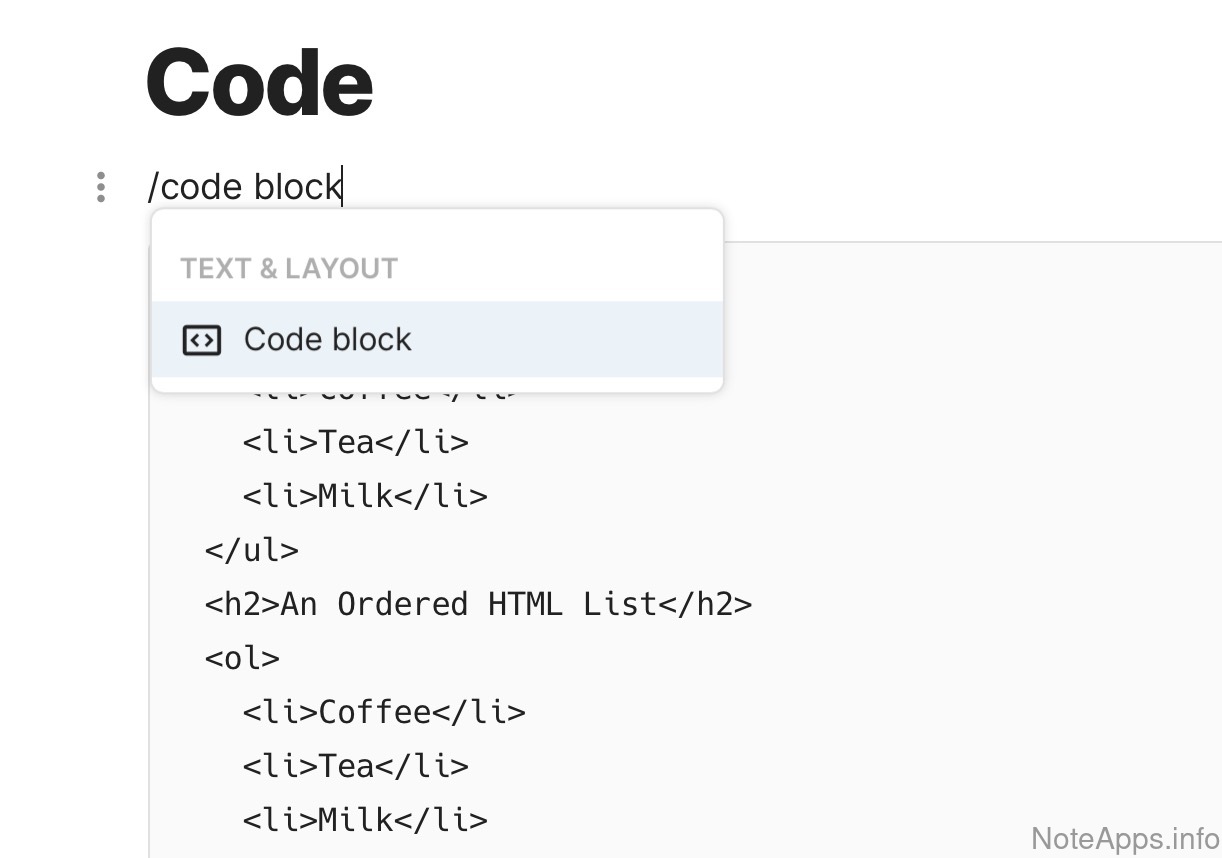
Superhuman Docs: Code screenshot
Code
Format the text as source code
Read provider description
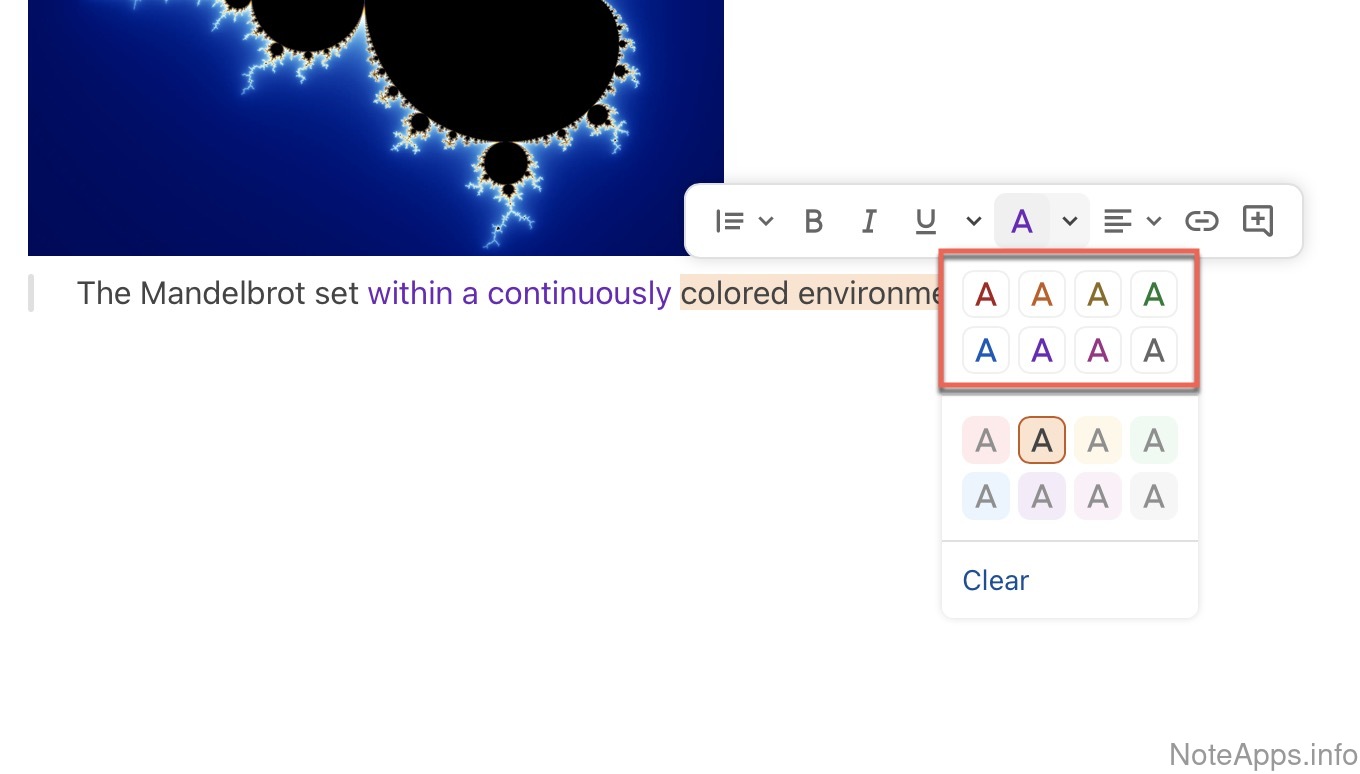
Superhuman Docs: Colored text screenshot
Colored text
Excluding text that gets colored as a side effect of some other formatting feature listed (e.g., highlight)
Read provider description
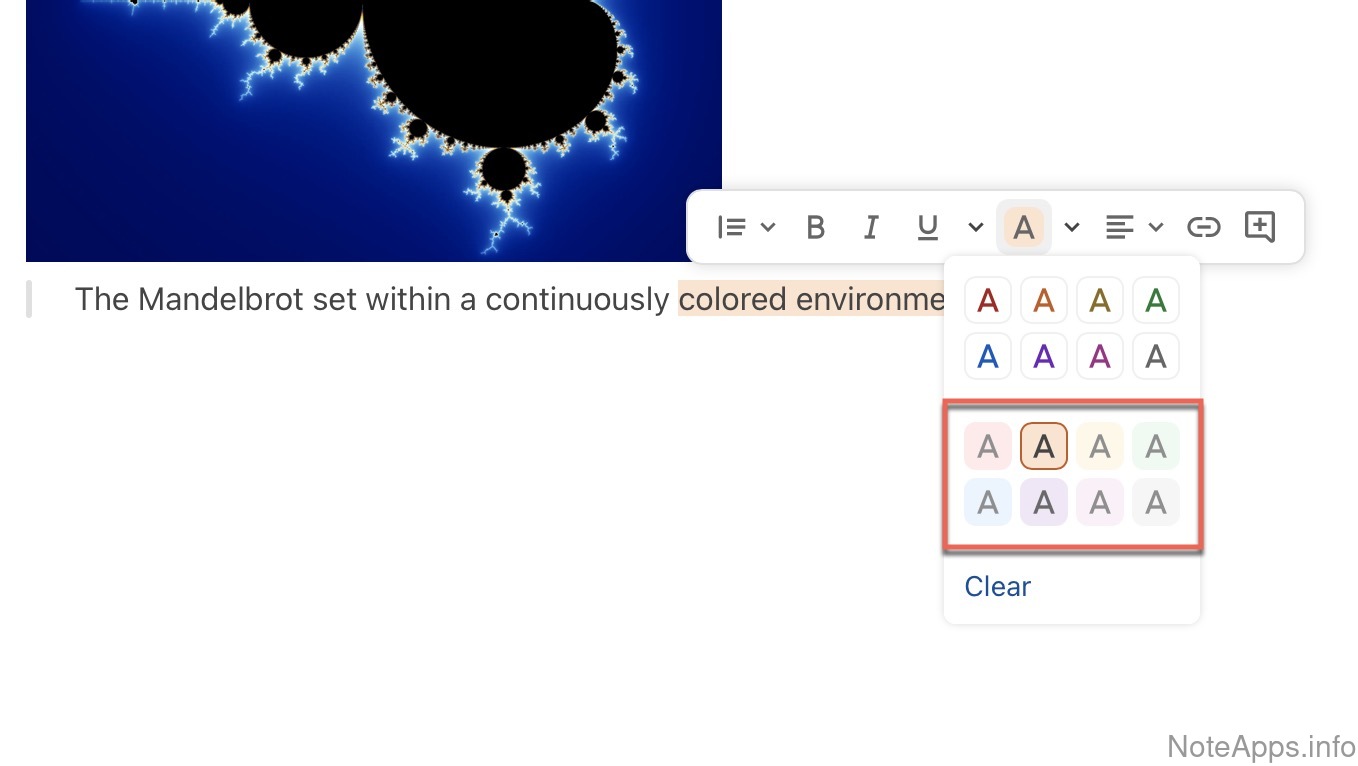
Superhuman Docs: Colored text => Background coloring screenshot
Colored text =>
Background coloring
There exists a means to recolor the background behind specific text in more than one color
Read provider description
Superhuman Docs: Columns screenshot
Columns
Note content can be laid out in multiple columns without any visible borders (i.e., not in a table)
Superhuman Docs: Foldable headers ("Outline mode") screenshot
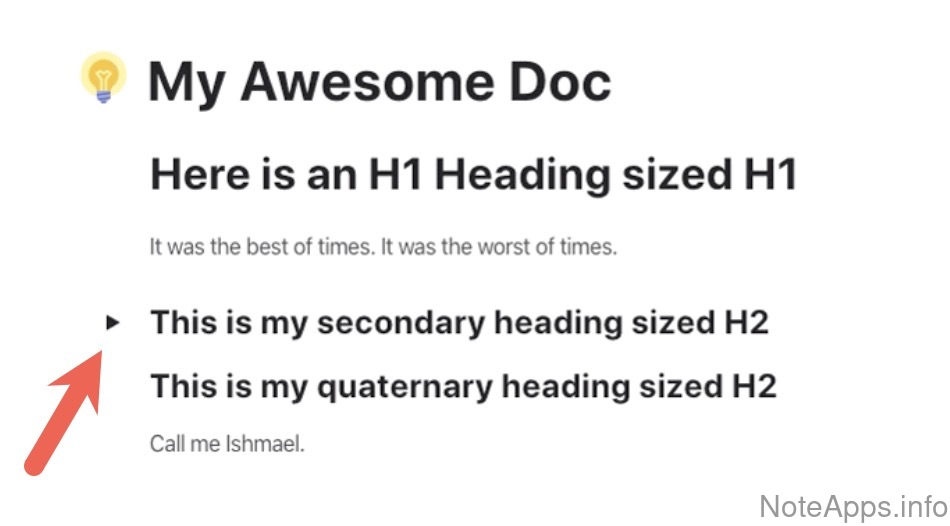
Foldable headers ("Outline mode")
Note body text can be "collapsed," "contracted," "folded" or otherwise hidden under its (non-bullet list) header
Read provider description
Superhuman Docs: Font size screenshot
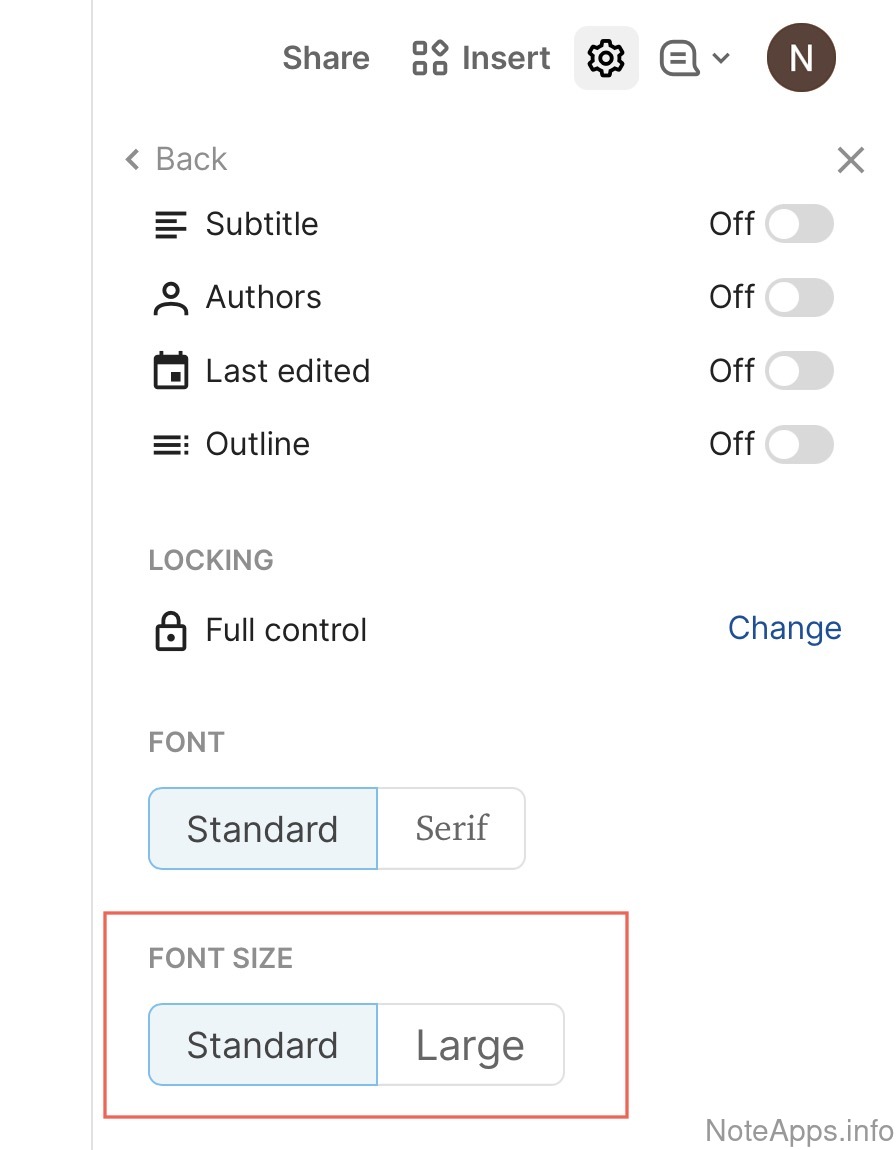
Font size
Can font size be explicitly set? I.e., not just through setting it as a header
Read provider description
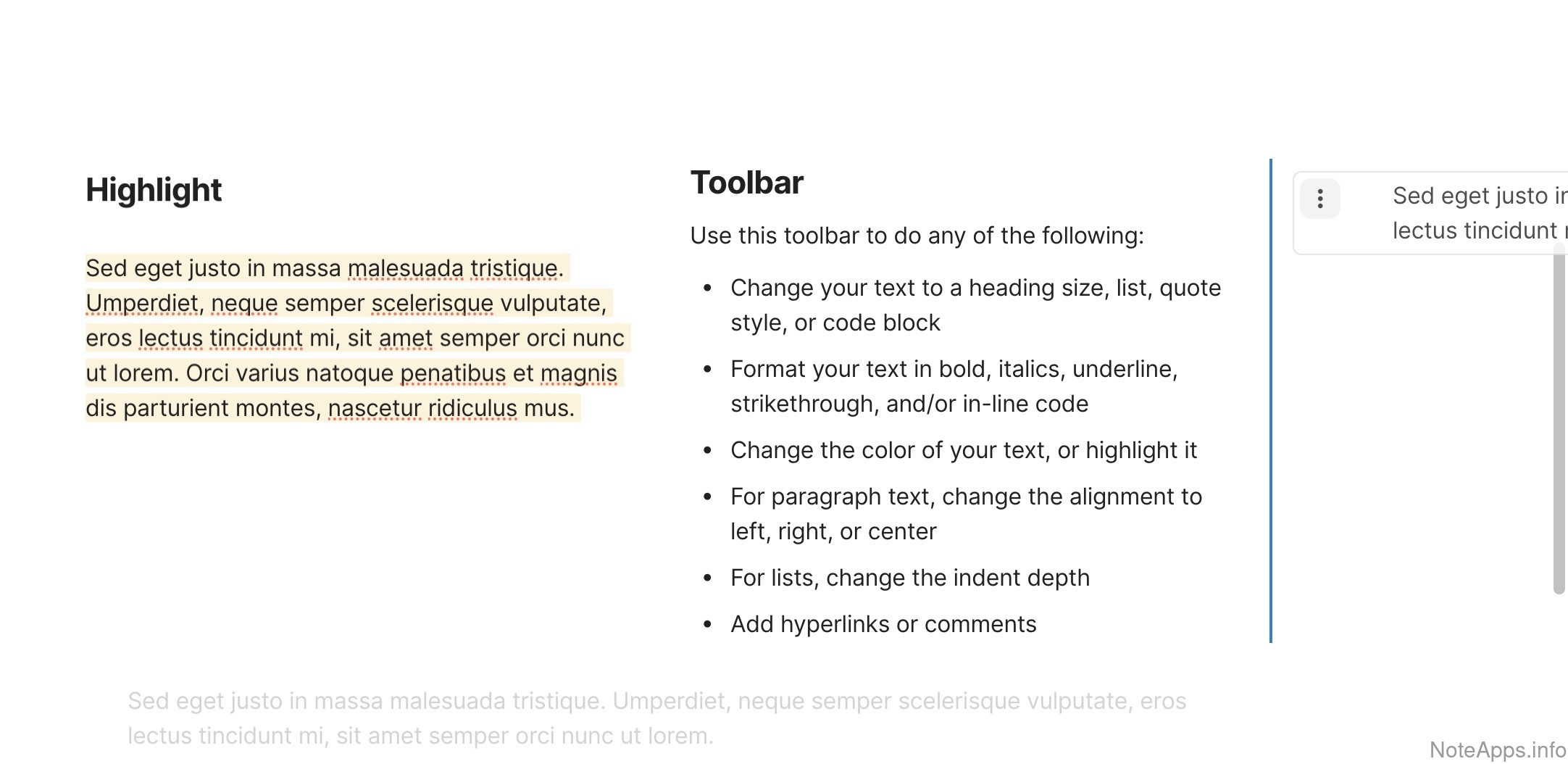
Superhuman Docs: Highlight screenshot
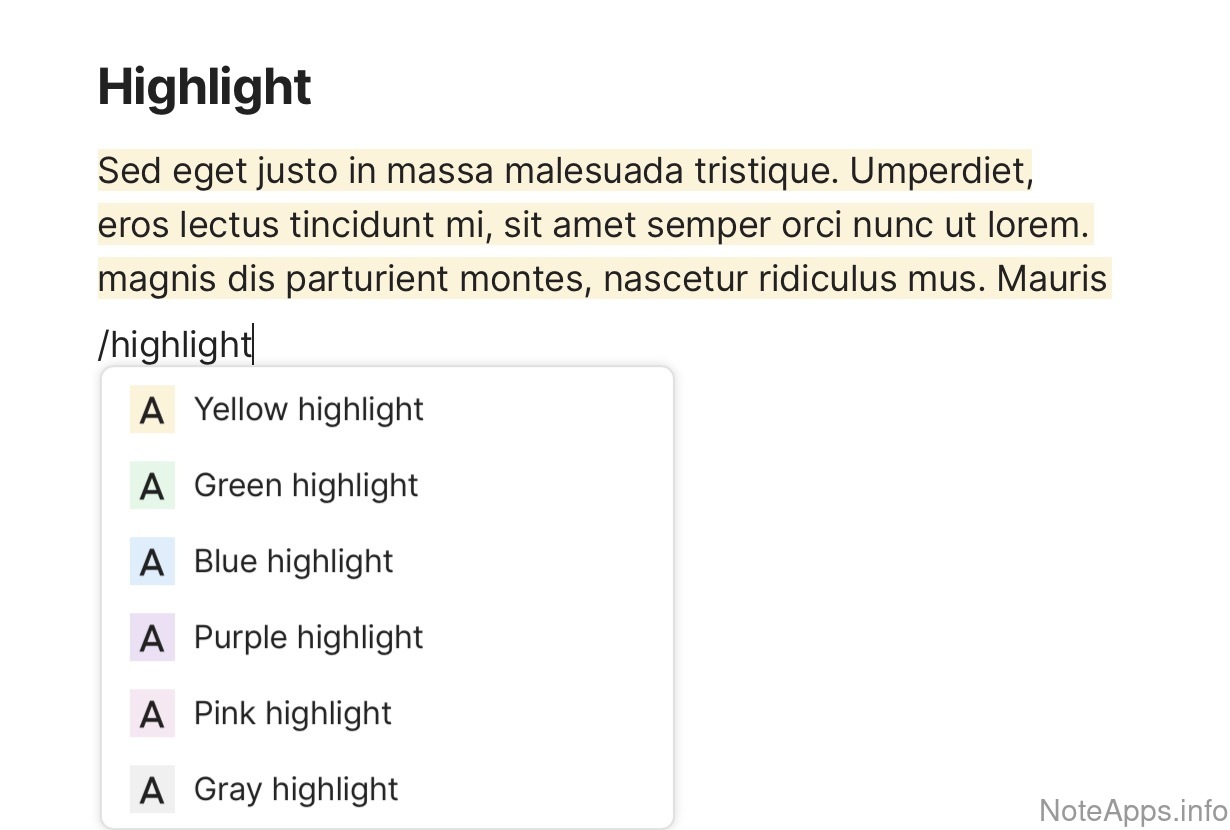
Highlight
Selected text can show a colored background
Read provider description
Superhuman Docs: Indent screenshot
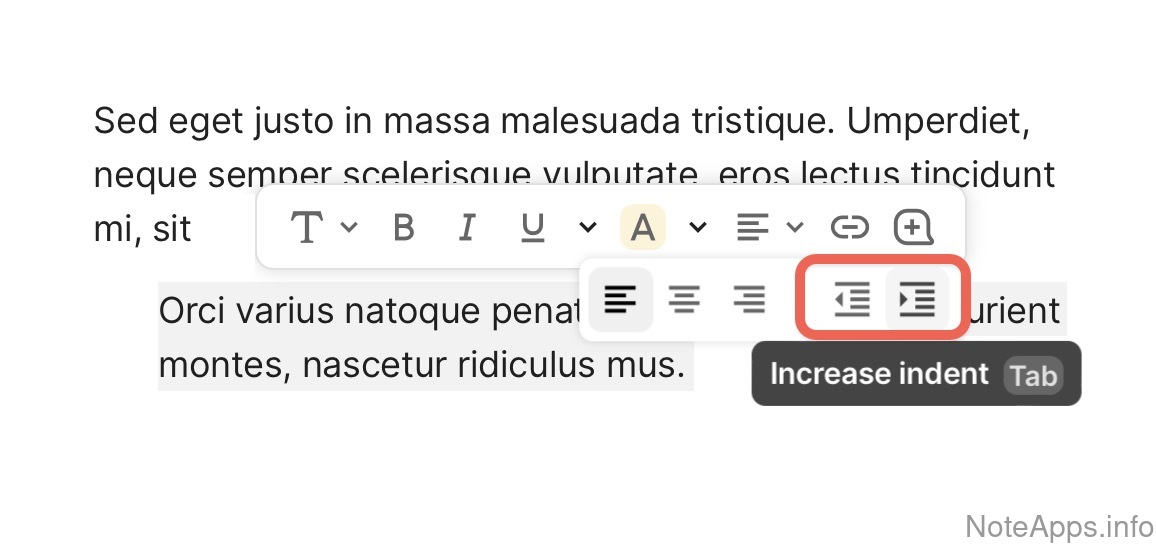
Indent
Text can be indented (without bullets, block quote, or other incidental features)
Superhuman Docs: Italic screenshot
Italic
A formatting text style that slants the letters evenly to the right
Read provider description
Superhuman Docs: LaTeX/KaTeX screenshot
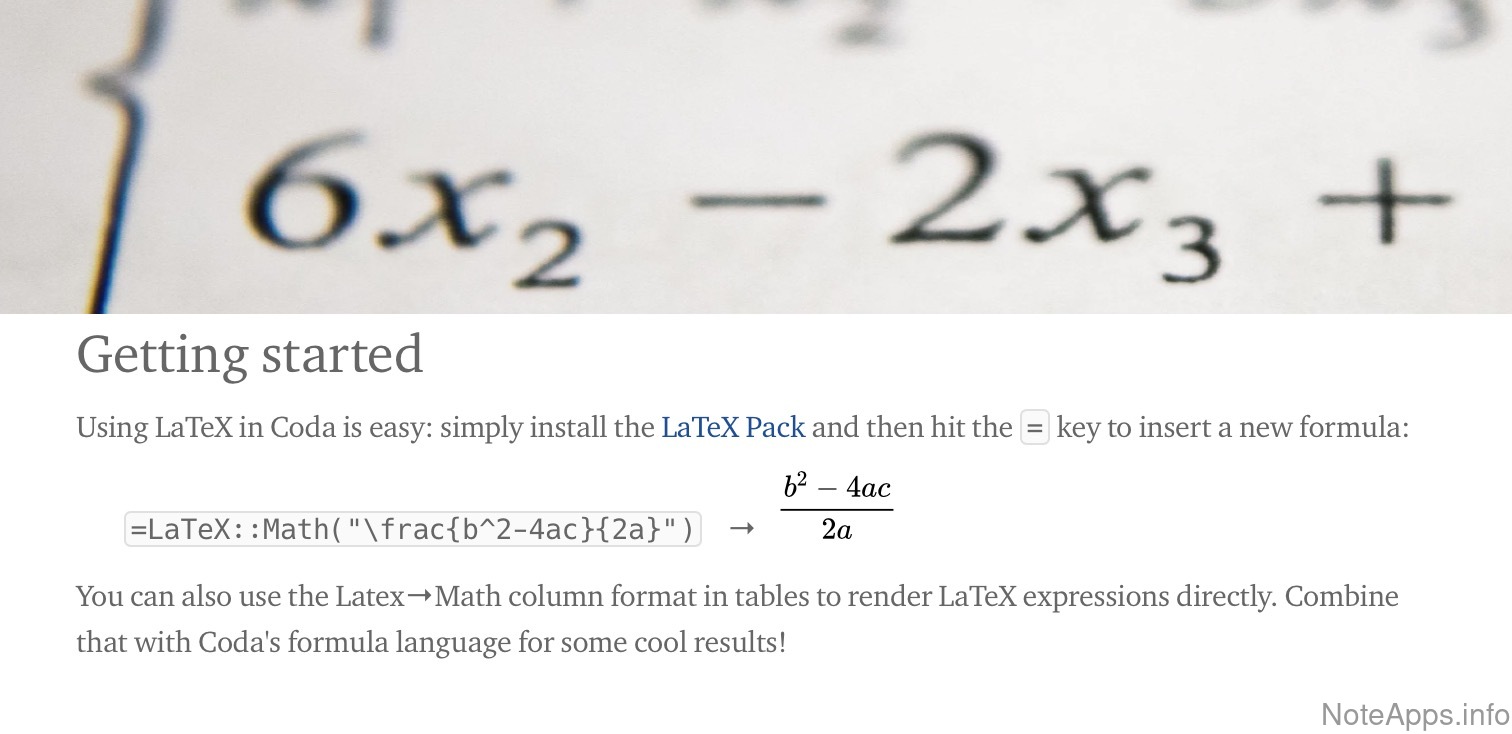
LaTeX/KaTeX
Tex extensions commonly used for expressing mathematics
Read provider description
Superhuman Docs: Line divider screenshot
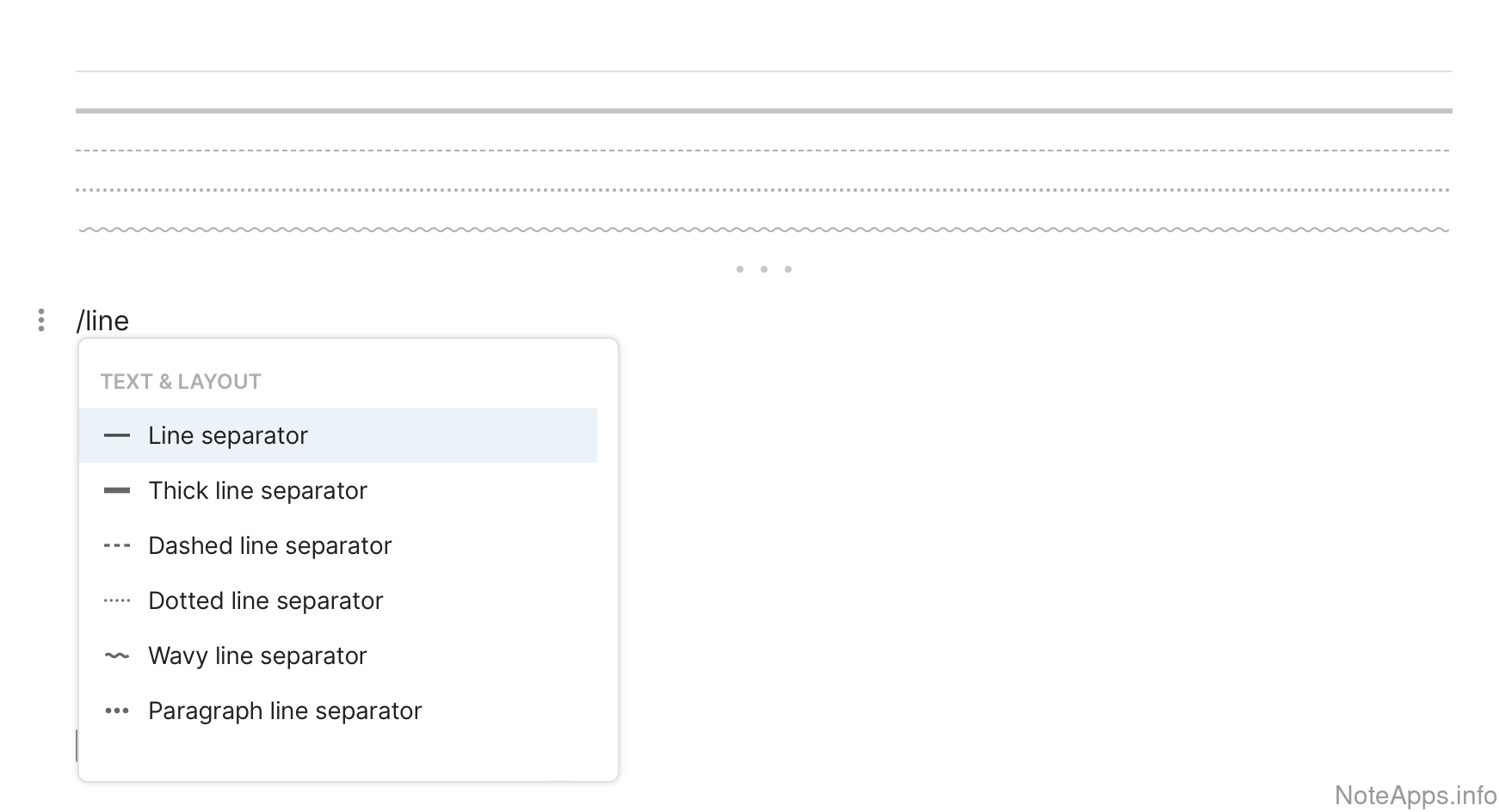
Line divider
A horizontal rule that can delineate between text blocks
Read provider description
Superhuman Docs: Literal screenshot
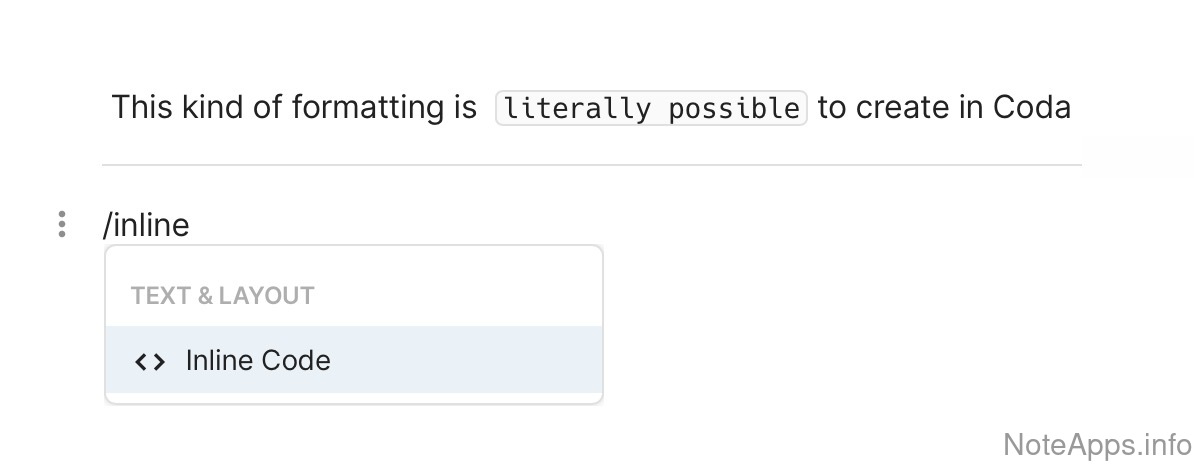
Literal
A monospace font with its own background color can be invoked without breaking a line. Sometimes referred to as "inline code"
Read provider description
Superhuman Docs: Markdown screenshot
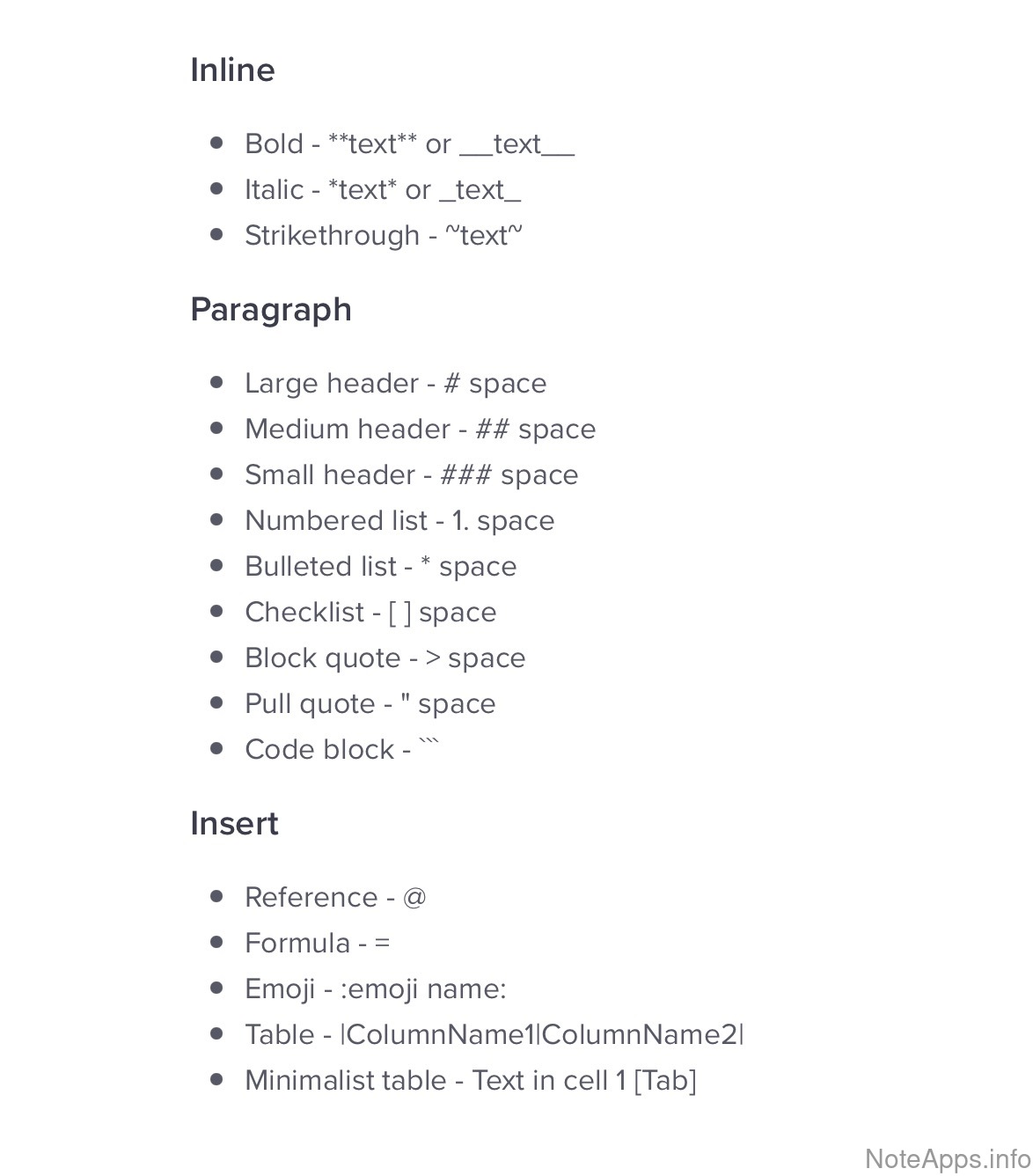
Markdown
All common markdown formatting is recognized by the note editor
Read provider description
Superhuman Docs: Numbered list screenshot
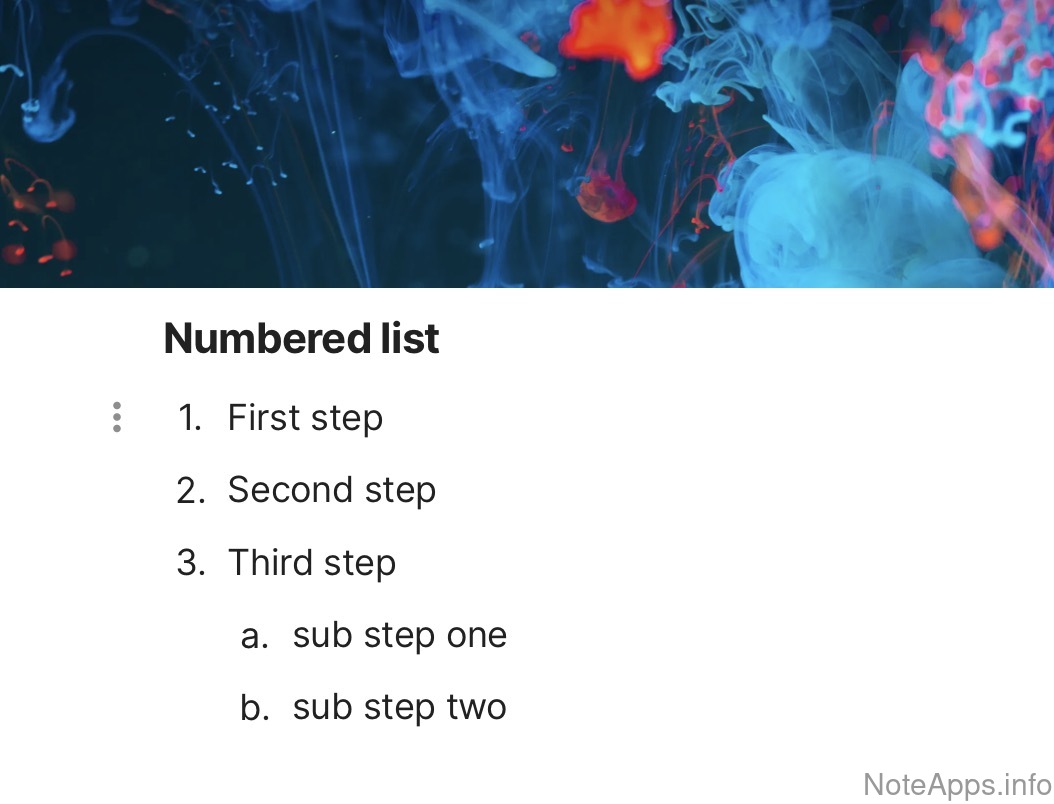
Numbered list
Numbers are used at the beginning of the line to assemble ordered lists
Read provider description
Superhuman Docs: Numbered list => Nested (indented) numbered list screenshot
Numbered list =>
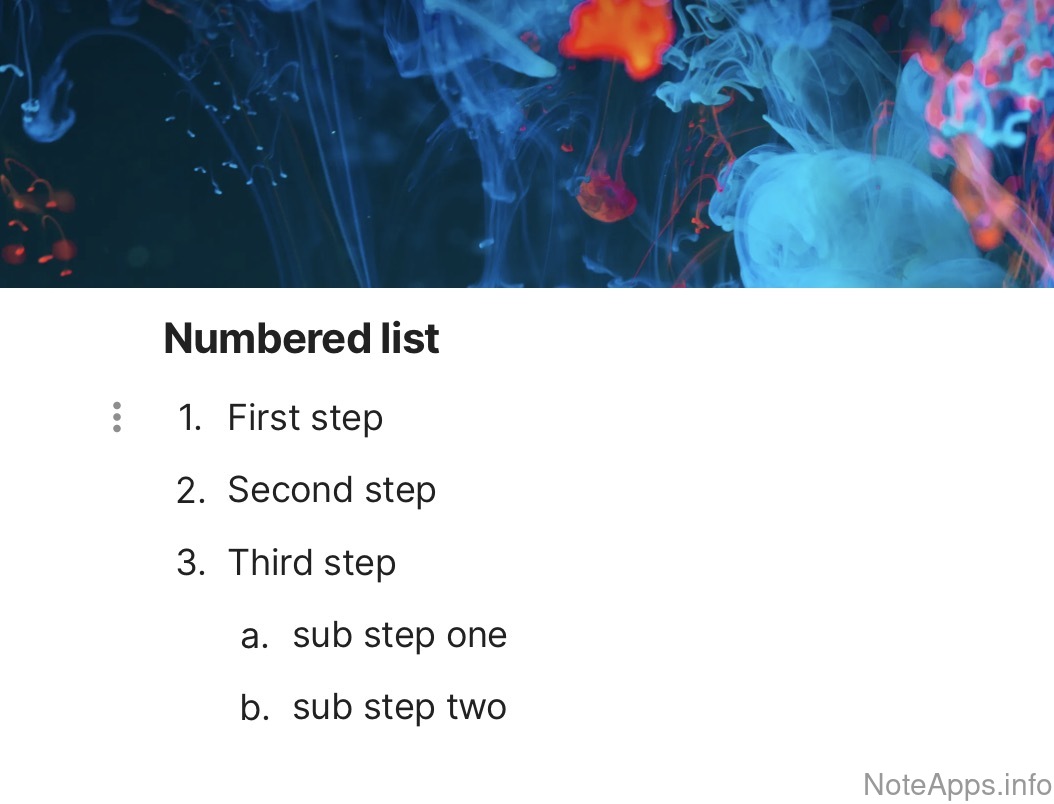
Nested (indented) numbered list
A sub-list contained within an ordered list
Read provider description
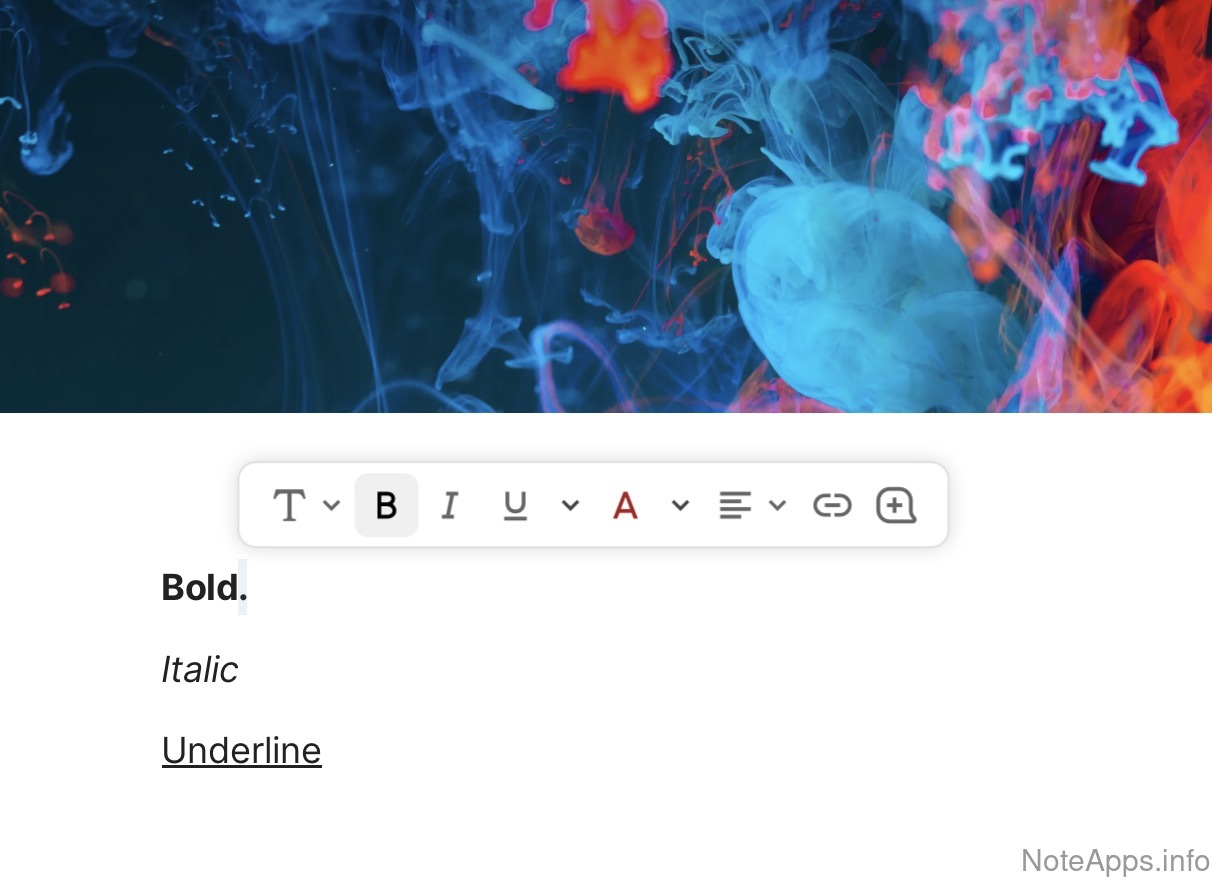
Superhuman Docs: Selection formatting menu screenshot
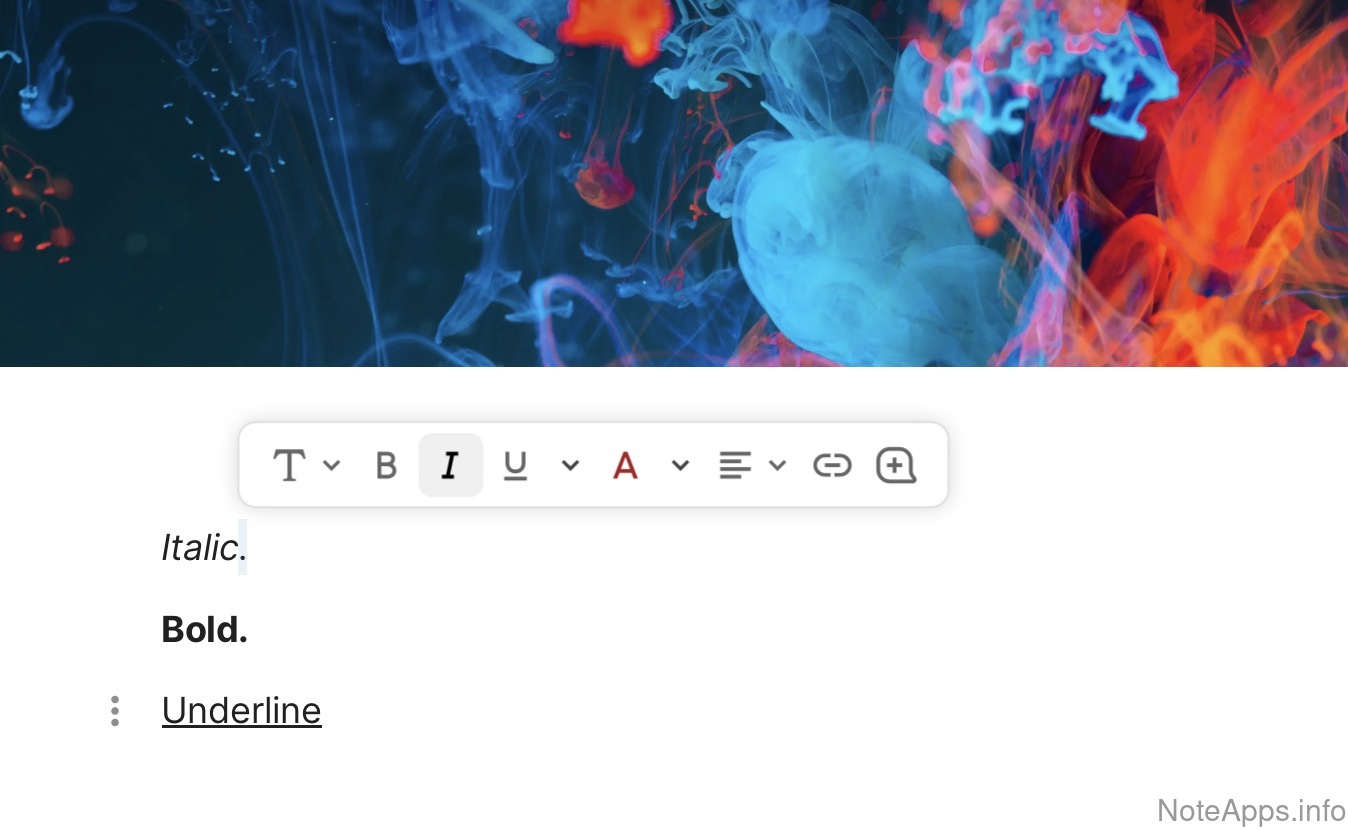
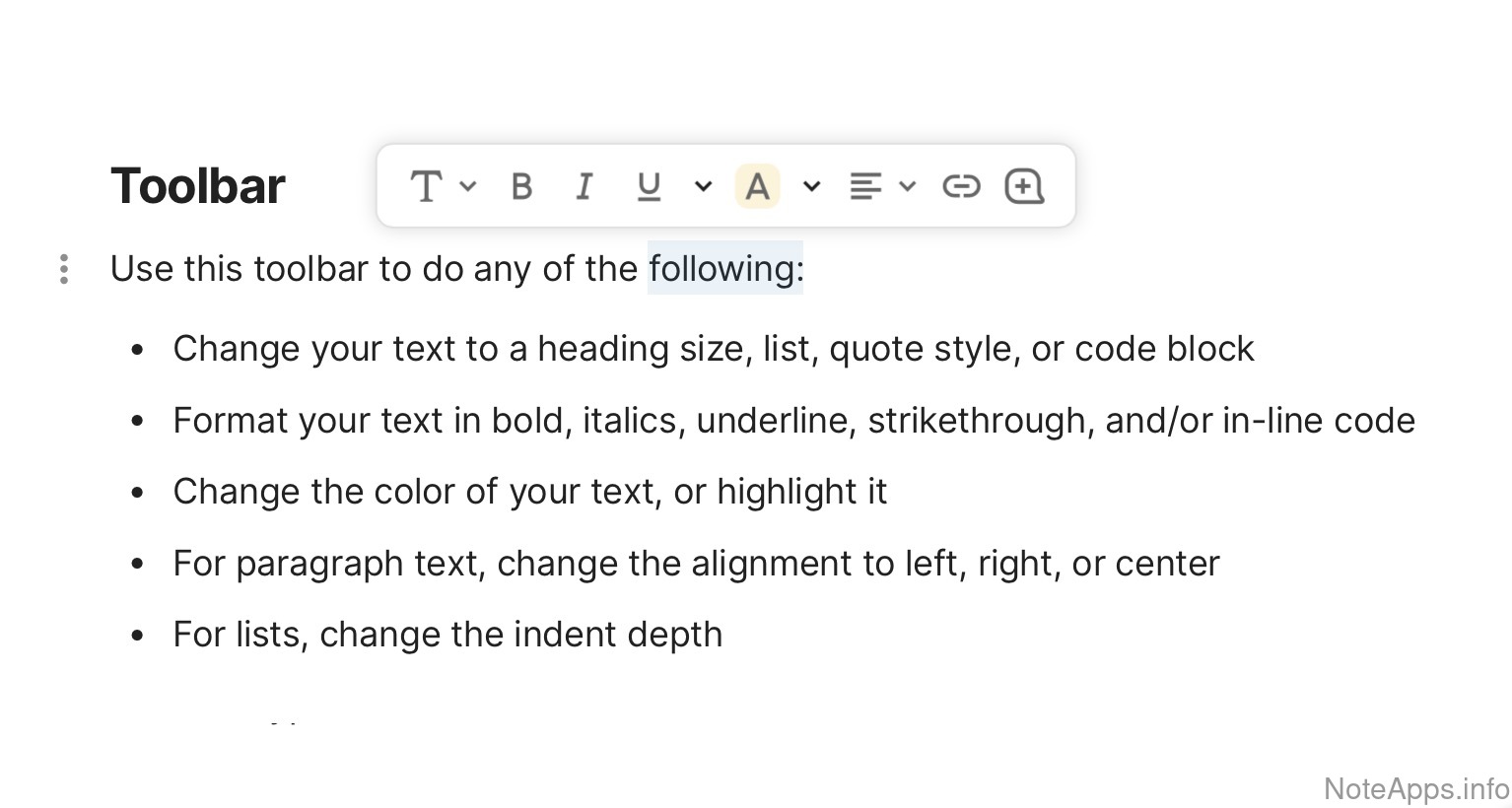
Selection formatting menu
A compact, inline formatting bar which remains hidden until text is highlighted
Read provider description
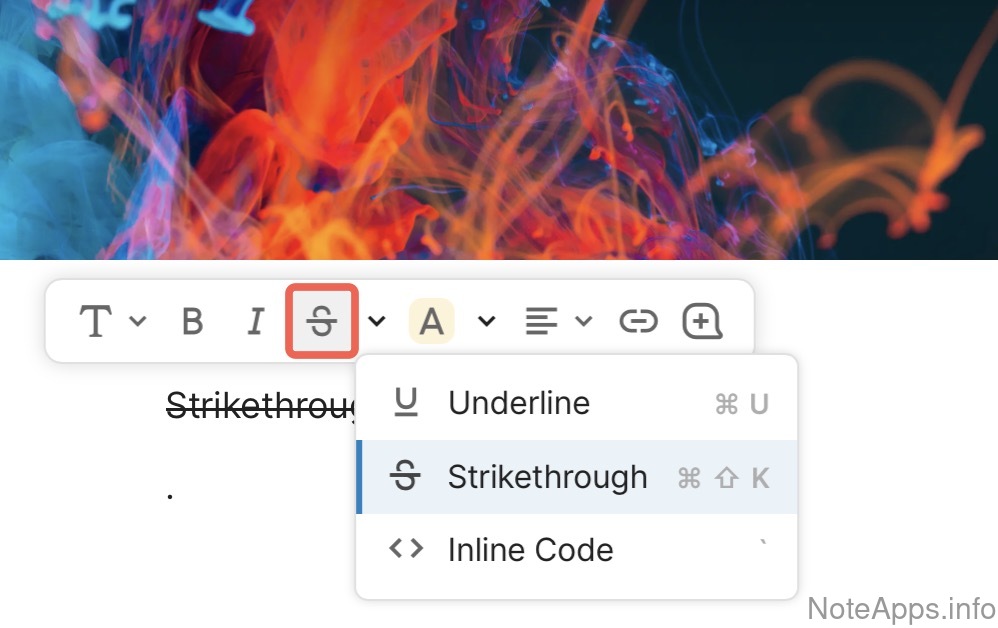
Superhuman Docs: Strikethrough screenshot
Strikethrough
a line can be placed through a word or sentence
Read provider description
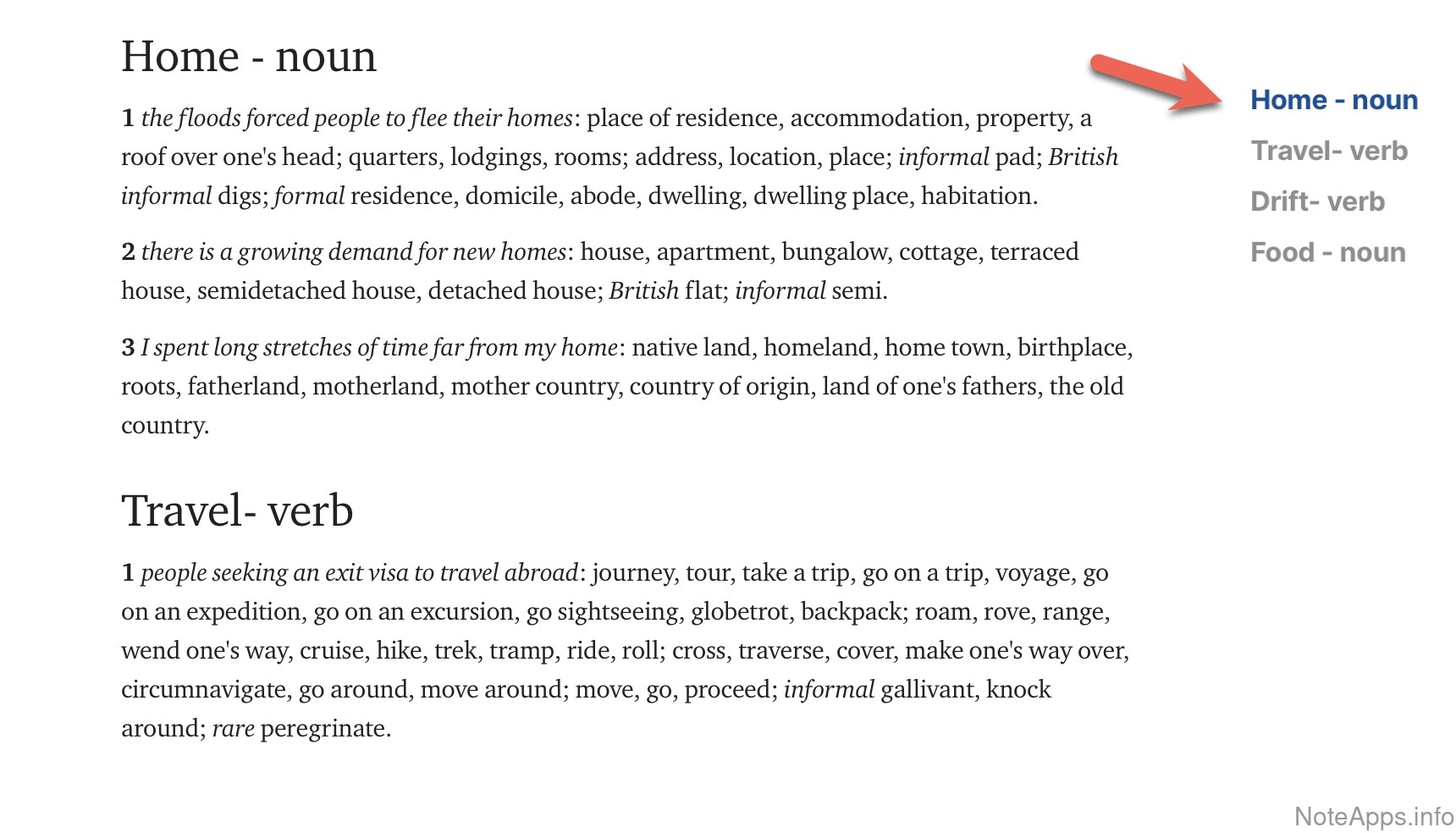
Superhuman Docs: Table of contents screenshot
Table of contents
A set of links to each header in the note can be inserted into the note or sidebar
Read provider description
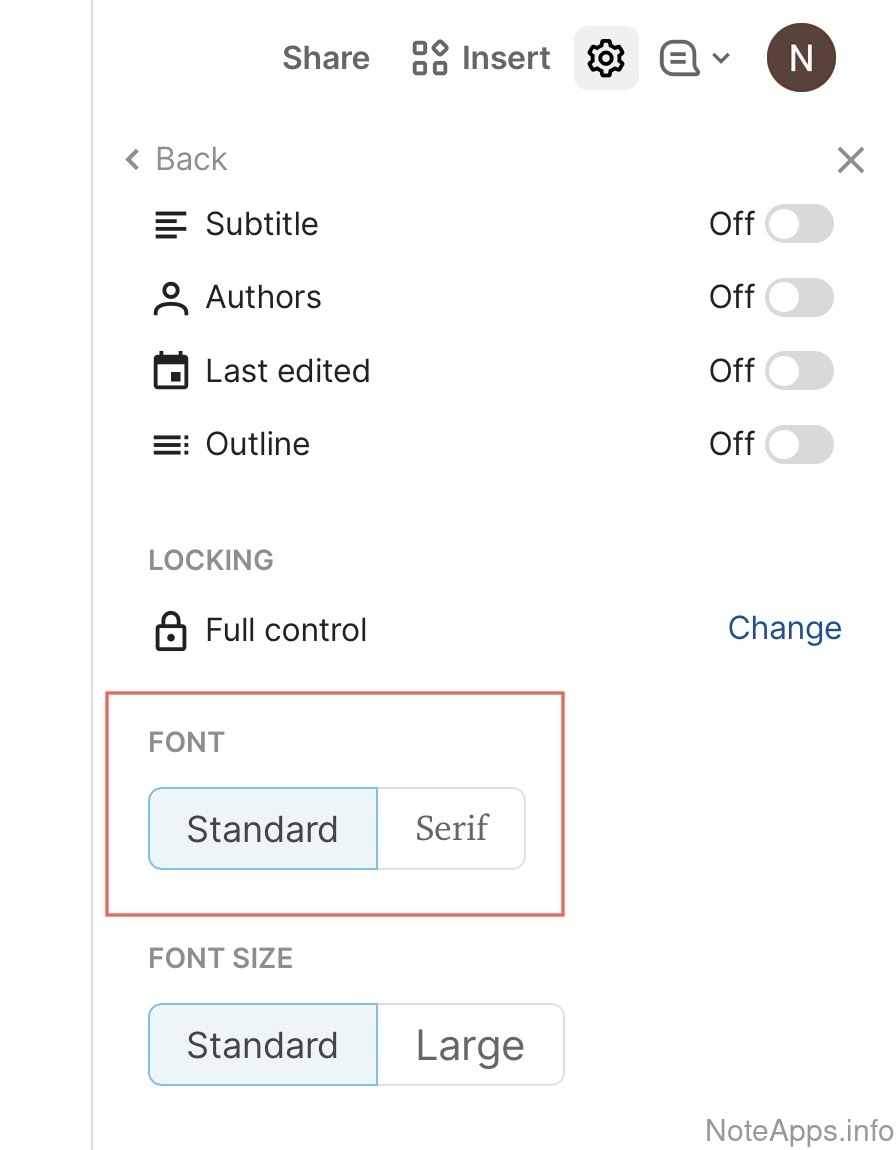
Superhuman Docs: Typeface/Font face screenshot
Typeface/Font face
User can choose an explicit font (not just a theme) to restyle text
Read provider description
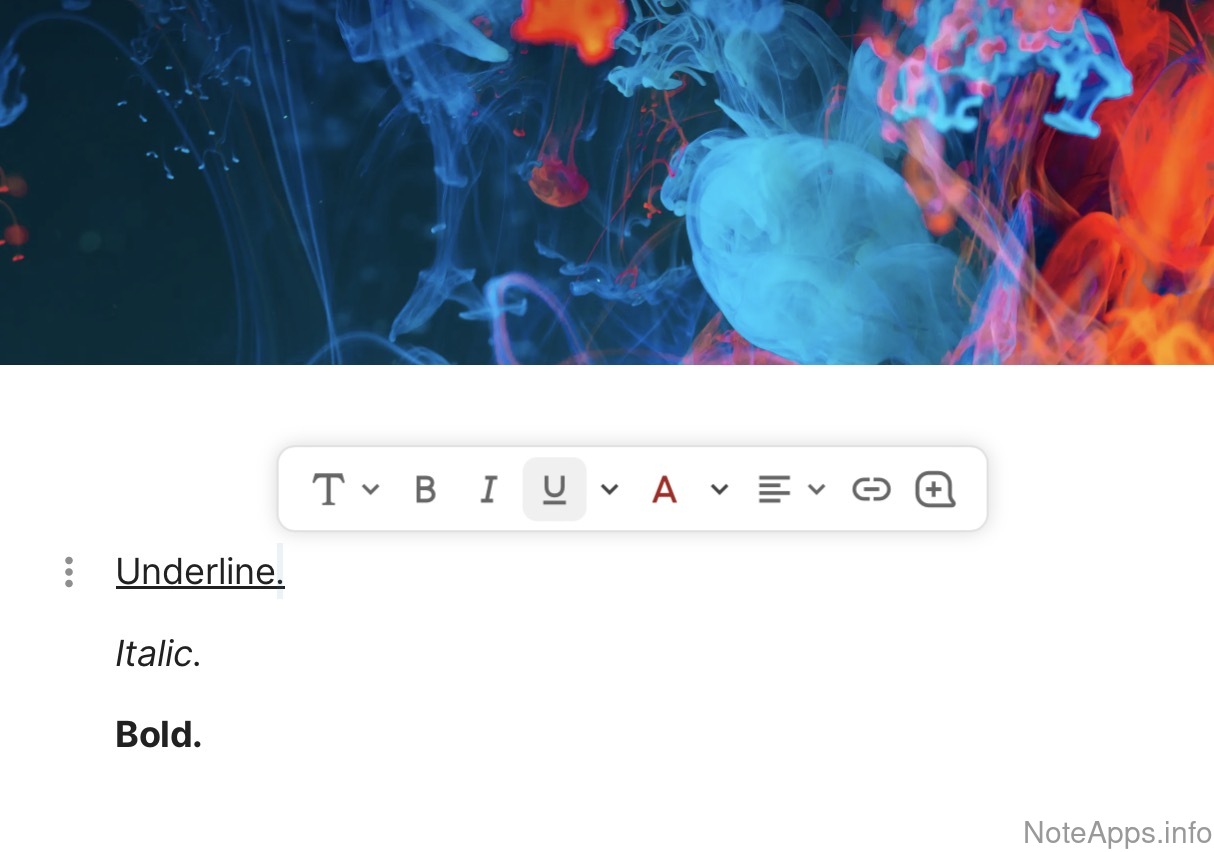
Superhuman Docs: Underline screenshot
Underline
a line can be placed underneath a word or sentence
Read provider description
Superhuman Docs: Video playback screenshot
Video playback
Videos can be placed in the body of a note, with controls to start and stop the video
Read provider description
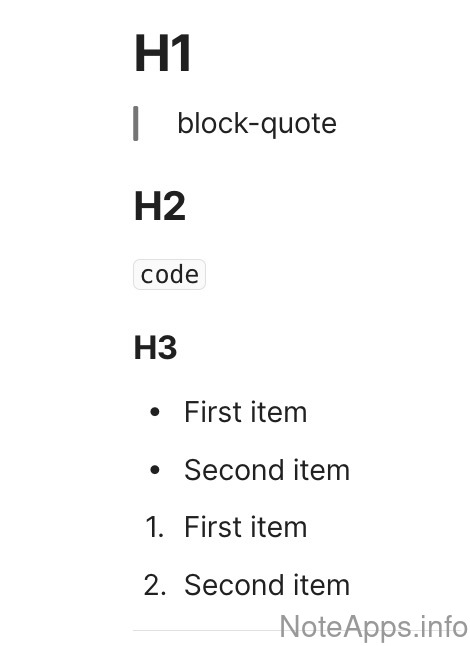
Superhuman Docs: h1/h2/h3 screenshot
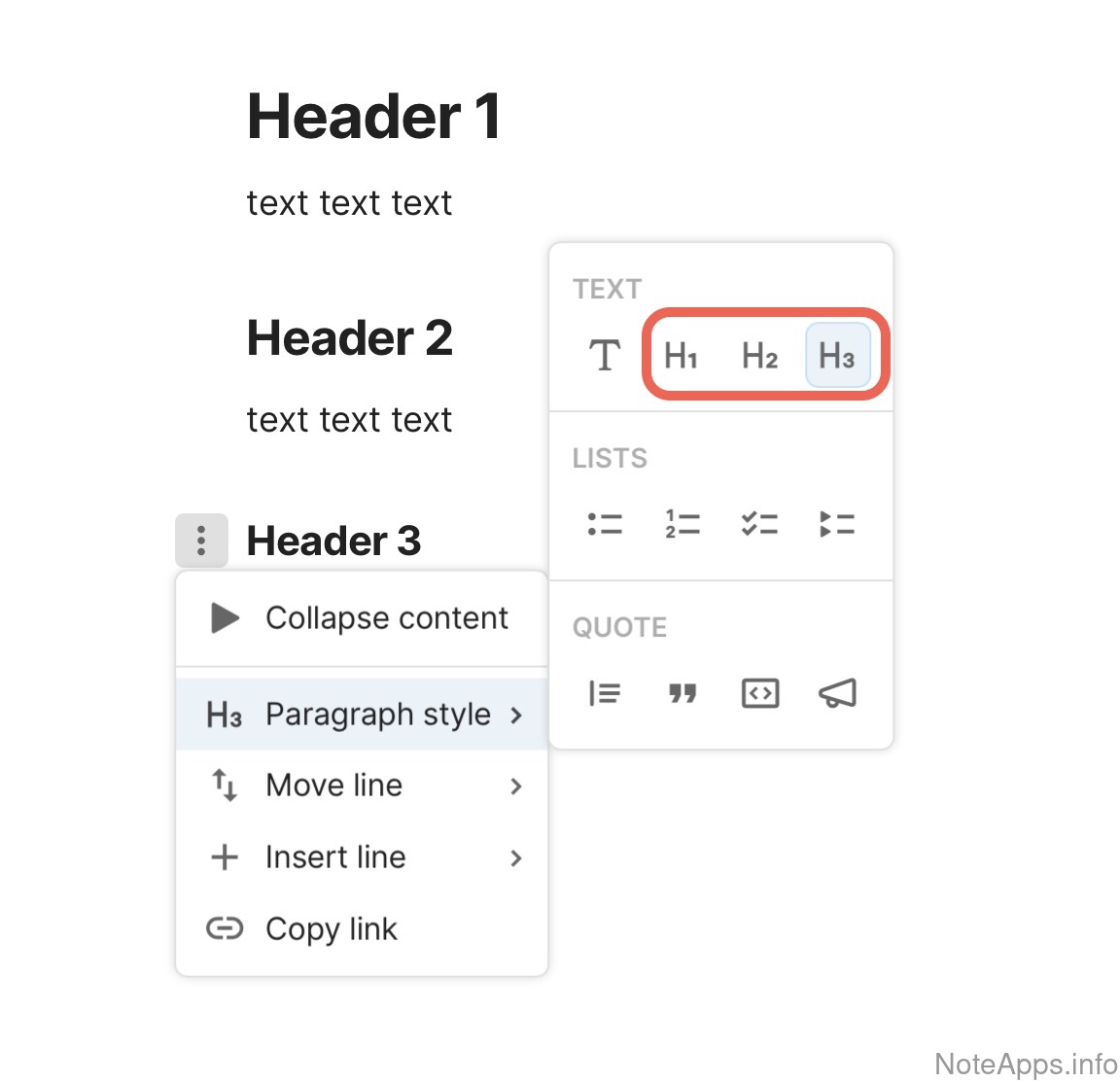
h1/h2/h3
Header formatting
Read provider description
Code =>
Auto-indented code
As text is written in the code block, the level of indentation survives an "enter" press
Code =>
Code highlighting
Apply visual styles (like colors or font styles) to the code
Code => Code highlighting =>
Language-specific code highlighting
Multiple languages can be selected to define the code syntax highlighting
Drawing/Handwriting
App provides a built-in means by which to capture user drawings, sketches, or handwriting
Drawing/Handwriting =>
Handwriting to text
Drawn content from within the app can be translated into text
Fixed formatting bar
A permanent text selection formatting menu is available at the top or bottom of the editor
Footnotes
Text or images can be linked from a particular string of text in the note (not just URLs)
RTL Language Support
Text formatting can be toggled between left to right and right to left in the editor
Superscript & subscript
text characters are smaller than regular text, and are set below the baseline (subscript), or above the baseline (superscript), commonly used for mathematical expression
Text alignment
Text can be explicitly designated as "center"-aligned, "right"-aligned or "justified"
Whiteboard view
An open canvas view where blocks of text, images, and other content can be dragged to any horizontal or vertical coordinate
Images
Compare to others
What functionality specific to images is possible?
Superhuman Docs: Annotation text screenshot
Annotation text
A formatted caption can be added beneath an image
Superhuman Docs: Can be cropped screenshot
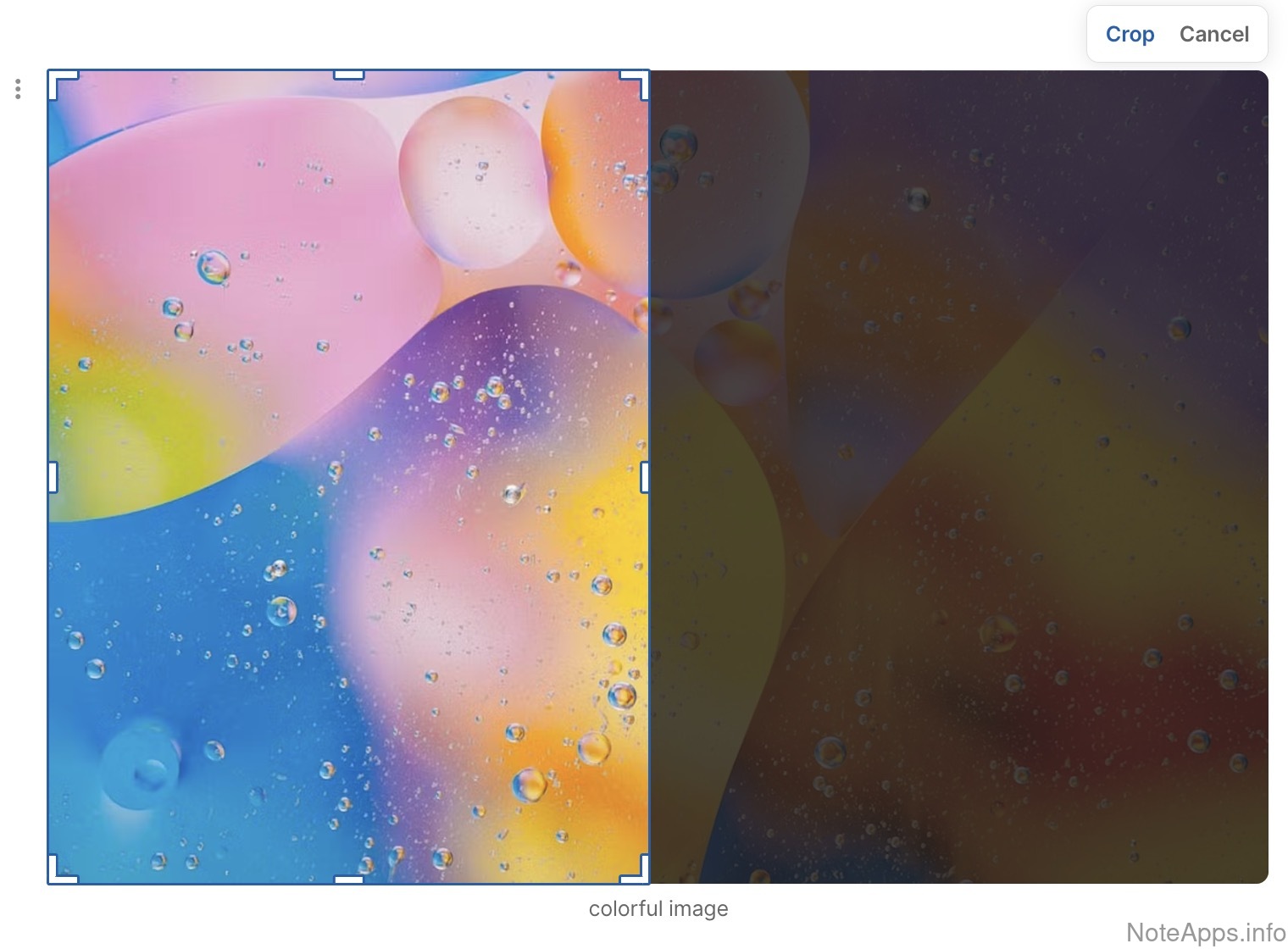
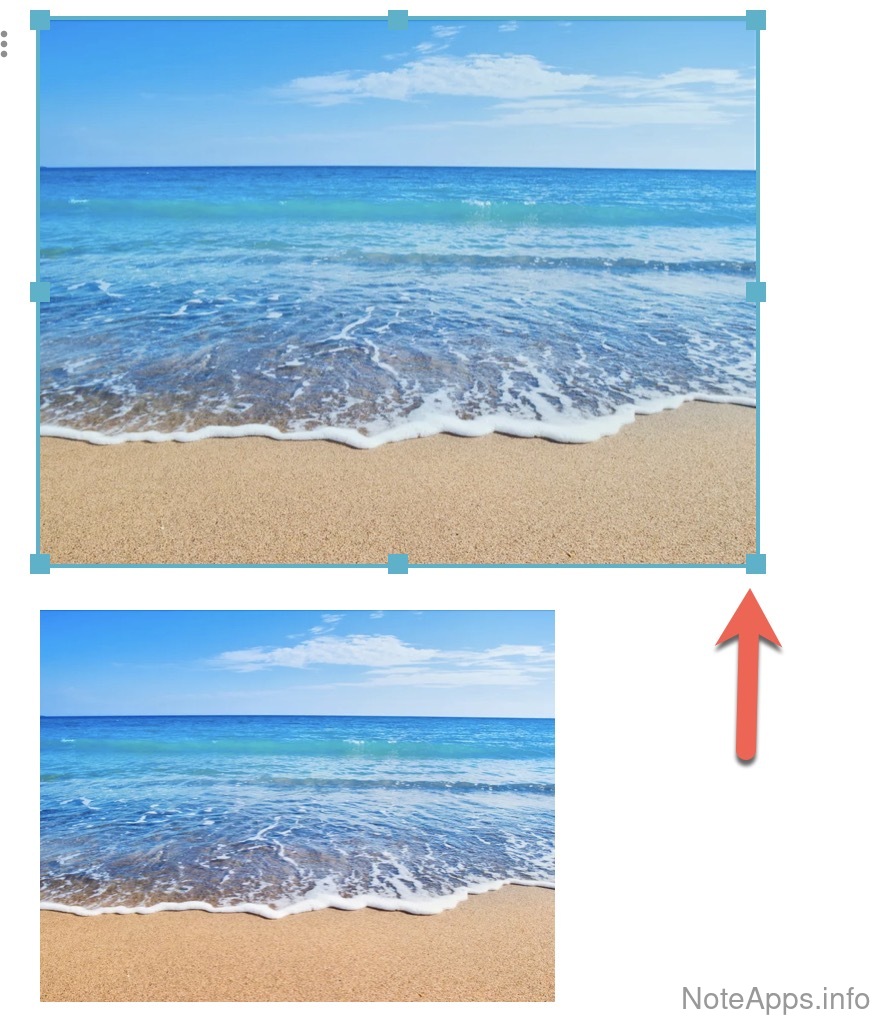
Can be cropped
An image in a note can be cropped with built-in editing tools (e.g., to remove its left half)
Superhuman Docs: Can be resized screenshot
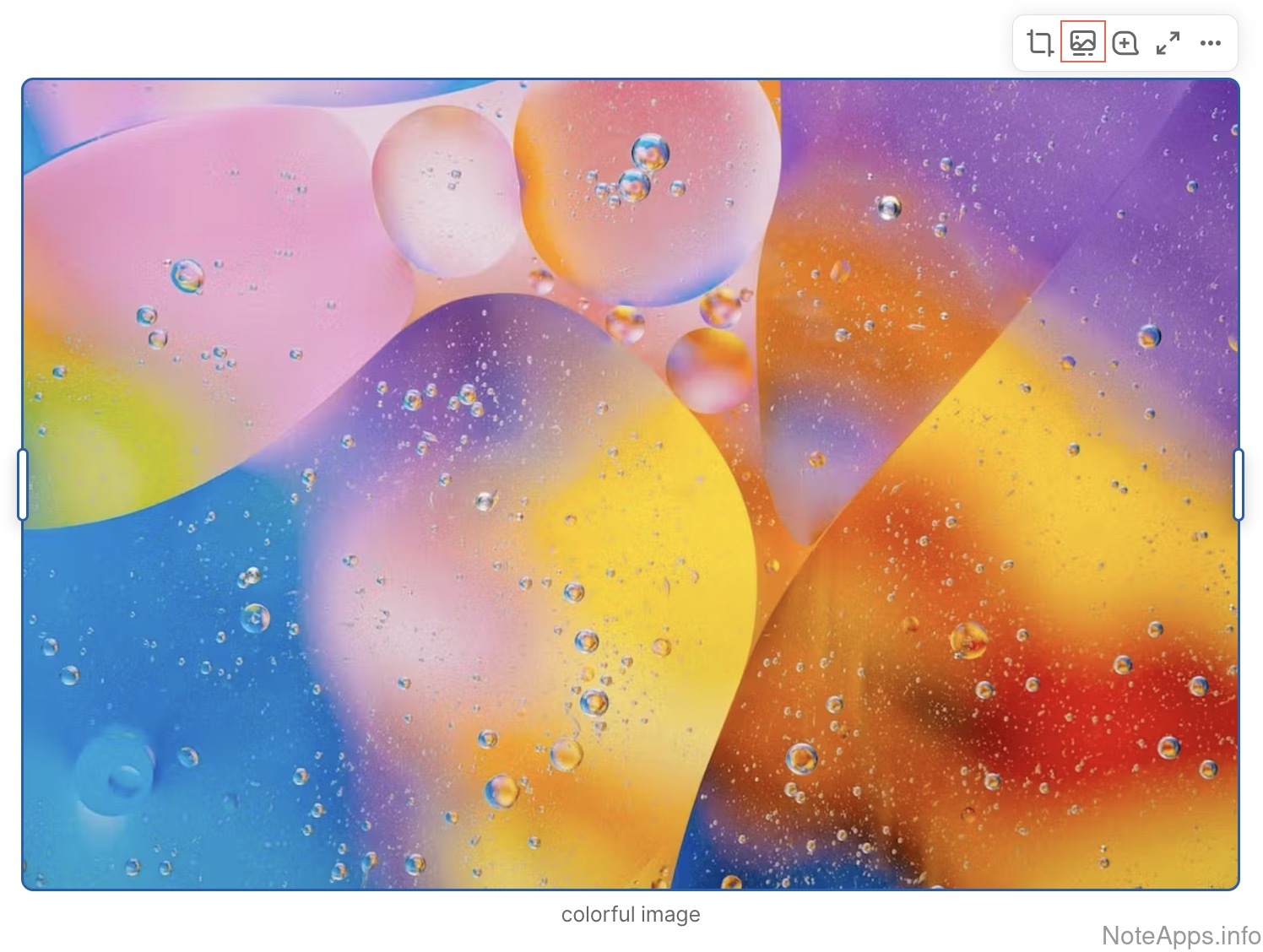
Can be resized
An image's edges can be dragged to make it larger or smaller
Superhuman Docs: Can be uploaded screenshot
Can be uploaded
An image (e.g., JPEG, PNG, GIF) can be inserted and viewed in a note
Read provider description
Superhuman Docs: Image gallery screenshot
Image gallery
Selected images can be grouped into a carousel-style row
Read provider description
Superhuman Docs: Image library screenshot
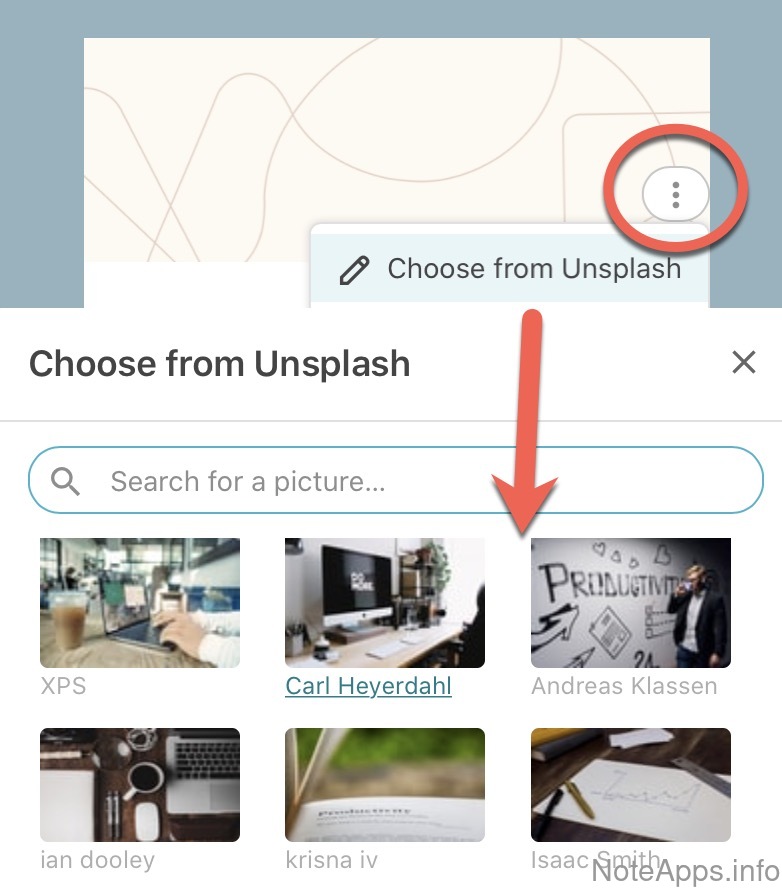
Image library
A collection of ready-to-use pictures is provided within the app
Superhuman Docs: Plugins can access screenshot
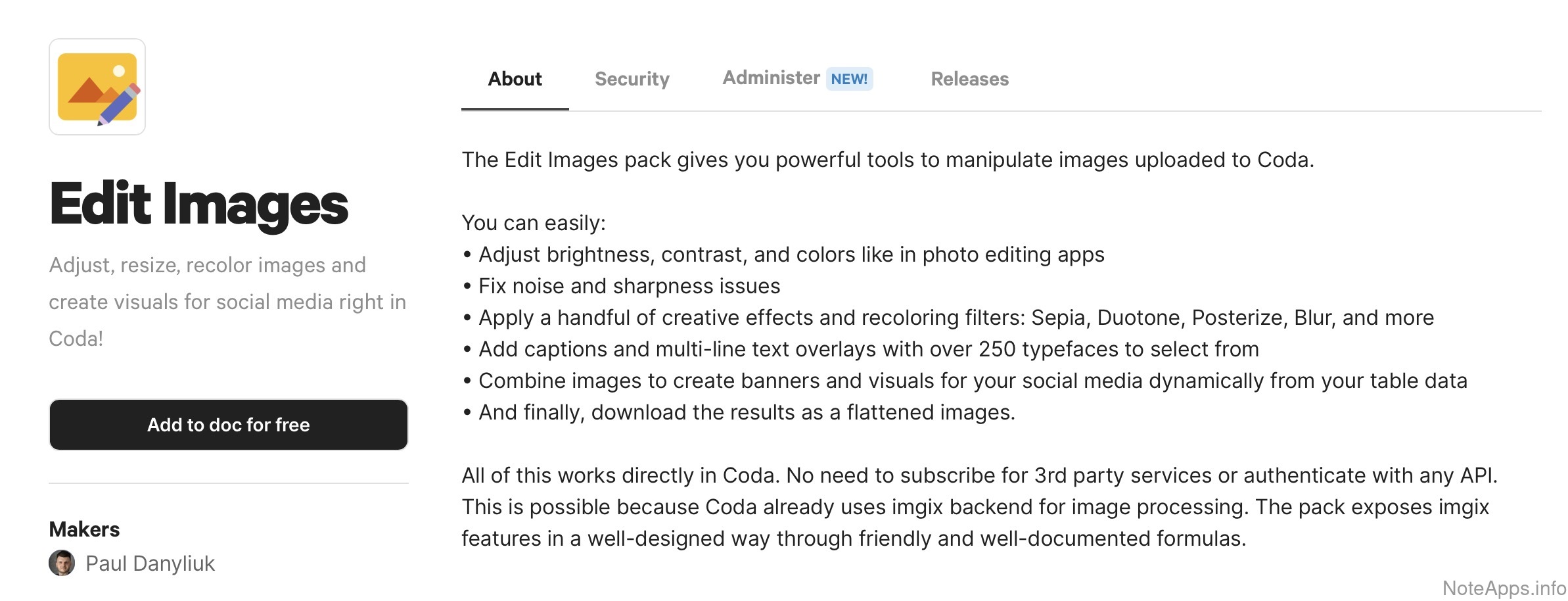
Plugins can access
Custom code from extensions can process or modify images
Read provider description
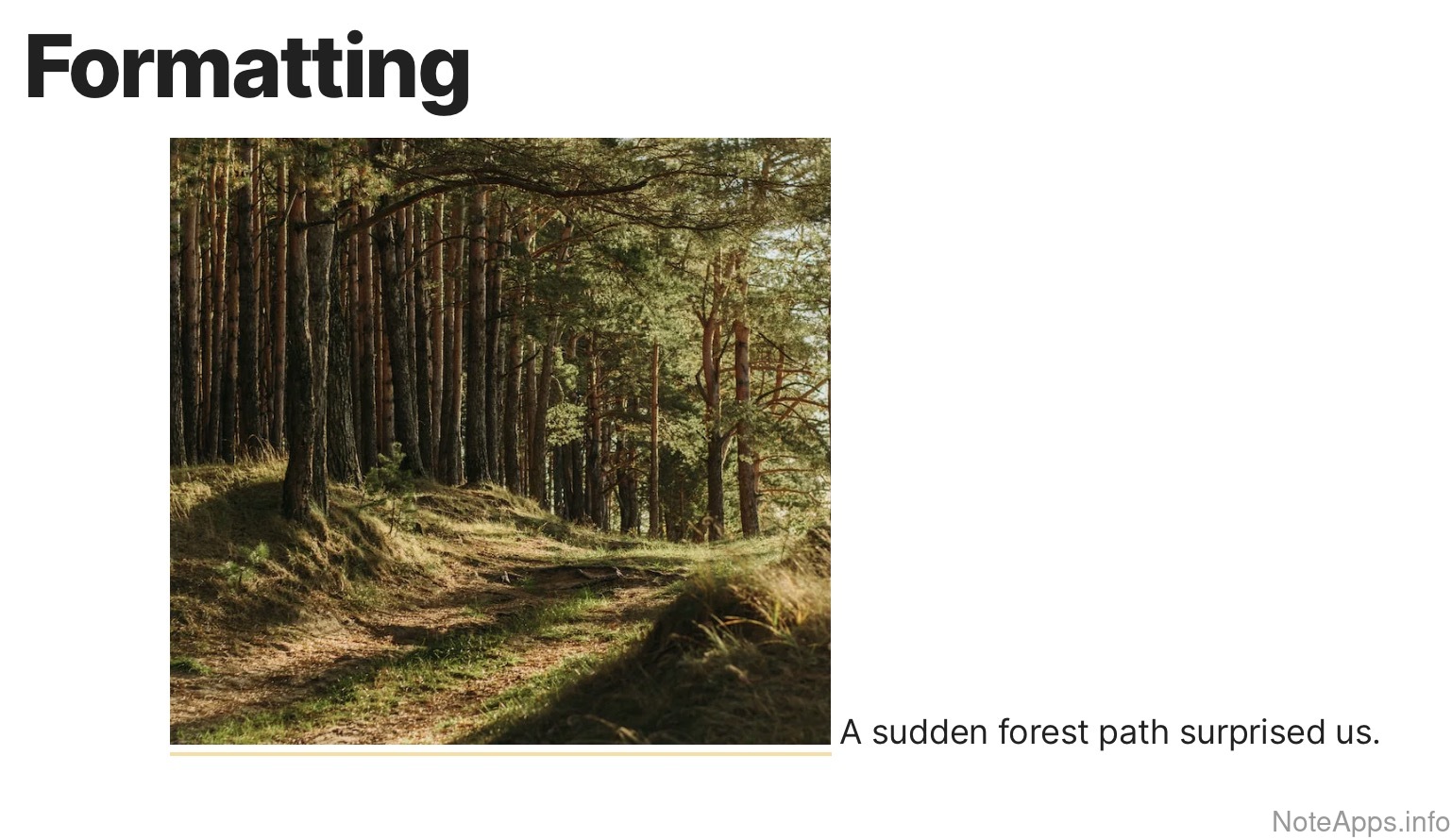
Superhuman Docs: Text can wrap around image screenshot
Text can wrap around image
Lines of writing can flow alongside a picture rather than only above or below it
Can optimize file size
A large image can be compressed to a smaller file size without leaving the app
Image gallery =>
Image grid
An image gallery can be formatted as a grid of images, any of which can be enlarged by clicking
OCR image text in full text search
Words in the image are added to full text search, so the note will show up in search results that contain a word from within the image
Paint markup text on top
Words or annotations can be drawn over an image without leaving the app
Rotation
An image in a note can be turned with built-in editing tools (e.g., 90 degrees counterclockwise)
Text extracted to note
Text or handwriting from within an image can be inserted into the note body
Import/Export and Data Backups
Compare to others
What features are provided for interoperability between apps? How much lock-in is there?
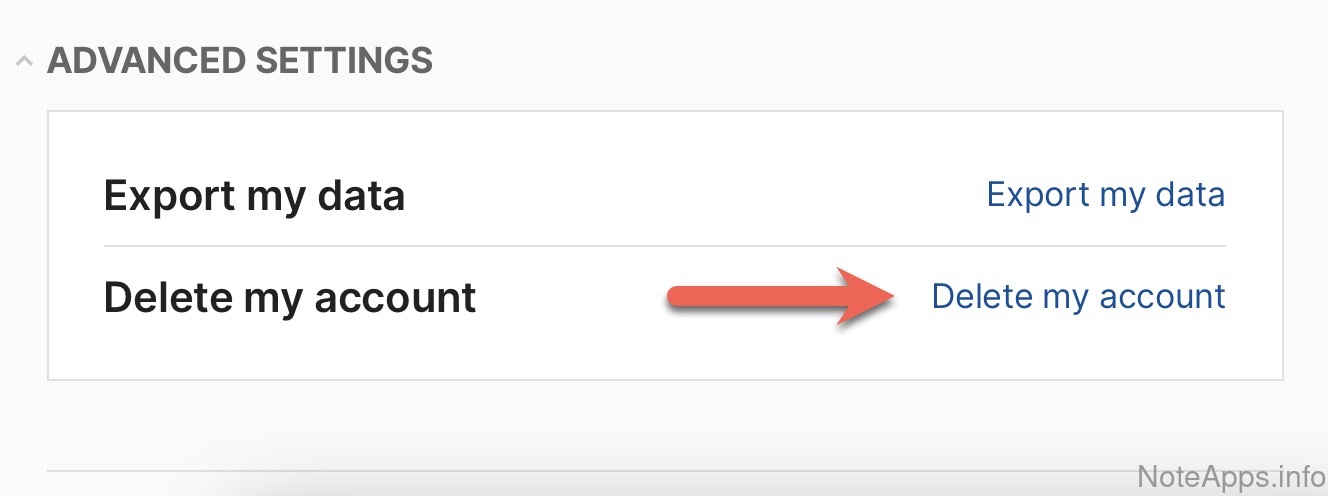
Superhuman Docs: Delete account screenshot
Delete account
All of a user's data, including notes and personal information, can be permanently removed without contacting the company
Read provider description
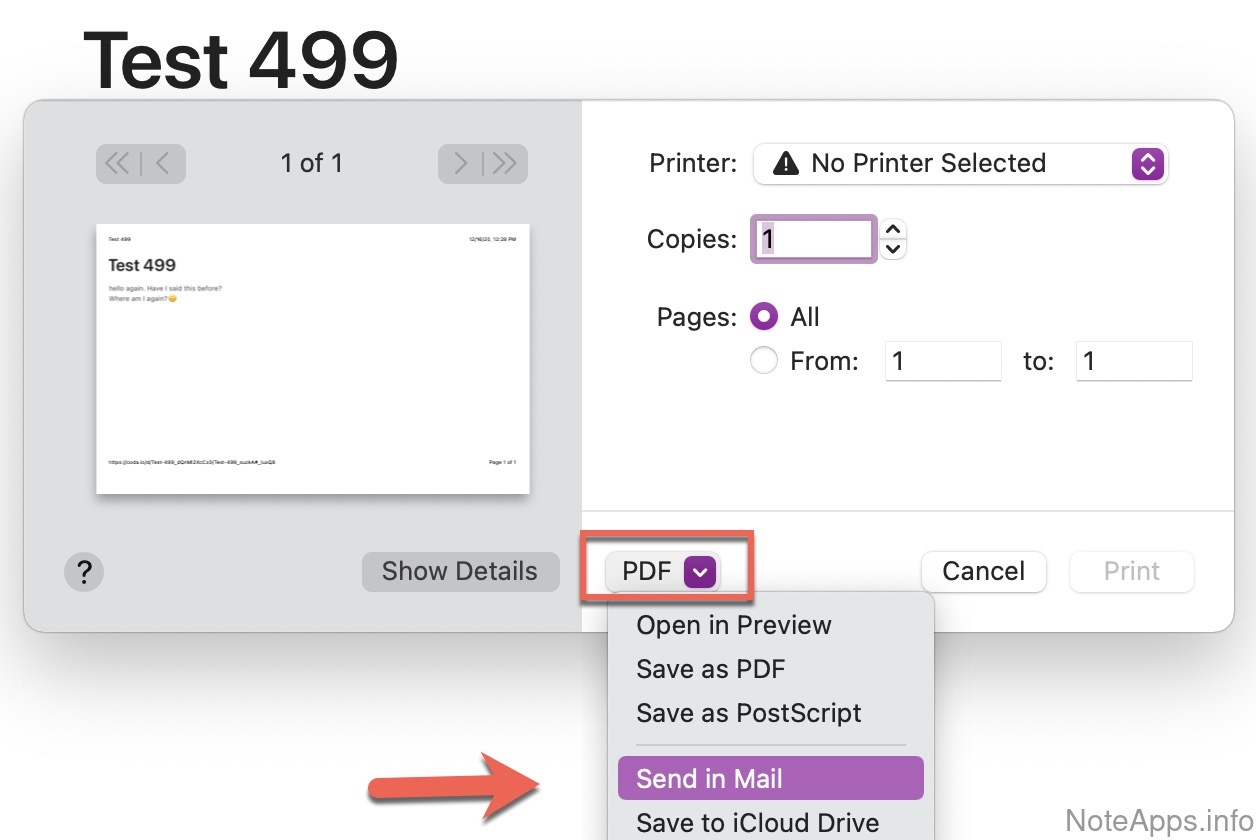
Superhuman Docs: Export note to email screenshot
Export note to email
A copy of a note can be sent to any specified inbox
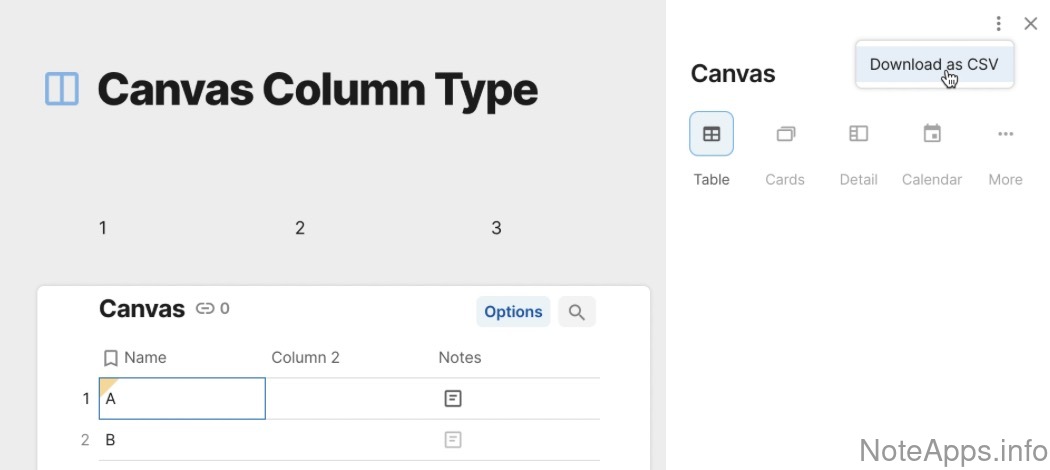
Superhuman Docs: Export to CSV screenshot
Export to CSV
Notes or tables can be saved as comma-separated values for use in spreadsheets
Read provider description
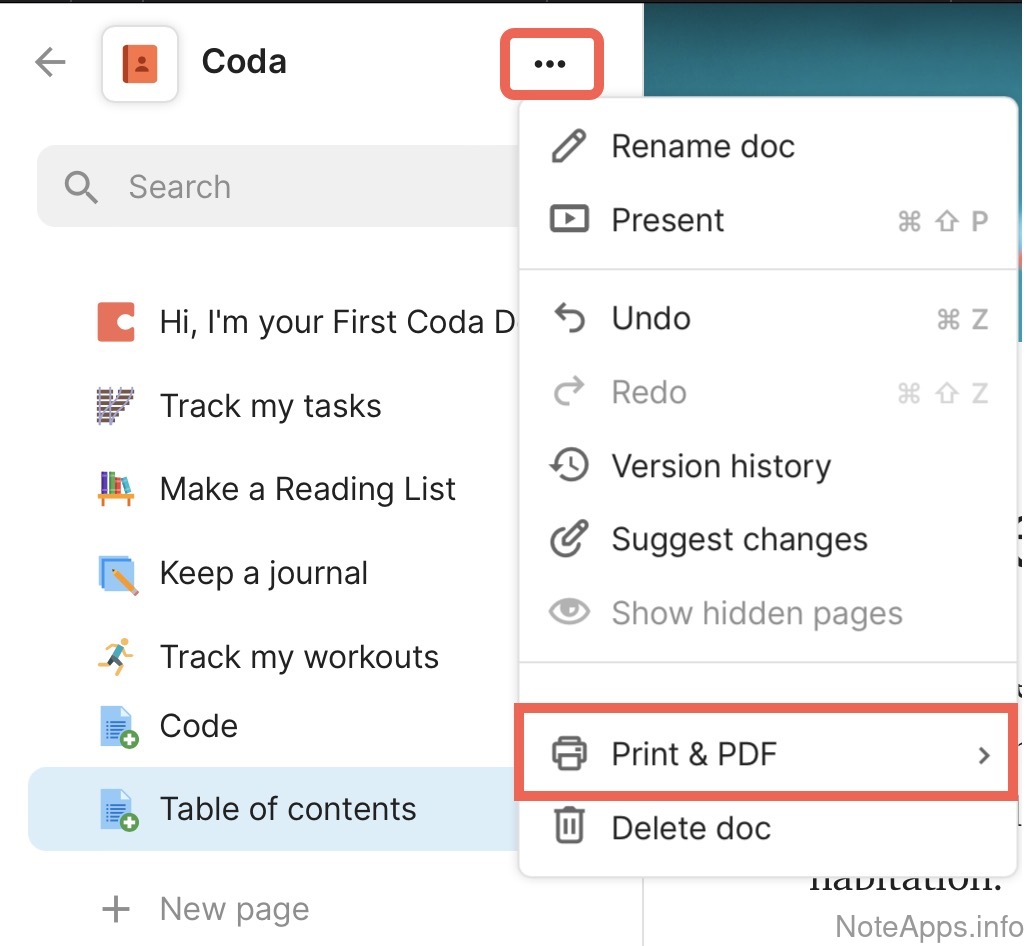
Superhuman Docs: Export to PDF screenshot
Export to PDF
A built-in tool can save a note as a print-ready document file
Read provider description
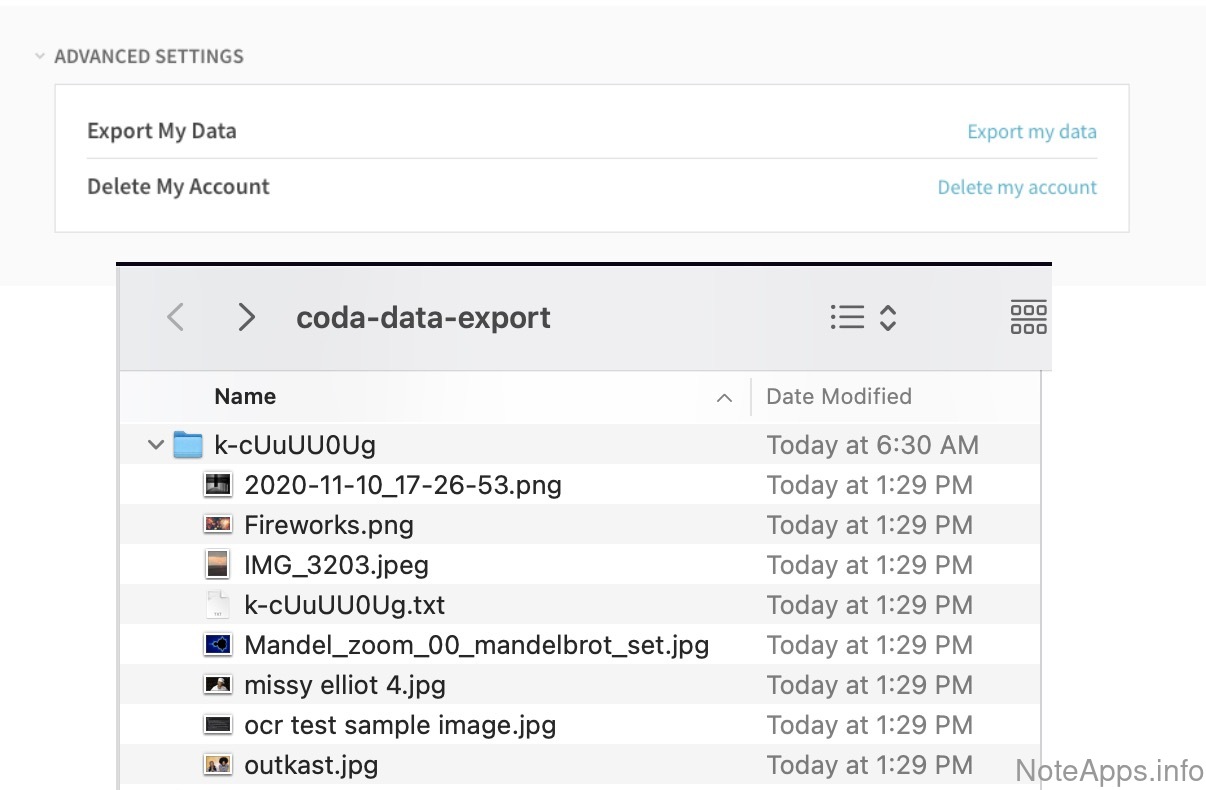
Superhuman Docs: Export: Images screenshot
Export: Images
Downloaded content includes the original file for every picture uploaded to the account
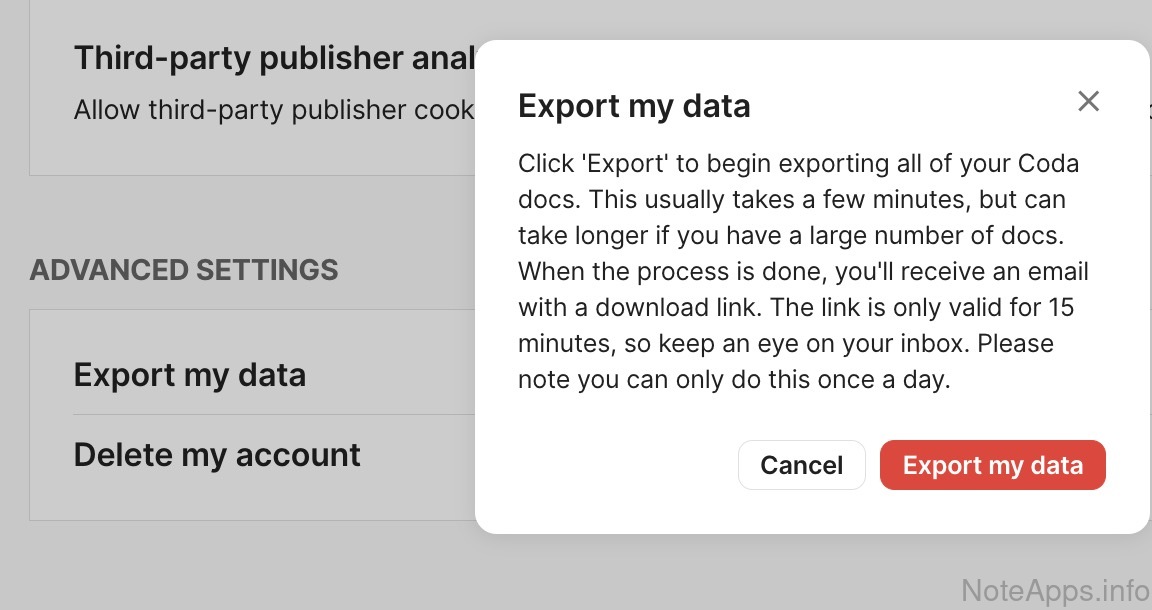
Superhuman Docs: Full (batch) content export screenshot
Full (batch) content export
A single button or link downloads every note at once
Read provider description
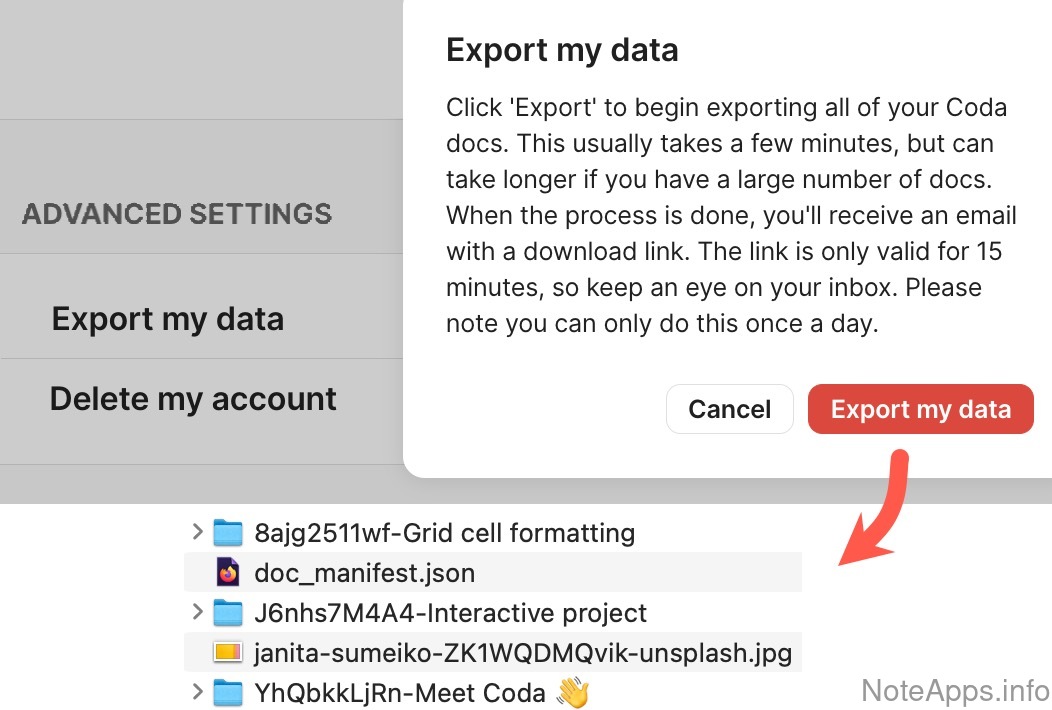
Superhuman Docs: Full (batch) content export => Media and attachments exported screenshot
Full (batch) content export =>
Media and attachments exported
The complete download also includes images, videos, and PDFs from notes
Read provider description
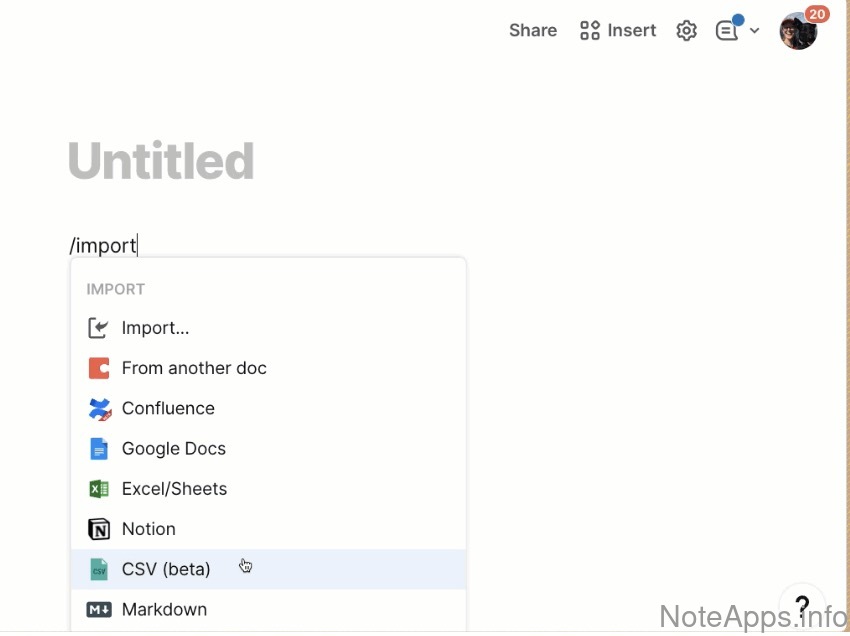
Superhuman Docs: Import from CSV screenshot
Import from CSV
Notes or tables can be created from a comma-separated values file
Read provider description
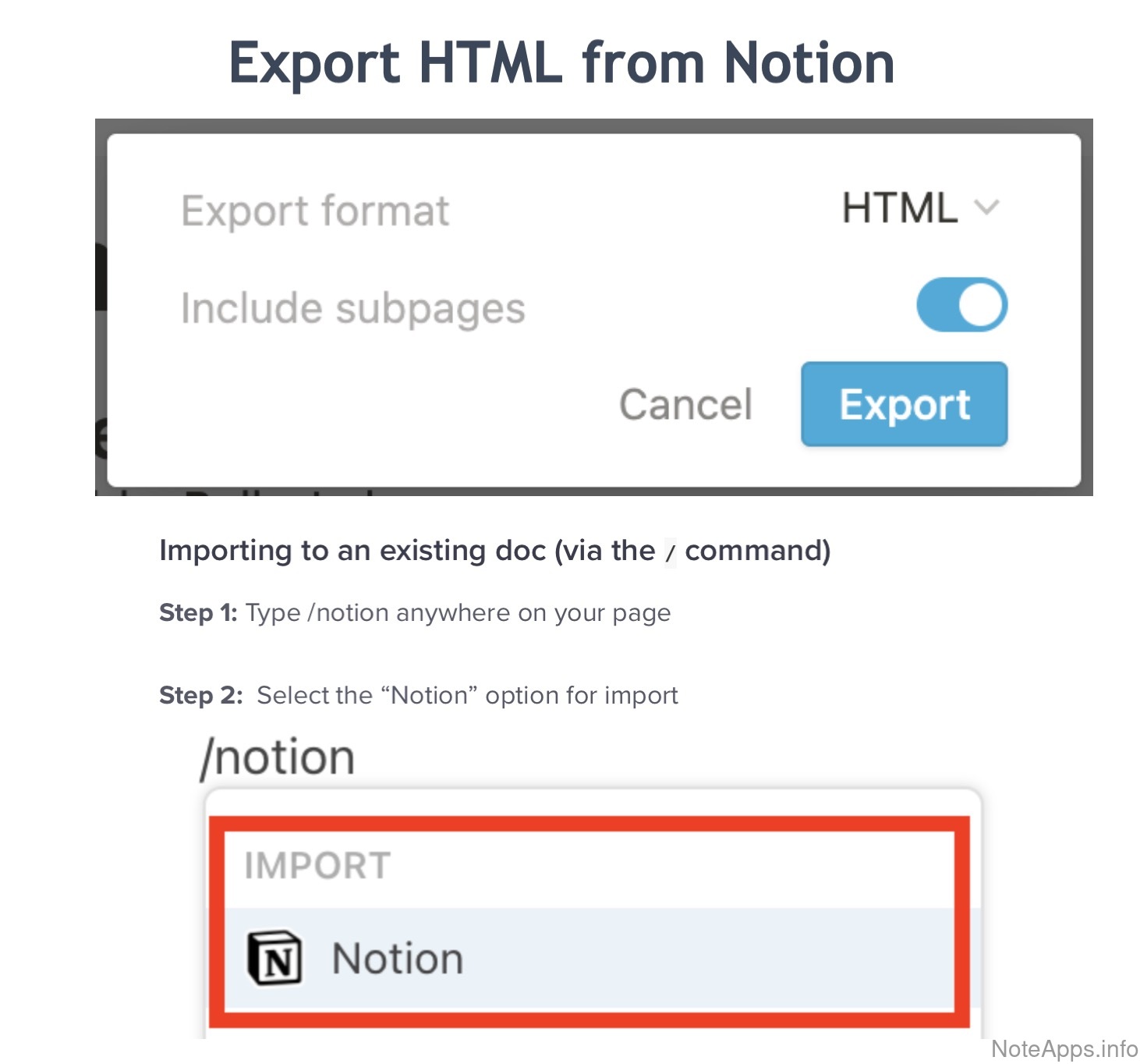
Superhuman Docs: Import from HTML screenshot
Import from HTML
Web page files can be brought in as notes
Read provider description
Superhuman Docs: Syncs to cloud automatically screenshot
Syncs to cloud automatically
Notes and images are backed up online without extensions or a separate storage-provider account
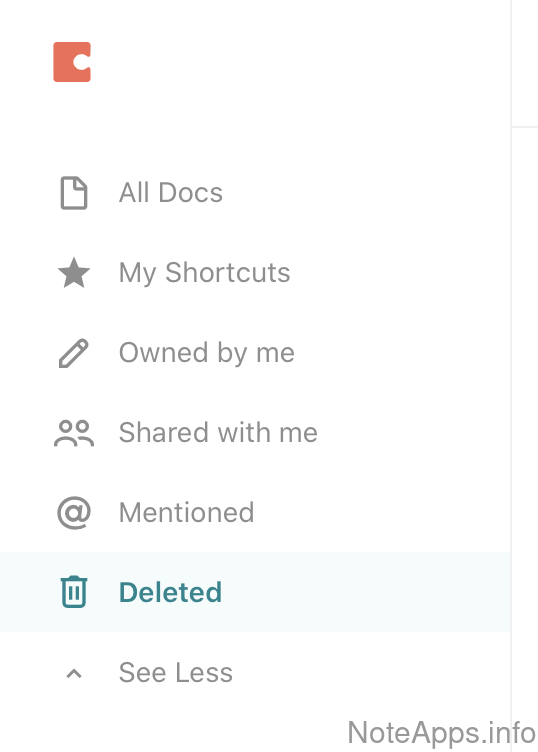
Superhuman Docs: Trash screenshot
Trash
Deleted notes can be recovered
Read provider description
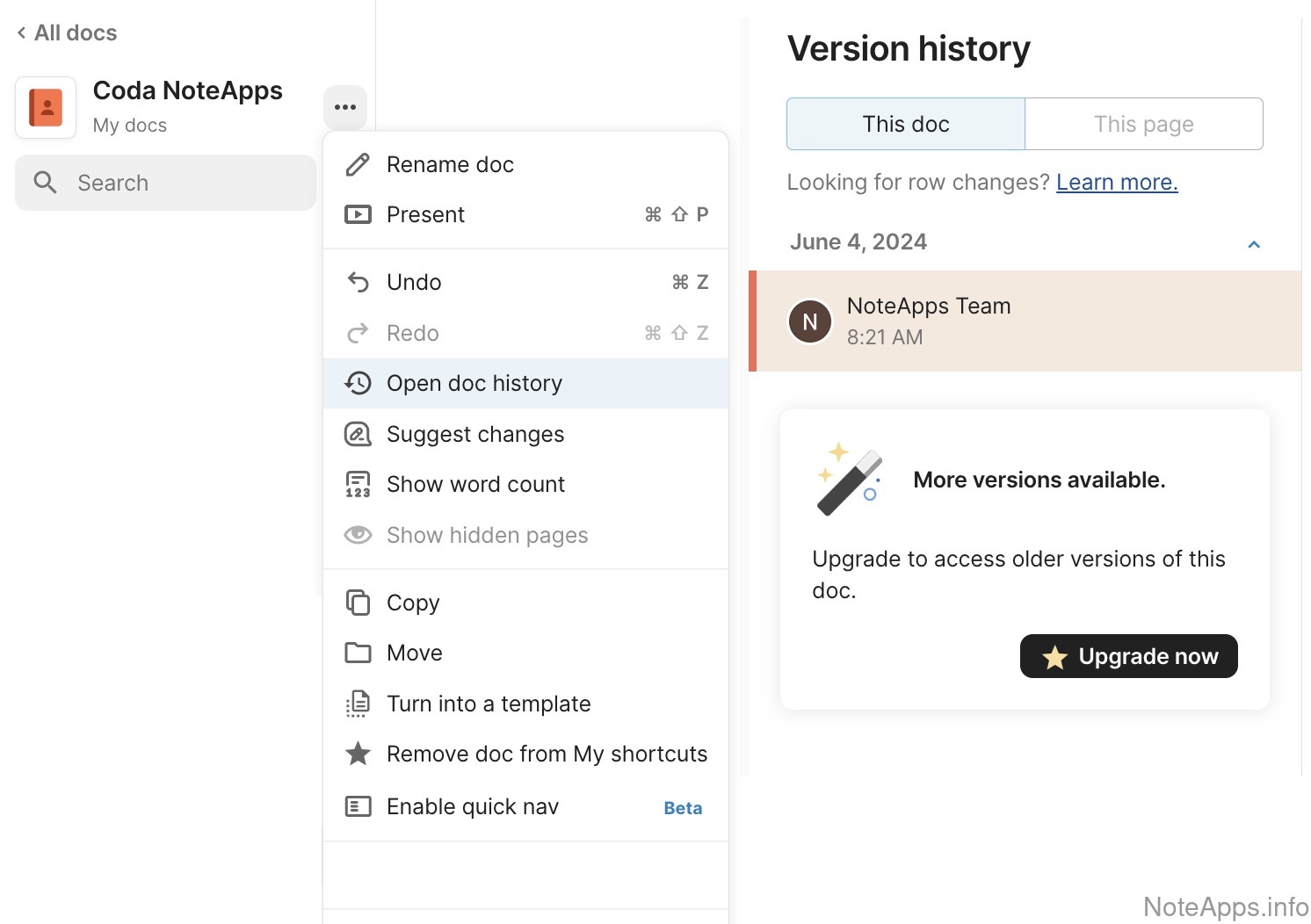
Superhuman Docs: Version history screenshot
Version history
Earlier states of a note can be browsed and reverted to
Read provider description
Delete all notes
Every note in an active account can be removed in one action without contacting the company
Export to HTML
A note can be saved as a web page file
Export: Hierarchy
Tags and folders are preserved in downloads in a format other apps can import
Export: Note links
Connections between notes remain intact in downloaded content
Exports to markdown
A built-in tool saves notes as .md files
Import from Evernote
A built-in importer brings in notes from .enex files
Import from Roam
A built-in importer brings in Roam Research content with its links preserved
Import from markdown
A built-in importer brings in .md files as notes
Note content written to disk
Automatically writes note content to a chosen directory on disk
Note content written to disk =>
Images and attachments written to disk
Uploaded media can be configured to automatically persist to a local directory
Integrations & Extensibility
Compare to others
What features does the note provider offer in terms of third-party integrations and utilities adjacent to the note content itself?
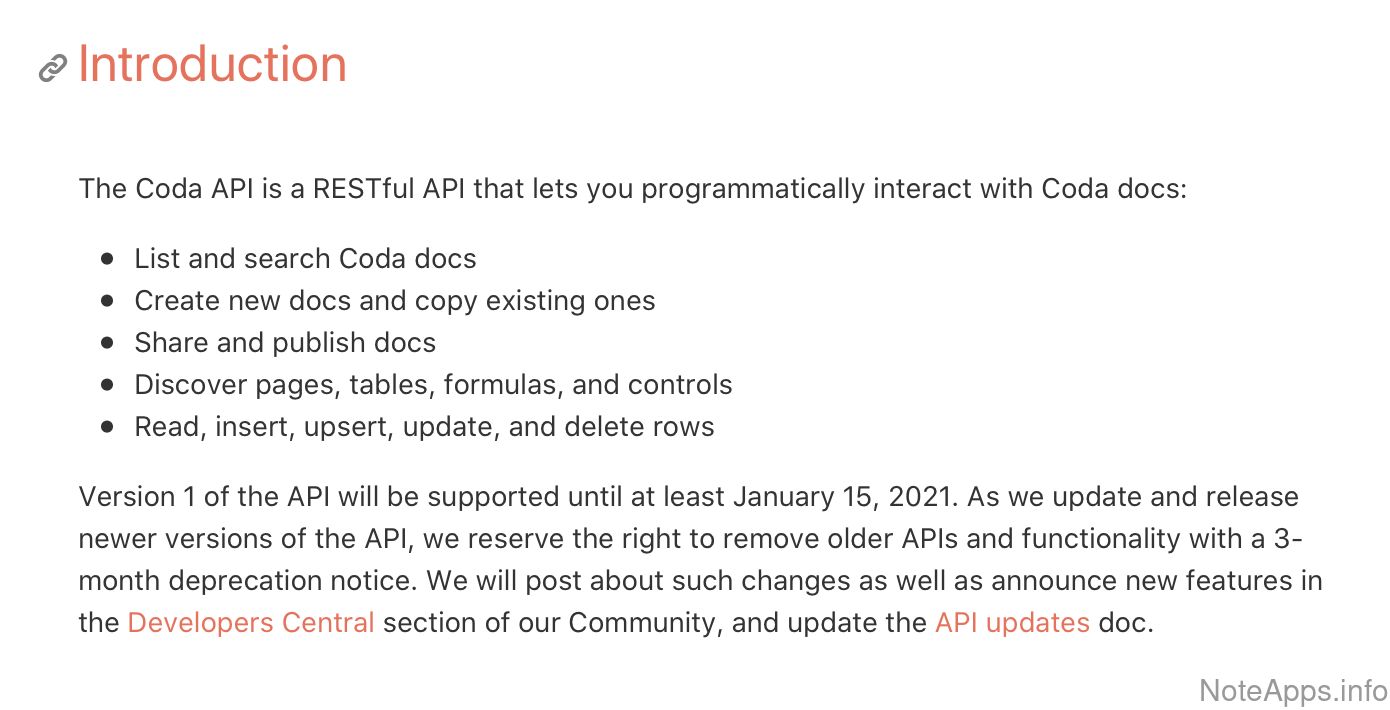
Superhuman Docs: API offered screenshot
API offered
Developers can read and write note content programmatically through a public interface
Read provider description
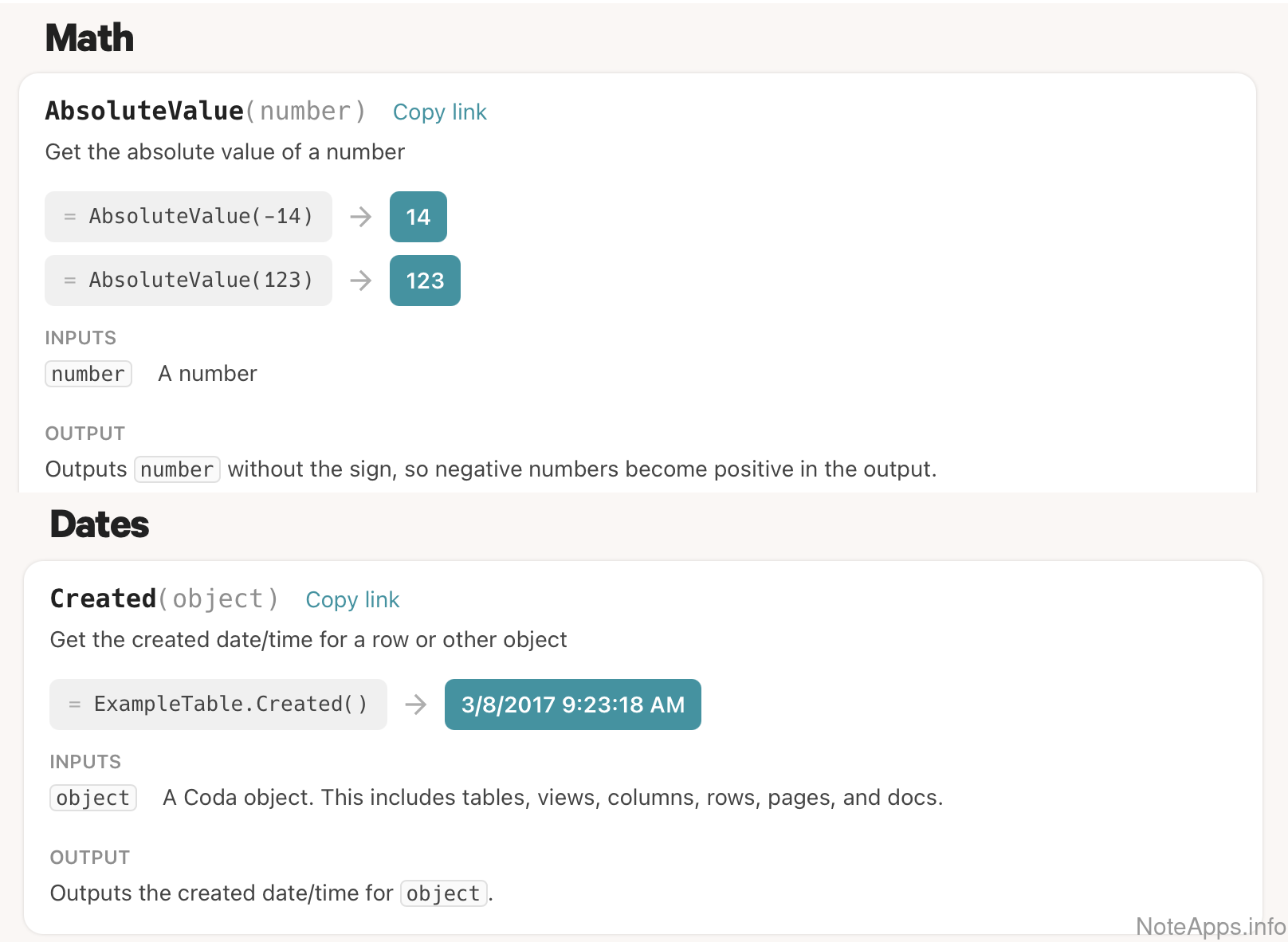
Superhuman Docs: Calculations (evaluated content) screenshot
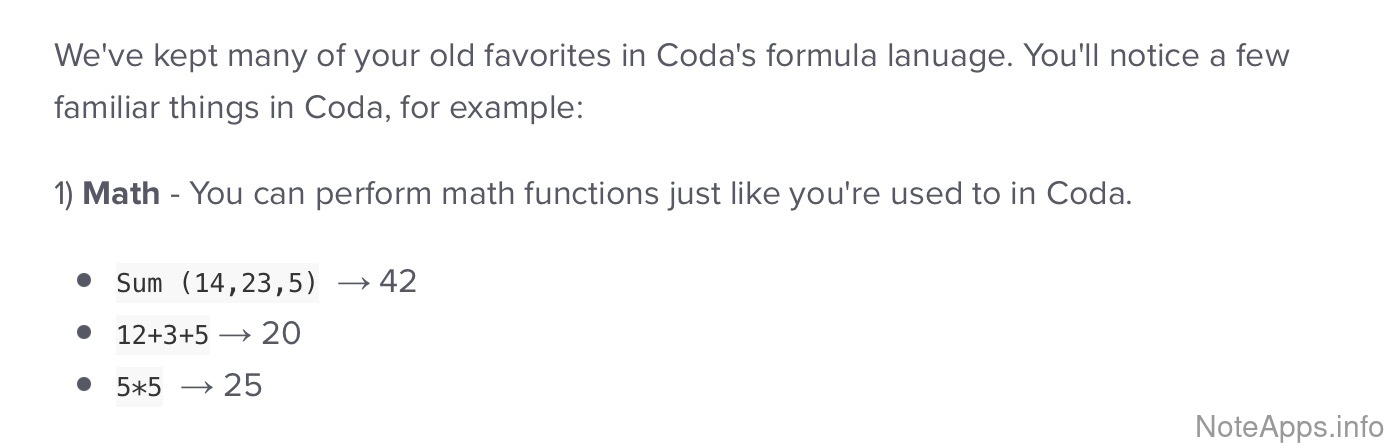
Calculations (evaluated content)
A syntax exists to make numeric or date calculations within the app
Read provider description
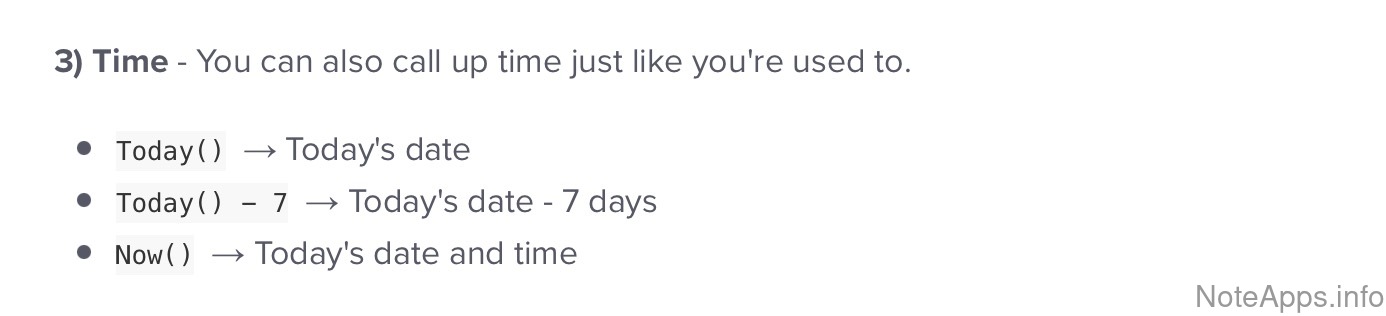
Superhuman Docs: Calculations (evaluated content) => Date/time screenshot
Calculations (evaluated content) =>
Date/time
Date and time can be evaluated and inserted into a note
Read provider description
Superhuman Docs: Calculations (evaluated content) => Math calculator screenshot
Calculations (evaluated content) =>
Math calculator
Addition, subtraction and multiplication is possible within an evaluated expression (not including table formulas)
Read provider description
Superhuman Docs: Diagram view screenshot
Diagram view
Flowcharts and other visuals can be rendered from a text syntax (e.g., Mermaid) inside a note
Read provider description
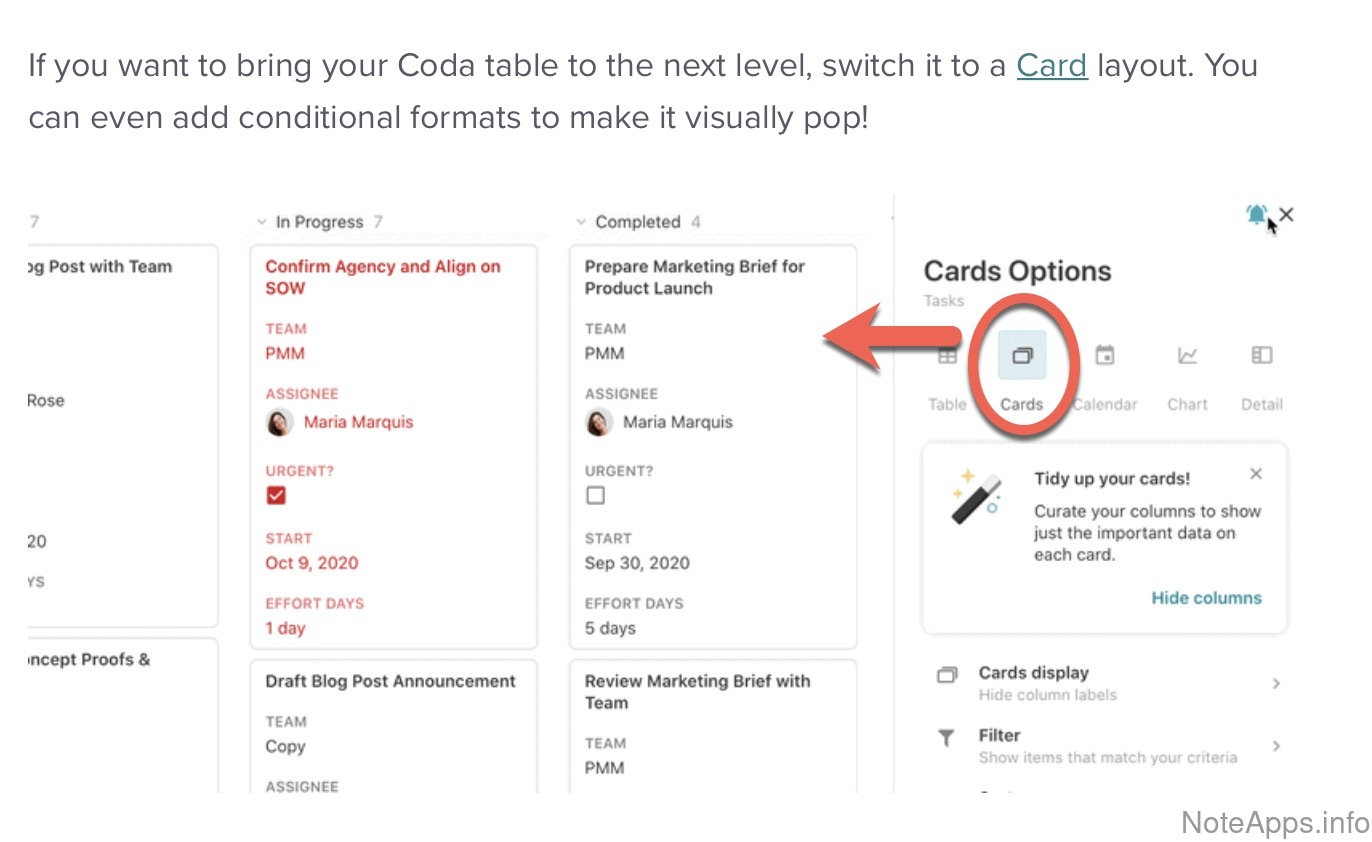
Superhuman Docs: Kanban Board screenshot
Kanban Board
Text blocks can be dragged between columns, each representing a stage or category
Read provider description
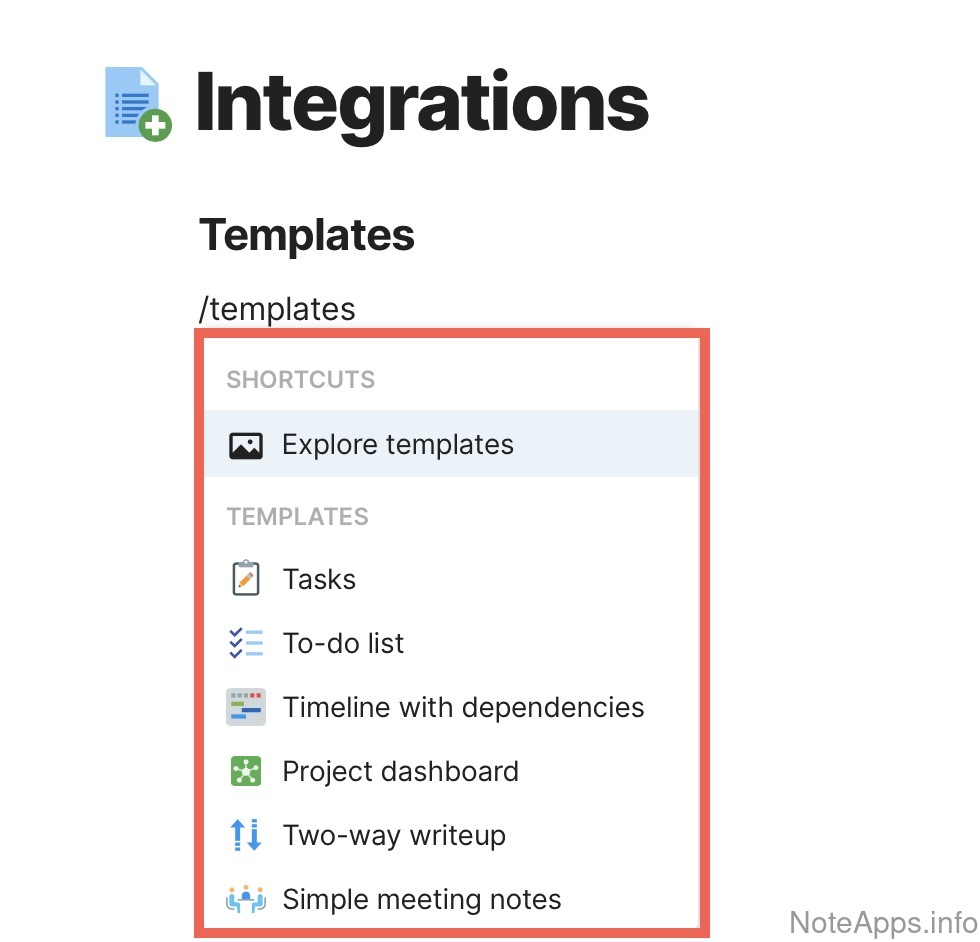
Superhuman Docs: Note templates screenshot
Note templates
Preconfigured content (e.g., instructions, tasks) can be duplicated from a source note to start a new one
Read provider description
Superhuman Docs: Note templates => Template gallery screenshot
Note templates =>
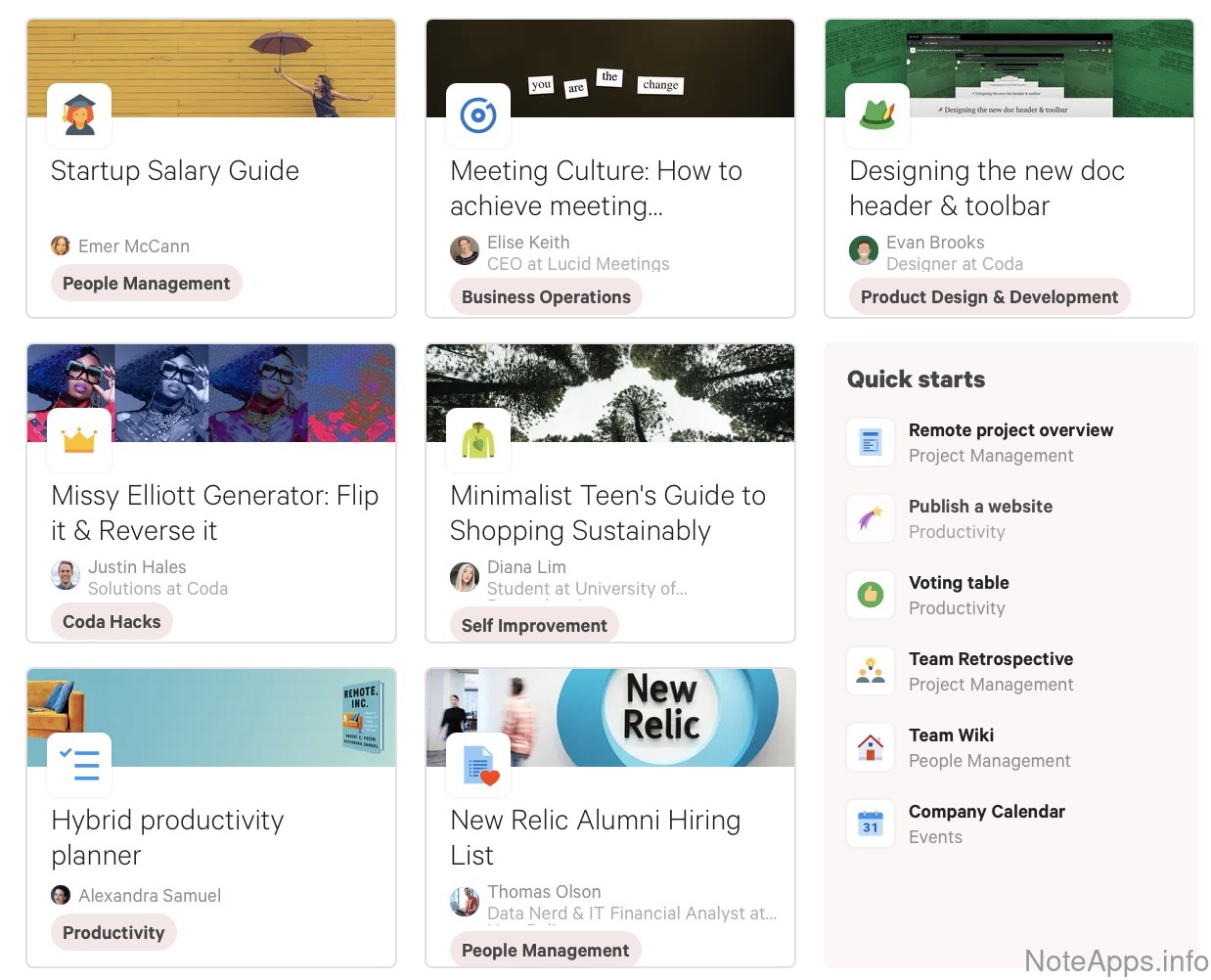
Template gallery
Ready-made sample notes (e.g., "weekly budget") can be browsed and copied into the account
Read provider description
Superhuman Docs: Readwise screenshot
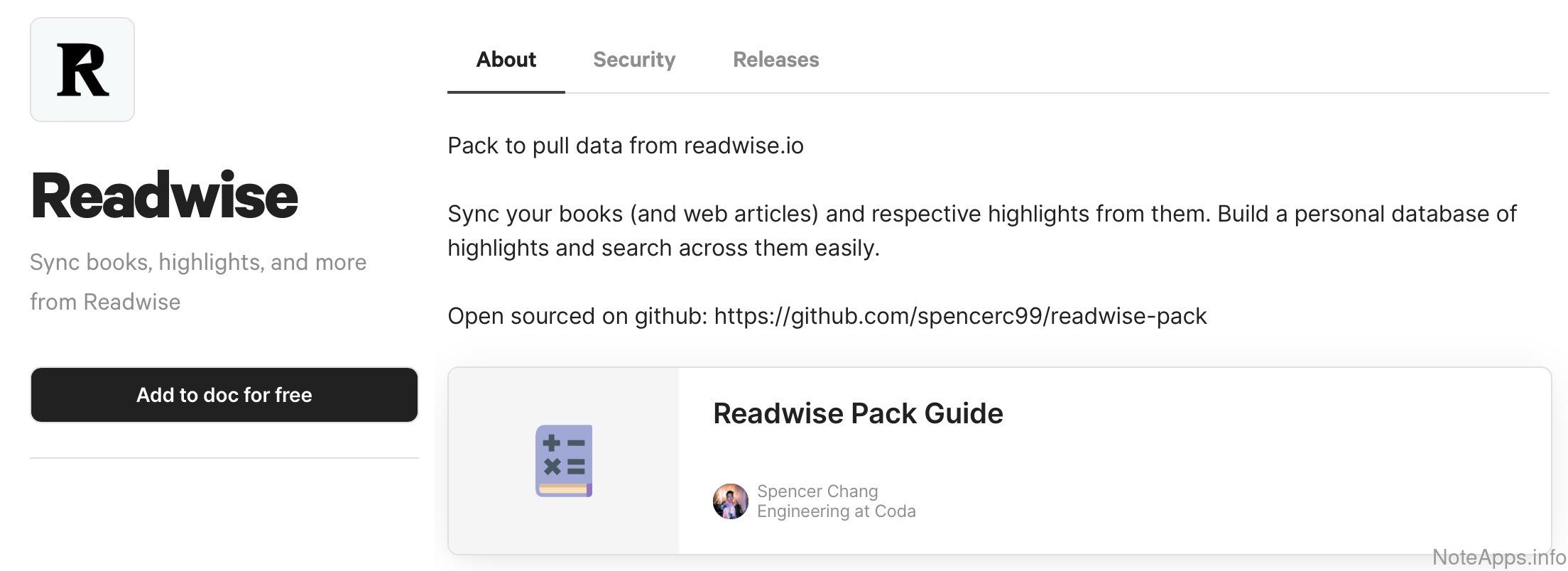
Readwise
Book and article highlights can be synced via an official integration
Read provider description
Superhuman Docs: Spaced repetition screenshot
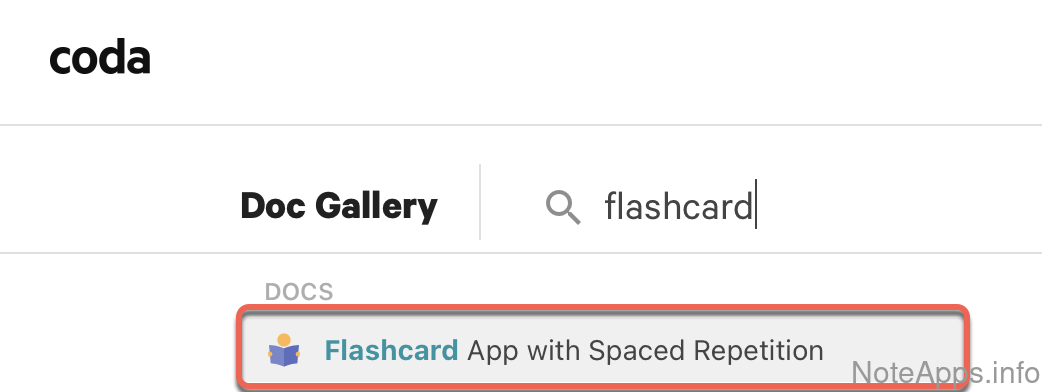
Spaced repetition
Flashcards can be generated from note content and reviewed at increasing intervals
Read provider description
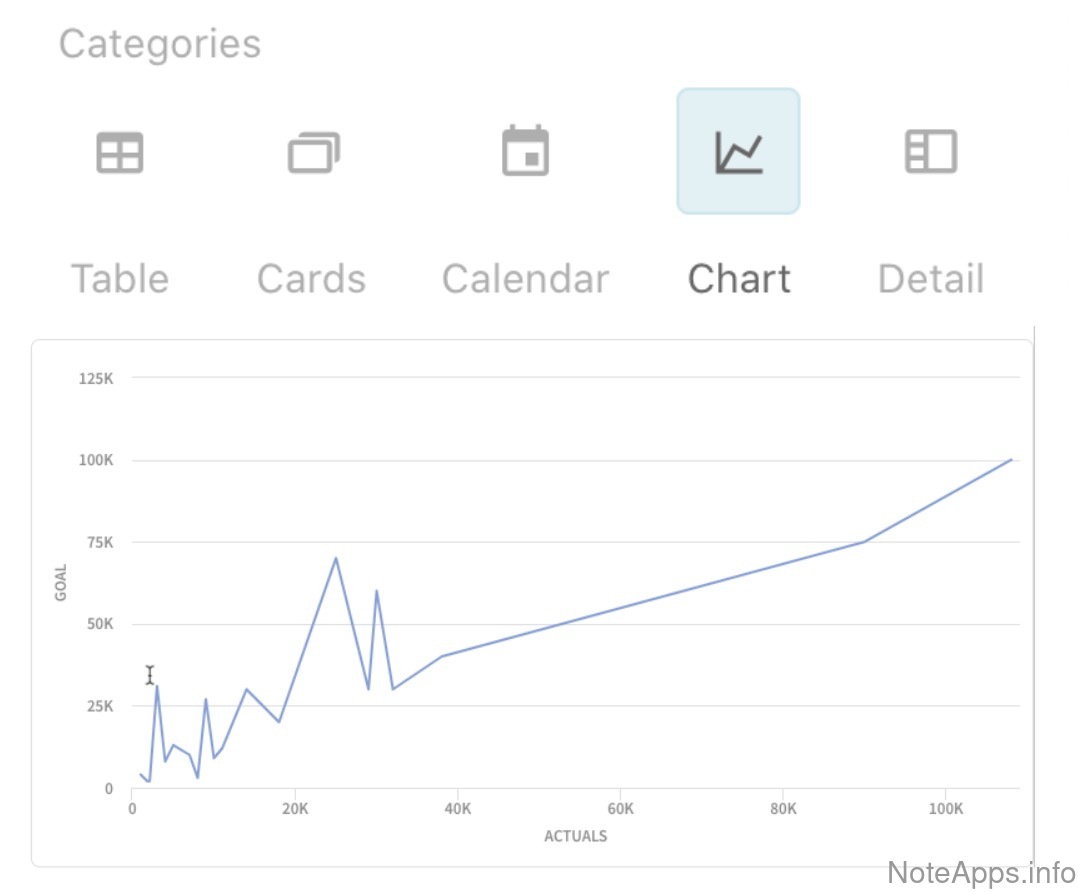
Superhuman Docs: Timeline view screenshot
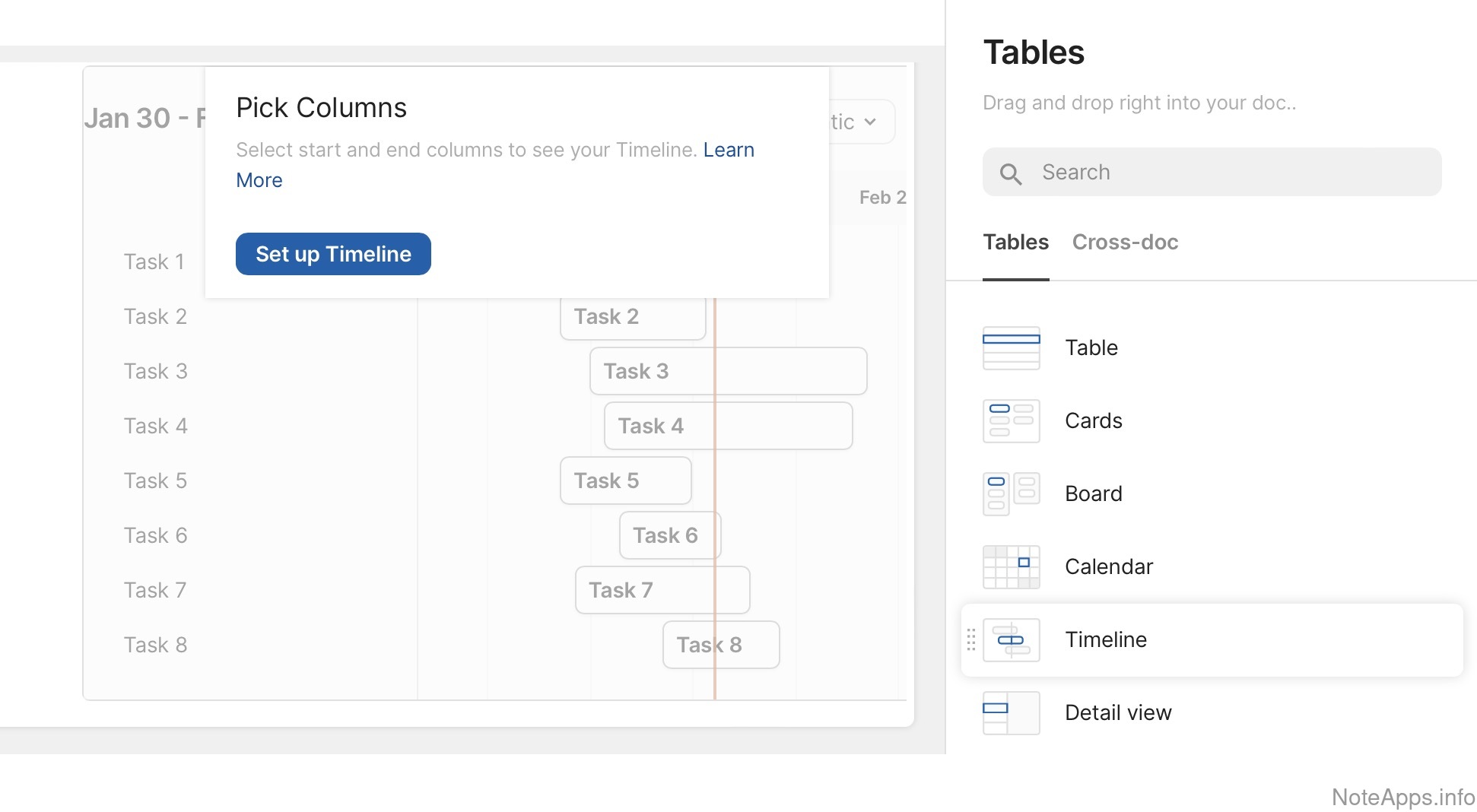
Timeline view
View project timelines using a Gantt chart
Read provider description
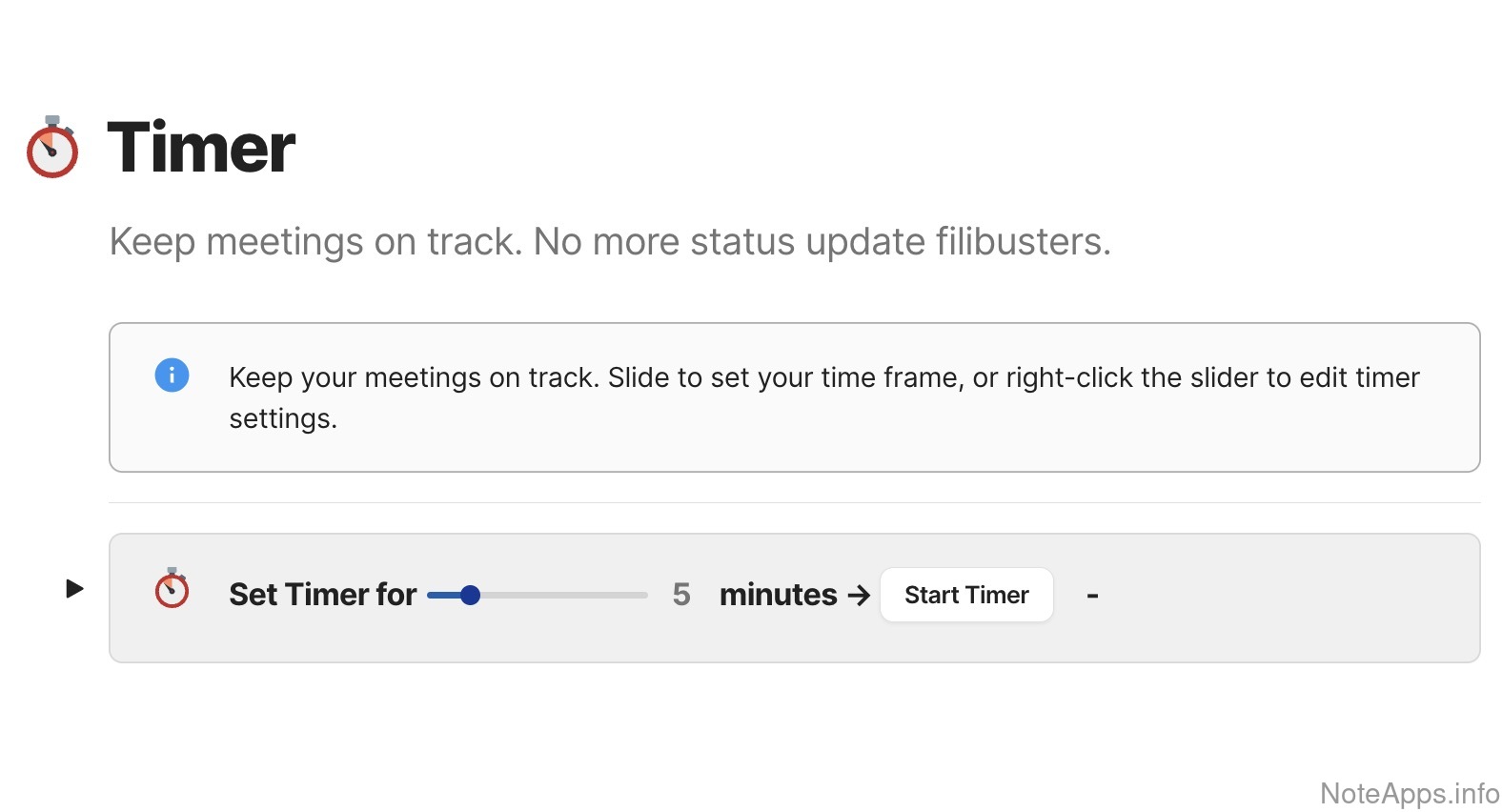
Superhuman Docs: Timer screenshot
Timer
Work sessions can be timed within the app (e.g., Pomodoro)
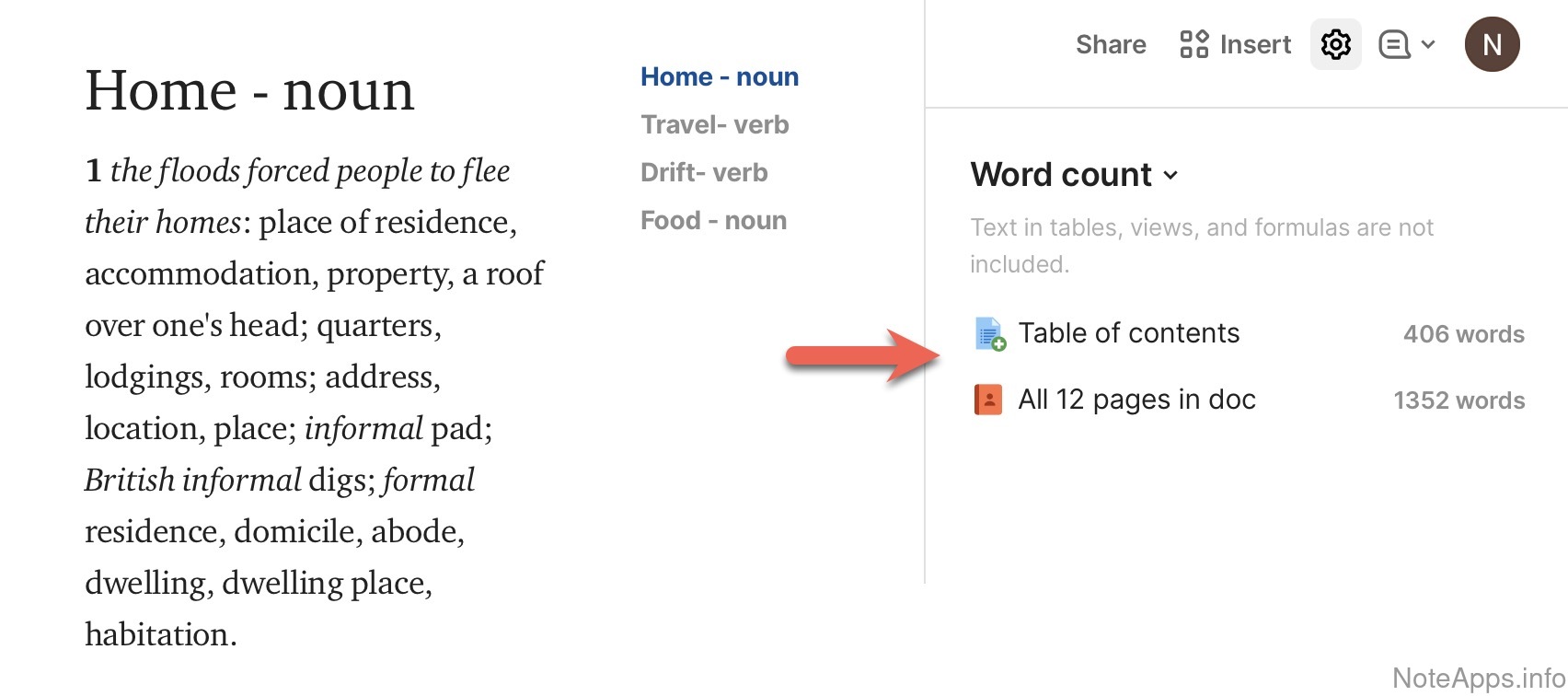
Superhuman Docs: Word count screenshot
Word count
A note's word and character length can be viewed
Read provider description
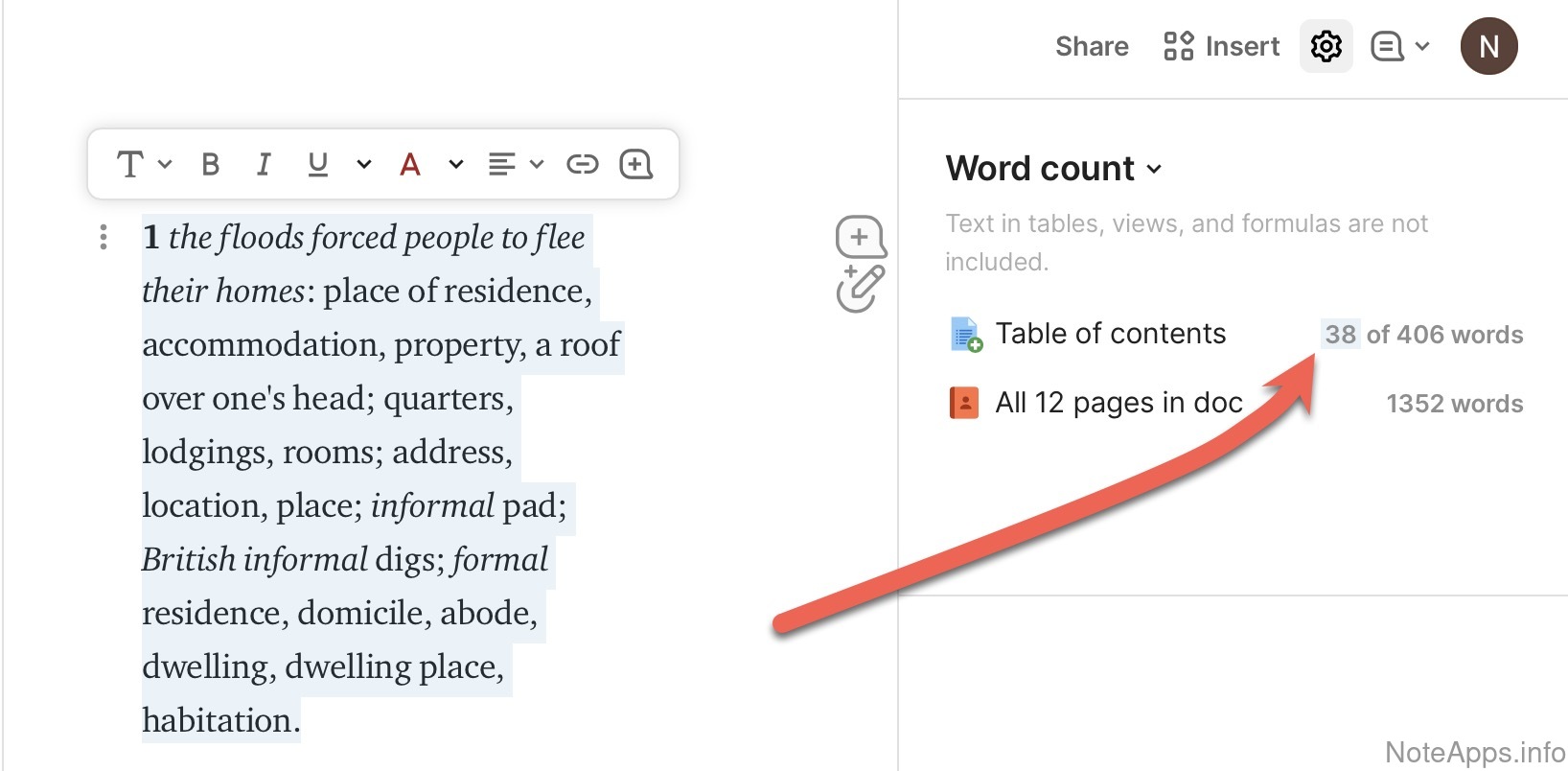
Superhuman Docs: Word count => Selectable count screenshot
Word count =>
Selectable count
Word and character totals can be shown for just the highlighted part of a note or task
Read provider description
Superhuman Docs: Zapier integration screenshot
Zapier integration
Workflows built on zapier.com can trigger, or be triggered by, actions in the app
Read provider description
Audio recorder
Sound can be captured from the microphone and saved within the app
Audio recorder =>
Transcribe
Recordings can be converted into written text
Configurable key bindings
Hotkeys can be remapped from their defaults
Create note by drag-and-dropping a file
Dropping a document into the app window or an import folder turns it into a new note
Create note from email
Emails forwarded to a dedicated address become new notes or are appended to existing ones
External service callbacks
Other apps can be notified automatically whenever a note changes
Graph view
Notes and the links between them can be explored as a visual network of nodes
Graph view =>
Coloring
Graph nodes can be shaded differently based on their properties
Graph view =>
Date range
Graph nodes can be filtered within a chosen period
Graph view =>
Local graph
Filter graph nodes connected to a given note
IFTTT integration
Automations on ifttt.com can trigger, or be triggered by, actions in the app
Open source
The code needed to build or modify the app is publicly available
Plugin/Extension system
Third party developers can build and package add-on functionality, and users can browse and install it from a directory
Mobile & Tablet
Compare to others
What features are specific to the mobile experience?
"Note view" widget (Android)
Note content can be viewed from outside the app via native Android widget
"Note view" widget (iOS)
Note content can be viewed from outside the app via native iOS widget
"Task view" widget (Android)
Task content can be viewed from outside the app via native Android widget
"Task view" widget (iOS)
Task content can be viewed from outside the app via native iOS widget
Apple Watch app
Official native software is available for Apple's smartwatch
Search widget (Android)
Notes can be looked up from a box on the Android home screen
Search widget (iOS)
Notes can be looked up from a box on the iOS home screen
Search within note
The mobile app can find words inside the currently open note
Share Content (Android)
Links, text, and files can be sent to the app from any Android app's "Share with..." menu
Share Content (iOS)
Links, text, and files can be sent to the app from any iOS app's "Share with..." menu
Note/Task Connectivity
Compare to others
How can note & task content be connected and visualized?
Superhuman Docs: Cross-note linking screenshot
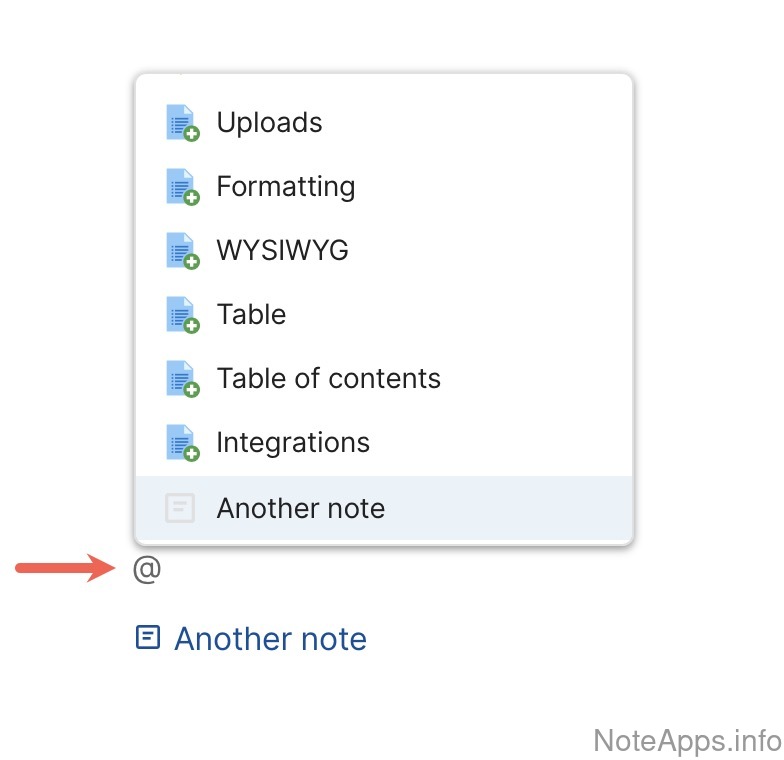
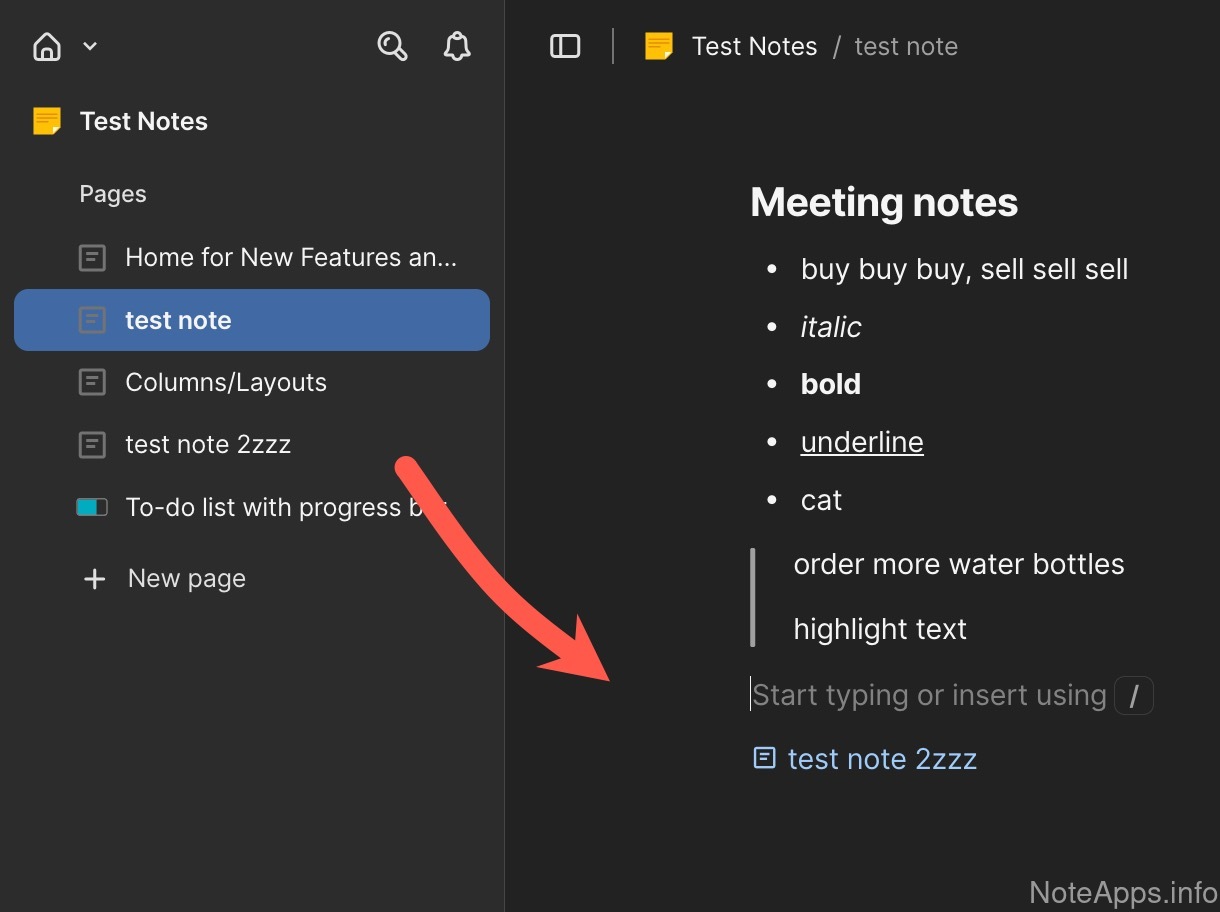
Cross-note linking
It's possible to create a link from one note to another note
Read provider description
Superhuman Docs: Cross-note linking => Note link auto update screenshot
Cross-note linking =>
Note link auto update
Linked titles within a note are automatically updated when renamed from the source note
Superhuman Docs: Cross-note linking autosuggestions screenshot
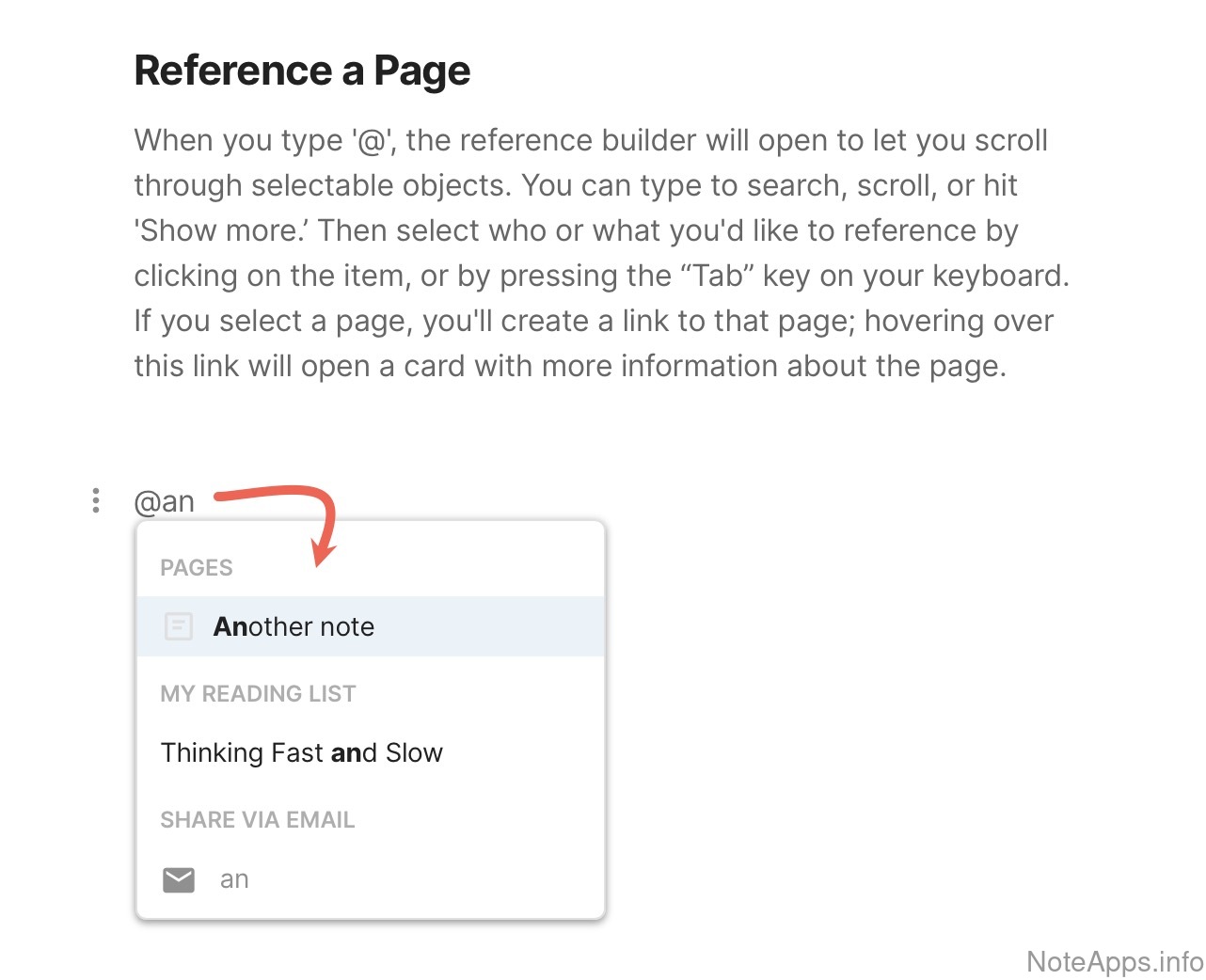
Cross-note linking autosuggestions
A dialog is provided to look up other notes as link targets when creating a new link in a note
Read provider description
Backlinks (Bi-directional links)
For any given note, the app provides a way to browse all other notes that contain links pointing to it
Backlinks (Bi-directional links) =>
Filter backlinks
It is possible to filter backlinked content, whether by tag, note title, or other means
Backlinks (Bi-directional links) =>
Sortable
It is possible to have a selection of sorting options for backlinked content
Backlinks (Bi-directional links) =>
Unlinked reference promotion
UX is provided to find references to a note (aka mentions of the note title) and quickly convert them into links
Cross-note linking =>
Link to content in note
It's possible to link to specific content in another note (heading, paragraph, task, or bullet)
Cross-note linking autosuggestions =>
Link to content within notes
A dialog is provided to look up other specific headers/blocks as link targets when creating a new link in a note
Turn selected text into a note link
Generate a link that extracts selected text into a new or existing note via a hotkey or clickable icon
Offline
Compare to others
How well can the app function without internet access?
Superhuman Docs: Limited Offline screenshot
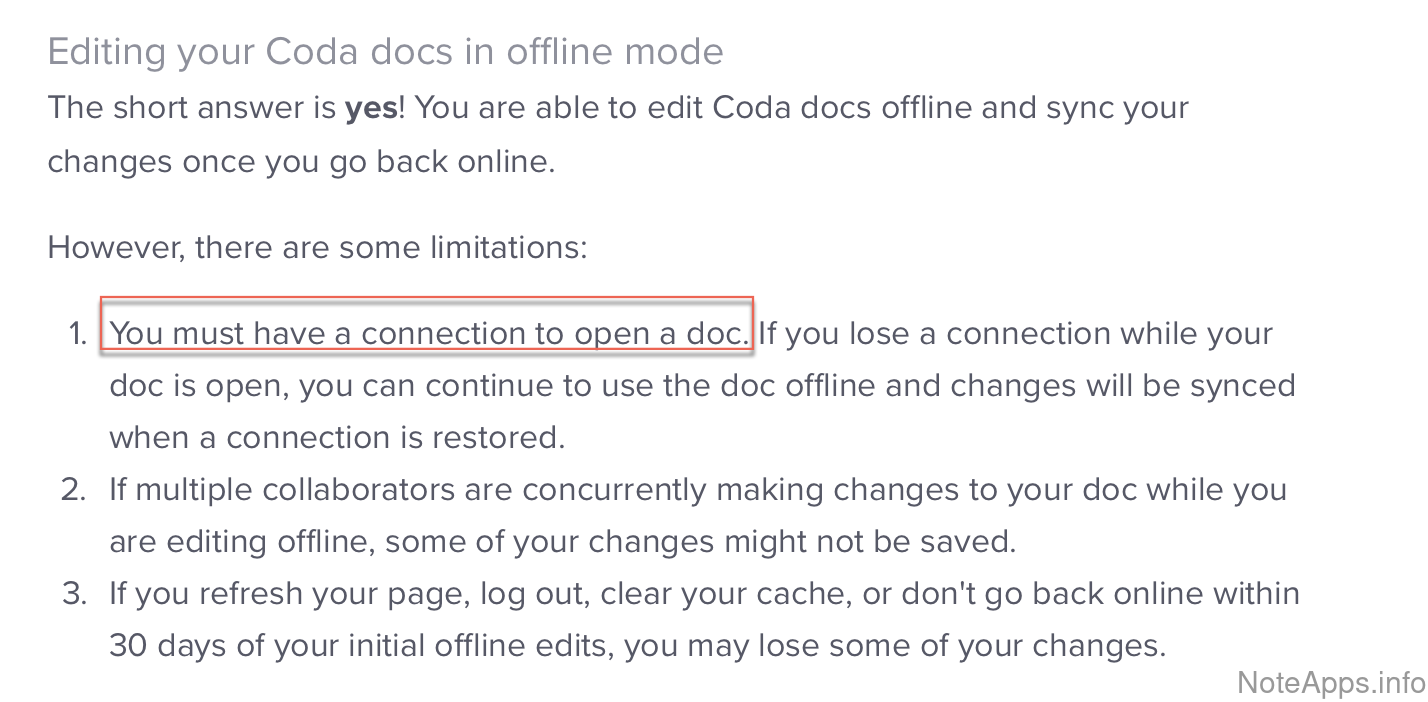
Limited Offline
Allows for offline use only if you've opened the app before going offline
Read provider description
Attachments
Attachments can be inserted into a note and viewed within the note when offline, after starting the app whilst disconnected from the Internet
Full text search
Searching for text inside notes works when offline, after starting the app whilst disconnected from the Internet
Note read access
Any note can be read when offline, after starting the app whilst disconnected from the Internet
Note write access
Note content can be created or updated when offline, after starting the app whilst disconnected from the Internet
Password-protected content
Password-protected notes can be read/modified when offline, after starting the app whilst disconnected from the Internet
Quick open search
Quick-searching for notes works when offline, after starting the app whilst disconnected from the Internet
Performance Benchmarks
Compare to others
How we ran the tests
How fast is it?
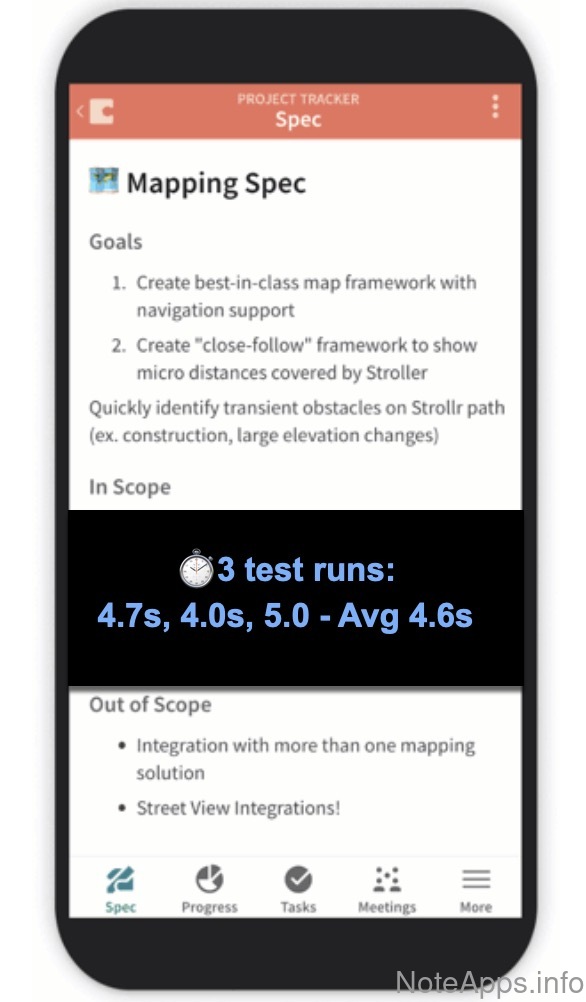
Superhuman Docs: Android => Open app from closed state, cursor visible in first available note <= 5 seconds screenshot
Android =>
Open app from closed state, cursor visible in first available note <= 5 seconds
Open up app from completely closed state, see cursor visible in first available note
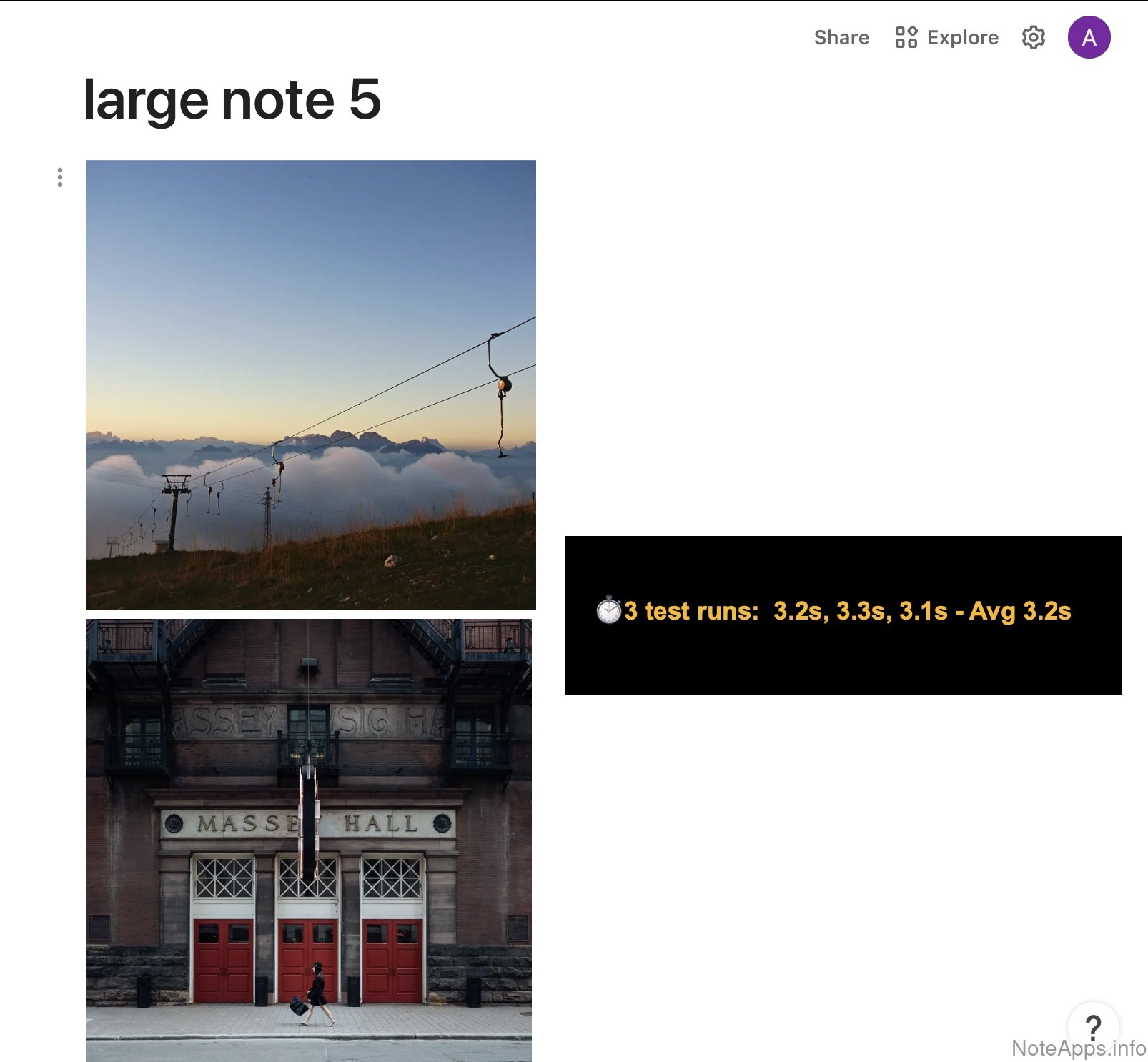
Superhuman Docs: Web => Large-sized note lookup, cursor visible in <= 4 seconds screenshot
Web =>
Large-sized note lookup, cursor visible in <= 4 seconds
New note opens after looking up title of a large- sized note in the fastest available "note opening" mechanism
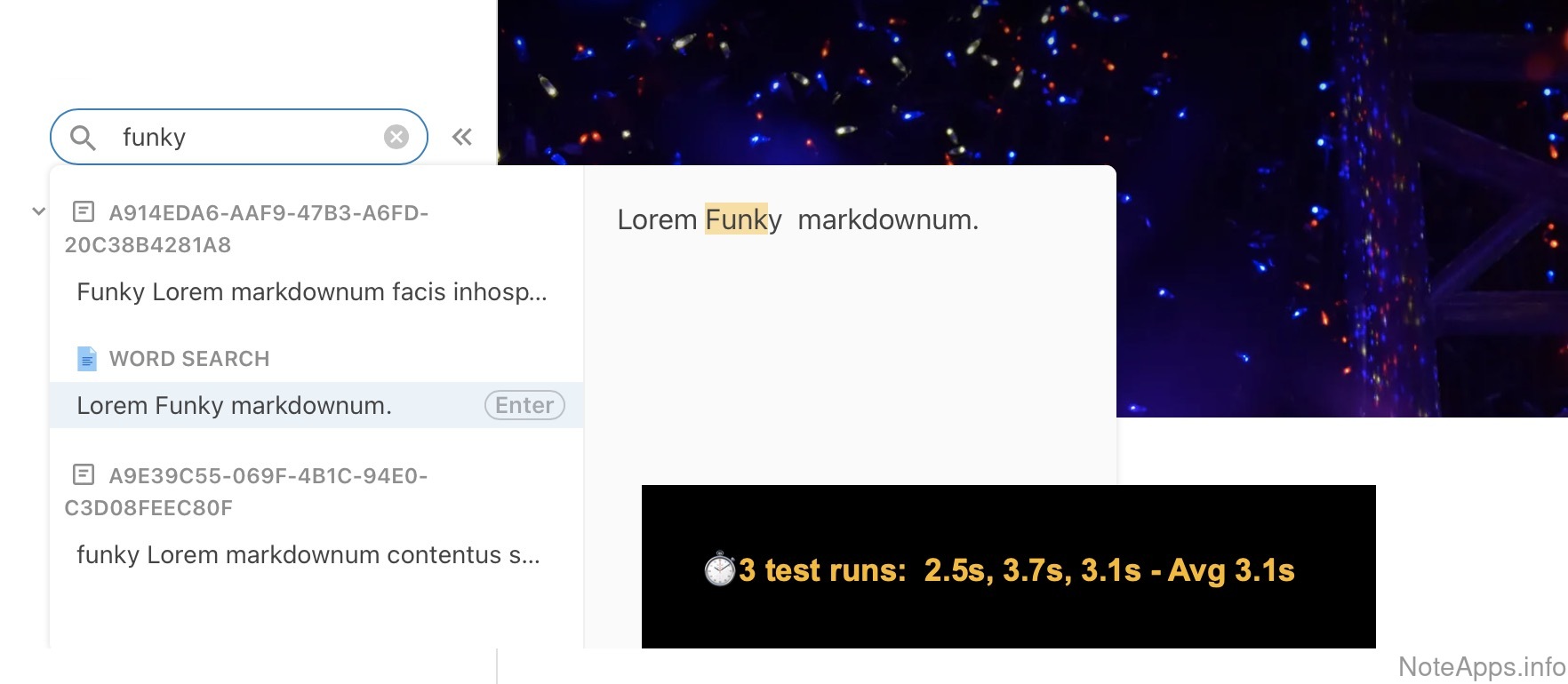
Superhuman Docs: Web => Search for a word, open first search result in <= 5 seconds screenshot
Web =>
Search for a word, open first search result in <= 5 seconds
Search for a word, see new note after opening first search result
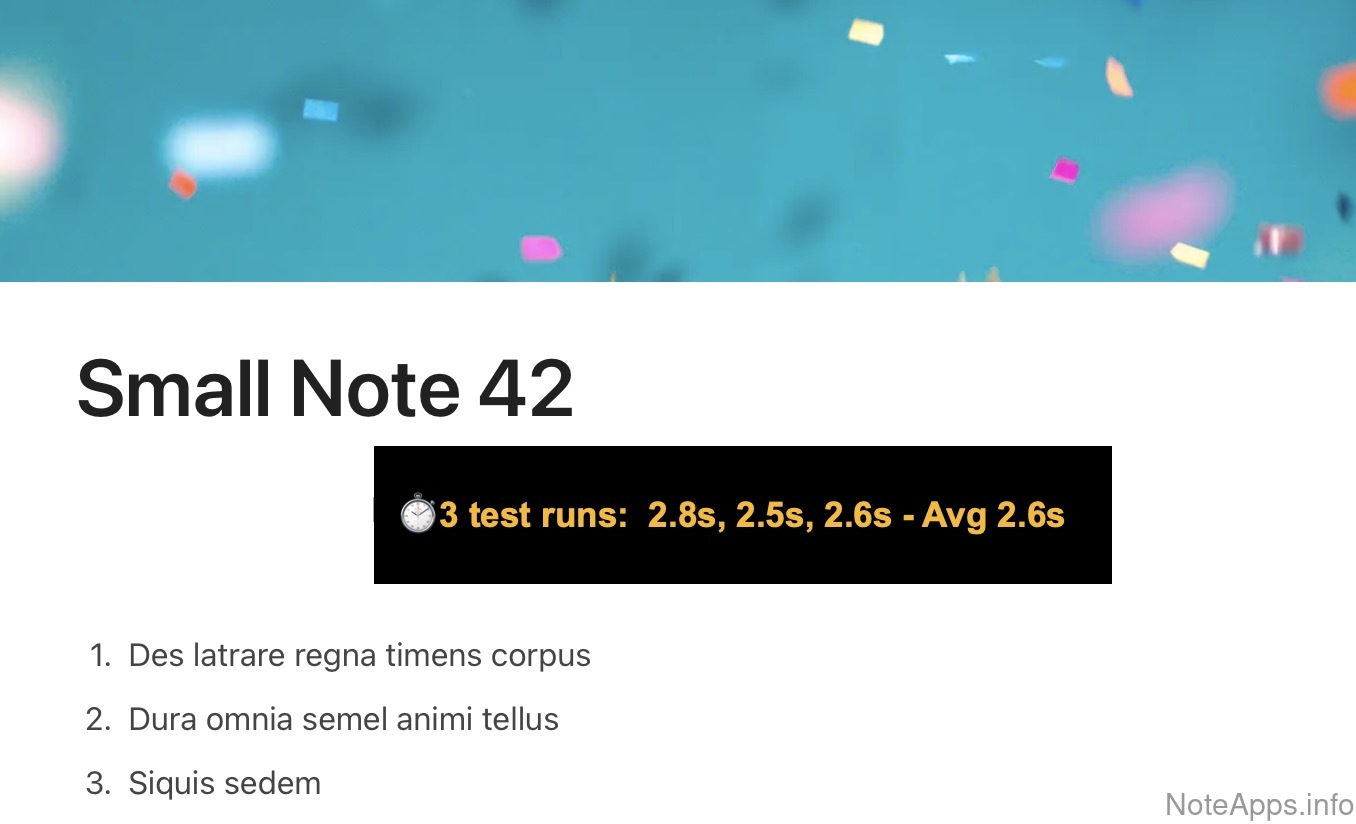
Superhuman Docs: Web => Small-sized note lookup, cursor visible in <= 3 seconds screenshot
Web =>
Small-sized note lookup, cursor visible in <= 3 seconds
New note opens after looking up title of a small-sized note with the fastest available "note opening" mechanism
Android =>
Large-sized note lookup, cursor visible in <= 4 seconds
New note opens after looking up title of a large- sized note in the fastest available "note opening" mechanism
Android =>
Open app from closed state, add a one-word task in <= 5 seconds
Open up app from completely closed state, add a one-word task to first available note
Android =>
Search for a word, open first search result in <= 5 seconds
Search for a word, see new note after opening first search result
Android =>
Small-sized note lookup, cursor visible in <= 3 seconds
New note opens after looking up title of a small-sized note with the fastest available "note opening" mechanism
Web =>
Open app from closed state, add a one-word task in <= 5 seconds
Open up app from completely closed state, add a one-word task to first available note
Web =>
Open app from closed state, cursor visible in first available note <= 5 seconds
Open up app from completely closed state, see cursor visible in first available note
Windows app =>
Large-sized note lookup, cursor visible in <= 4 seconds
New note opens after looking up title of a large- sized note in the fastest available "note opening" mechanism
Windows app =>
Open app from closed state, add a one-word task in <= 5 seconds
Open up app from completely closed state, add a one-word task to first available note
Windows app =>
Open app from closed state, cursor visible in first available note <= 5 seconds
Open up app from completely closed state, see cursor visible in first available note
Windows app =>
Search for a word, open first search result in <= 5 seconds
Search for a word, see new note after opening first search result
Windows app =>
Small-sized note lookup, cursor visible in <= 3 seconds
New note opens after looking up title of a small-sized note with the fastest available "note opening" mechanism
iOS =>
Large-sized note lookup, cursor visible in <= 4 seconds
New note opens after looking up title of a large- sized note in the fastest available "note opening" mechanism
iOS =>
Open app from closed state, add a one-word task in <= 5 seconds
Open up app from completely closed state, add a one-word task to first available note
iOS =>
Open app from closed state, cursor visible in first available note <= 5 seconds
Open up app from completely closed state, see cursor visible in first available note
iOS =>
Search for a word, open first search result in <= 5 seconds
Search for a word, see new note after opening first search result
iOS =>
Small-sized note lookup, cursor visible in <= 3 seconds
New note opens after looking up title of a small-sized note with the fastest available "note opening" mechanism
macOS app =>
Large-sized note lookup, cursor visible in <= 4 seconds
New note opens after looking up title of a large- sized note in the fastest available "note opening" mechanism
macOS app =>
Open app from closed state, add a one-word task in <= 5 seconds
Open up app from completely closed state, add a one-word task to first available note
macOS app =>
Open app from closed state, cursor visible in first available note <= 5 seconds
Open up app from completely closed state, see cursor visible in first available note
macOS app =>
Search for a word, open first search result in <= 5 seconds
Search for a word, see new note after opening first search result
macOS app =>
Small-sized note lookup, cursor visible in <= 3 seconds
New note opens after looking up title of a small-sized note with the fastest available "note opening" mechanism
Platforms
Compare to others
Which platforms are officially supported?
Superhuman Docs: Android screenshot
Android
There is an Android app available for download in the Play store
Read provider description
Superhuman Docs: Web screenshot
Web
App is available via web browser
Superhuman Docs: iOS screenshot
iOS
There is an iOS app available for download in the App Store
Read provider description
Superhuman Docs: iOS => iPad native app screenshot
iOS =>
iPad native app
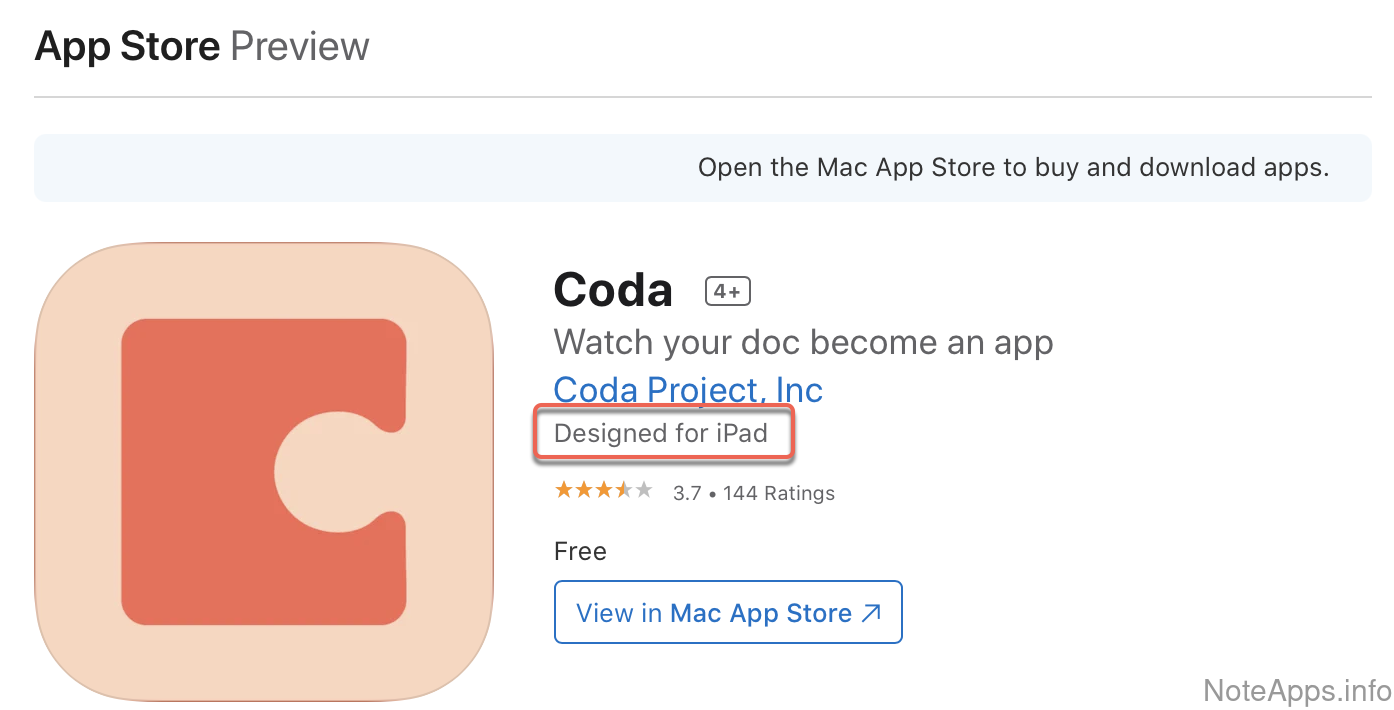
An iPad app (separate from iOS app) has been published to App Store
Read provider description
Linux
Includes web apps that can be installed via official PWA or Electron
Windows
Includes web apps that can be installed via PWA or Electron
Windows =>
Native app
An installable app is available that isn't a Progressive Web App or thin Electron wrapper
macOS
Includes web apps that can be installed via PWA or Electron
macOS =>
Native app
An installable app is available that isn't a Progressive Web App or thin Electron wrapper
Search, Lookup and Navigation
Compare to others
What options are there for navigating around the app and finding the note you're after?
Superhuman Docs: Boolean operators screenshot
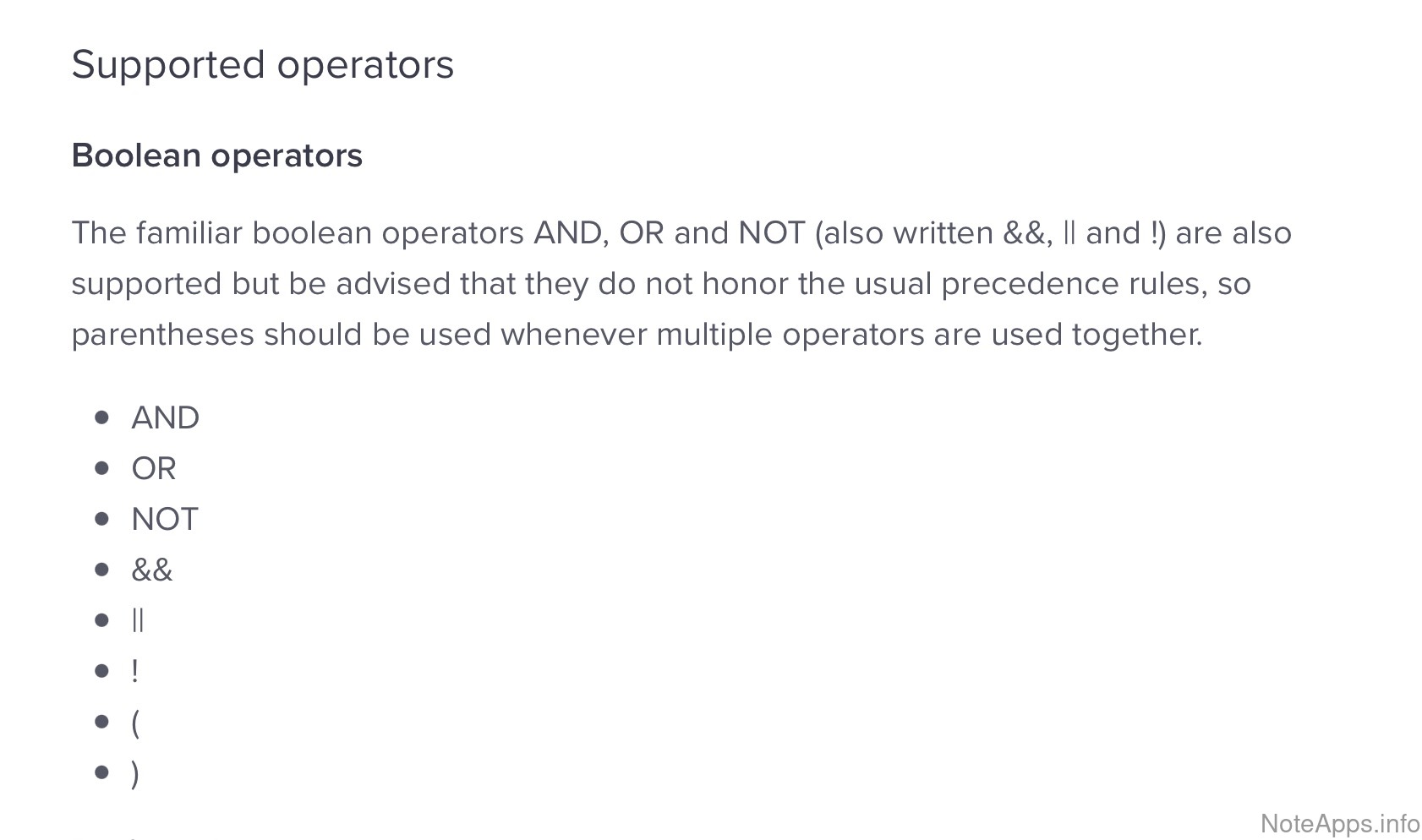
Boolean operators
The three keyword operators (AND, NOT, OR) limit or expand search results
Read provider description
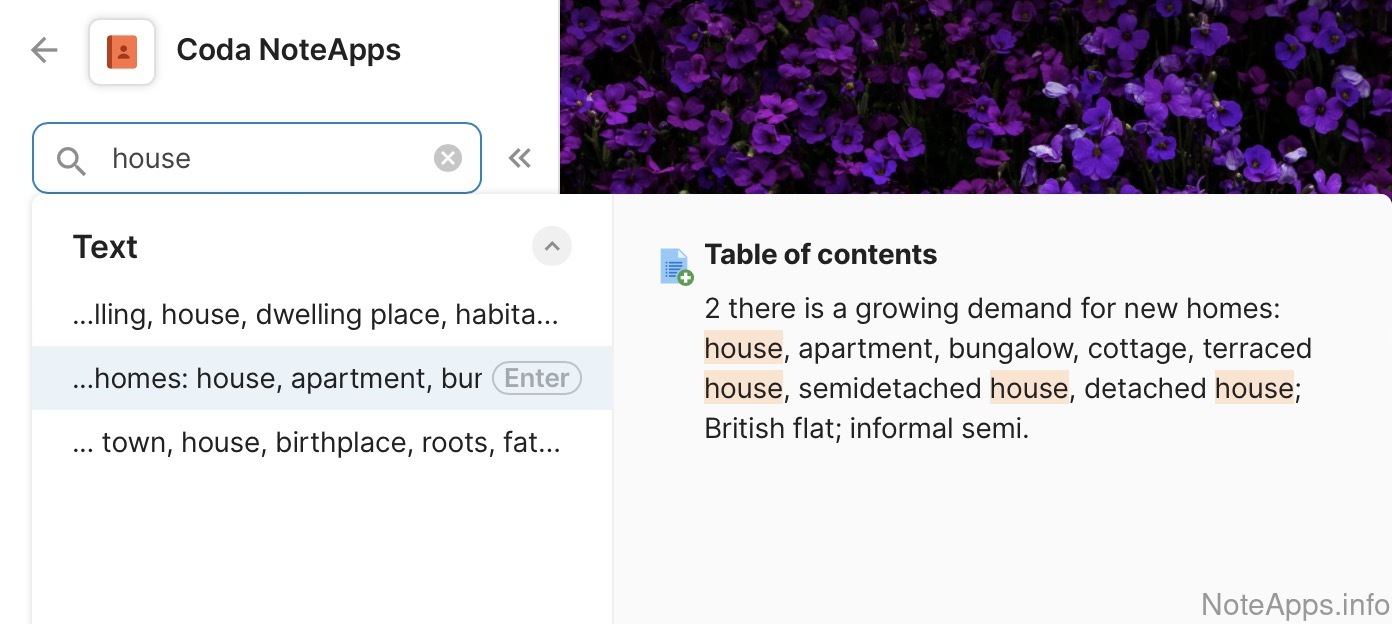
Superhuman Docs: Full text search screenshot
Full text search
A list of all notes containing a word or phrase can be produced
Read provider description
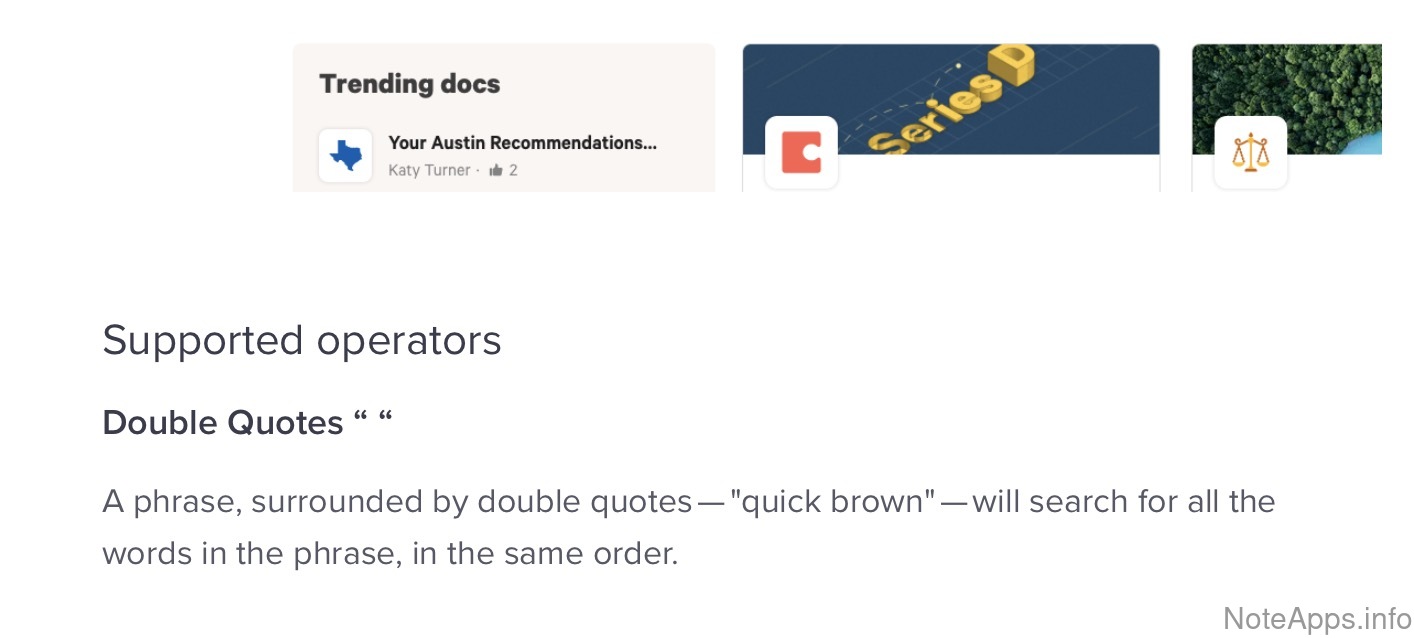
Superhuman Docs: Full text search => Allow quoted/literal searches screenshot
Full text search =>
Allow quoted/literal searches
Enclosing the search query with quote brackets, the results only show words from within those quotes
Read provider description
Superhuman Docs: Full text search => Filter on author screenshot
Full text search =>
Filter on author
Search results can filter available collaborators of any shared note
Read provider description
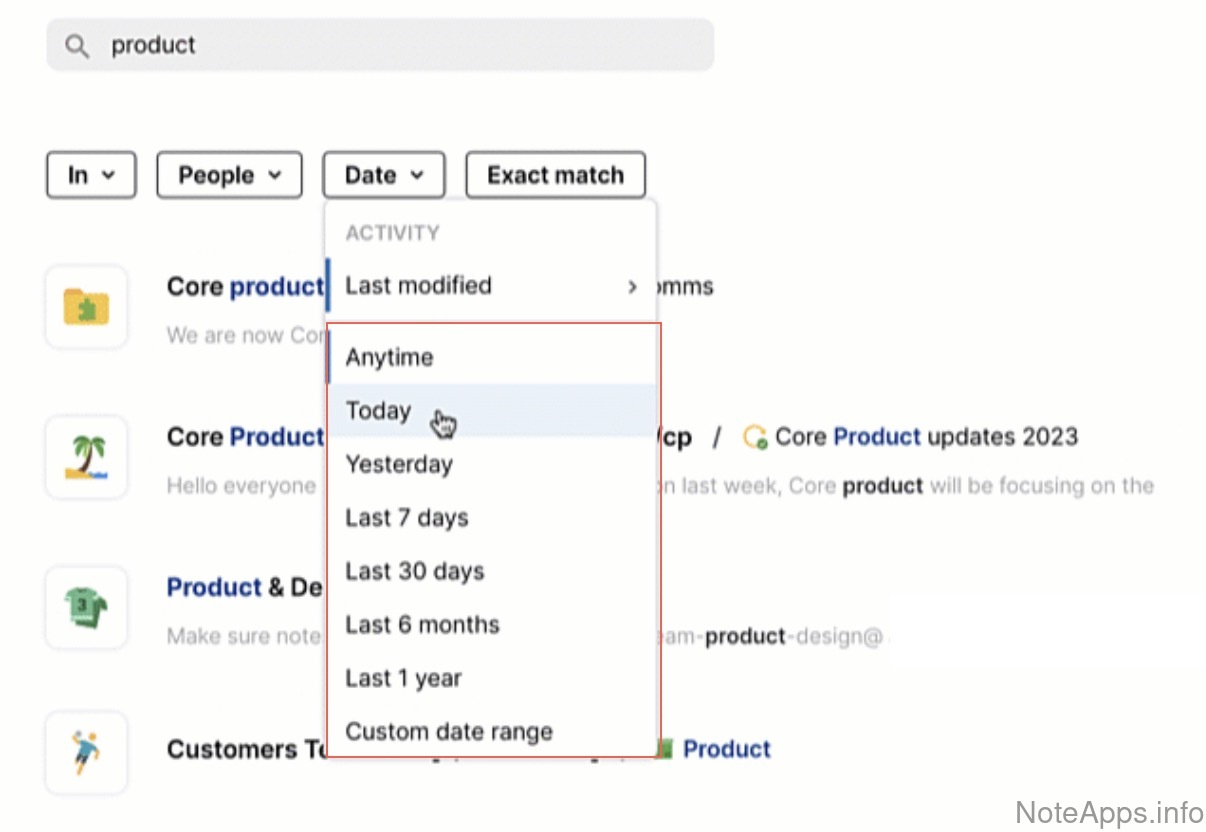
Superhuman Docs: Full text search => Filter on date range screenshot
Full text search =>
Filter on date range
Search results contain notes only within a selected range
Read provider description
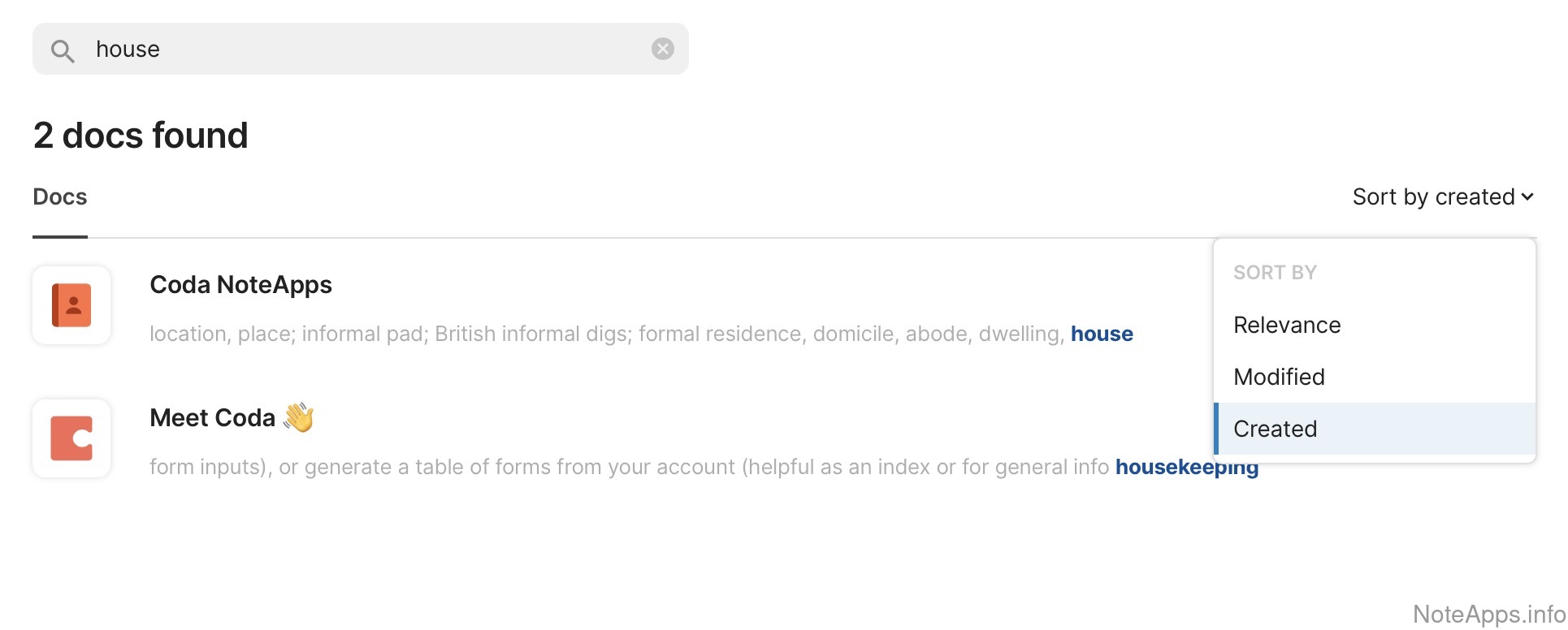
Superhuman Docs: Full text search => Sort by date screenshot
Full text search =>
Sort by date
Search results can be sorted by the note's date of creation
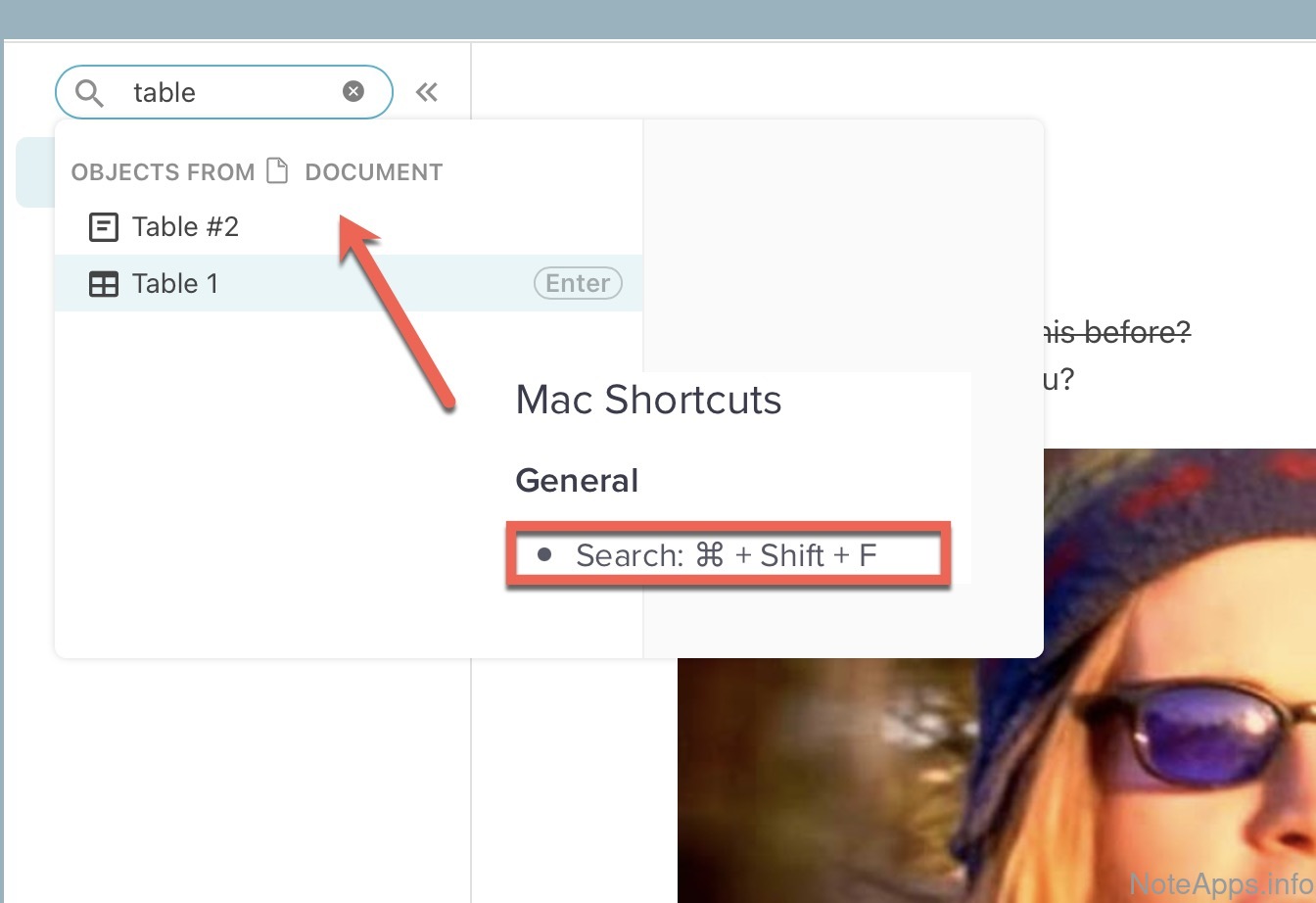
Superhuman Docs: Quick open note lookup screenshot
Quick open note lookup
A hotkey is available that can be used to access an input box that searches notes, and a note can be selected from that list without using the mouse
Read provider description
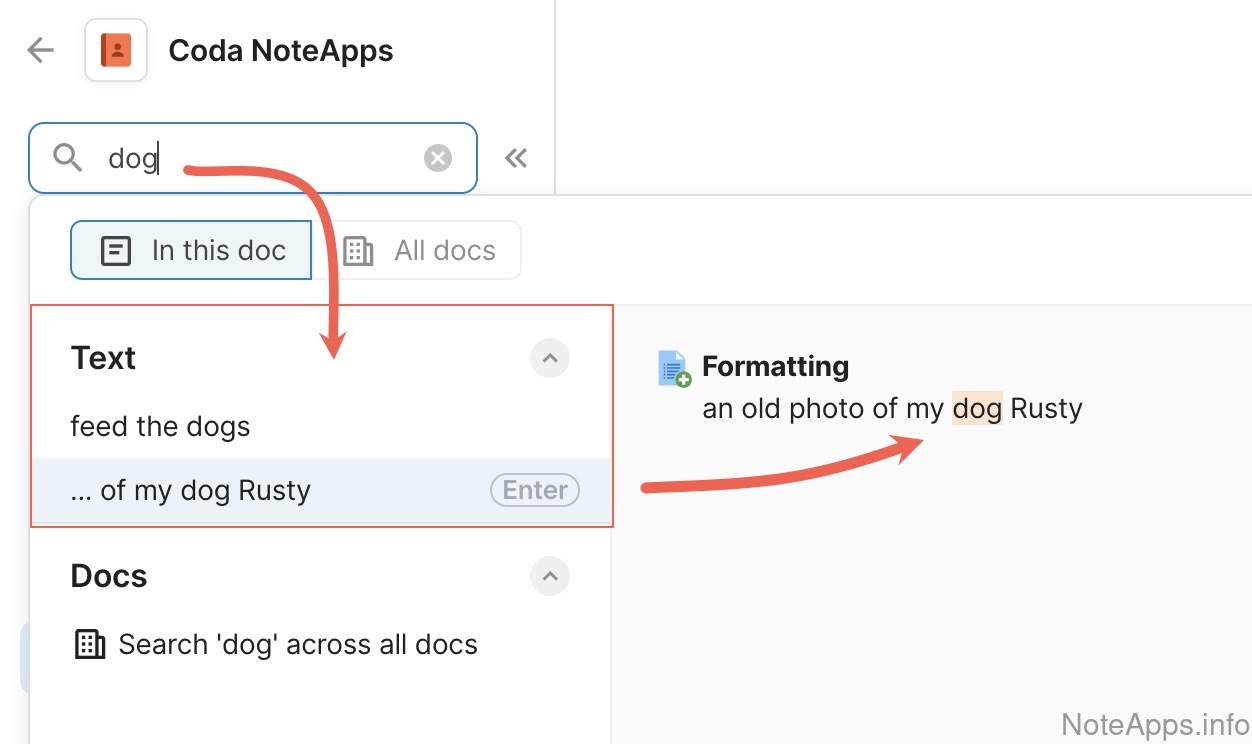
Superhuman Docs: Search result snippets highlighted screenshot
Search result snippets highlighted
The portion of the note that matches a user search query is shown on all desktop and mobile platforms
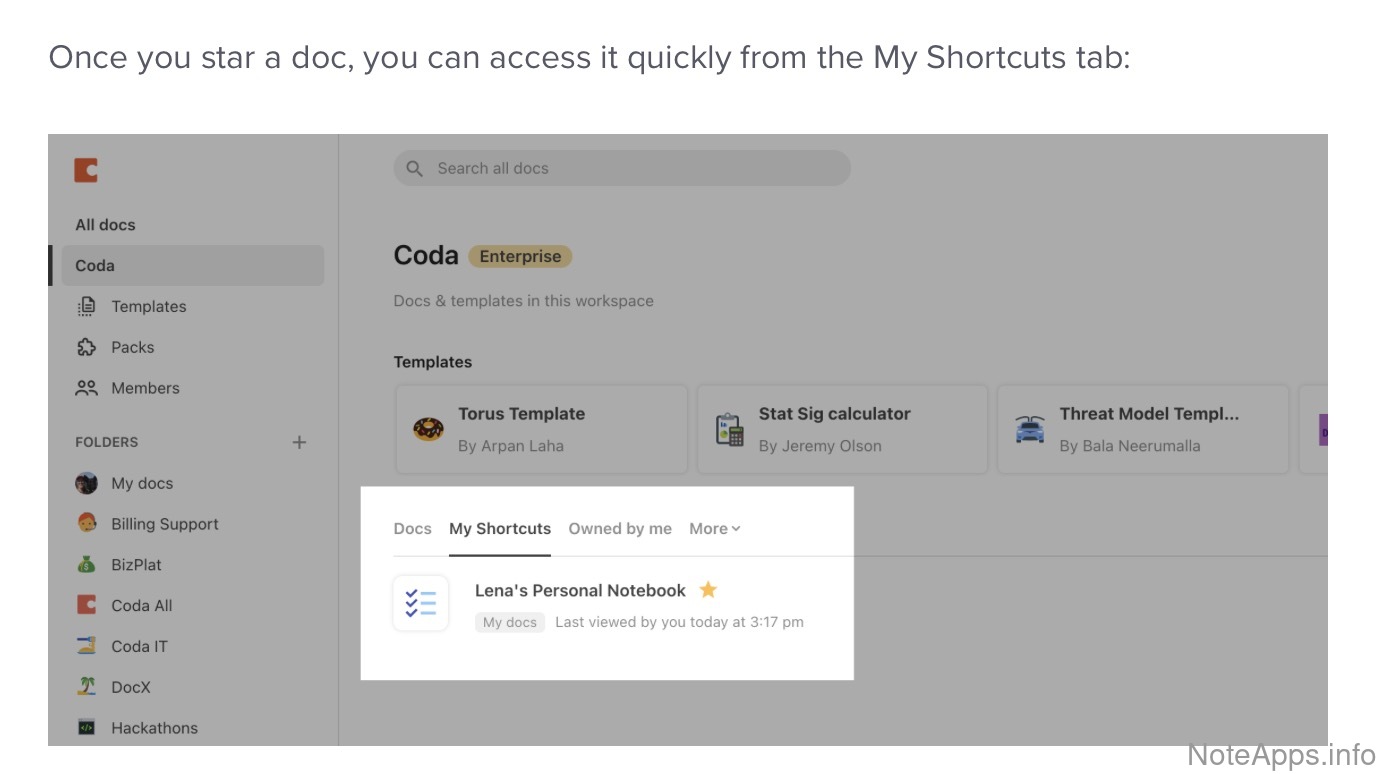
Superhuman Docs: Shortcuts/Starred screenshot
Shortcuts/Starred
Groups of notes can be bookmarked and accessed from a dedicated "Shortcuts," "Starred" or "Favorites" area
Read provider description
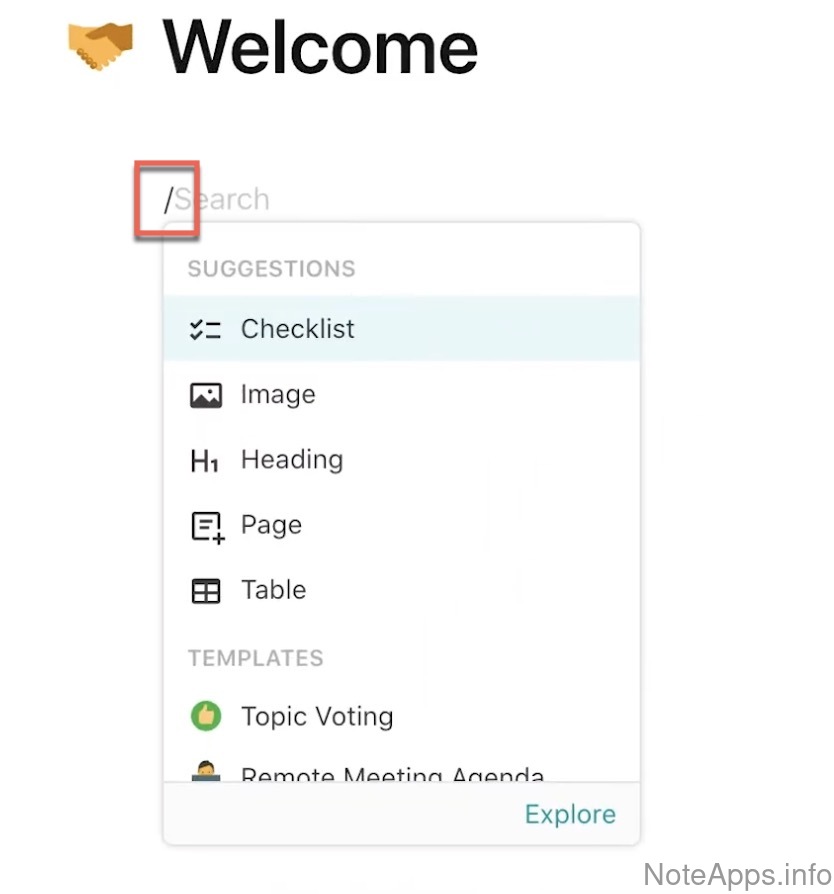
Superhuman Docs: Slash command shortcut screenshot
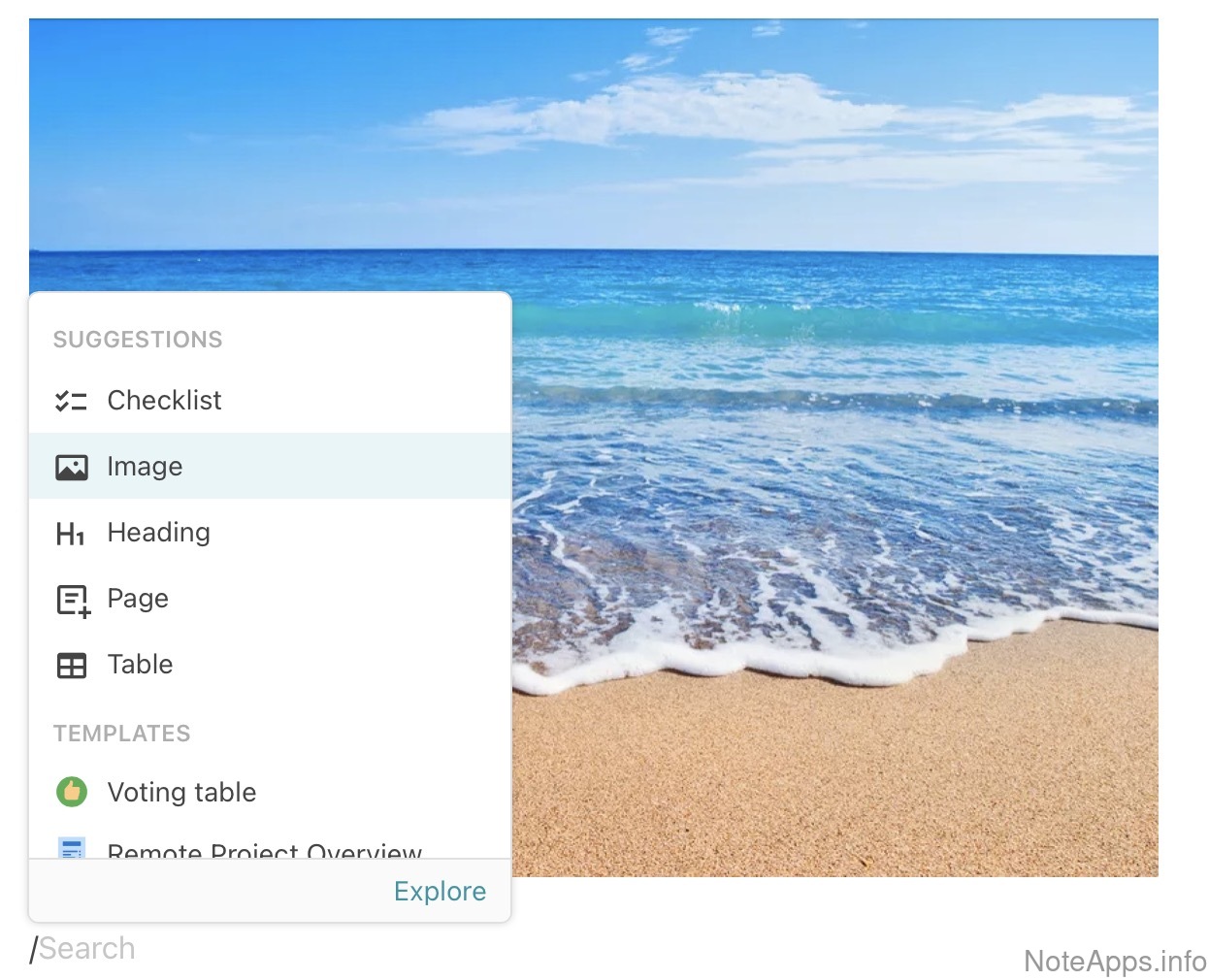
Slash command shortcut
The forward slash key can be used to call forth a dialogue with a list of editing & formatting options
Read provider description
Full text search =>
Filter on hierarchy
The app’s organizational system (e.g., tags, folders) can be used as a filter for full-text search
Pin to top
A note can be affixed to the top of the note list
Query note properties
Notes can have metadata or frontmatter ("properties"), which can be used to locate the note later
Quick open note lookup =>
Quick-open can filter on hierarchy
The quick search shortcut can apply a filter to the results for tags or folders
Saved search
Save or favorite the parameters of a search to become accessible with one click
Search for task
A filter within the search bar can show tasks
Search result snippets highlighted =>
Search results highlighted within attachments
Notes that include PDFs, Word documents, and images show the portion within these that matches search query
Sharing, Collaboration and Publishing
Compare to others
What features allow note content to be shared with the world?
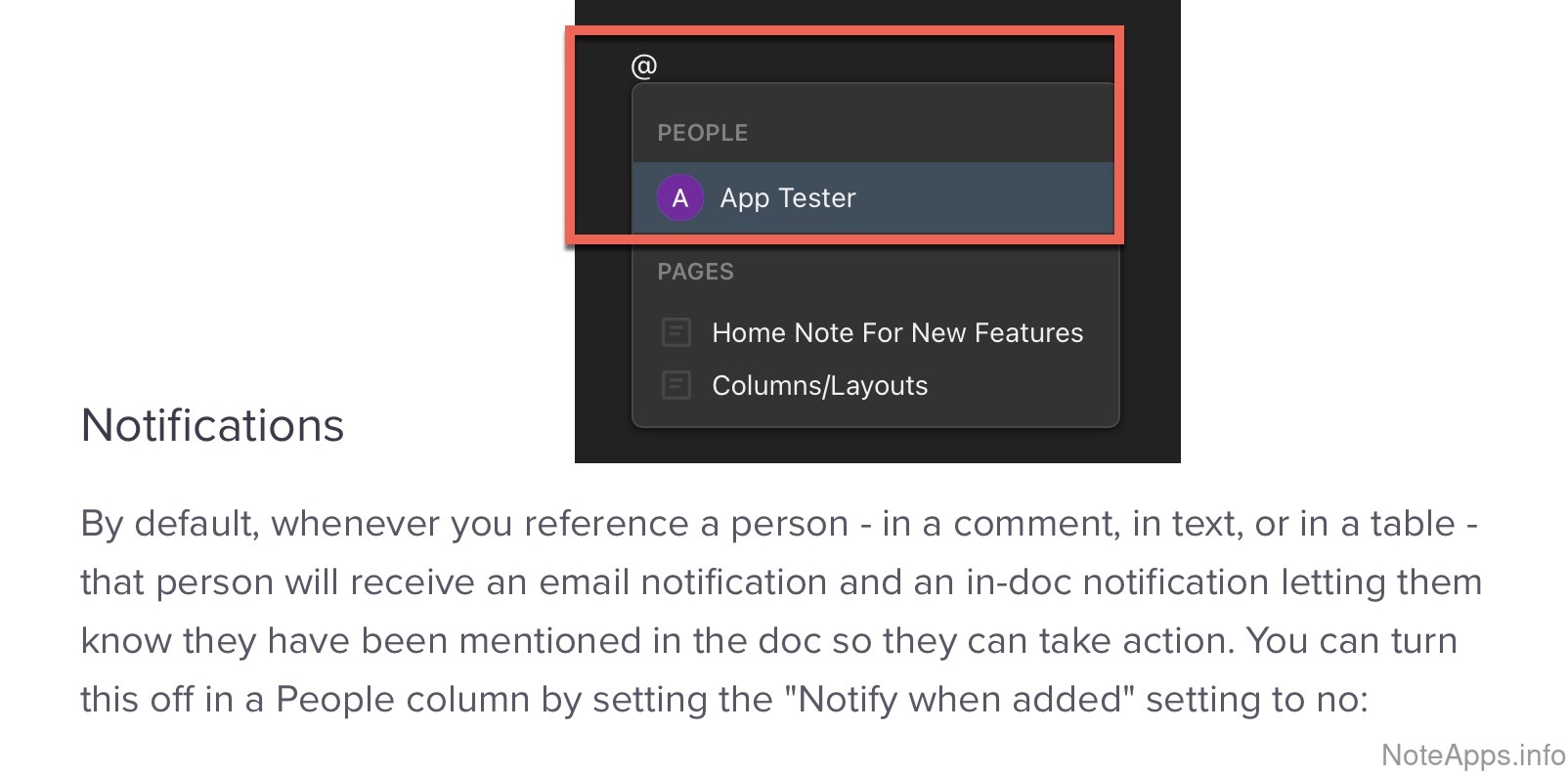
Superhuman Docs: @mentions screenshot
@mentions
Collaborators can be referenced via an @ prefix, receiving a notification upon being mentioned
Read provider description
Superhuman Docs: Blog hosting screenshot
Blog hosting
Company provides a hosted space for publishing notes as blog posts, and published notes can be browsed by author
Read provider description
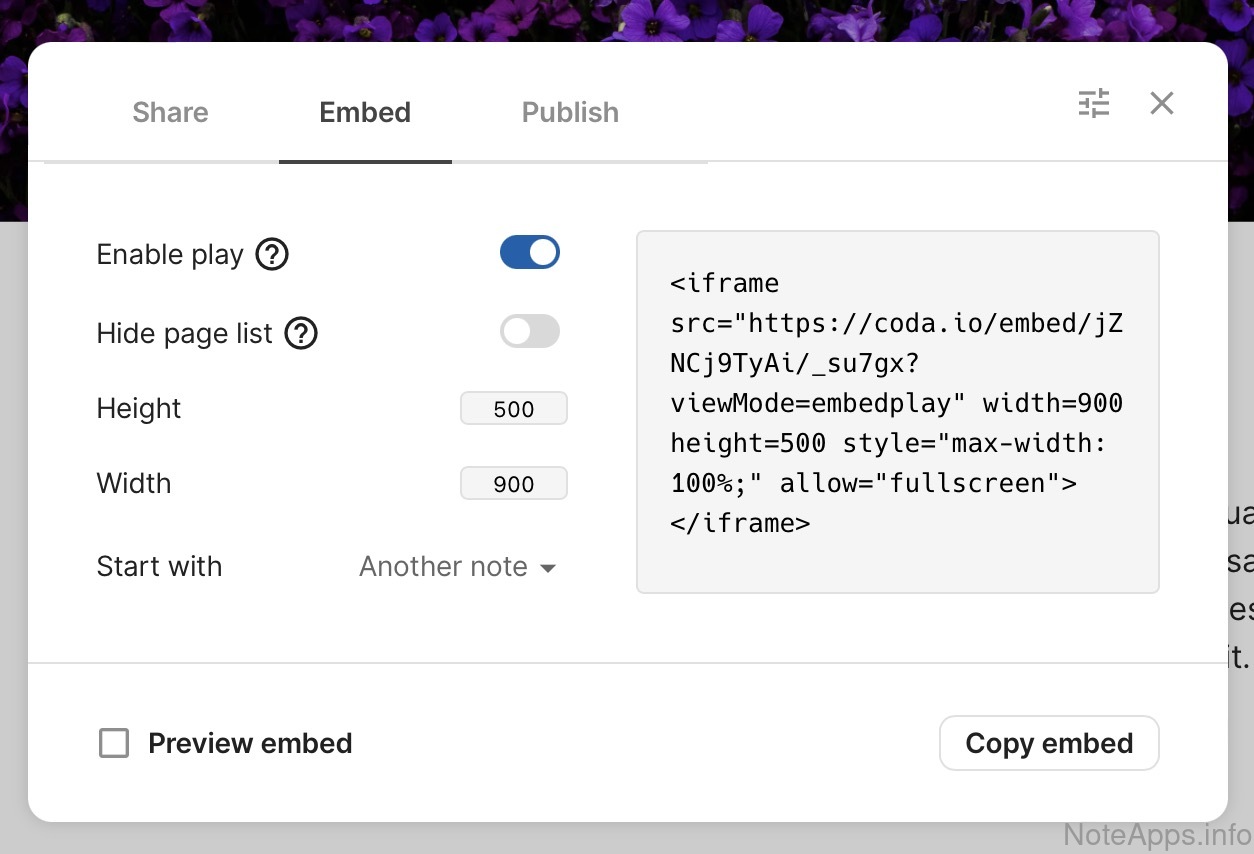
Superhuman Docs: Embeddable in web pages screenshot
Embeddable in web pages
App provides means to embed note content in web pages outside the app
Read provider description
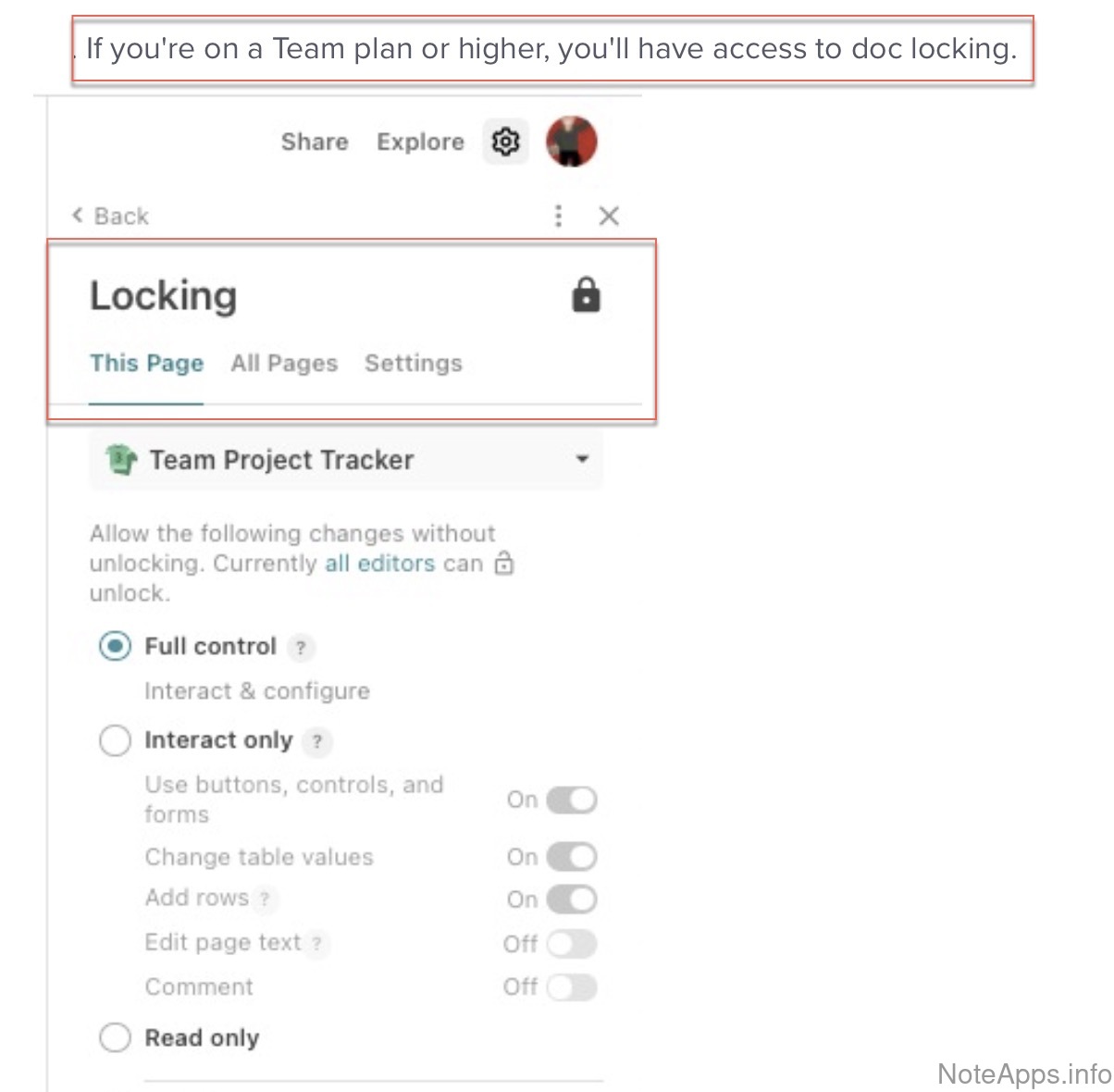
Superhuman Docs: Lock editing/Read-only mode screenshot
Lock editing/Read-only mode
A note can be locked to prevent editing
Read provider description
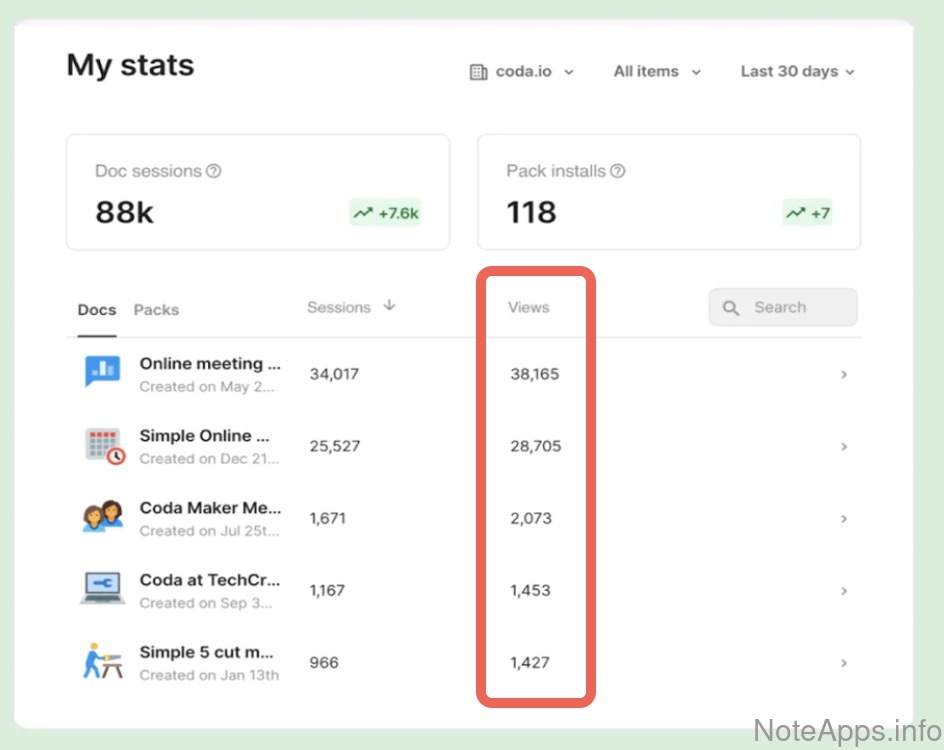
Superhuman Docs: Note view counter screenshot
Note view counter
A counter exists to see how many times a shared/published note has been viewed
Read provider description
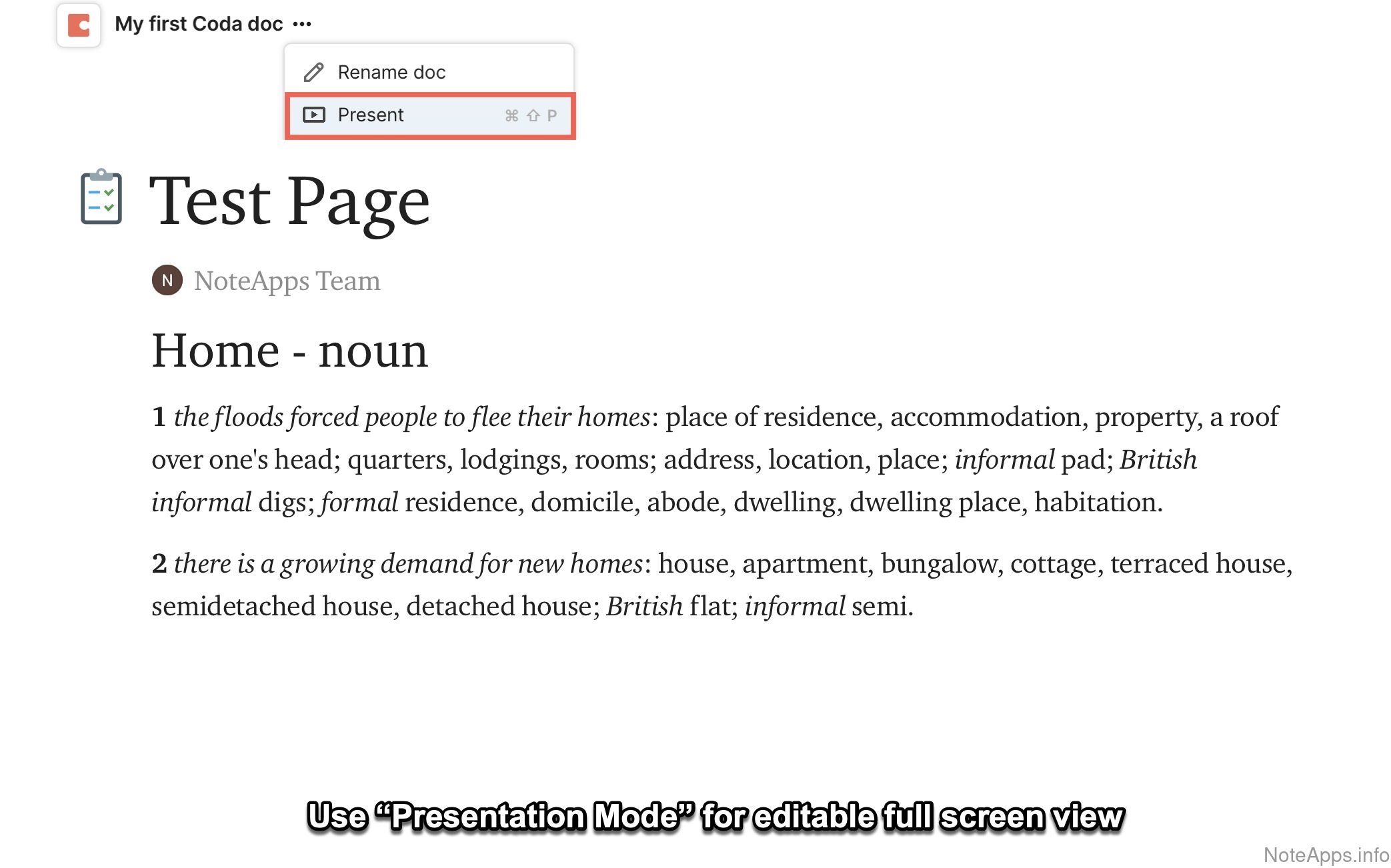
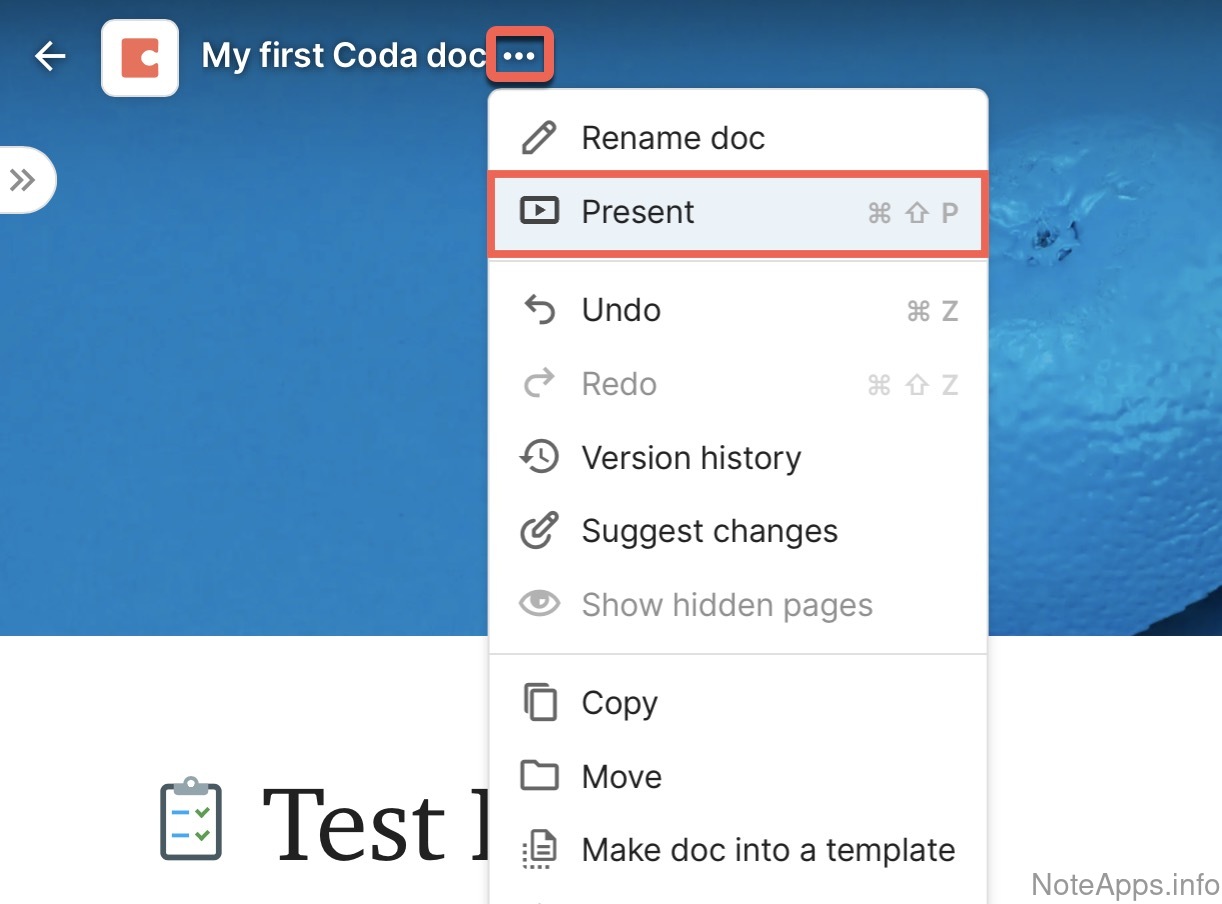
Superhuman Docs: Presentation mode screenshot
Presentation mode
A set of notes can be presented as full screen slides
Read provider description
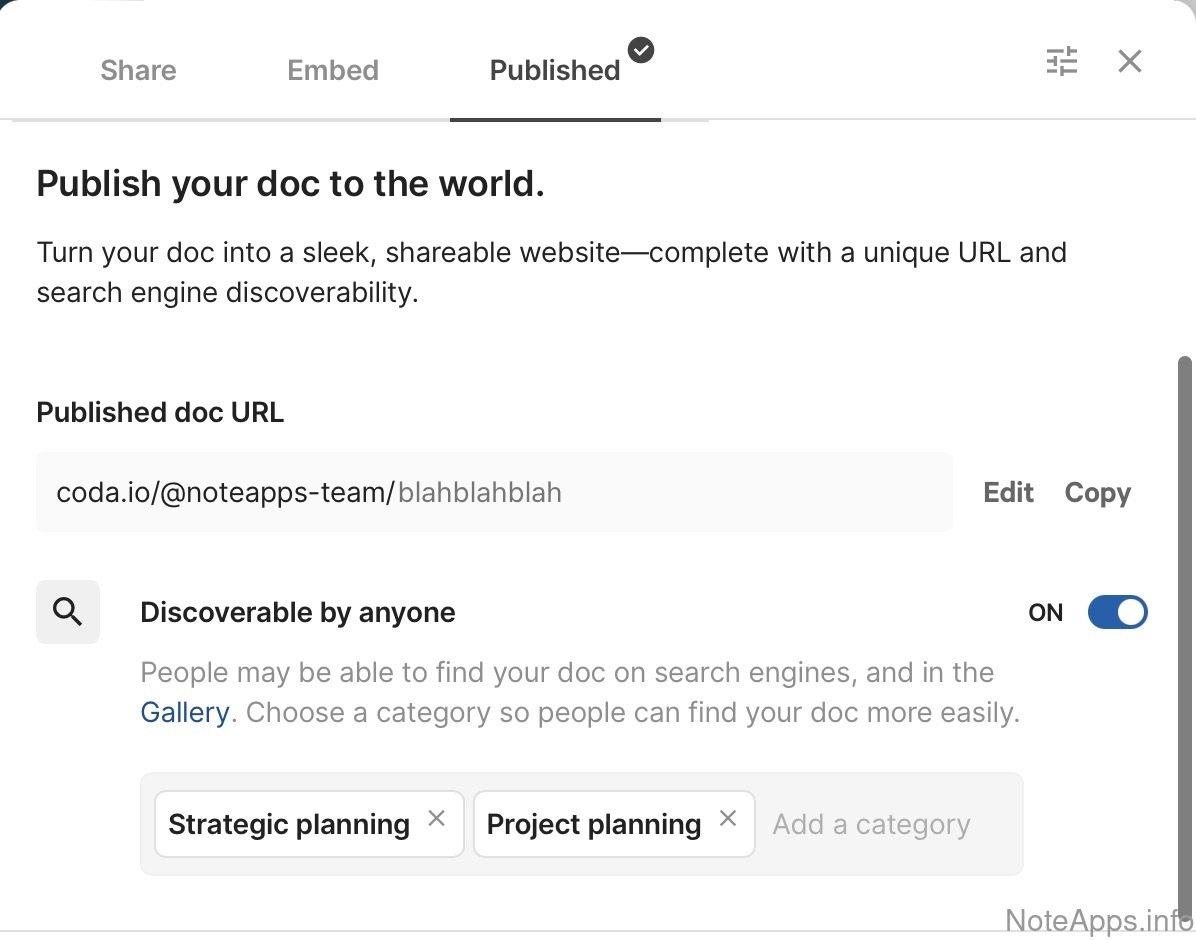
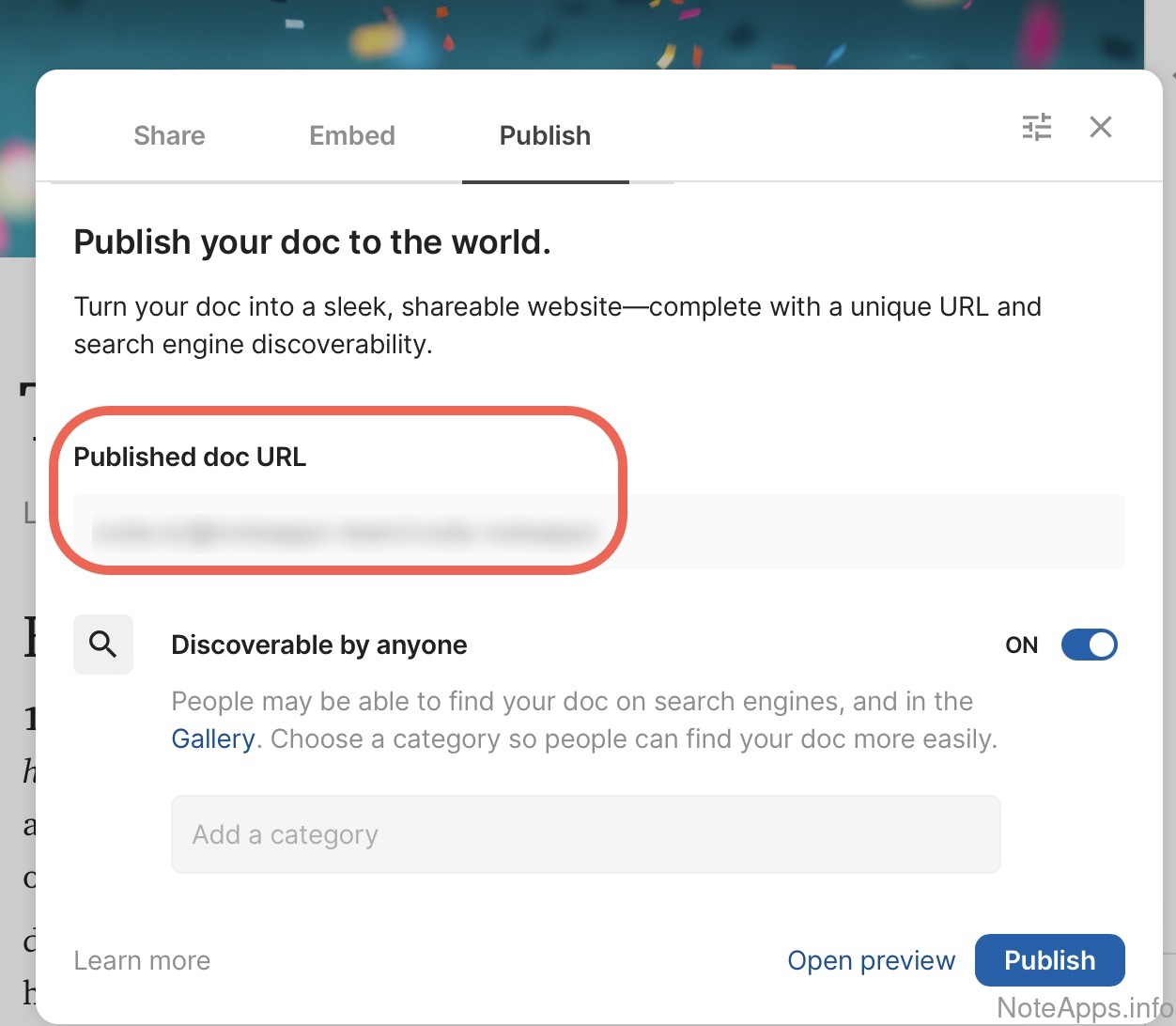
Superhuman Docs: Publish to URL screenshot
Publish to URL
Notes can be shared through a publicly-accessible link
Read provider description
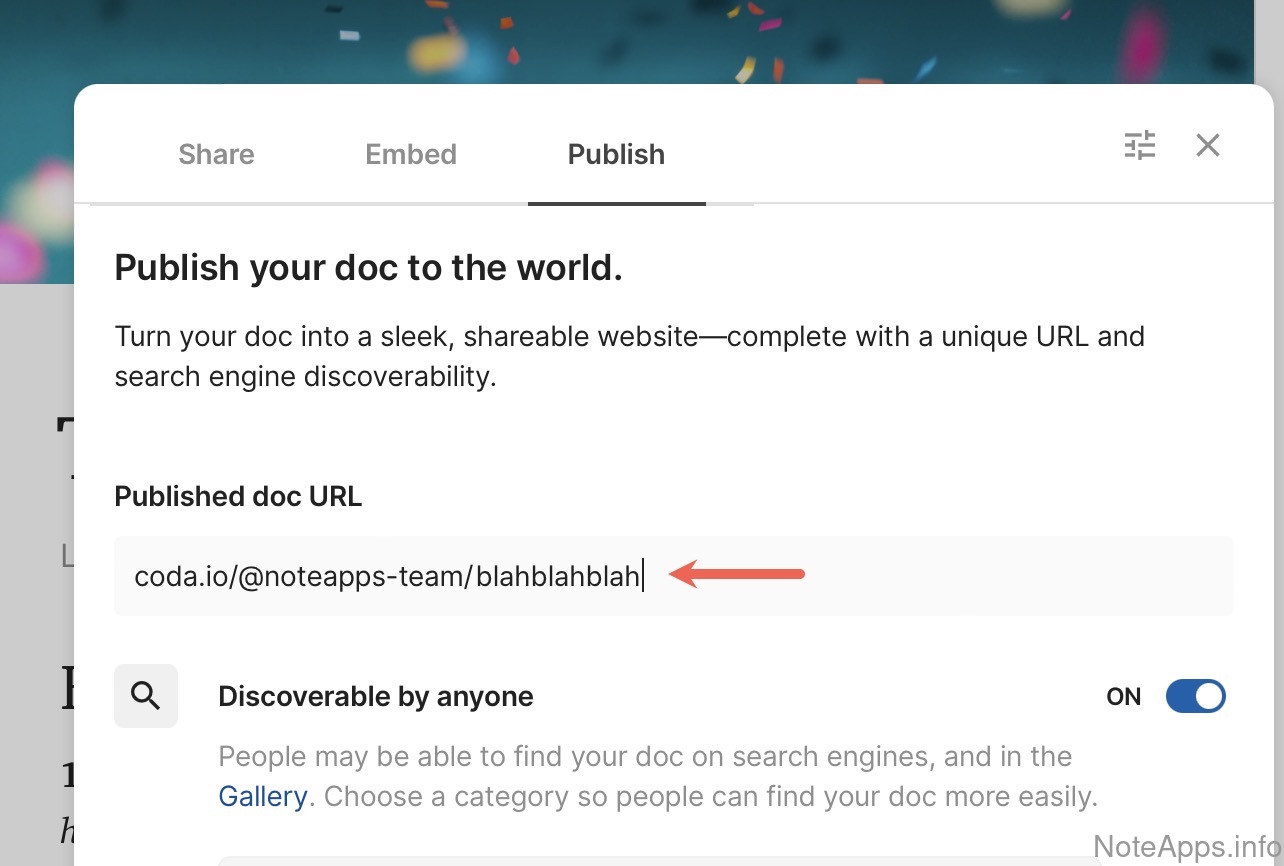
Superhuman Docs: Publish to URL => Customizable URL screenshot
Publish to URL =>
Customizable URL
App offers creation of a custom url when sharing a public note
Read provider description
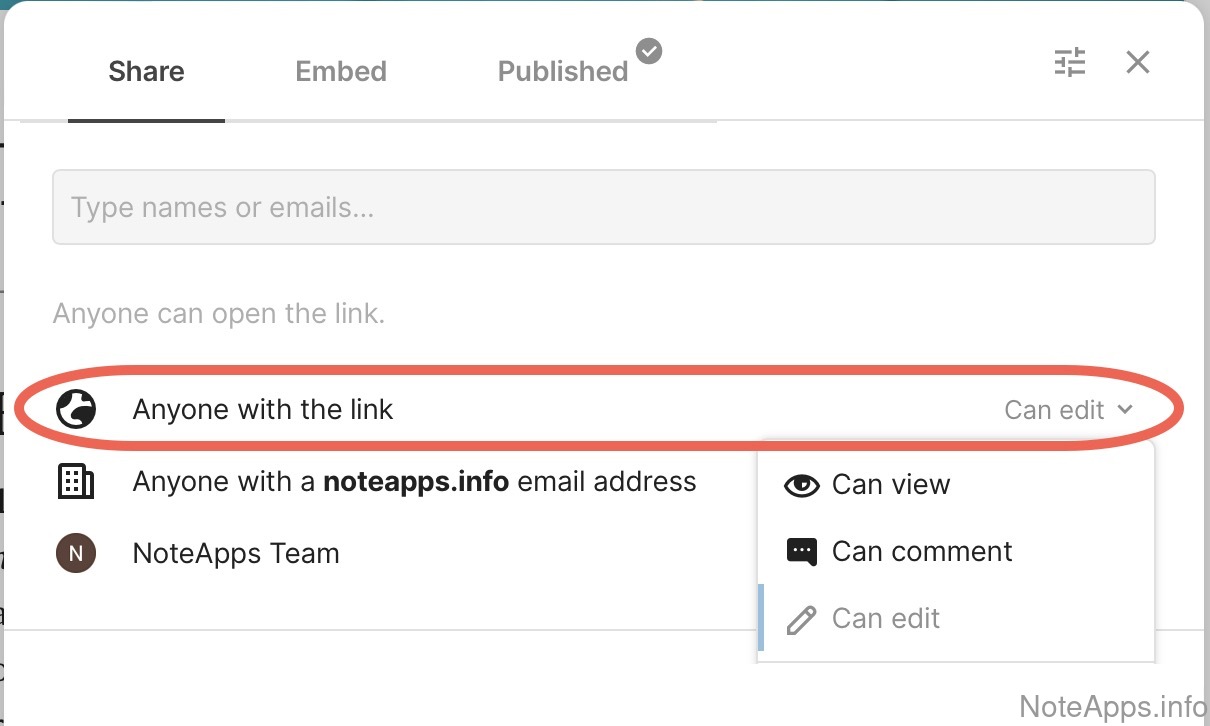
Superhuman Docs: Publish to URL => Editable published notes screenshot
Publish to URL =>
Editable published notes
Notes shared via a publicly-accessible link can be edited by any visitor without requiring explicit permissions from the note owner
Read provider description
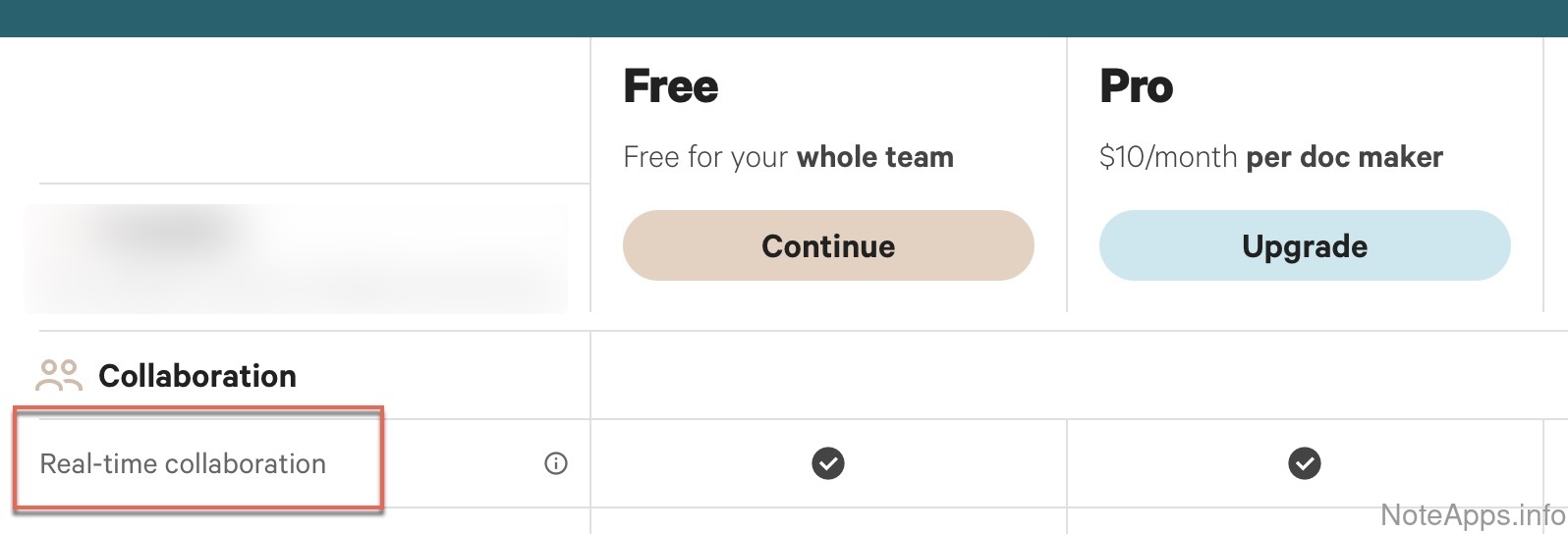
Superhuman Docs: Real-time collaboration screenshot
Real-time collaboration
Multiple parties can edit a note concurrently with a real-time editing system that prevents merge errors if the same paragraph is concurrently edited
Read provider description
Superhuman Docs: Sharable with selected members screenshot
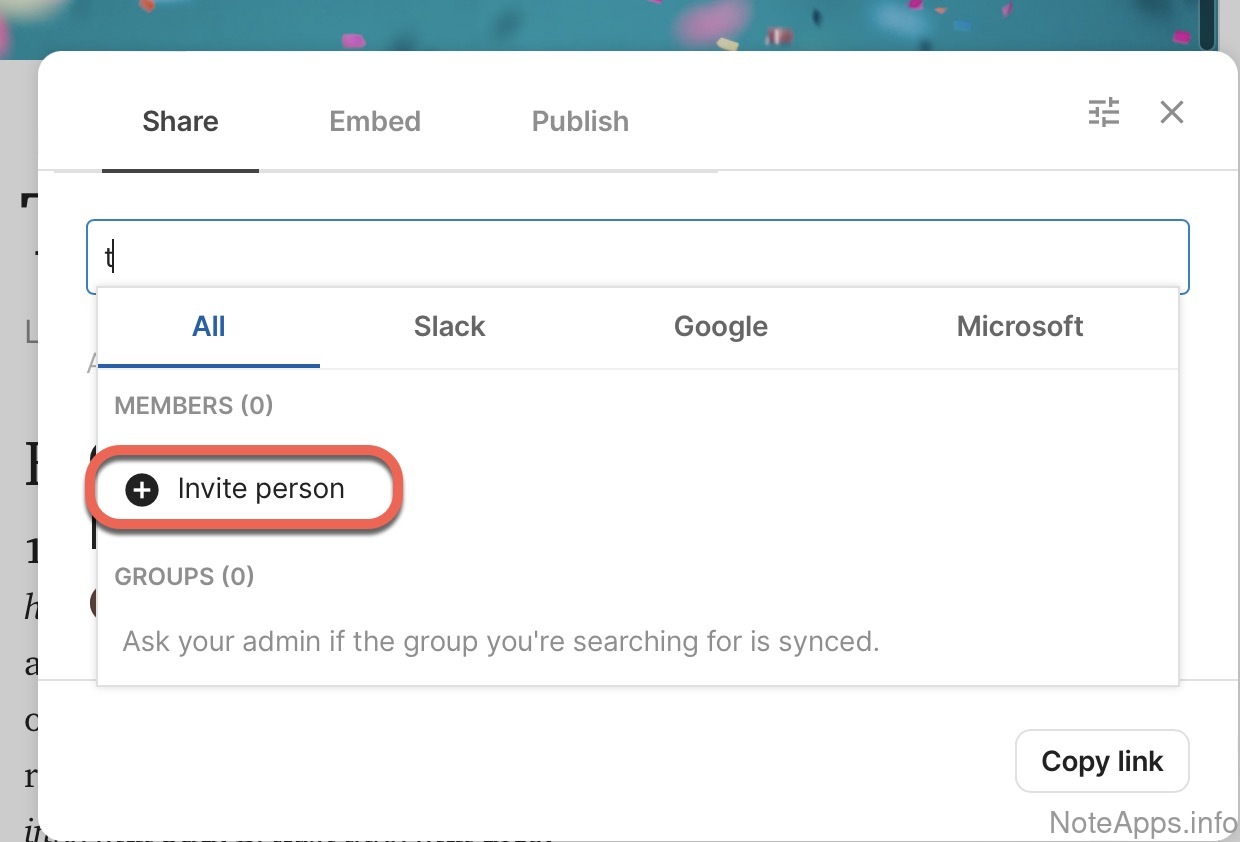
Sharable with selected members
Enable a specific user or multiple users to view and/or edit one's otherwise private note content
Read provider description
Superhuman Docs: Sharable with selected members => Allows configurable read or write access screenshot
Sharable with selected members =>
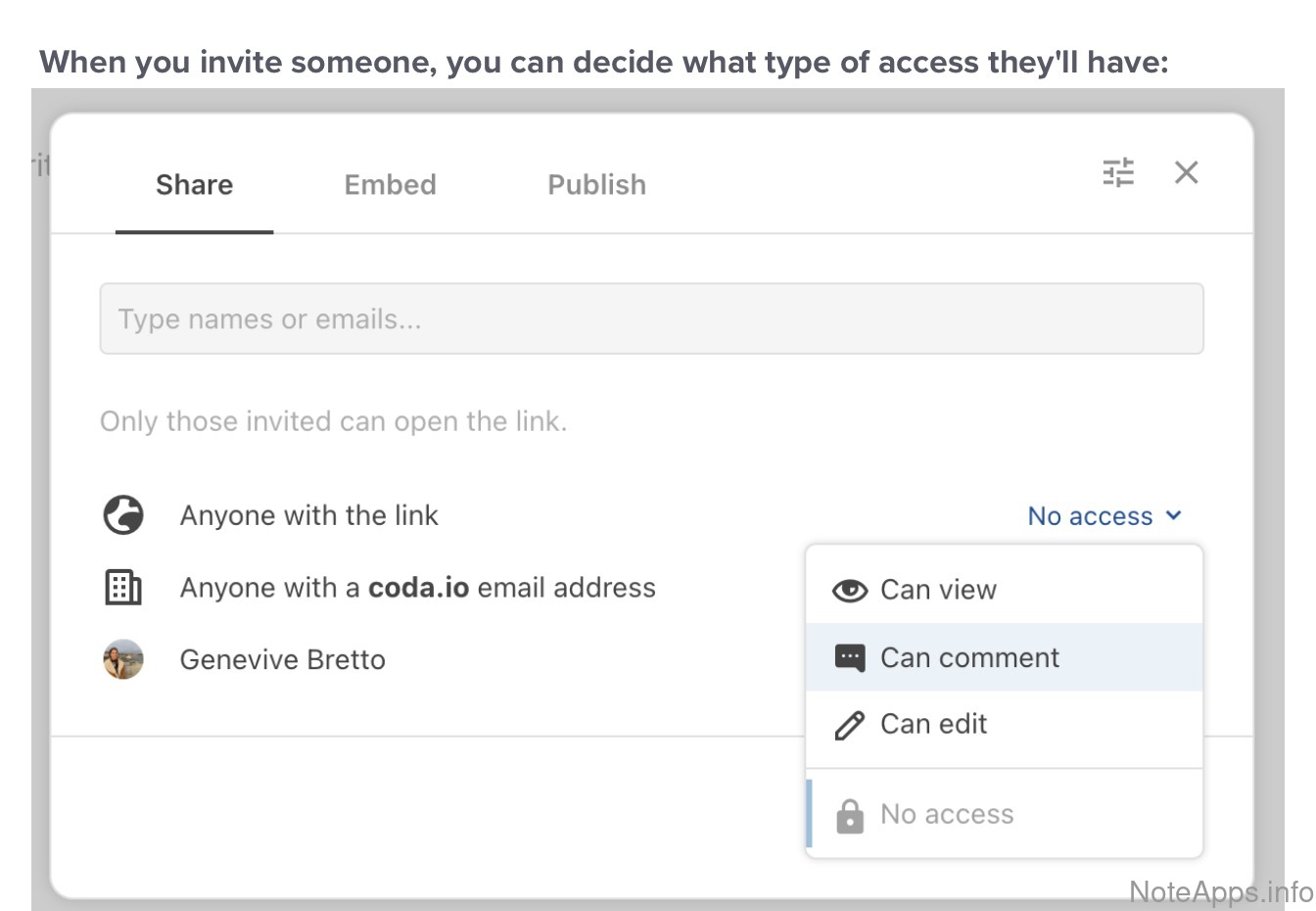
Allows configurable read or write access
The note owner has options for different levels of permissions when sharing a note with other users who have an account (ex: full access, read only, editable by others)
Read provider description
Superhuman Docs: Share notes en masse screenshot
Share notes en masse
It's possible to define a group of notes to be shared through a single action
Read provider description
Superhuman Docs: User commenting screenshot
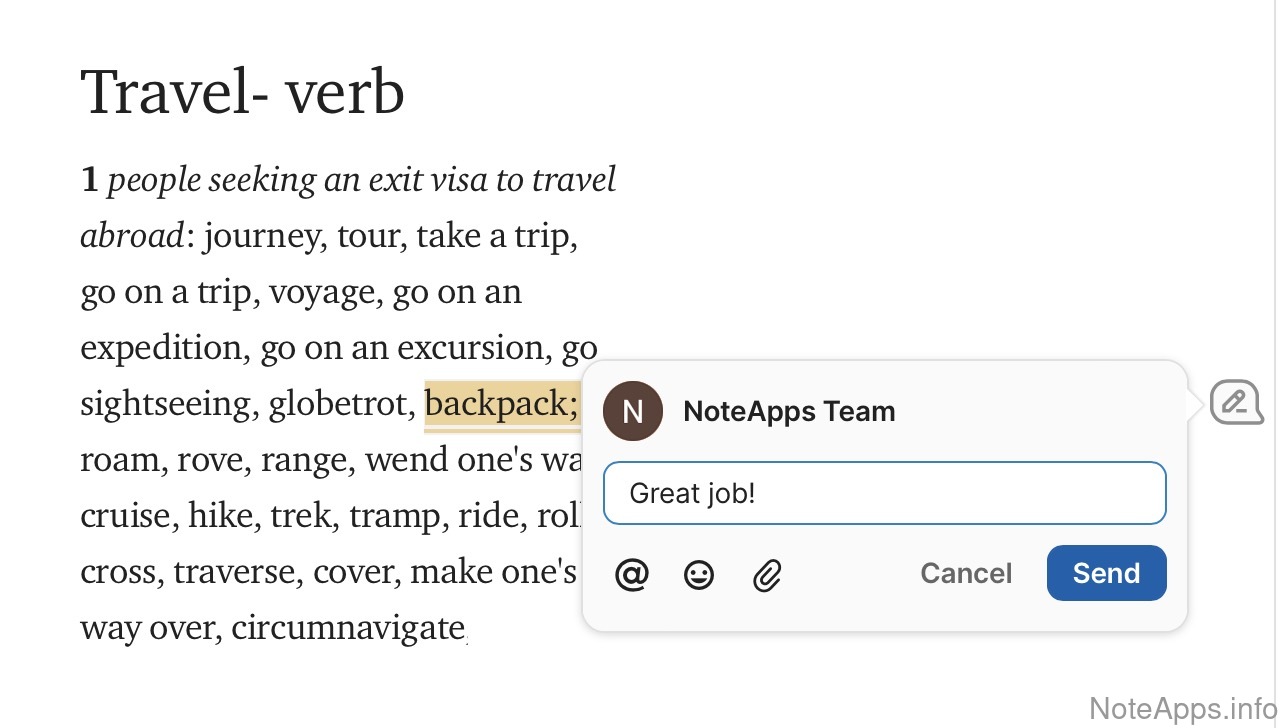
User commenting
Create a conversation thread in a shared note
Read provider description
Superhuman Docs: User commenting => On text in a note screenshot
User commenting =>
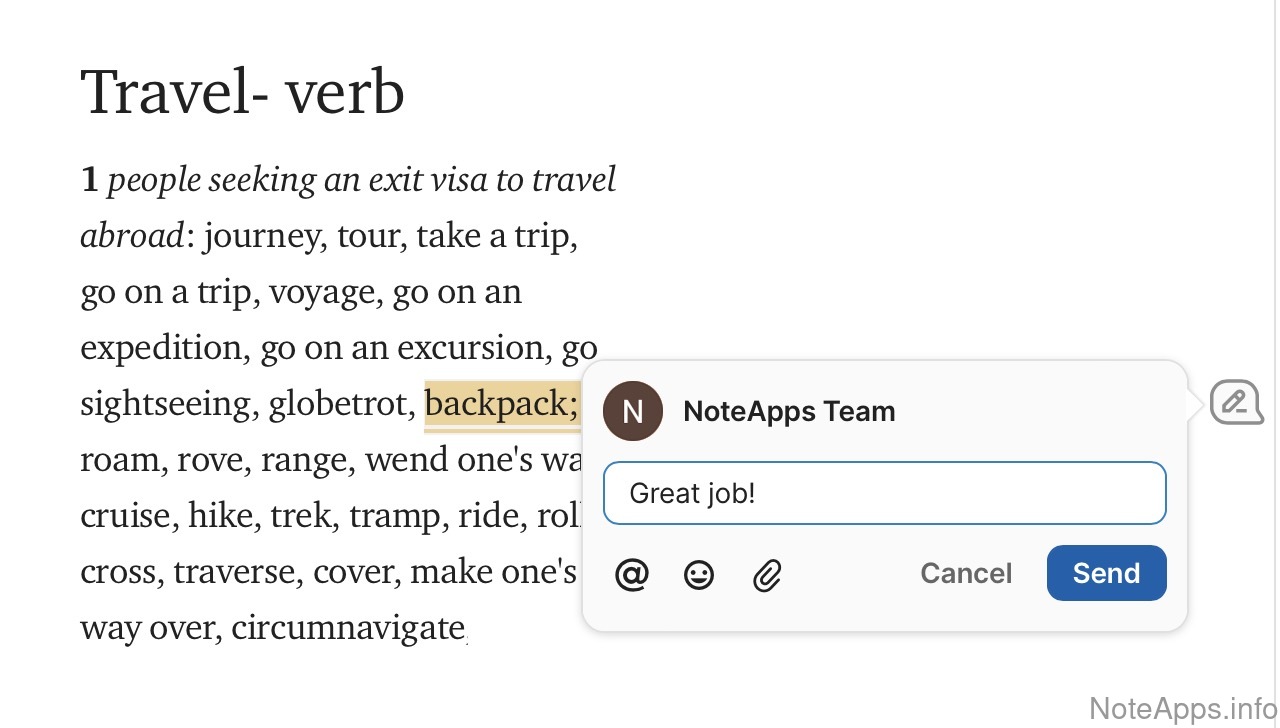
On text in a note
A conversation thread is available inline throughout any section of a shared note
Read provider description
Superhuman Docs: Workspace view screenshot
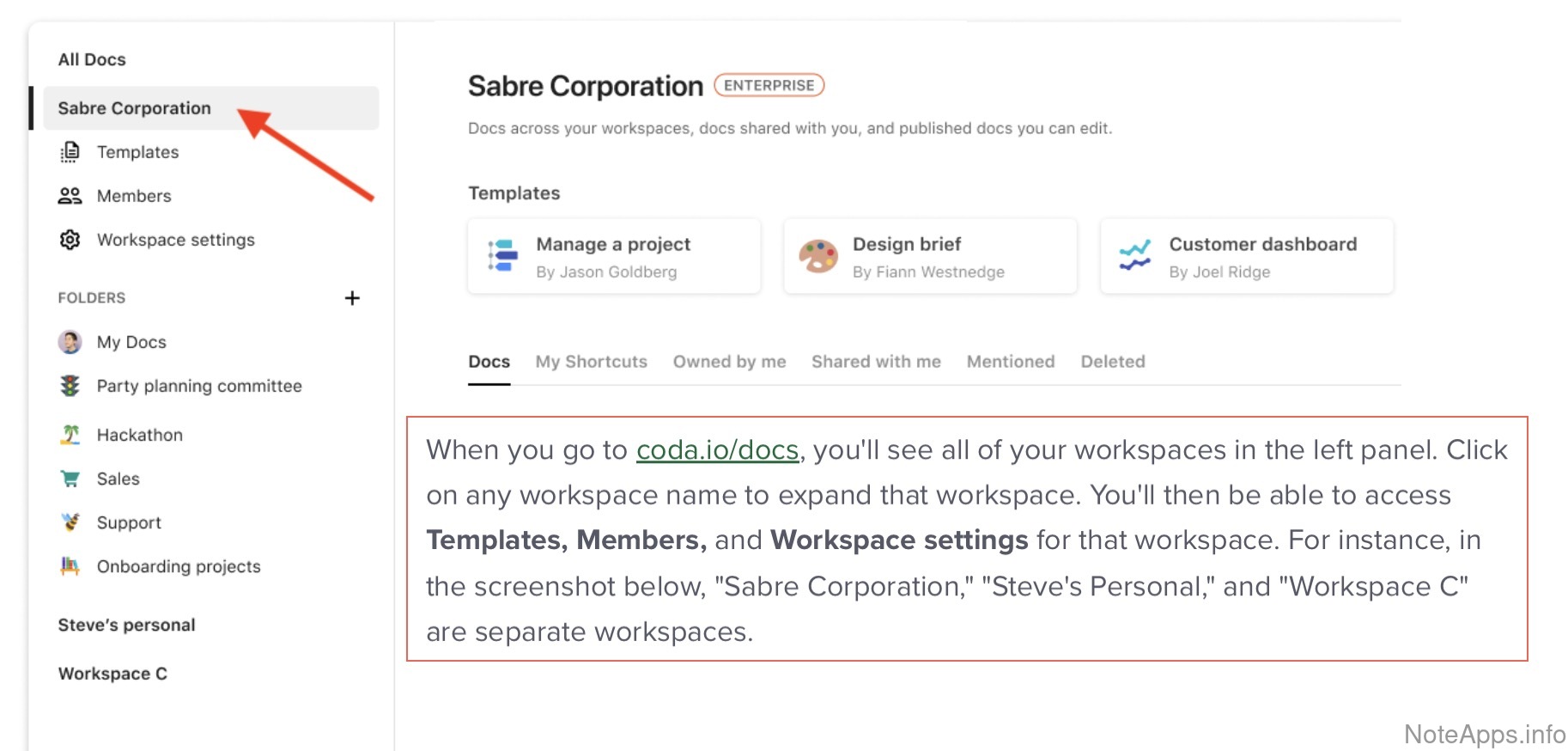
Workspace view
All documents shared by collaborators can be accessed on a consolidated page
Read provider description
Publish to URL =>
Expiration date can be set on published URL
App provides an option to add an expiration date on the publishing interval of a public note
Publish to URL =>
Published content includes sidebar links to headings
A table-of-contents for the note content is available in the sidebar
User commenting =>
On a note itself
A conversation thread is available at the top level of a shared note
User cursors visible
When multiple users are concurrently editing a shared note, their cursors are visibly demarcated
User status
It is possible to deduce which users are currently viewing, and editing, a note
Tables
Compare to others
Does the app support formatting data in tables?
Superhuman Docs: Apply formatting to entire row/column screenshot
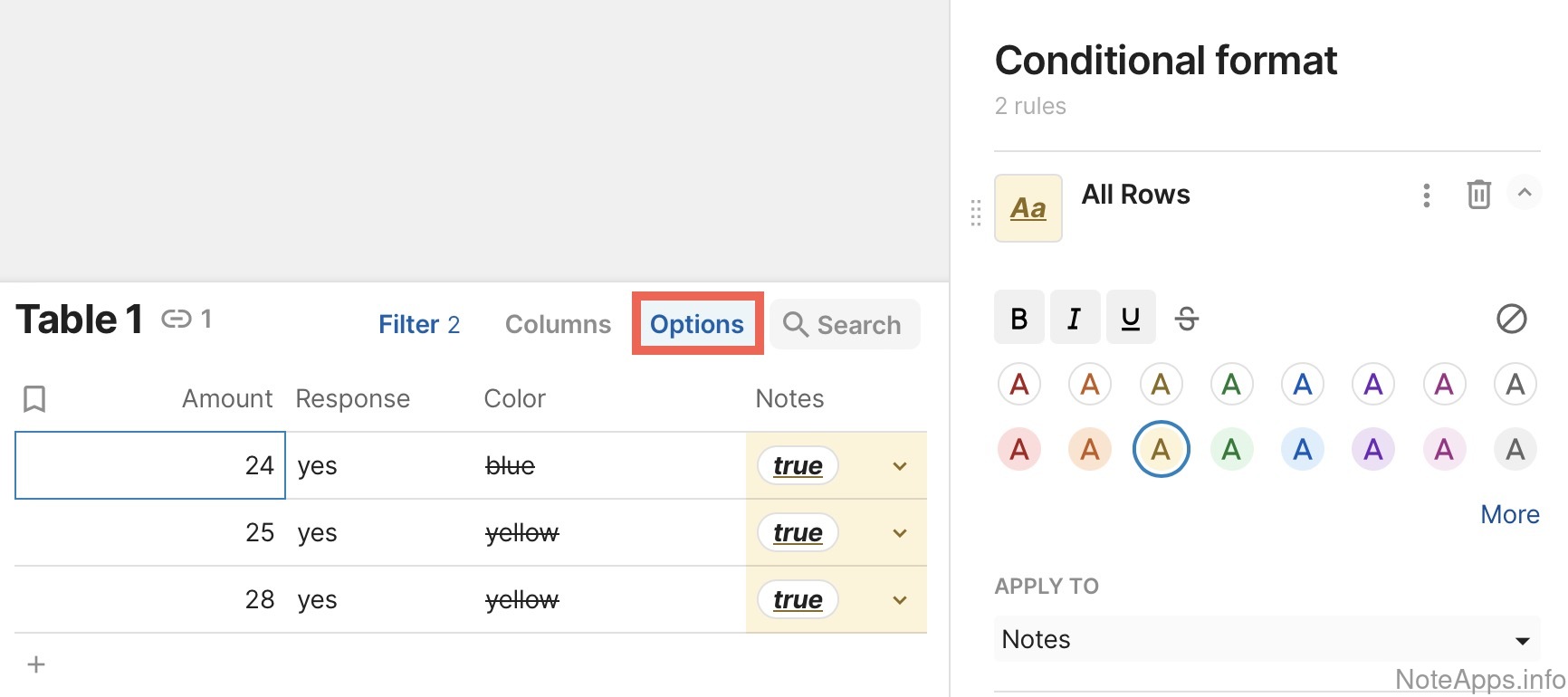
Apply formatting to entire row/column
Allows for basic text formatting (e.g., bold, italics) to an entire row or column of data within a table
Read provider description
Superhuman Docs: Cell background coloring screenshot
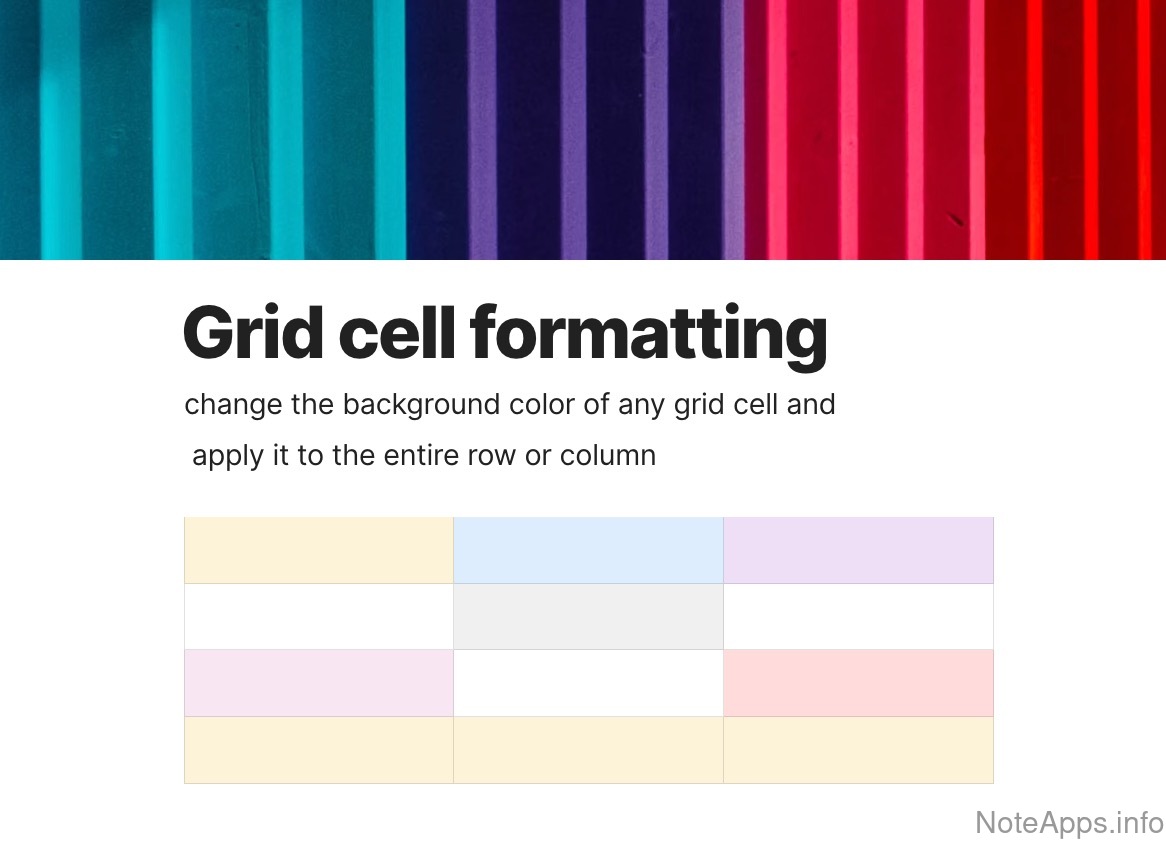
Cell background coloring
Highlight the background of any table cell with a variety of color options
Read provider description
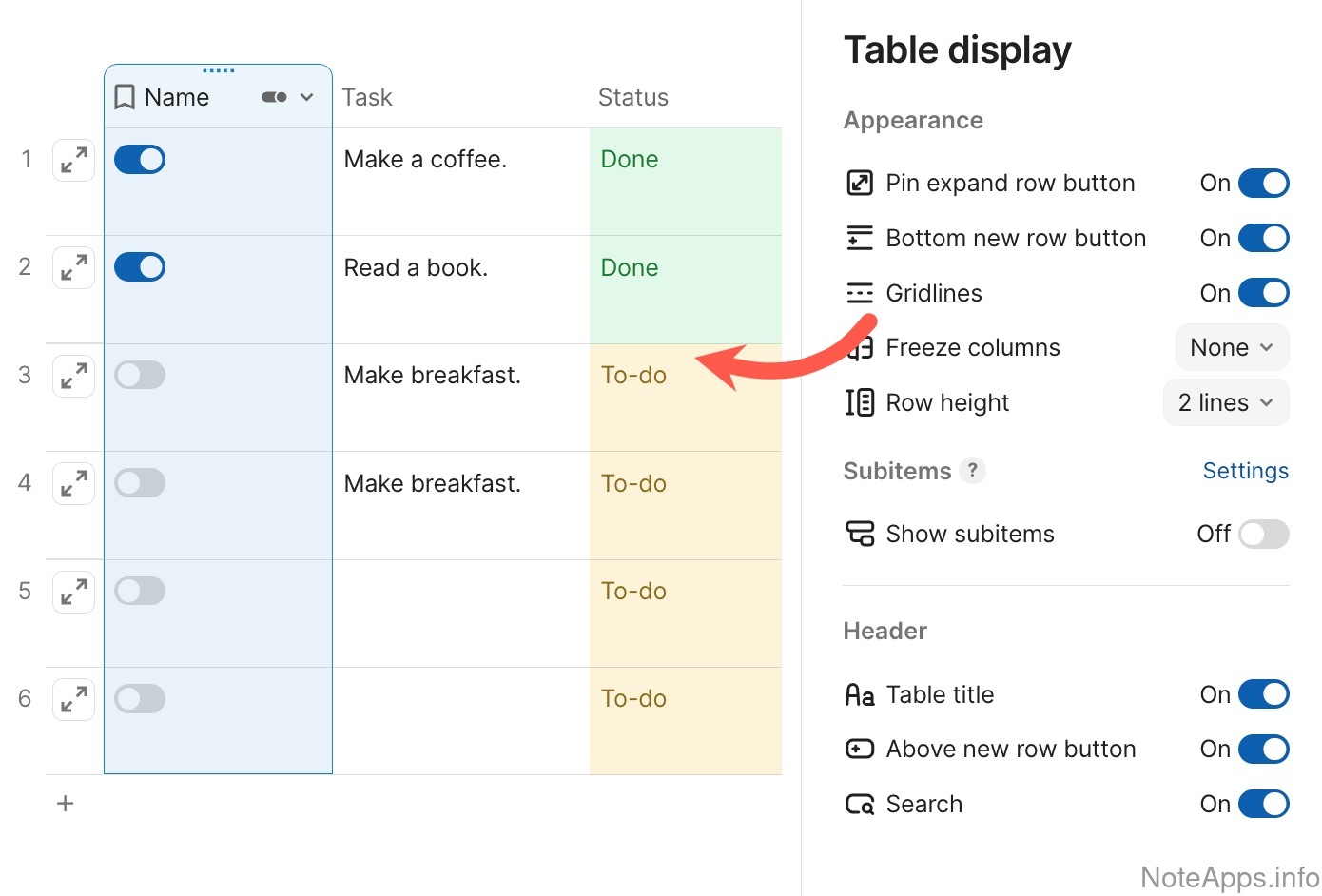
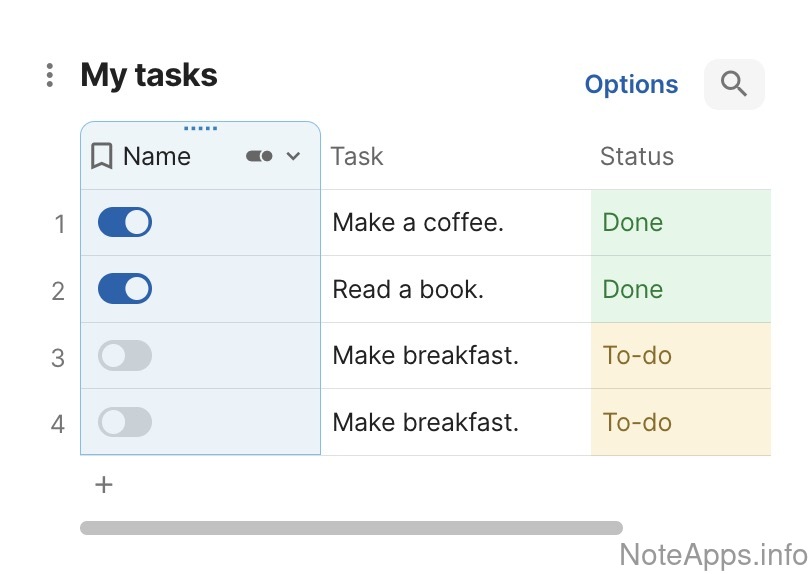
Superhuman Docs: Column data types screenshot
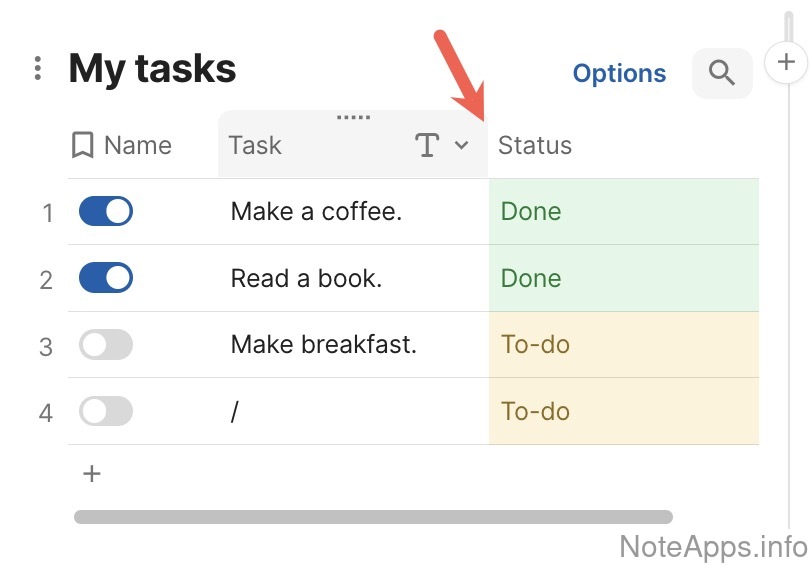
Column data types
Column data types (e.g., numeric, text, enumerated) can be defined such that they restrict the type of input that can be entered into a cell
Read provider description
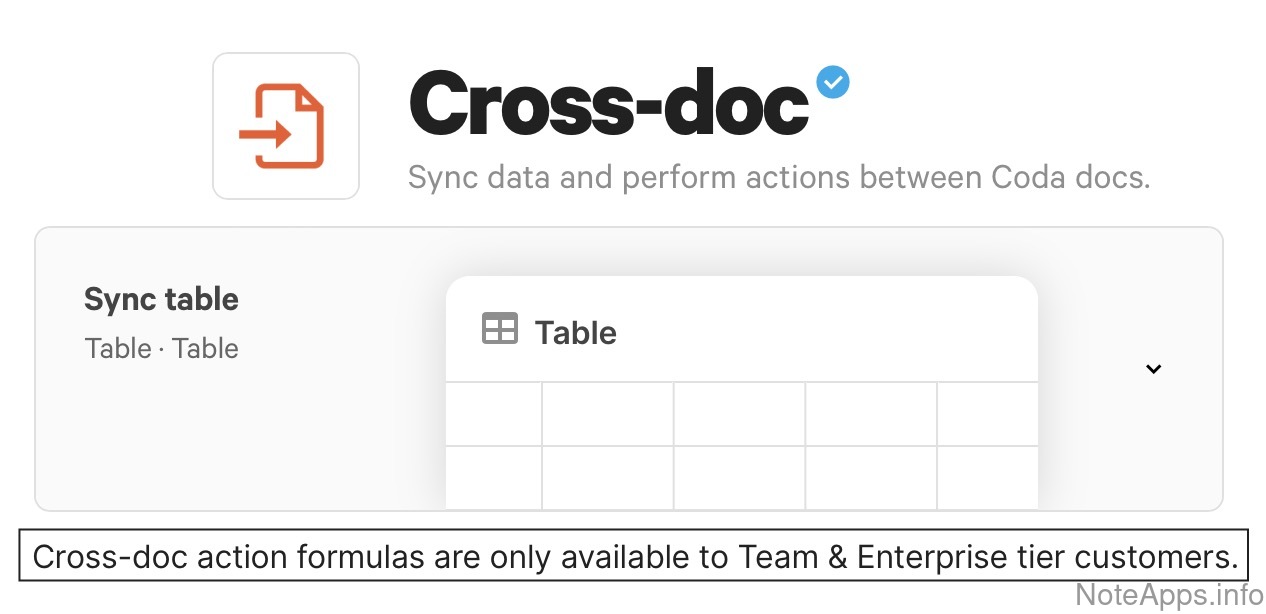
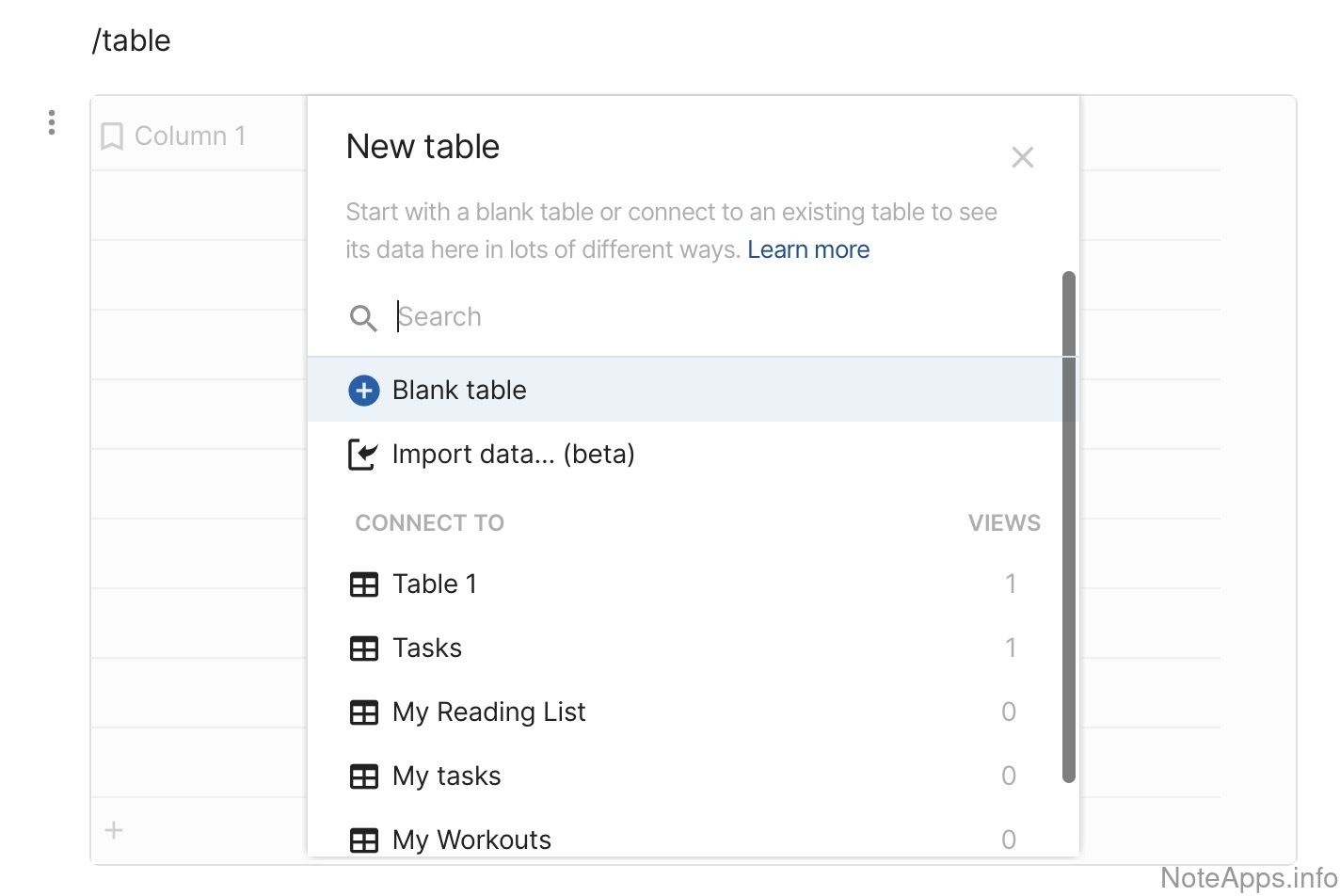
Superhuman Docs: Cross-document screenshot
Cross-document
A table's data can be viewed from different notes for a single source of truth
Read provider description
Superhuman Docs: Customizable borders screenshot
Customizable borders
Ability to choose between different border options for a cell or for a selection of cells
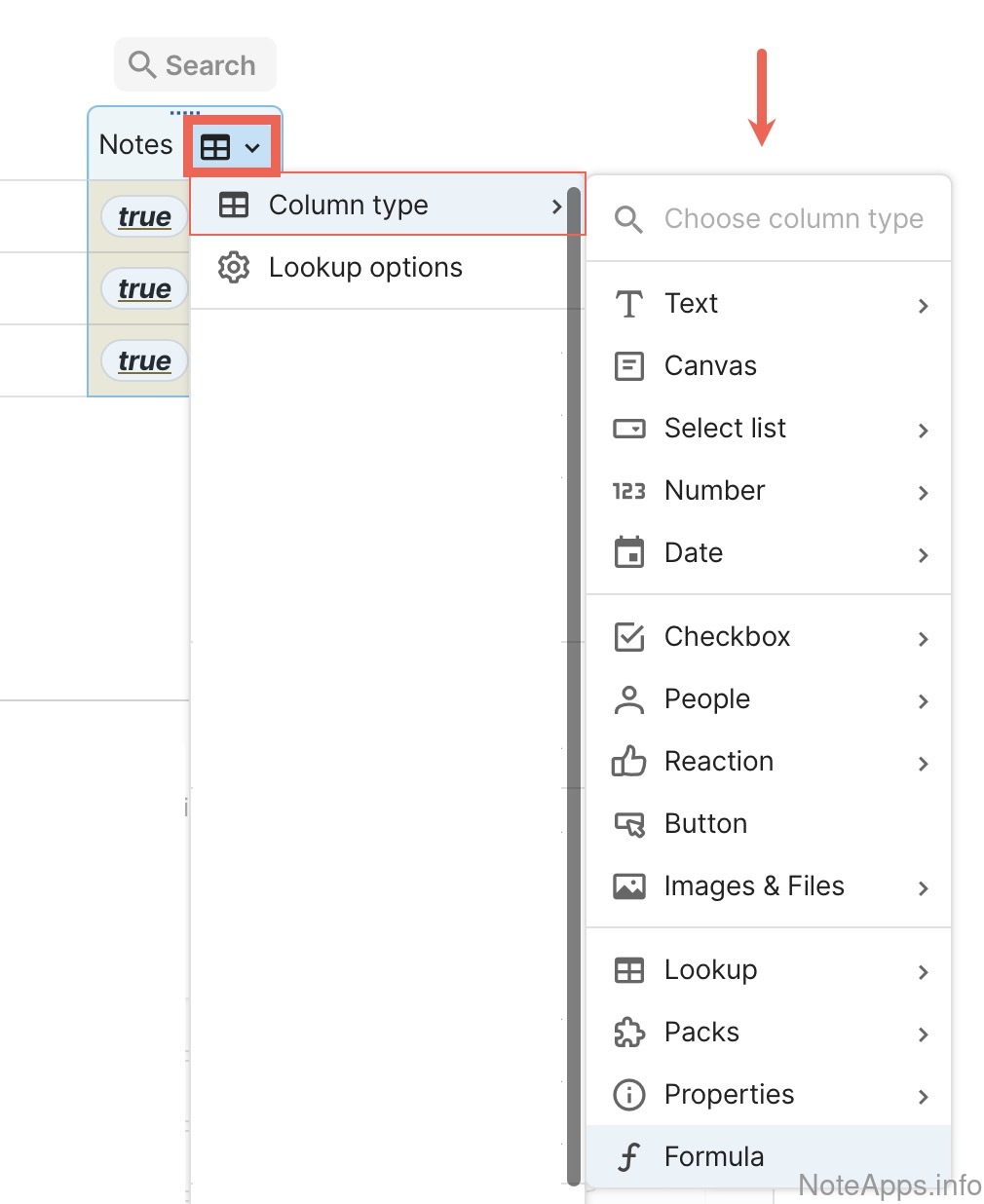
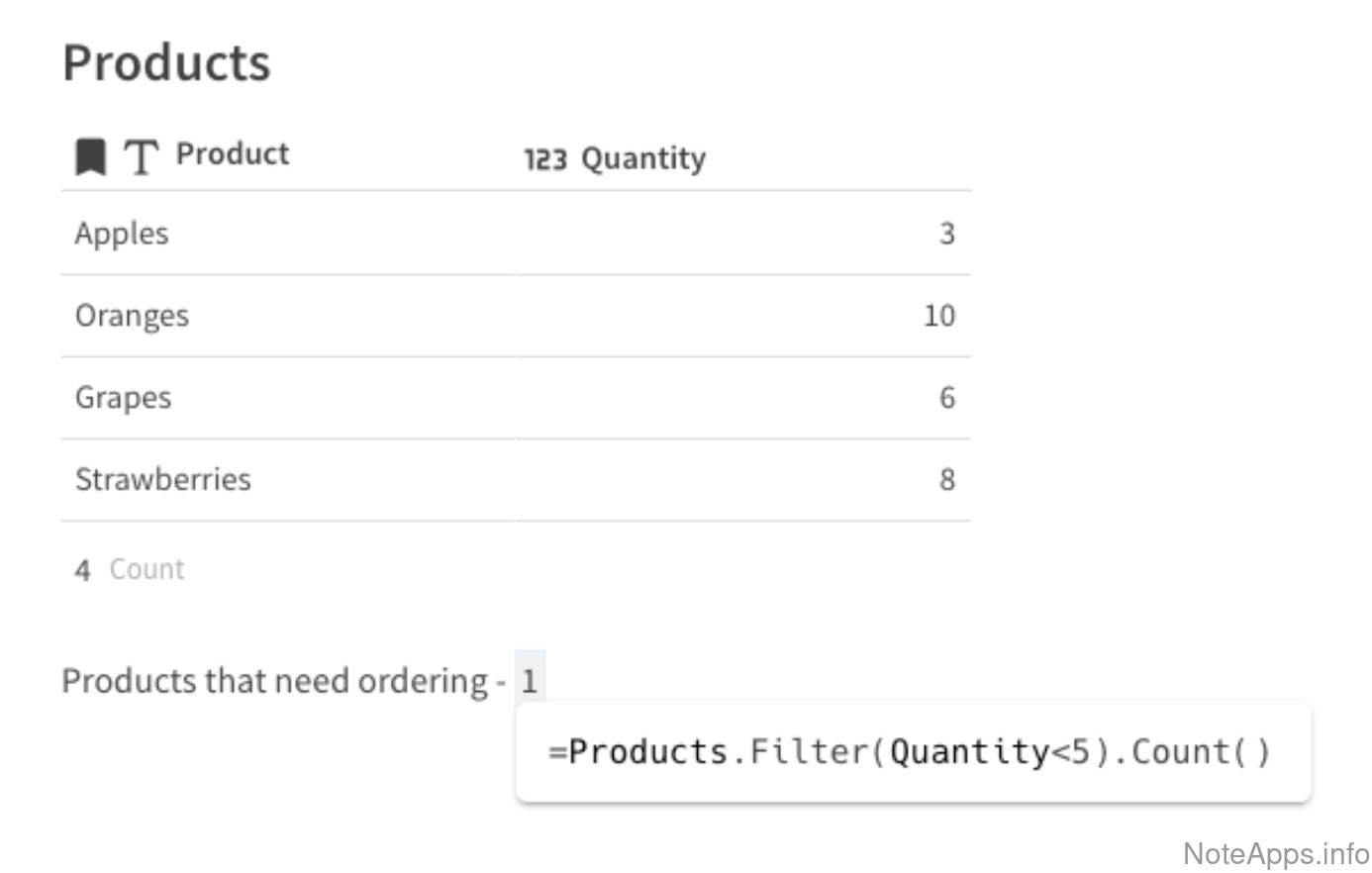
Superhuman Docs: Formulas screenshot
Formulas
Enable basic formula functions within tables
Read provider description
Superhuman Docs: Formulas => Formula autosuggest screenshot
Formulas =>
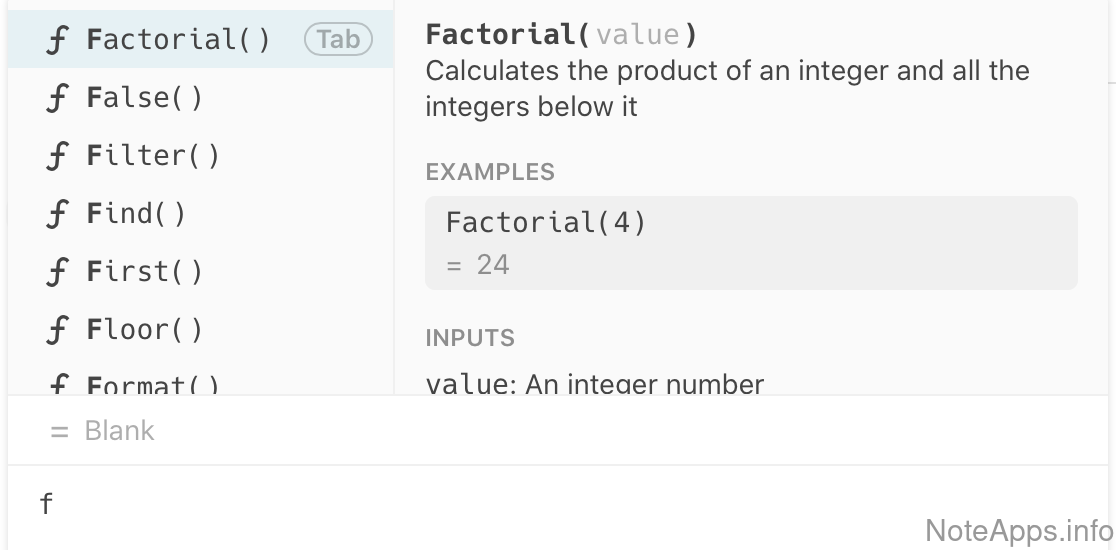
Formula autosuggest
Formulas can be deduced by an inline autosuggest hint
Superhuman Docs: Resize columns screenshot
Resize columns
Adjust the width of table columns to fit content
Superhuman Docs: Rich content screenshot
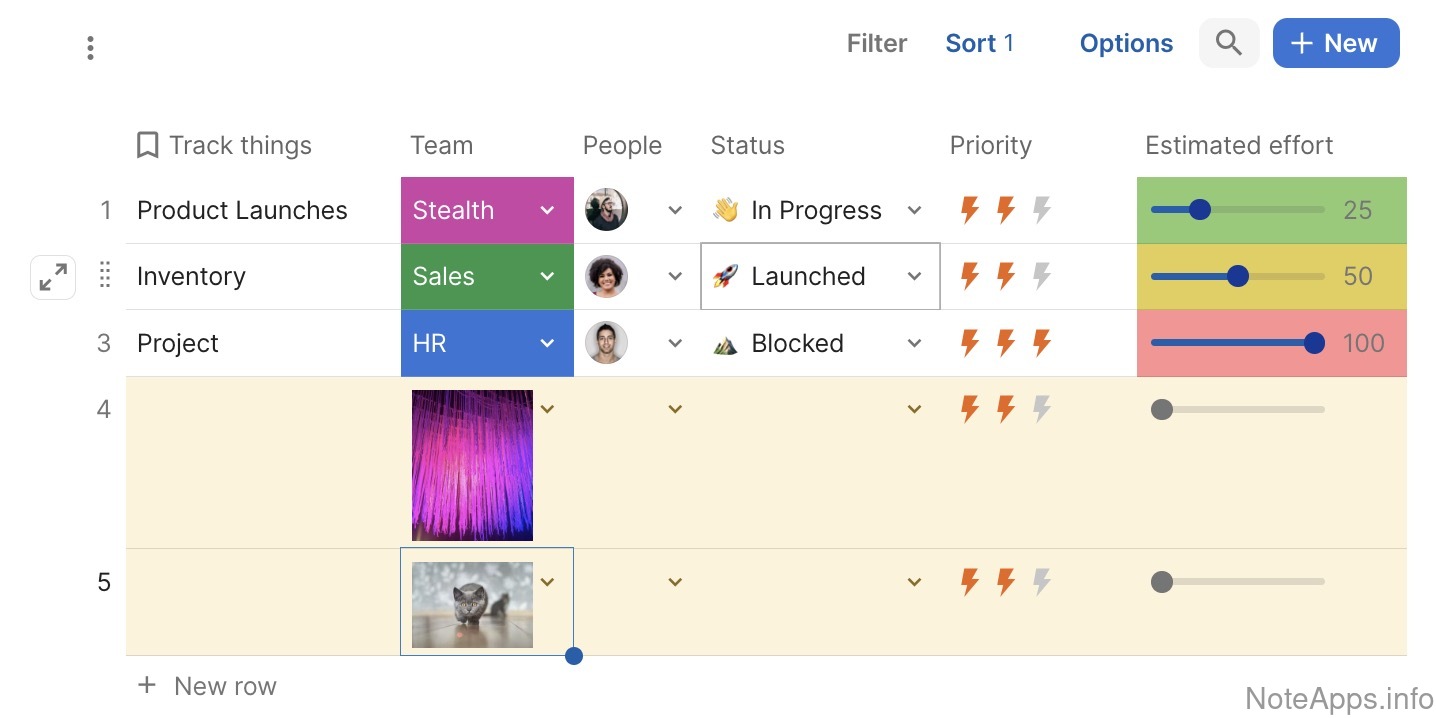
Rich content
Images, files, or videos can be placed in a table cell
Superhuman Docs: Search/Filter screenshot
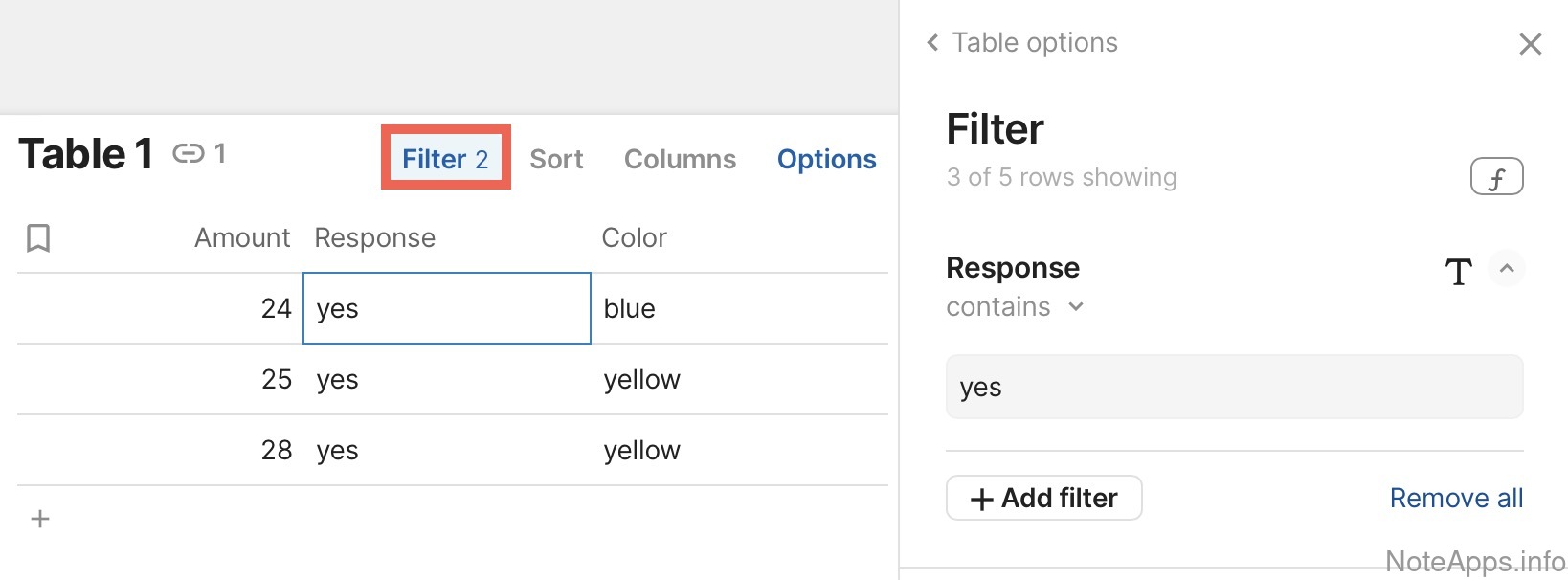
Search/Filter
Table rows can be filtered based on an input query
Read provider description
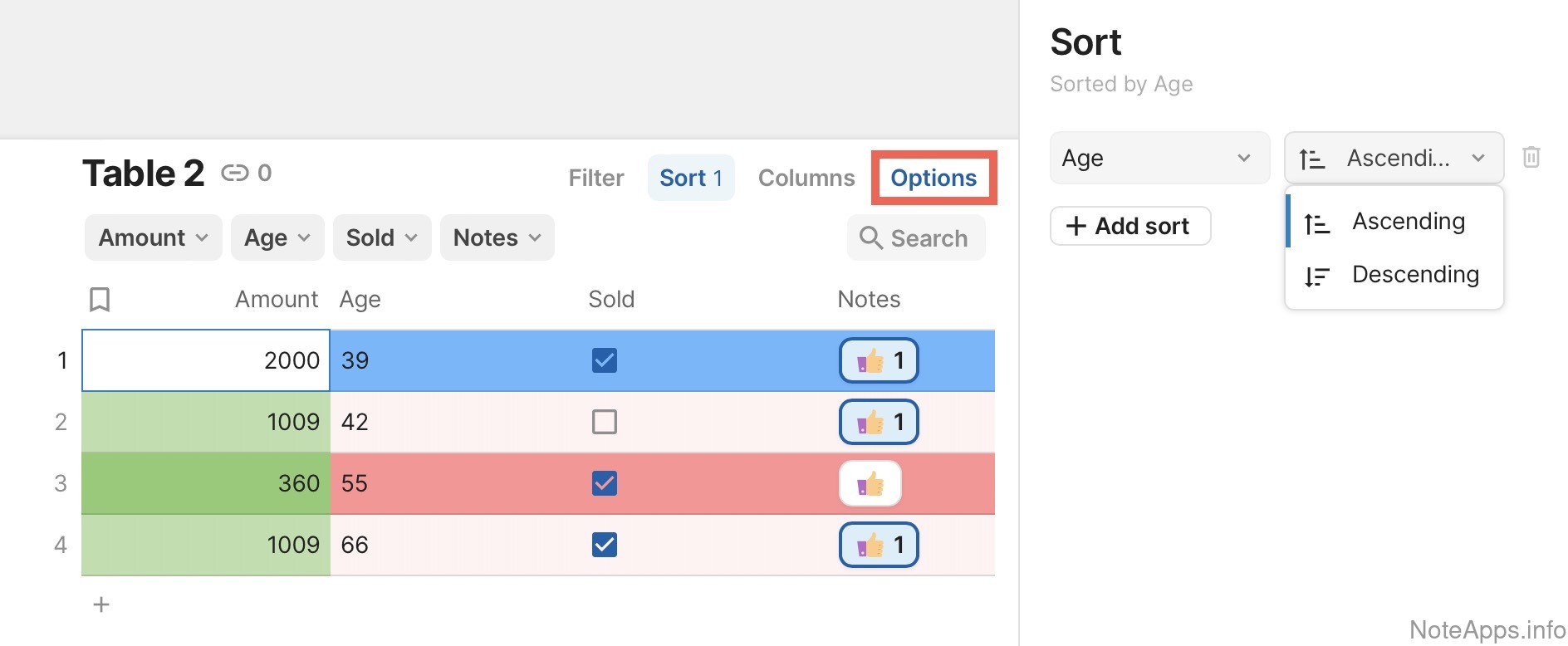
Superhuman Docs: Sortable rows screenshot
Sortable rows
Rows can be sorted by the contents of a column
Superhuman Docs: Table header screenshot
Table header
First row of a table stays on top when sorting columns
Read provider description
Superhuman Docs: Table-formatted content screenshot
Table-formatted content
Basic support for formatting content as a table
Read provider description
Alignment
Left, center, right-aligned text can be defined per cell, row or column
Tag/Directory/Category Browsing
Compare to others
How can content be filed, organized and subsequently browsed?
Superhuman Docs: Note organization hierarchy (tags, folders) screenshot
Note organization hierarchy (tags, folders)
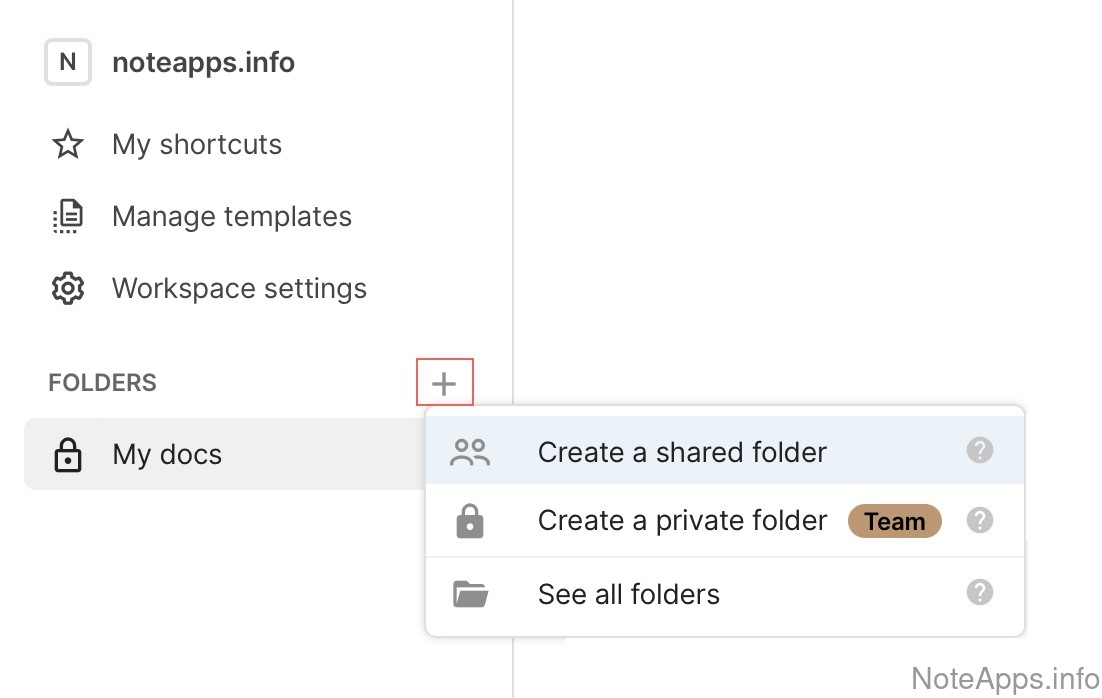
The app provides a means by which to arrange notes such that they can be browsed through a tree structure (e.g., tags, folders)
Read provider description
Superhuman Docs: Note organization hierarchy (tags, folders) => Allows 3+ levels deep hierarchy screenshot
Note organization hierarchy (tags, folders) =>
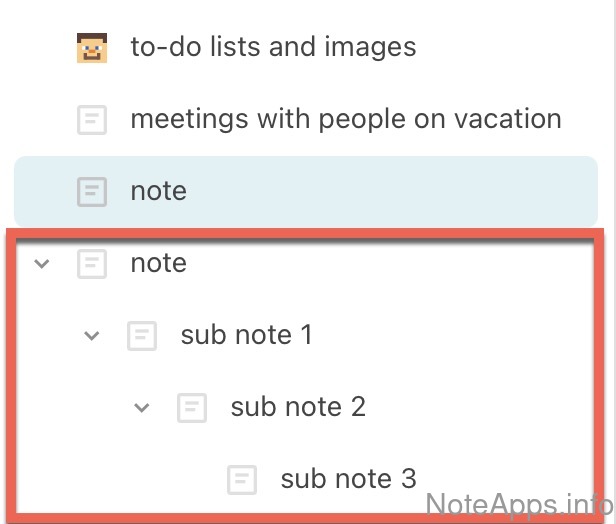
Allows 3+ levels deep hierarchy
Organization of folders or hierarchical tags can have at least three levels of sub categories
Archived section
Archived notes can be filtered & viewed
Auto-suggest tags, directory, or category
When entering text into the search field, matching hierarchical tags/directories are offered to help the user filter note content
Inline tags
It's possible to assign a hierarchy identifier (such as a tag) to a line of text, such that the line (not the note itself) can be discovered when browsing the note hierarchy
Note organization hierarchy (tags, folders) =>
Can apply multiple hierarchies to one note
A note can be in multiple navigation hierarchies concurrently (i.e., because it has multiple tags)
Note organization hierarchy (tags, folders) =>
Hierarchy can be merged
Notes that were tagged or filed in one hierarchy can be merged en masse into another hierarchy
Note organization hierarchy (tags, folders) =>
Hierarchy can be moved
It's possible to drag-and-drop, or otherwise relocate a branch of the organization hierarchy to a new location
Note organization hierarchy (tags, folders) =>
Hierarchy coloring
Nodes in the note hierarchy can be colored
Note organization hierarchy (tags, folders) =>
Hierarchy normalizes casing/spacing
Hierarchy members have capitalization and spacing normalized in order to avoid creation of duplicates
Tasks
Compare to others
What to-do list and scheduling features does the app support?
Superhuman Docs: Assignable screenshot
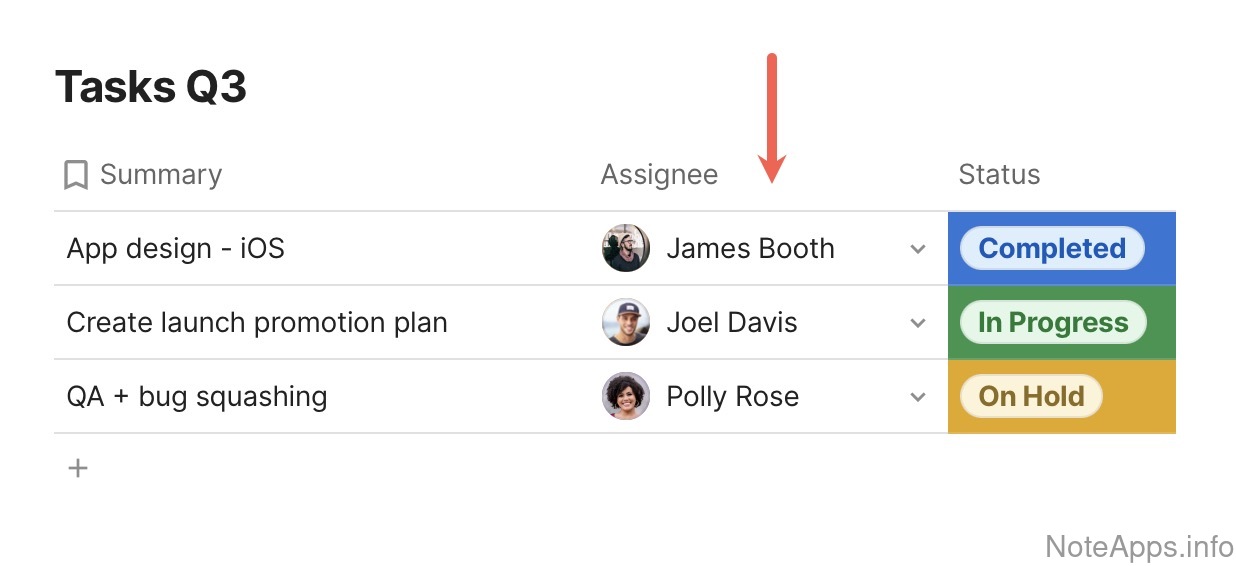
Assignable
An option exists to designate who is expected to complete a task
Read provider description
Superhuman Docs: Columns of todo lists visible screenshot
Columns of todo lists visible
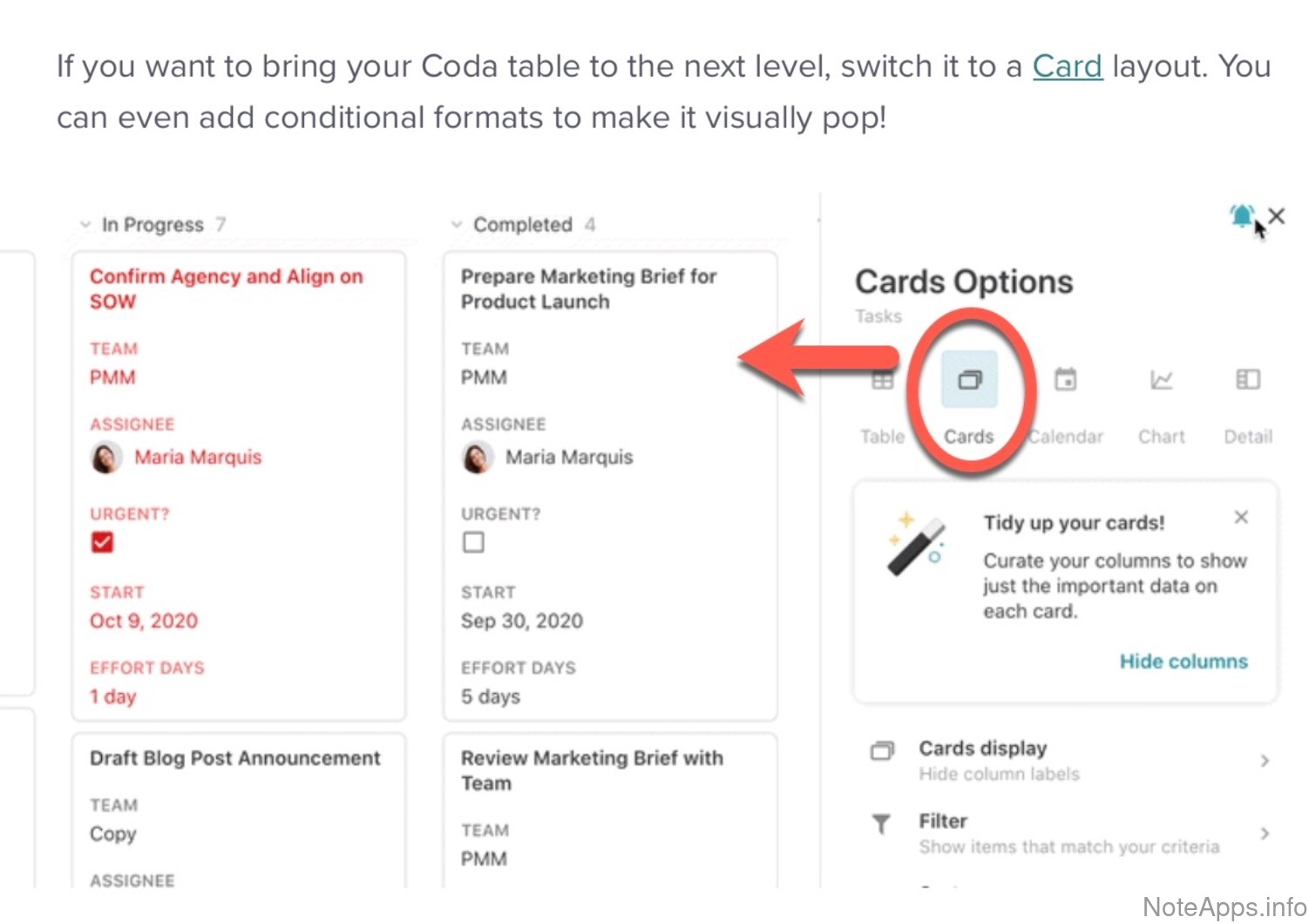
Through Kanban view, multi-pane layout, etc, it's possible to interact with an unbounded number of side-by-side todo lists inside one app frame
Read provider description
Superhuman Docs: Due date (aka "Start time") screenshot
Due date (aka "Start time")
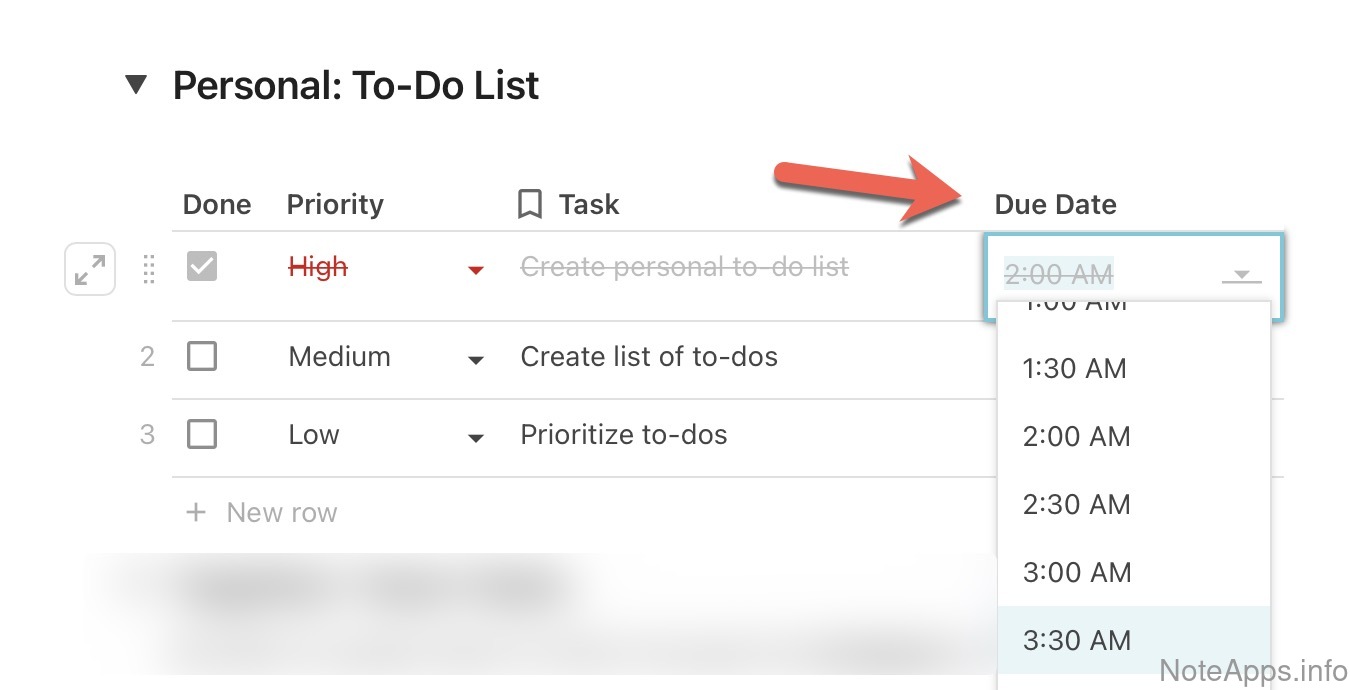
A specific date and time at which a task is scheduled to be addressed
Read provider description
Superhuman Docs: Embeddable content screenshot
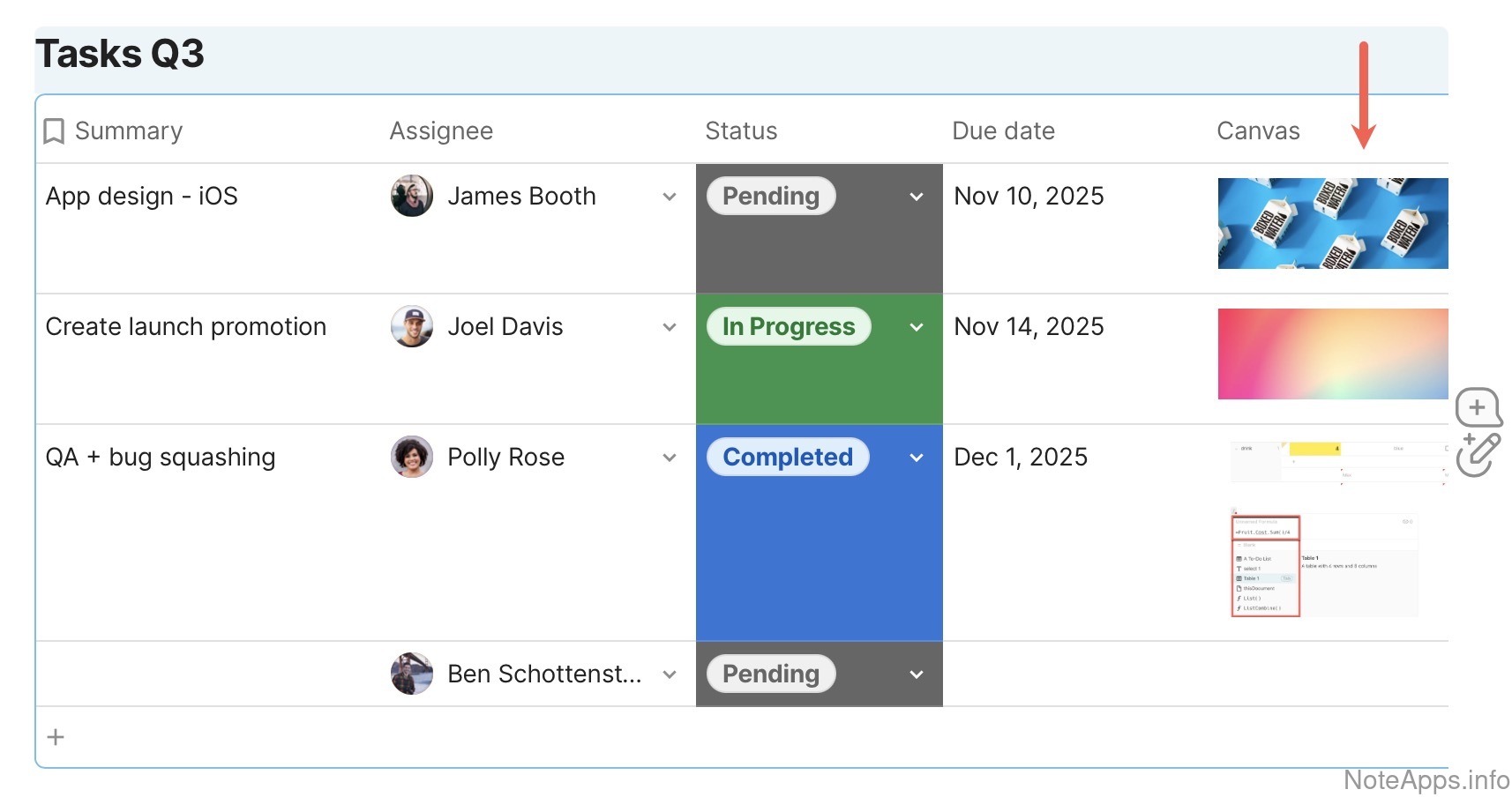
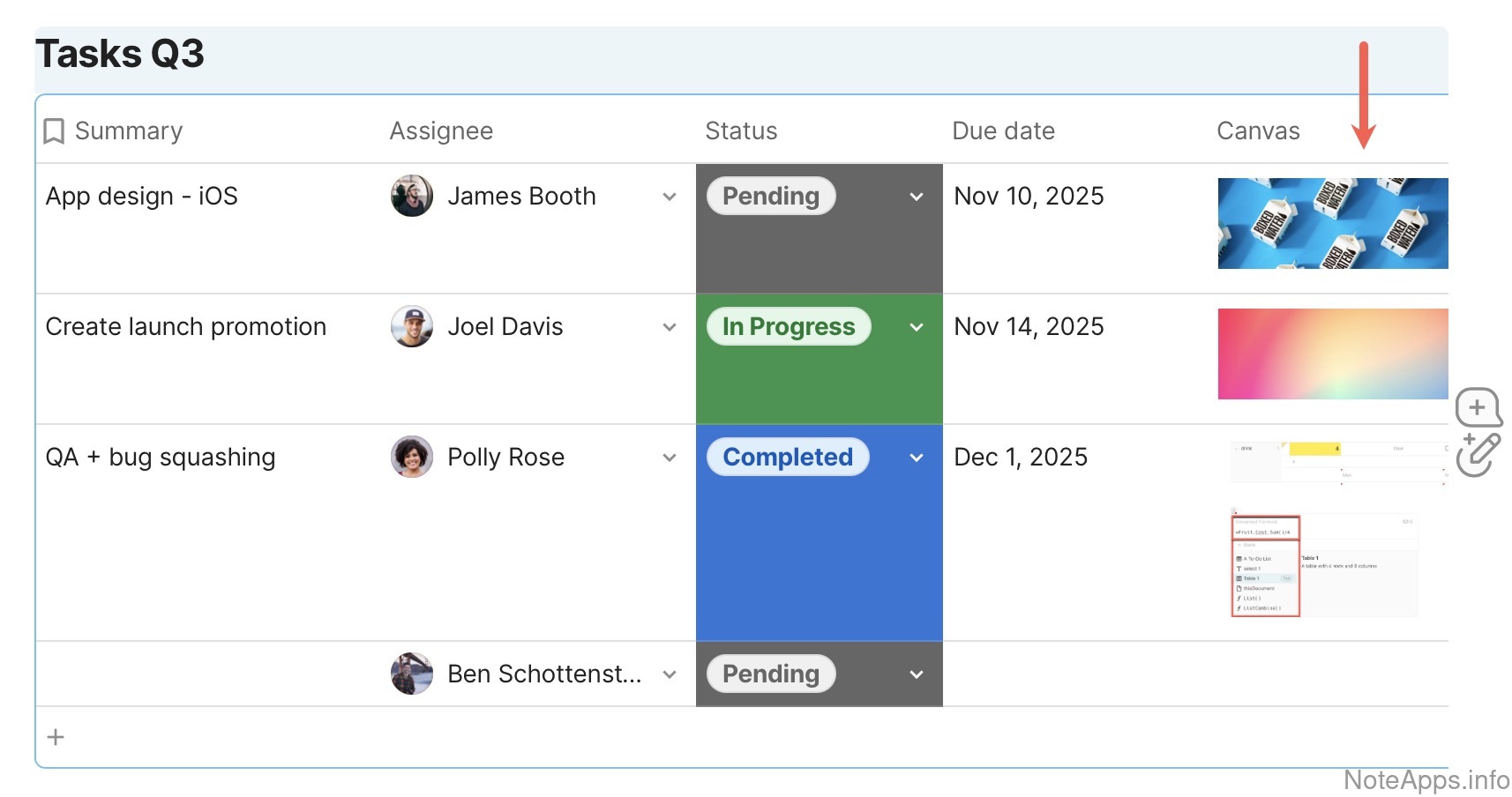
Embeddable content
Content can be contained in a task beyond standard markdown text/links
Read provider description
Superhuman Docs: Embeddable content => Images screenshot
Embeddable content =>
Images
An image (jpeg, png, gif, etc) can be contained in a task beyond standard markdown/links
Read provider description
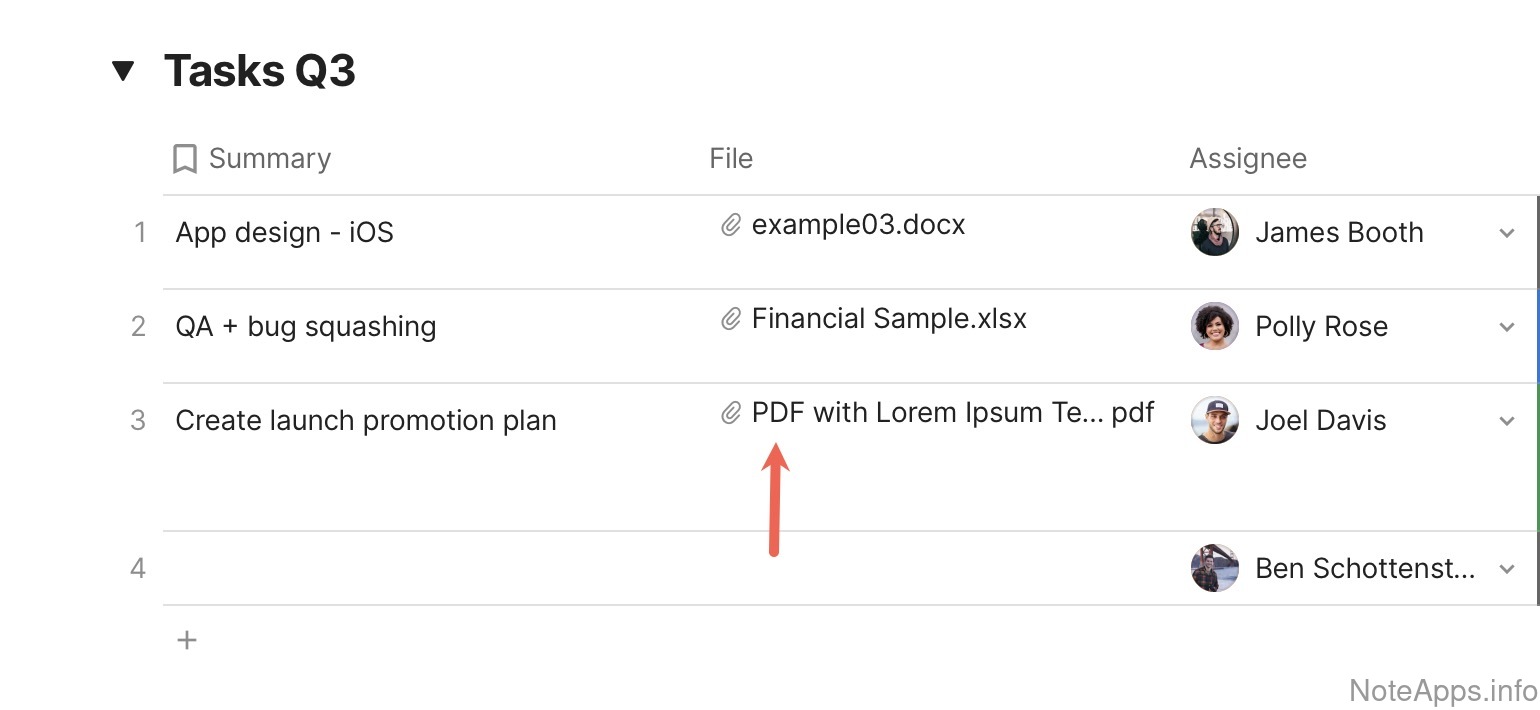
Superhuman Docs: Embeddable content => PDFs screenshot
Embeddable content =>
PDFs
A pdf file can be contained in a task beyond standard markdown/links
Read provider description
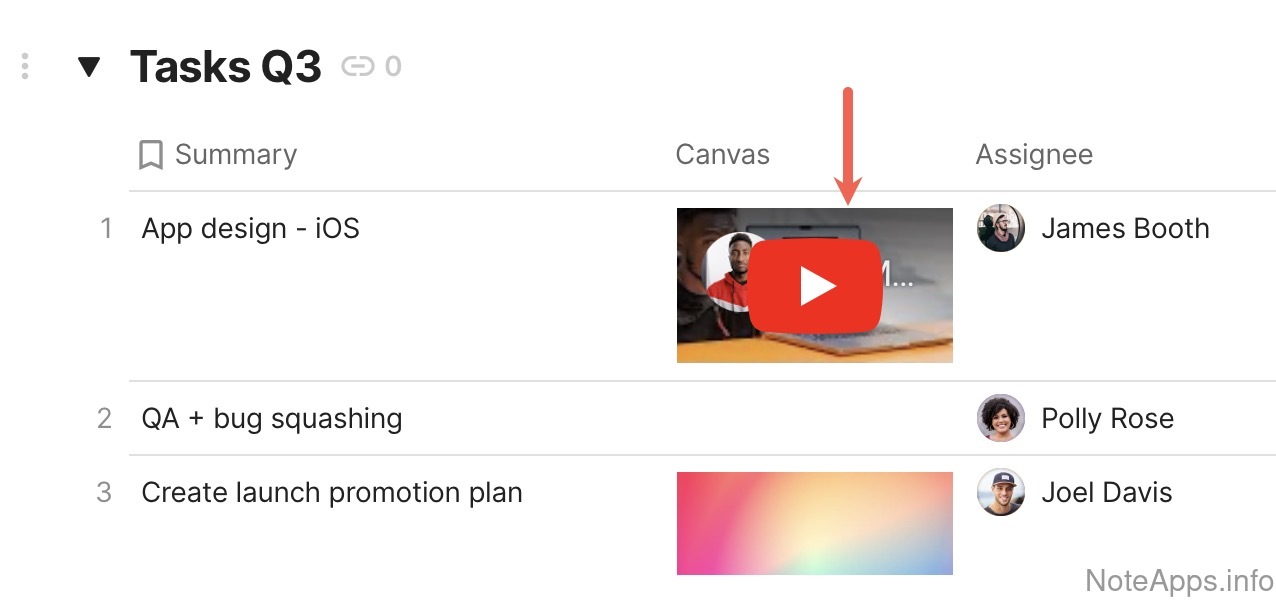
Superhuman Docs: Embeddable content => Video screenshot
Embeddable content =>
Video
A video file can be contained in a task beyond standard markdown/links
Superhuman Docs: Limited checkbox tasks screenshot
Limited checkbox tasks
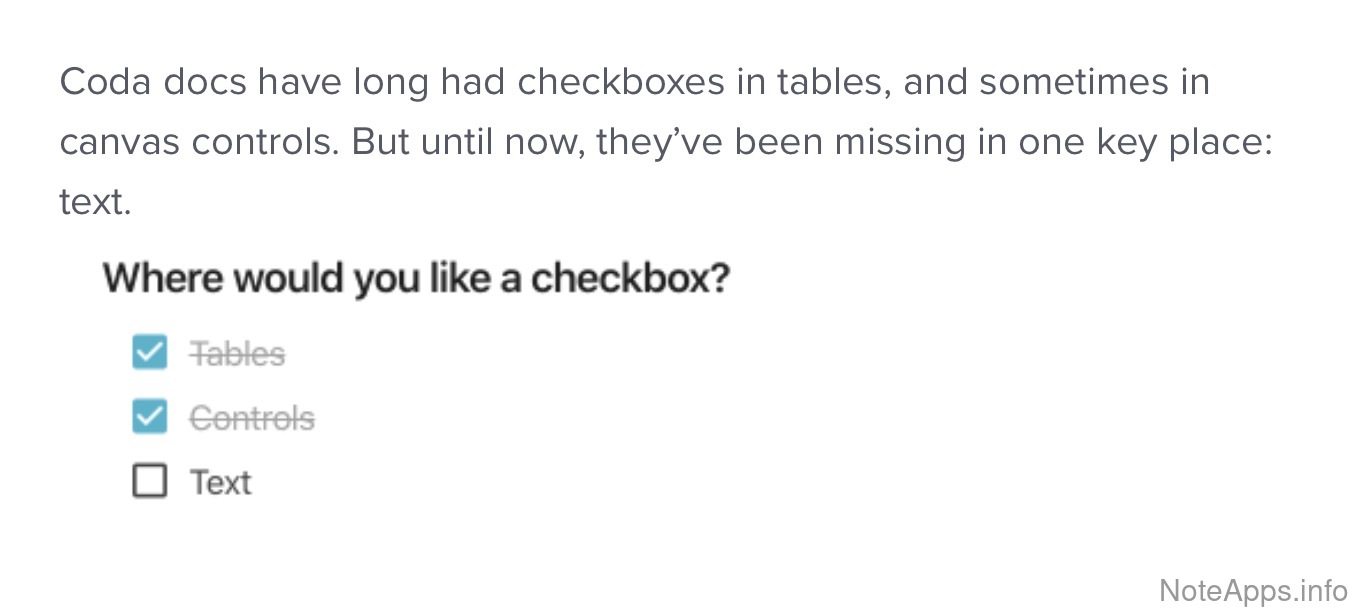
Text can be prefaced with a completable checkbox, but is not removed from the task list when completed
Read provider description
Superhuman Docs: Movable en masse screenshot
Movable en masse
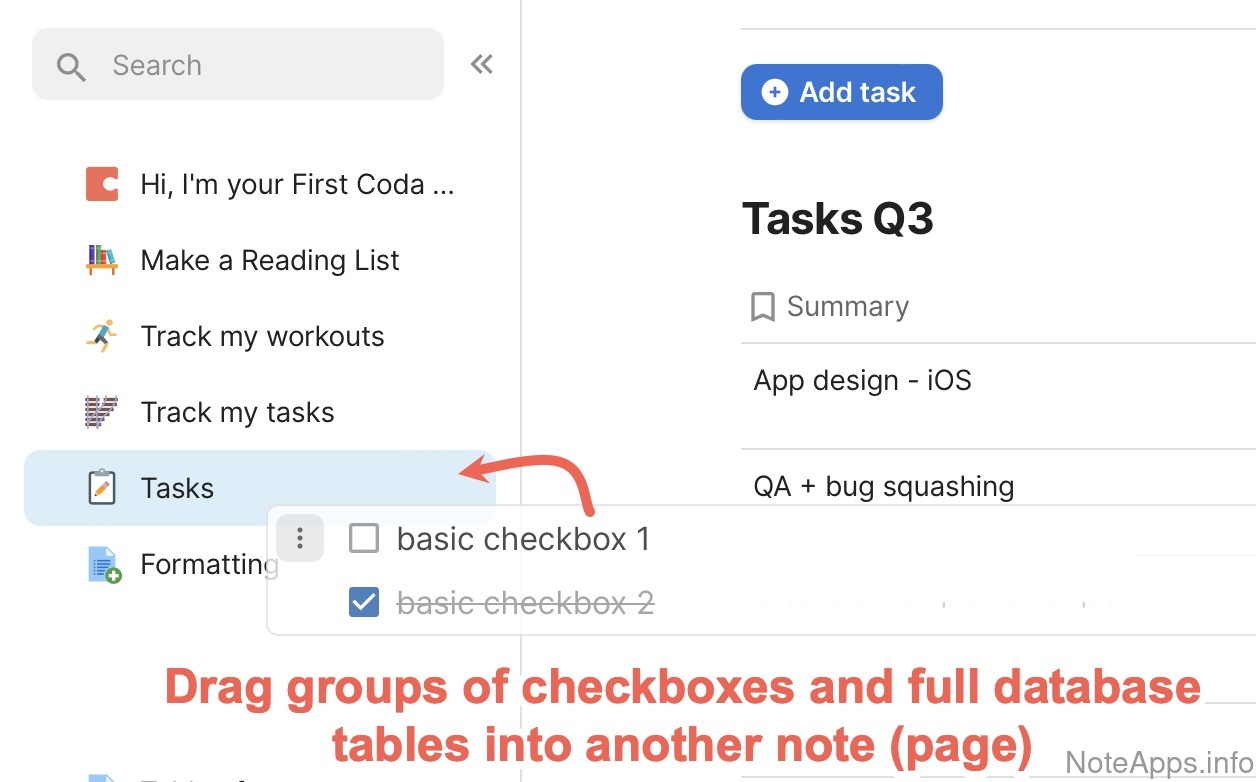
It's possible to move a batch of tasks from one note to another using drag and drop
Read provider description
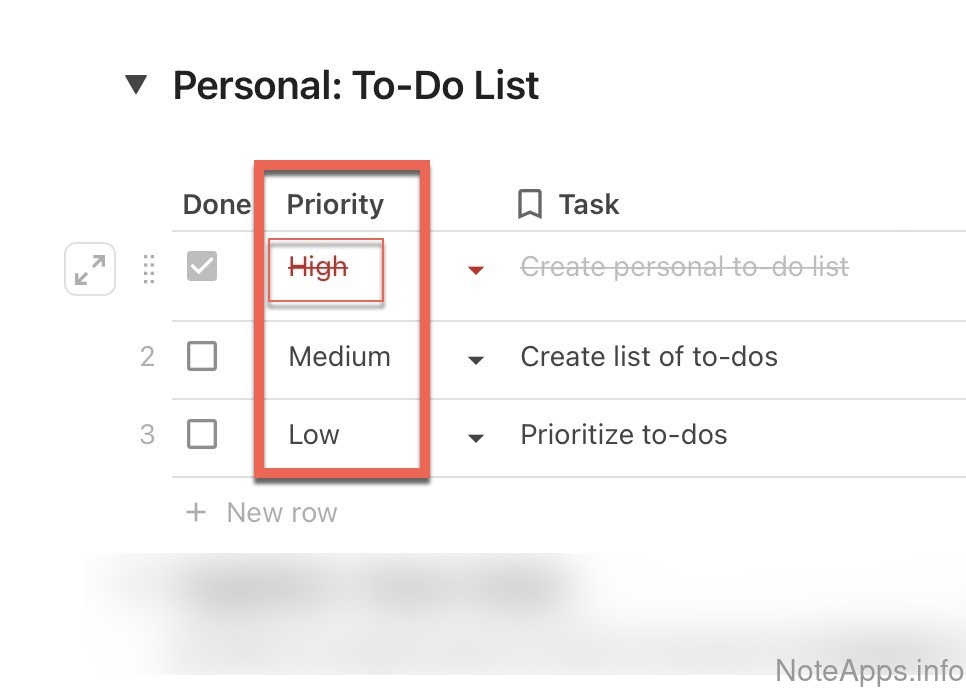
Superhuman Docs: Priority screenshot
Priority
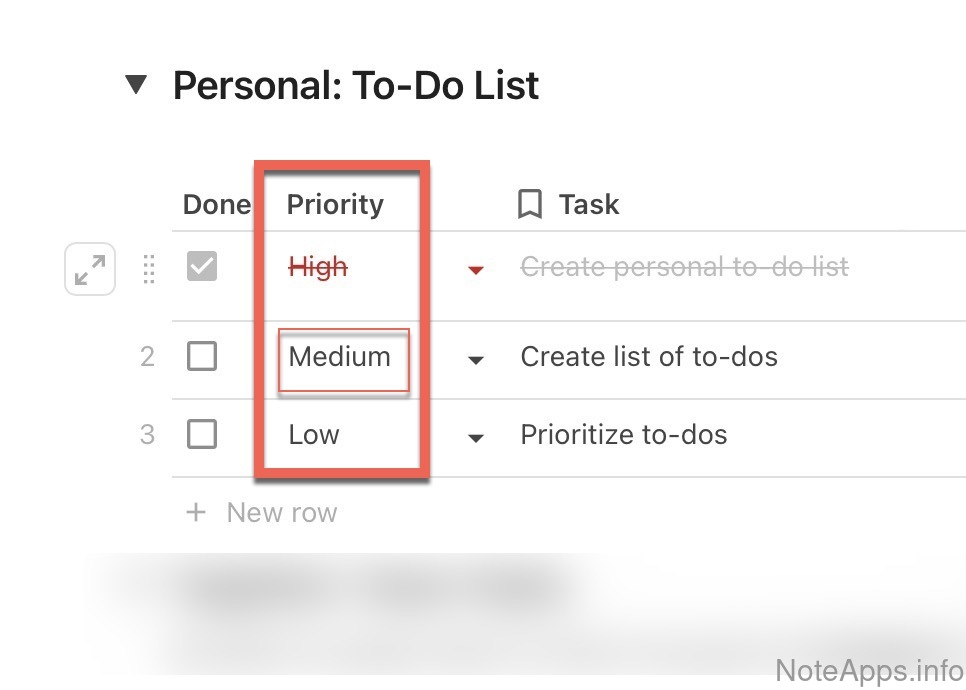
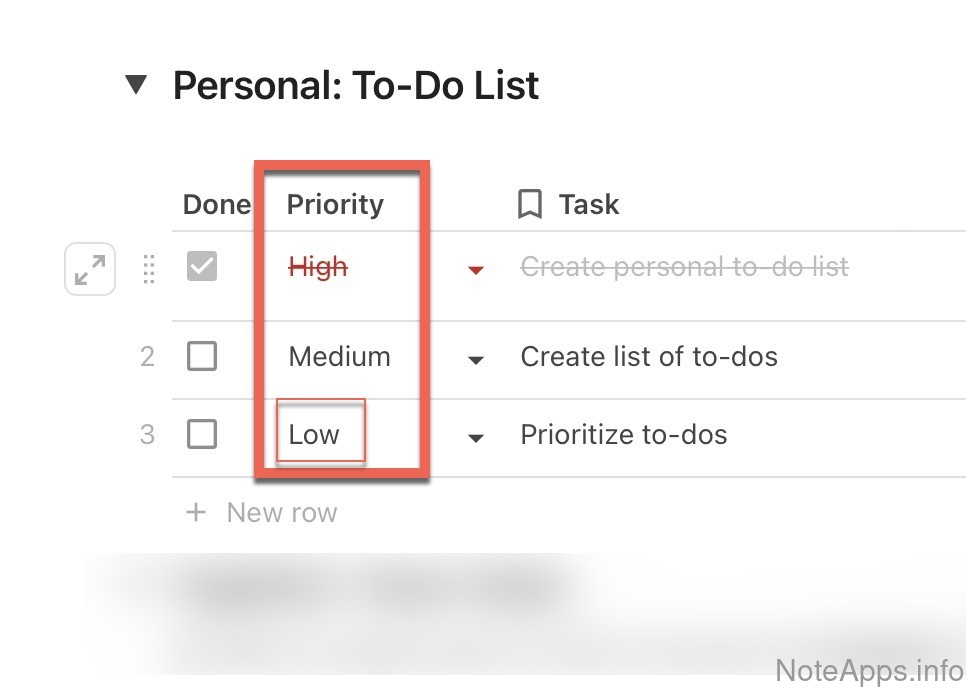
There exists a means by which one can designate a task as being "high priority"
Read provider description
Superhuman Docs: Priority => Important screenshot
Priority =>
Important
There exists the means to mark a task as "Important," implying the task should not be forgotten but needn't be done soon
Read provider description
Superhuman Docs: Priority => Urgent screenshot
Priority =>
Urgent
There exists a means to mark a task not only as "High priority," but "Urgent," which brings the additional implication that the task is to be completed soon.
Read provider description
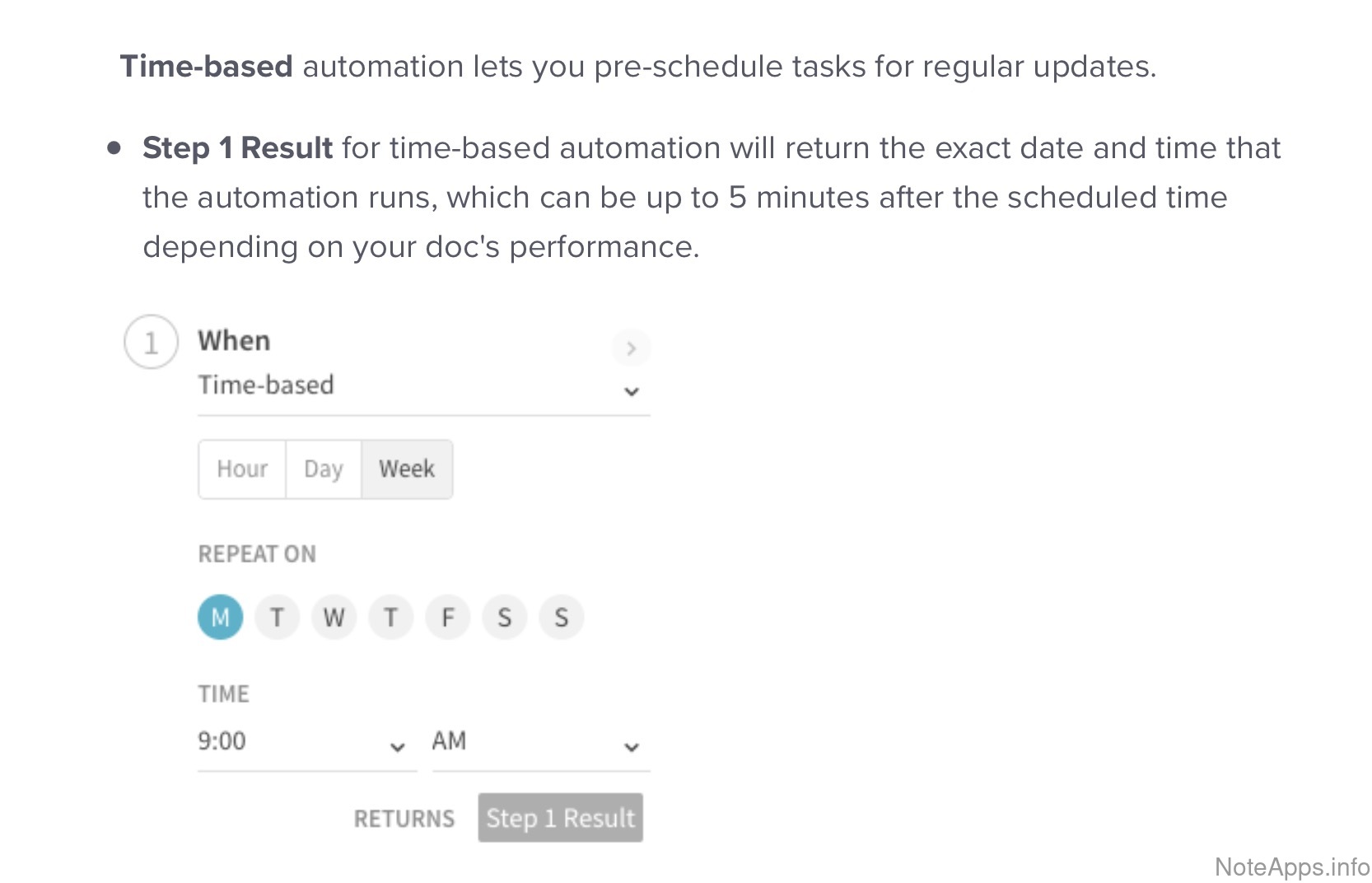
Superhuman Docs: Recurrence screenshot
Recurrence
Set tasks to repeat on a daily, weekly, or monthly basis
Read provider description
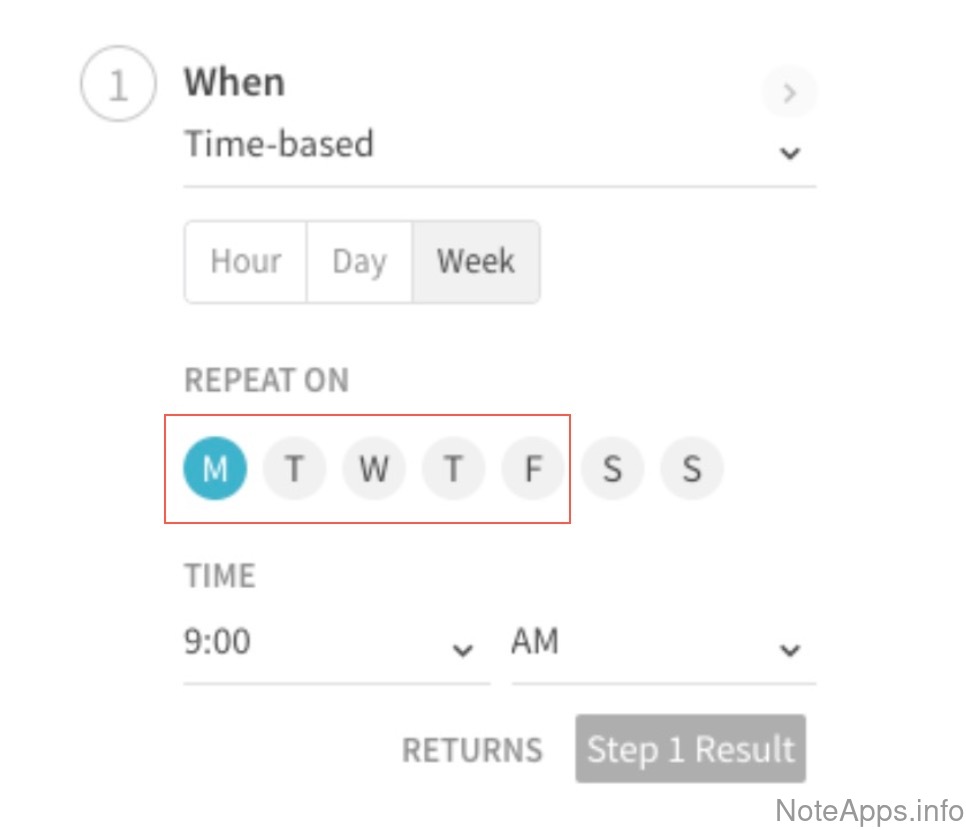
Superhuman Docs: Recurrence => Only Weekdays screenshot
Recurrence =>
Only Weekdays
Recurring tasks can be restricted to only occur on weekdays
Read provider description
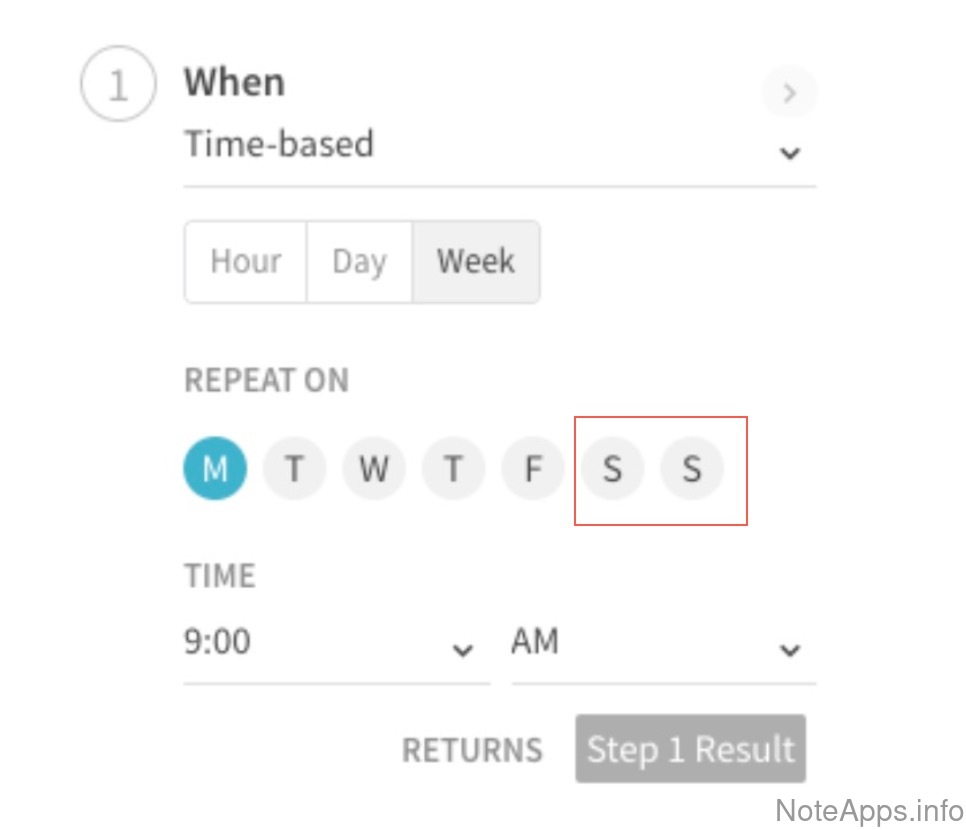
Superhuman Docs: Recurrence => Only Weekends screenshot
Recurrence =>
Only Weekends
Recurring tasks can be restricted to only occur on weekends
Read provider description
Superhuman Docs: Reminders screenshot
Reminders
An alert time can be associated with a task, or note, before it is due. (e.g., remind me 1 hour before task is due)
Read provider description
Superhuman Docs: Stats screenshot
Stats
Stats are available on past completed tasks
Read provider description
AI auto-assign (auto-file lookup) note destination
When entering a new task, the app can use AI to suggest appropriate destination (note with most similar tasks)
Batch complete
Multiple sibling tasks or checkboxes can be marked complete en masse
Create a task from email
A native integration to translate an external email into an actionable task directly into the note app
Deadline
Time at which the task (and its recurring instances) must be completed by (distinct from Due Date)
Global task view
There exists a means to view all tasks that have been created across a group of notes
Keyboard shortcut "Quick Add" (desktop)
A hotkey allows entering a new note or task while in the midst of using another desktop app
Nesting/Sub-tasks
Child tasks can be defined such that completing or hiding the parent task applies that same operation to all child tasks
Nesting/Sub-tasks =>
Collapsible
It's possible to "fold" or "contract" a group of tasks so that sub-tasks are hidden
Nesting/Sub-tasks =>
Draggable
Task hierarchies, including parent tasks and their sub-tasks, can be dragged and repositioned within different sections or lists
Quick (fast) desktop task adding
When the desktop app is opened, no more than two clicks are ever necessary to add a new task
Quick (fast) mobile task adding
When the mobile app is opened, no more than two taps are ever necessary to add a new task
Recurrence =>
Flexible recurrence
Set tasks to repeat at a chosen interval after each completion (e.g., exercise every 2 days after you last exercised)
Removed from list upon completion
A task is automatically removed from the list, or can be configured to do so, once a task box is checked
Snooze
An option is provided to hide a task until a later date chosen
Time estimate
It's possible to set a task duration estimate
Toggle whether completed tasks crossed-out vs hidden
Web Capture
Compare to others
What functionality is offered to capture content discovered on the internet?
Annotate clipping
The web clipper has an option to add additional text or markup to the clipped image
Capture URL
The URL of the web page from whence the capture occurred can be included among the content inserted into note
Choose note destination
Web clipper allows choosing a note to insert image into
Chrome extension
An official Chrome web clipper extension is offered by the note-app
Clip content longer than one screen
The clipper can capture an entire web page, even when it is taller than their viewport
Clip partial page
A specific area on the page can be selected to capture
Clipped text searchable
When the clipped selection is sent to a note, the title, and body of its text can be found using the apps search function
Copy to clipboard
The web clipper selection can be copied and pasted into a chosen area of the note through a built-in clipboard
Firefox extension
An official Firefox web clipper extension is offered by the note-app
Safari extension
An official Safari web clipper extension is offered by the note-app
Specify tags during capture
An option to apply new or established tags to the clipped selection

Did we miss something?‍

We are constantly working to make sure this page stays up-to-date with the features available in Superhuman Docs. If there is a feature you think we got wrong, send us the screenshot that proves it and we'll investigate.

Report a Superhuman Docs feature we got wrong

Every report lands on our public feature correction ledger, with your name on it and whatever we decide next to it, so you can hold us to the promise that we respond to all correction submissions within a few business days. Prefer email? [email protected] works too.

NoteApps.info

Company

  • About us
  • Blog
  • FAQ
  • Feature correction ledger
  • Report a feature we got wrong
  • X (Twitter)
  • YouTube

Legal

  • Privacy policy
  • Terms of service

Personalized Alternatives

  • Best Note Taking Apps of 2026
  • Best Task/To-do List Apps of 2026
  • Best Evernote alternatives
  • Best Onenote alternatives
  • Best Notion alternatives
  • Best Roam Research alternatives
©️ 2026 NoteApps.info. All rights reserved. All trademarks and logos property of respective companies.